
Acapella Maker - Video Collage
com.hecorat.acapella
by AZ Screen Recorder
Screenshots

Ad slot: Top Leaderboard
About this app
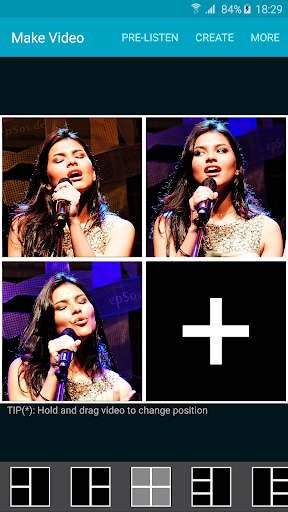
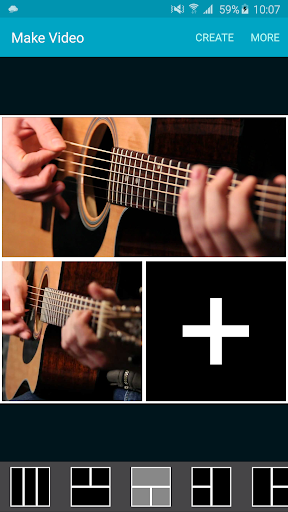
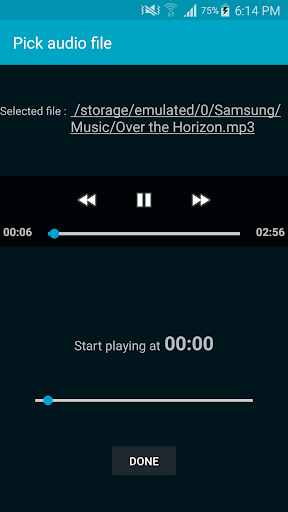
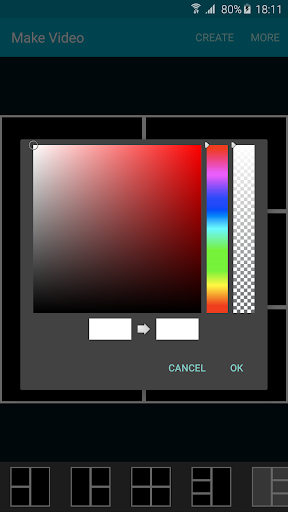
Create awesome acapella videos with Acapella Maker :
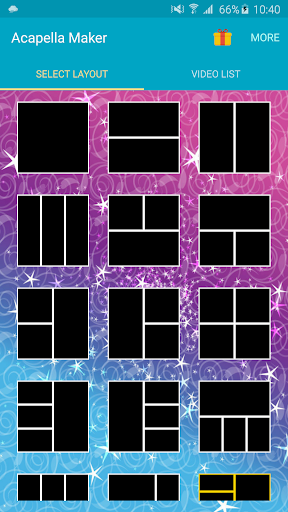
1.Choose a layout
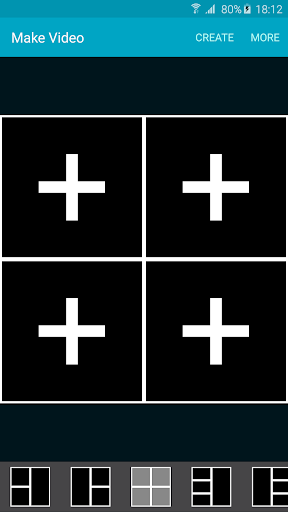
2.Fill it with your videos
3.Combine and share the acapella video with your friends
1.Choose a layout
2.Fill it with your videos
3.Combine and share the acapella video with your friends
What's New
- Bug fixes and improvement
App Information
Version Name
1.0.5
Version Code
35
File Size
121.7 MB
Minimum OS
Android 7.0+
Target SDK
Android 32
Developer
AZ Screen Recorder
Contact
Website
Content Rating
Everyone
Package Name
com.hecorat.acapellaPermissions Required
This app may request the following permissions:
Recent Reviews

Xadie Bop
1.0★
Terrible, I made the mistake of purchasing the premium pack after seeing someone make music with this app not realizing this was from years ago. Partly my neglect for looking at the times but when making music in the app, you can't hear any of the other videos you've done, so it's impossible to stay on beat. Not only that, it doesn't sync properly, I recorded a few metronomes and they all recorded at different times somehow.

A Google user
1.0★
I should have read the reviews first but I guess you get what you pay for. I "donated" $2.99 so I would be able to make longer videos so I can play all the parts to a piece so my students can practice along but even when I counted "1, 2" out loud to see if the app would keep it together but it still can't. It automatically "fixes audio delay" by ruining your tracks and ADDING delay even though you know you played exactly in time with the other track. This app is useless.

Gianluca Farina
3.0★
As a musician, this app is a great way to keep it up when you don't have a lot going on. The app itself mostly works fine. Syncing isn't always super accurate, but as long as you close other apps and put the phone in airplane mode, it's much more manageable. The app needs a click track, and not to get super buzzy when the volume is toggled (recording tends to come out very soft). Edit: two updates this month after almost seven years?! 😍
A Google user
4.0★
I tried it on a Motorola Z (Android), and you don't really get any options other than what they list. You cannot set volume levels. You cannot synch without a reference track playing on earphones Basically, you have to record the lead louder, back off on harmonies and backing vocals, you can only review all of the tracks mixed (audio only) that you've recorded to that point (you can't subtract any from any review), and then you can choose a border. Free version allows you to record up to 1 minute. $3.99 for premium, which allows you to record up to 10 minutes. It's good for practice, it's a little shaky for performances.

Adriana T
2.0★
This has the potential to be a great app but simple features don't work sometimes: - adding music from your own library crashes the app. If the app doesn't crash, it won't recognize your file (mp3 or wav) - the "adjusting for delay" is automatic and actually makes it WORSE. It would be great if we had the option to turn that feature off. - There's still latency between the tracks in the final product, making it difficult to pull off anything rhythmically impressive
A Google user
4.0★
I love this app. However, my only complaint is that with each new vocal trac you record, the volume of your recording gets lower and lower. So by the time you get the finished product, the volume is very low and hard to hear. Also, you can't hear all the harmonies you've already recorded, while you record new harmonies I real time. It would be very helpful if you could do that, because it would help you to maintain better pitch. Otherwise, the app is amazing!!!
Ad slot: In-Content