
USB Driver for Android Devices
com.hexamob.drivers
by HEXAMOB S.L.
Screenshots





Ad slot: Top Leaderboard
About this app
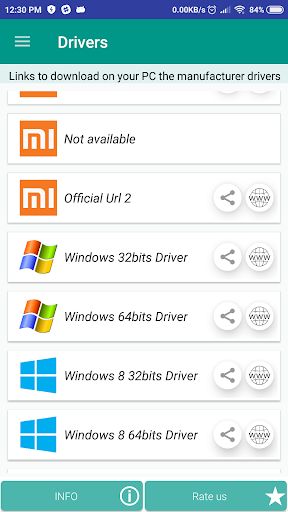
USB Drive for Android phones, moreover contains software links, from manufacturer, Samsung Kies, Sony PC Companion, Lg Pc Suite ...
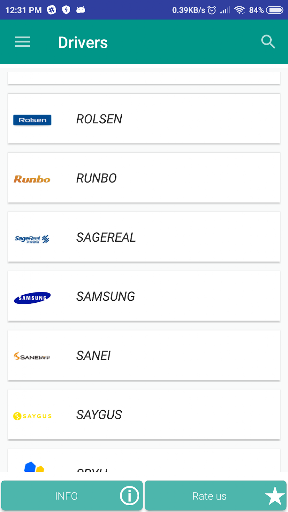
You can find the android usb driver for PC from more than 800 mobile phone manufacturers like Samsung, LG, or Sony, etc ..., supported for Windows XP, Vista, 7, 8, 10.
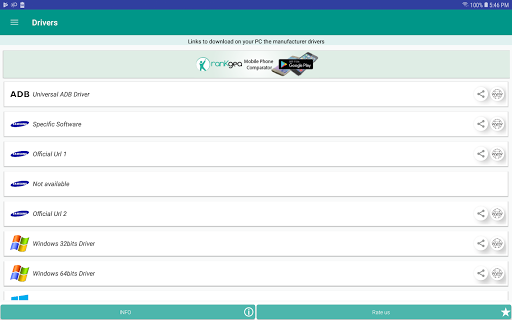
It includes Universal ADB Driver for Windows, Linux and Mac Os via MTP.
For download Universal Usb from phone.
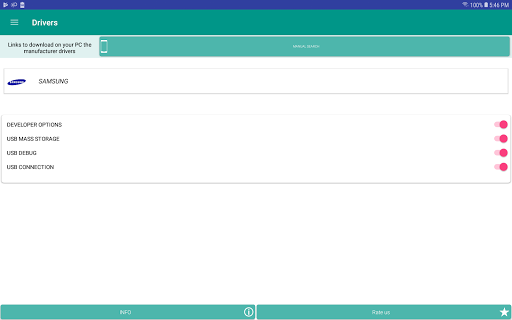
1 - Open USB Driver for Android Devices.
2 - Connect USB cable.
3 - Select MTP connection, transfer media files to a computer.
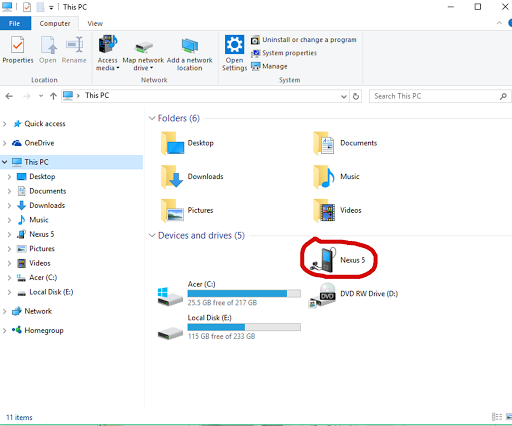
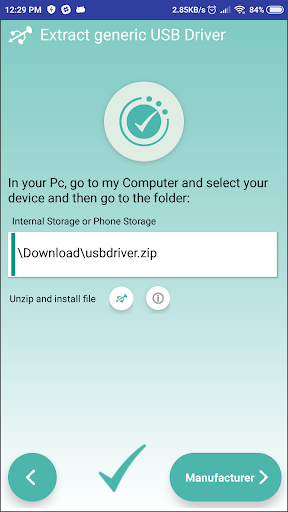
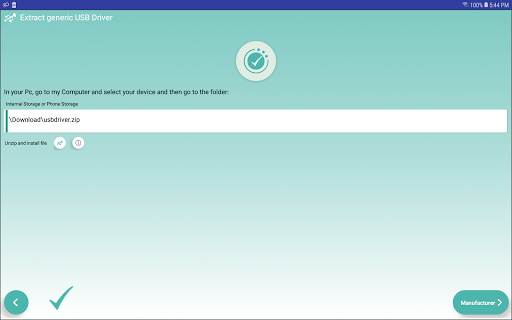
4 - You can find driver on your computer via MTP connect.
To connect your Android device to the computer, you need download an OEM USB Driver.
Compilation of many manufacturers with devices that are using the Android Operating System.
There may be some cases where packages can be used for your specific device but there are others cases where you need to install a specific usb driver for your smartphone or tablet.
You can find the android usb driver for PC from more than 800 mobile phone manufacturers like Samsung, LG, or Sony, etc ..., supported for Windows XP, Vista, 7, 8, 10.
It includes Universal ADB Driver for Windows, Linux and Mac Os via MTP.
For download Universal Usb from phone.
1 - Open USB Driver for Android Devices.
2 - Connect USB cable.
3 - Select MTP connection, transfer media files to a computer.
4 - You can find driver on your computer via MTP connect.
To connect your Android device to the computer, you need download an OEM USB Driver.
Compilation of many manufacturers with devices that are using the Android Operating System.
There may be some cases where packages can be used for your specific device but there are others cases where you need to install a specific usb driver for your smartphone or tablet.
What's New
Usb driver for Windows Xp, Vista, 8, 10, 11, Linux and Mac. Fixed Bugs Support Android 15
App Information
Version Name
3.25
Version Code
325
File Size
23.3 MB
Minimum OS
Android 6.0+
Target SDK
Android 33
Developer
HEXAMOB S.L.
Contact
Website
Content Rating
Everyone
Package Name
com.hexamob.driversPermissions Required
This app may request the following permissions:
Recent Reviews

Larry Kraus
1.0★
Wanted to transfer files from my GPS to phone via MTP. Once connected, the GPS does not show up in any Android file manager. The viewer in the app only selects one file for transfer at a time. The app is confusing & tries to install other related apps if you are not careful. Bluetooth had to be active to recognize the GPS. I could not transfer files more than once without uninstalling and re-installing the app.

A Google user
1.0★
On Samsung Galaxy S20, when I attach a USB stick, a popup shows with about 6 icons with text 'USB Driver' - ALL ARE IDENTICAL! Priorto selecting one there is no way to tell which driver is for what support.

Alper Can Buyuk
1.0★
This app doesn't do anything. It just directs you to the website to download the right drivers for your phone, which you can just find yourself with a google search. What's more, upon opening the app you are bombarded with hundreds of cookie vendors that this app wants to sell your data to, with no option to decline them all. Waste of time.
A Google user
5.0★
Actually fixed my note 10 bot connecting to Windows properly after trying every app Samsung had to offer "for file transferring". Tried everything on the windows end too, nothing there either. This app does have annoying ads, but at the end of the day it did its job. Dont waste time looking for an alternative app on here without annoying ads (lol an app on the play store without annoying ads in 2020, good luck)
A Google user
1.0★
i cannot go any further into the app, without appeasing the developer's prompting for a rating of the app, before being able to even experience the app or it's compatibility with my devices. so, being that this is a very discouraging scenario, i must give the app a single star, until I can adequately experience the app and it's functionality. a consumer should simply never be asked, let alone forced, to provide a review of any product, before being allotted appropriate usage of said product.

Robert T Perez
3.0★
Message is for Daz Boomer. It sounds to me like you're using a CHARGE ONLY cable to hookup on PC. Make sure it's a SYNC and charge cable. PC will usually connect without any additional app. This app is helpful for technical issues with PC, but not necessary to connect with PC. Good luck. Peace.
Ad slot: In-Content