
Total Connect Comfort
com.honeywell.mobile.android.totalComfort
by Resideo Technologies, Inc.
Screenshots
Ad slot: Top Leaderboard
About this app
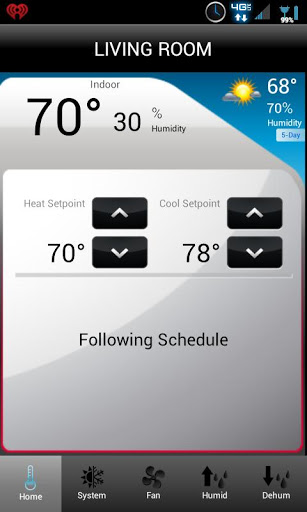
The Honeywell Total Connect Comfort app allows users to remotely monitor and manage their heating and cooling system – at anytime, from anywhere. Honeywell’s Total Connect Comfort works with Honeywell Wi-Fi Thermostats and with Prestige®, Prestige® IAQ, Wireless FocusPRO® and EConnect™ Comfort Systems when used in conjunction with Honeywell’s Internet Gateway.
With the Honeywell Total Connect Comfort app users can:
View and change the schedule (for thermostats that support this feature)
Utilize the Demo Mode before purchasing a thermostat
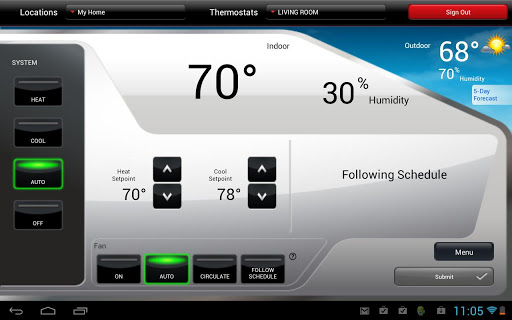
View and change heating and cooling system settings
View and set the indoor temperature
View and change system fan (for thermostats that support this feature)
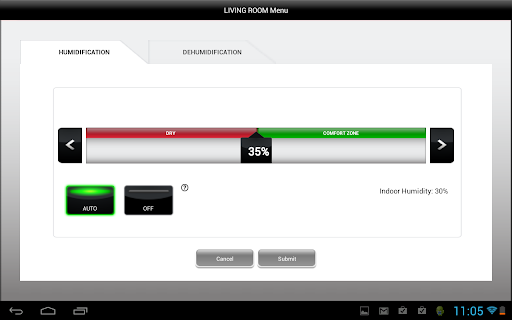
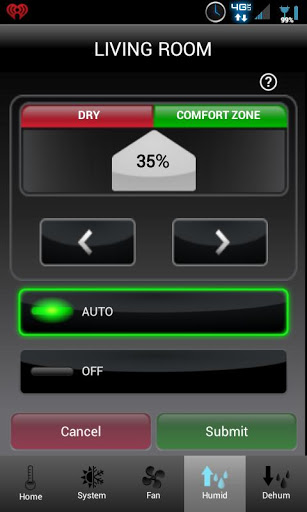
View and change humidifier and dehumidifier settings (for thermostats that support this feature)
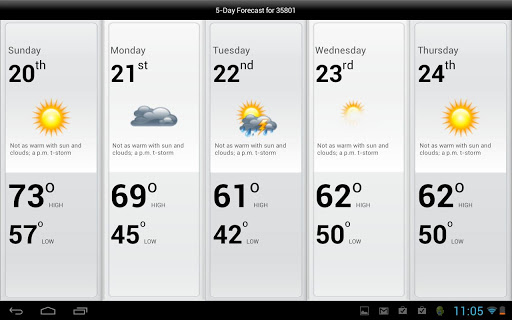
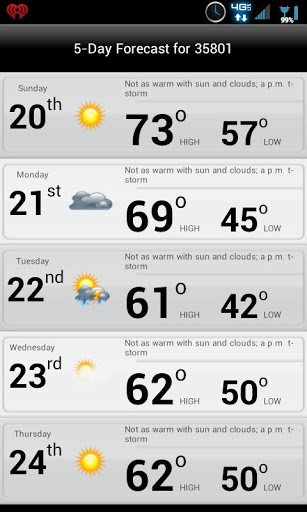
View 5-Day weather forecast
View outdoor temperature and humidity (when used with an outdoor sensor)
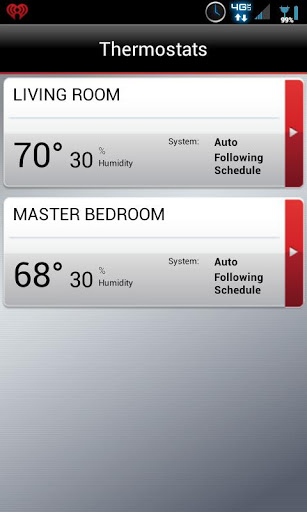
Access multiple smart thermostats
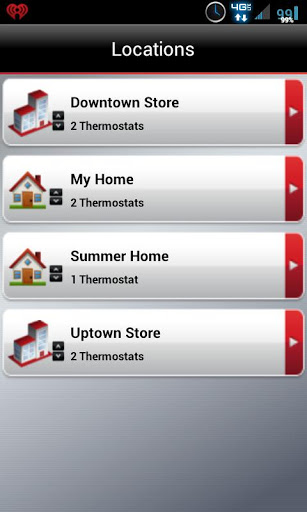
Access multiple locations if more than one system is registered
View thermostat alerts such as high or low temperature
Automatically upgrade to new features once they become available
Whether a homeowner, business owner or both – users will find comfort in Total Connect Comfort
With the Honeywell Total Connect Comfort app users can:
View and change the schedule (for thermostats that support this feature)
Utilize the Demo Mode before purchasing a thermostat
View and change heating and cooling system settings
View and set the indoor temperature
View and change system fan (for thermostats that support this feature)
View and change humidifier and dehumidifier settings (for thermostats that support this feature)
View 5-Day weather forecast
View outdoor temperature and humidity (when used with an outdoor sensor)
Access multiple smart thermostats
Access multiple locations if more than one system is registered
View thermostat alerts such as high or low temperature
Automatically upgrade to new features once they become available
Whether a homeowner, business owner or both – users will find comfort in Total Connect Comfort
What's New
Bug fixes and improvements
App Information
Version Name
3.15
Version Code
259
File Size
16.7 MB
Minimum OS
Android 11+
Target SDK
Android 34
Developer
Resideo Technologies, Inc.
Contact
Website
Content Rating
Everyone
Package Name
com.honeywell.mobile.android.totalComfortPermissions Required
This app may request the following permissions:
Recent Reviews

Bob Drummond
4.0★
Usually works well, occasional server issues. Useless "Find Rebates" button. Do they think I shop daily for new appliances? Occasional annoying shopping pop-ups. Outdated app with limited functionality. The ability to schedule the thermostat with Google Calendar would be great. I have a very irrregular work schedule and a set programming schedule does not work for me.

John R
3.0★
This app is designed to do the bare minimum, and it seems to do that well. Although, it only gives you minimal control. For example, the thermostat will start to pre-condition over an hour before the set schedule. My house has excellent circulation and only takes a few minutes move a few degrees. There is a work around, but it's a nuisance.

T Sch
4.0★
It's ok, but could be better. The interface is clean, but odd in its layout and colors. The thermostat seems to not coincide with the app at times, causing me to think that the Wi-Fi thermostat is no longer connected. Update: It stays connected and the WiFi is solid and reliable. That is a HUGE plus. I have a Carrier's WiFi thermostat at another address and the WiFi connection fails every few days and doesn't reconnect, so the WiFi is useless! Why can't I screenshot the app?

Glen Creek
2.0★
In my first review, I talked about how this app is great at control, and lousy at providing data. Honeywell knows the internal and target temps, and when appliances were engaged to correct the temperature. They don't bother to share that valuable information with their customers. The point was driven home when my AC lost efficiency and the unit was running continuously for 12 hours overnight, never catching up. Not one word of warning from the app. How I wish I'd spent my money on a Nest.

Frank Voss
3.0★
I was really happy with the thermostat and the app. But then one day (after a year or so) it came up on the wrong day. There is no way to change this in the device or in the app. After wasting about an hour, I finally did a factory reset of the thermostat and reprogrammed the whole thing. Now it works again. I guess it's not the end of the world to factory reset one a year, but this could have been avoided with a very simple option to change (or update from the web) the date/day/time in the app.

glenn davidson
5.0★
Works well. No problems. It started to lose internet. Uninstall and reinstall seems to have restored it. a couple of months later the problem has recurred. went through the recommended procedure of disconnecting from power and then reinstalling the software. it does seem to be working reliably again. unfortunately the unit has again the gun showing problems. it will not stay on the internet for more than a few minutes. it does not therefore connect to the app
Ad slot: In-Content