
Applock Pro - App Lock & Guard
com.ibragunduz.applockpro
by App Lock LLC
Screenshots

Ad slot: Top Leaderboard
About this app
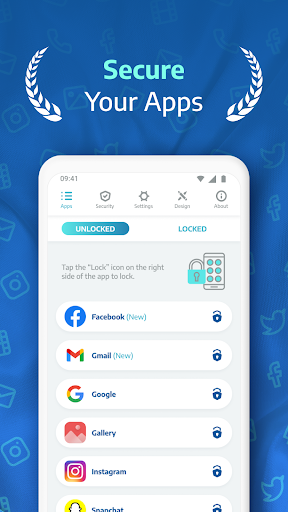
Protect your apps and photos with AppLock Pro — a fast, secure, and easy-to-use app locker trusted by millions.
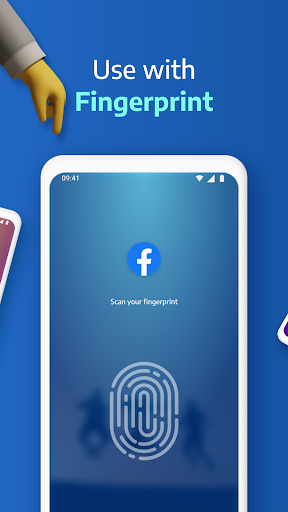
Whether you're guarding private messages, social media apps, or sensitive photos, Applock Pro keeps your data safe from intruders — with smart features like fingerprint unlock, spy camera, and customizable lock styles.
🔐 Top Features:
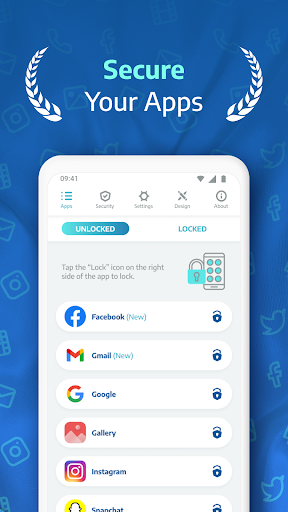
✔ Lock Any App
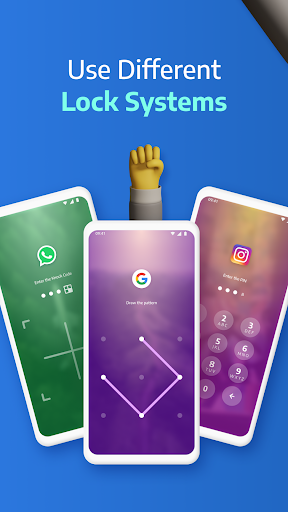
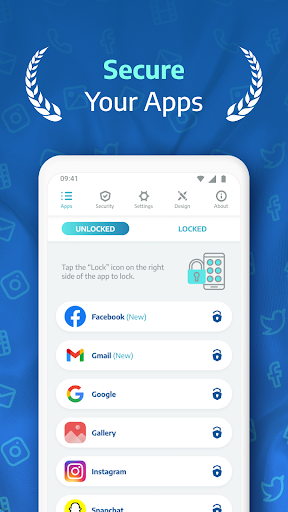
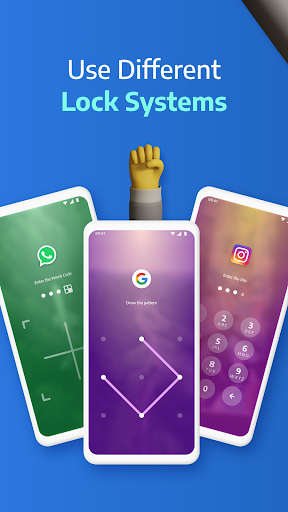
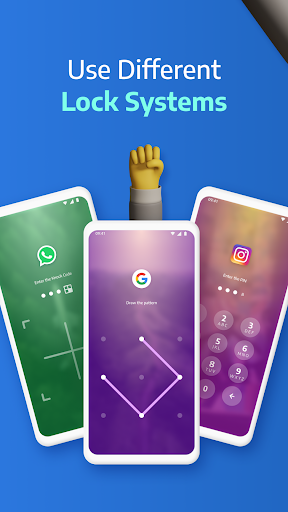
Secure WhatsApp, Instagram, Messenger, Gallery, Settings, and more using PIN, pattern, fingerprint (if supported), or KnockCode.
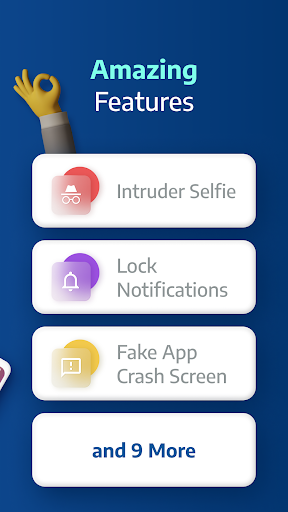
📸 Spy Camera Protection
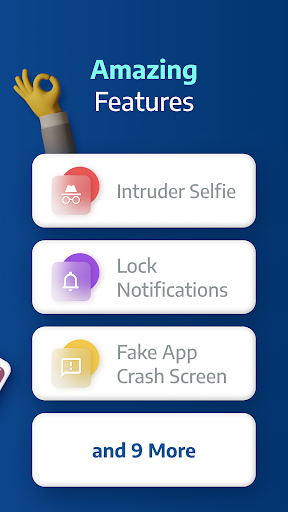
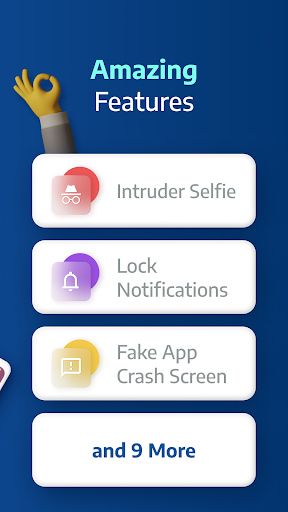
Catch snoopers in the act! A secret photo is taken when someone enters the wrong password.
🧠 Fake Error Message
Trick intruders with a fake error screen instead of showing the app is locked.
🔕 Hide Notifications
Block or hide sensitive notifications from locked apps.
⏱ Lock Timer & Auto Re-Lock
Set AppLock to auto-disable during certain hours, or re-lock after a short break.
🚨 Spy Alarm
Trigger a loud alarm if the wrong password is entered multiple times.
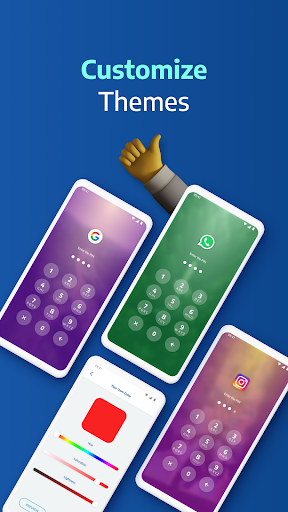
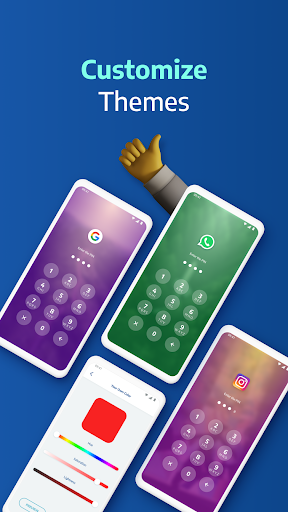
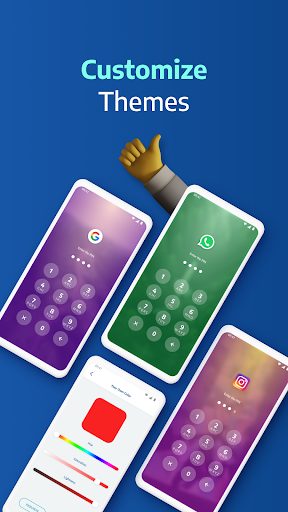
🎨 Custom Themes
Change the look and feel. Set a custom background using your own gallery photos.
⚙️ Smart Settings
Lightweight and optimized for battery & RAM. Includes vibration, new app alerts, lock recent apps, and more.
🛡️ Lock Types:
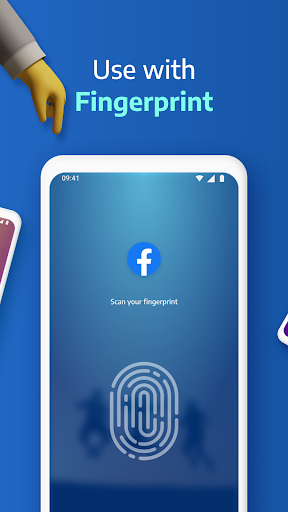
Fingerprint (if supported by your device)
KnockCode – a unique and secure unlock method
Pattern – simple and fast
PIN – 4 to 8-digit password
📌 Frequently Asked Questions
Q: How do I prevent AppLock Pro from being uninstalled?
Lock system settings and enable “Hide Icon” for extra protection.
Q: Why are permissions needed?
We only request permissions necessary for advanced features like custom backgrounds.
Q: What if I forget my password?
Use your secret answer to reset it easily.
Q: Can I hide photos and videos?
Lock the Gallery app to block access to your media.
Q: How does the spy camera work?
After 5 failed password attempts, AppLock Pro snaps a front-camera photo and stores it securely.
Ready to protect your privacy?
Download AppLock Pro now and take control of your app security.
Whether you're guarding private messages, social media apps, or sensitive photos, Applock Pro keeps your data safe from intruders — with smart features like fingerprint unlock, spy camera, and customizable lock styles.
🔐 Top Features:
✔ Lock Any App
Secure WhatsApp, Instagram, Messenger, Gallery, Settings, and more using PIN, pattern, fingerprint (if supported), or KnockCode.
📸 Spy Camera Protection
Catch snoopers in the act! A secret photo is taken when someone enters the wrong password.
🧠 Fake Error Message
Trick intruders with a fake error screen instead of showing the app is locked.
🔕 Hide Notifications
Block or hide sensitive notifications from locked apps.
⏱ Lock Timer & Auto Re-Lock
Set AppLock to auto-disable during certain hours, or re-lock after a short break.
🚨 Spy Alarm
Trigger a loud alarm if the wrong password is entered multiple times.
🎨 Custom Themes
Change the look and feel. Set a custom background using your own gallery photos.
⚙️ Smart Settings
Lightweight and optimized for battery & RAM. Includes vibration, new app alerts, lock recent apps, and more.
🛡️ Lock Types:
Fingerprint (if supported by your device)
KnockCode – a unique and secure unlock method
Pattern – simple and fast
PIN – 4 to 8-digit password
📌 Frequently Asked Questions
Q: How do I prevent AppLock Pro from being uninstalled?
Lock system settings and enable “Hide Icon” for extra protection.
Q: Why are permissions needed?
We only request permissions necessary for advanced features like custom backgrounds.
Q: What if I forget my password?
Use your secret answer to reset it easily.
Q: Can I hide photos and videos?
Lock the Gallery app to block access to your media.
Q: How does the spy camera work?
After 5 failed password attempts, AppLock Pro snaps a front-camera photo and stores it securely.
Ready to protect your privacy?
Download AppLock Pro now and take control of your app security.
App Information
Version Name
5.1.7
Version Code
517
File Size
34.4 MB
Minimum OS
Android 7.0+
Target SDK
Android 33
Developer
App Lock LLC
Contact
Website
Content Rating
Everyone
Package Name
com.ibragunduz.applockproPermissions Required
This app may request the following permissions:
Recent Reviews

flynn
3.0★
this app works. yes, it locks apps (shocker), but sometimes it doesnt bring up the password screen and it forces you to watch ads, so if you press home while the app is showing you an ad, it just goes back to the ad instantly some ads switch you to the app store forcefully after a certain point, and so i got stuck on the ad and had to restart my phone. it has happened more than once. and yes, i understand you need to make money somehow from non-paying users, but its annoying.

Tyrone Rex
1.0★
The app started automatically popping up ads on top of my screen that can't be closed, rendering the phone unusable until the ad finishes. If you try to bypass it, it just pops back up, restartingthe add from the beginning. i did not pay for the upgraded version which i'm guessing is what this tactic is pushing you to get. The ability to close the ads used to be a good trade off. Very irritating now. I have since removed this app.

Ben Schweitzer
2.0★
I wish I could give this more stars. it generally works, has good options, pretty intuitive. However, the ads are so ridiculously intrusive it's unbearable and forcing an expensive subscription for an app like this where the only features they seem to have added is to make the ads more intrusive is bonkers. If a fully featured app lock app with a bunch of stuff you probably don't need and a decent UI is worth $30/year to you, this is the app for you. most others will be better of elsewhere.

Hayden Hale
5.0★
It really does work, it gives you choices of how you want your apps to be locked (4 digit pins, 6 digit pins and a couple other more). and it's free, ive only been on it for a couple of minutes but still, thats not the point. the point is, it really locks your apps(the app that you tell it to lock) the only thing is, it doesn't give you the option to lock all your apps, but the again why would you. overall I think it's worth 5 stars

Michael Hoffman
2.0★
Scratch my first review which was at first positive. This thing now has ads that require waiting for clocks and some are three screens long before you can close them! It totally has destroyed some videos I wanted to shoot and photos I want to take of my little guy that were irreplaceable. I don't mind ads as it's free and every comes with a "cost" - but they could just be on the unlock screen. next.

S
2.0★
The app was great at first. A gaming app ad would appear every so often. It was annoying, but I was able to click or swipe out of it. After about a month using Applock Pro, the gaming app ad now pops up constantly, and I can't get rid of it. I have to shut my phone down every time and restart. I'm uninstalling the app now. It got too frustrating... but, while it worked, it was great.
Ad slot: In-Content