

Screenshot Easy
com.icecoldapps.screenshoteasy
by Ice Cold Apps
Screenshots








Ad slot: Top Leaderboard
About this app
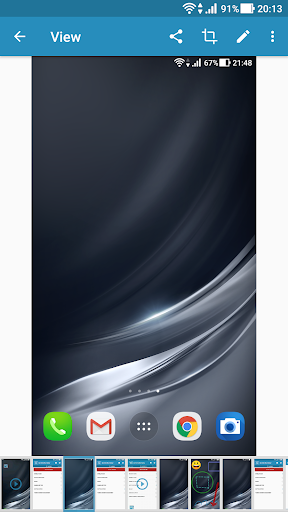
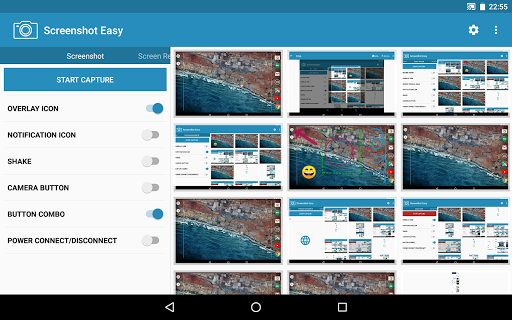
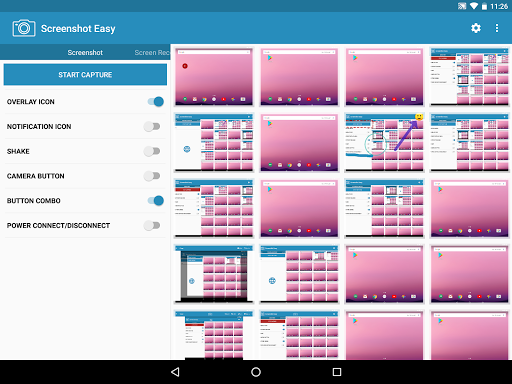
Screenshot Easy lets you take screenshots on your tablet, phone or other Android device the easy way! The screen recorder allows you to capture a video which you can easily share with your friends. Capture full screen scroll pages, with the scrolling screenshot functionality. Website screenshot captures a full size web page in high quality.
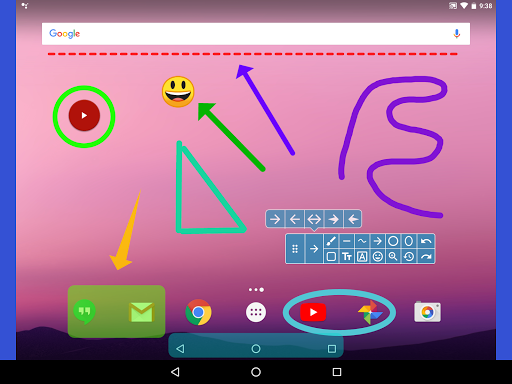
Use the easiest screenshot app to not only take snapshots but also view, edit or share them directly.
★For free★
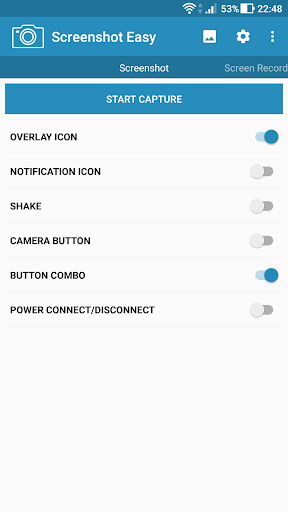
Depending on your device you can use the following triggers:
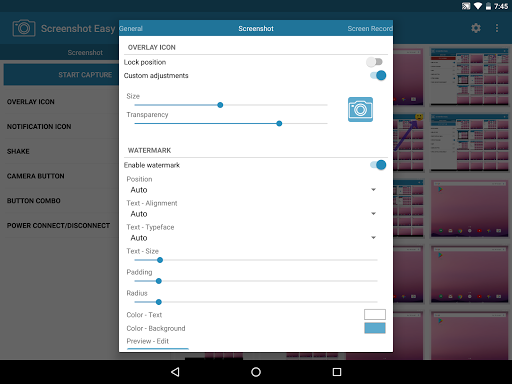
• Overlay icon
• Hidden overlay area
• Notification icon click
• Shake
• Camera hardware button
• Custom shortcut
• Widget
• Locale, Tasker plugin support
• Power connect/disconnect
★Featuring screen recording using the screen record functionality!★
Screen capture:
• Screenshot
• Screen Record
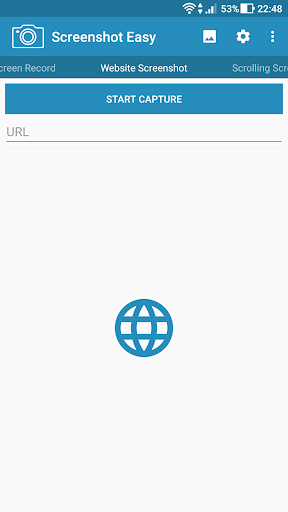
• Website Screenshot
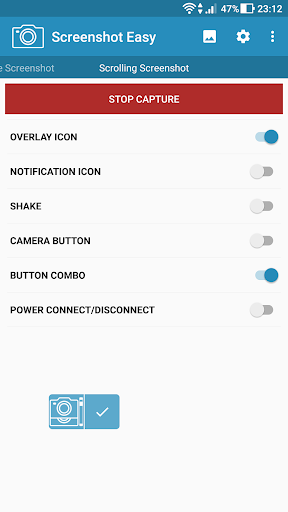
• Scrolling Screenshot
Features:
• Scroll capture (Browser: Share URL)
• Image editor
• Drawing
• Layers
• Emoticons
• Text
• Transparency
• Website screenshot: Full size!!
• Screen recorder
• Encoder (MP4)
• Framerate
• Bitrate
• Audio
• Crop (Rotate, Aspect ratio, Shape)
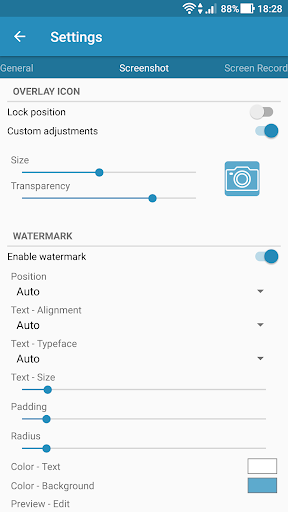
• Customize
• Join: Images / Videos
• Trim: Video
• ZIP
• Viewer (Photo / Video)
• Delay
• Image format (JPG, PNG, WEBP)
• Quick settings tile
• Folders
• File Manager
• Shortcut
• No root required
• And more!
Use the subfolders option to categorize your screen captures to, for example, prevent Instagram screenshots mixing with Facebook captures. This way you can create separate folders for your favorite app, site or game video and don't need to use a file manager.
For questions, comments or feature requests just contact us!
Visit us on: https://icecoldapps.com
Follow us on Twitter: https://twitter.com/IceColdApps
Like us on Facebook: https://www.facebook.com/IceColdApps
Notice:
Some devices are not able to capture secure pages like banking apps or Youtube protected content.
Permissions:
Internet: Website Screenshot
Audio: Screen Recording
Use the easiest screenshot app to not only take snapshots but also view, edit or share them directly.
★For free★
Depending on your device you can use the following triggers:
• Overlay icon
• Hidden overlay area
• Notification icon click
• Shake
• Camera hardware button
• Custom shortcut
• Widget
• Locale, Tasker plugin support
• Power connect/disconnect
★Featuring screen recording using the screen record functionality!★
Screen capture:
• Screenshot
• Screen Record
• Website Screenshot
• Scrolling Screenshot
Features:
• Scroll capture (Browser: Share URL)
• Image editor
• Drawing
• Layers
• Emoticons
• Text
• Transparency
• Website screenshot: Full size!!
• Screen recorder
• Encoder (MP4)
• Framerate
• Bitrate
• Audio
• Crop (Rotate, Aspect ratio, Shape)
• Customize
• Join: Images / Videos
• Trim: Video
• ZIP
• Viewer (Photo / Video)
• Delay
• Image format (JPG, PNG, WEBP)
• Quick settings tile
• Folders
• File Manager
• Shortcut
• No root required
• And more!
Use the subfolders option to categorize your screen captures to, for example, prevent Instagram screenshots mixing with Facebook captures. This way you can create separate folders for your favorite app, site or game video and don't need to use a file manager.
For questions, comments or feature requests just contact us!
Visit us on: https://icecoldapps.com
Follow us on Twitter: https://twitter.com/IceColdApps
Like us on Facebook: https://www.facebook.com/IceColdApps
Notice:
Some devices are not able to capture secure pages like banking apps or Youtube protected content.
Permissions:
Internet: Website Screenshot
Audio: Screen Recording
What's New
HEIF image support
New overlay icon: Stick to sides
Assist app support
Screen Record
Website Screenshot
Scrolling Screenshot
Image Editor: Drawing, Emoticons, Text, Layers
Folders
Images: Edit, Crop, Join
Videos: Trim, Join
Slideshow
File Manager
Multi select
Customize
Fixed bugs
New overlay icon: Stick to sides
Assist app support
Screen Record
Website Screenshot
Scrolling Screenshot
Image Editor: Drawing, Emoticons, Text, Layers
Folders
Images: Edit, Crop, Join
Videos: Trim, Join
Slideshow
File Manager
Multi select
Customize
Fixed bugs
App Information
Version Name
7.2.26
Version Code
46
File Size
7.3 MB
Minimum OS
Android 6.0+
Target SDK
Android 33
Developer
Ice Cold Apps
Contact
Website
Content Rating
Everyone
Package Name
com.icecoldapps.screenshoteasyPermissions Required
This app may request the following permissions:
Recent Reviews

Really Seriously
1.0★
It works fine. Pretty easy to use but there are too many options and no explanation for what they all do. Add a button for screen shot on/off. Update 5/25/25 Ive used this app many times over years. It worked well if a bit balky. Well now it doesn't work at all! Just endless pages of settings and it won't take a pic. I just want a screenshot!!

Raynold Walker
3.0★
Basically pretty good, unless you are in a hurry. Meaning, if I want to capture something quickly I find S.E. has to be restarted. So in the case of weather radar or tracking aircraft I miss the choice capture having to go back and restart Screenshot Easy. Seems to be off when I really need it. That said, I would have given it 4 maybe 5 stars.

Pamela Malloy
3.0★
Having an issue where every time I try to scan after opening the program- the screen comes up with the screen. Start recording or casting with Screenshot Easy. You have to select cancel or start now. It scans this page instead of the screenshot you need. I have to close the program and start over. I've tried to look for solutions online but can't find an answer. Love this program. It's the best out there. Would be a 10 until this program started. On a samsung flip

A Google user
5.0★
Definitely a top-notch app. I've never used another screenshot app because I found this one first and I can't seem to think of any reason to change. None. I give very few apps the "full five", but I have no hesitation with this one. Easy to use, always ready if you enable it to be, I use it more than almost any other app I have. Great going guys, not many can say they've developed an app that has stood the biggest test of all - Time.

Sama Dtv
4.0★
It’s a very good app, I wanted to give it five stars, but sometimes it doesn’t open and starts showing errors. That’s why I gave it four stars. Now I hope you will improve it.

Adge Bell
1.0★
the worst imagination ever tried. I didn't get one screen shot. you have to choose, Facebook photos, what ever. ridiculous
Ad slot: In-Content