
Geo Tracker - GPS tracker
com.ilyabogdanovich.geotracker
by Ilya Bogdanovich
Screenshots


Ad slot: Top Leaderboard
About this app
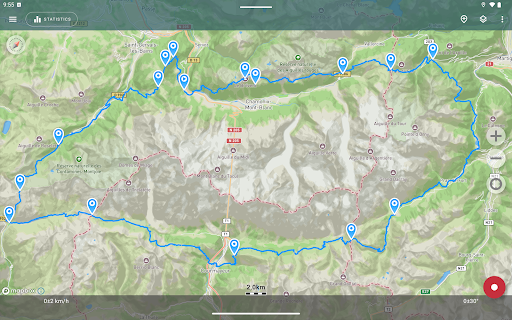
If you are looking for an excellent GPS tracker, that can work with Open Street Maps or Google, love outdoor activities, or travel - this is the app for you!
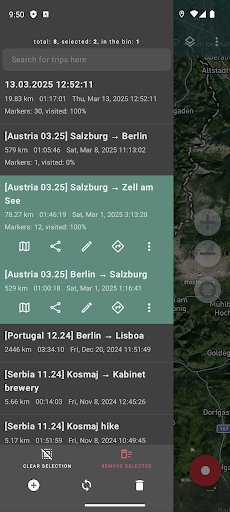
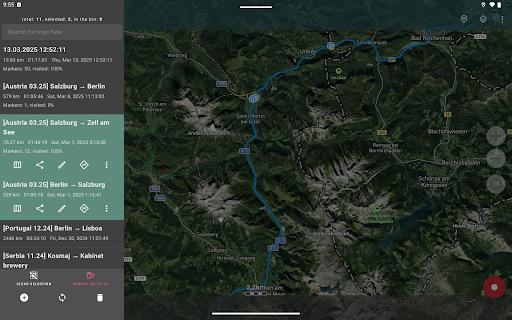
Record GPS tracks of your trips, analyze statistics, and share them with your friends!
Geo Tracker can help:
• Making the way back in an unfamiliar area without getting lost;
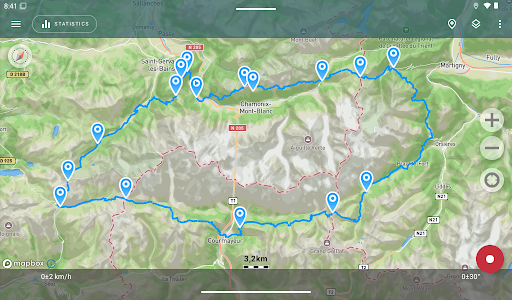
• Sharing your route with friends;
• Using someone else's route from GPX, KML or KMZ file;
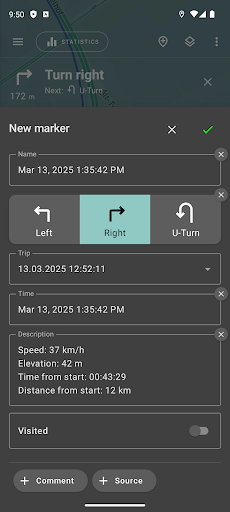
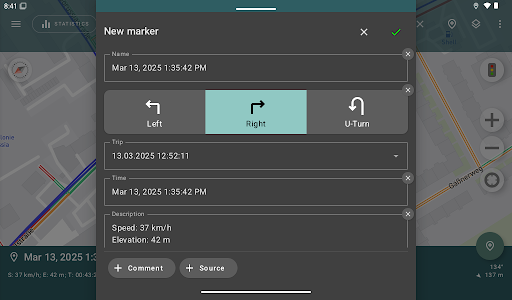
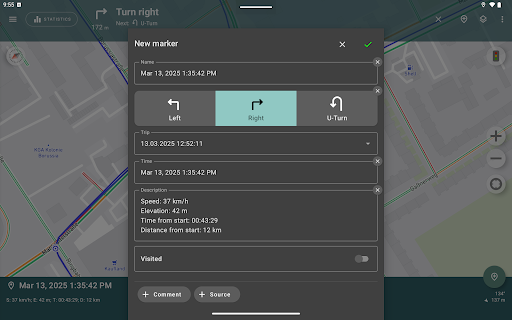
• Marking important or interesting points on your way;
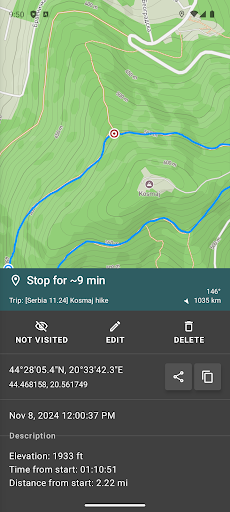
• Locating a point on the map, if you know its coordinates;
• Showing off colorful screenshots of your accomplishments on social networks.
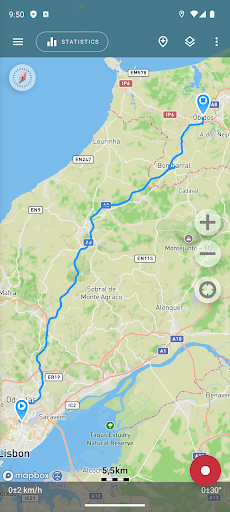
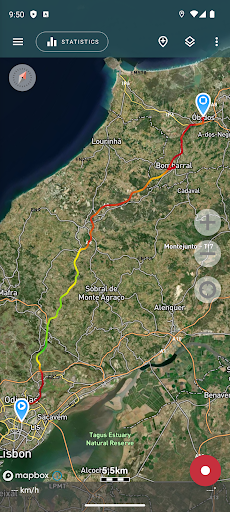
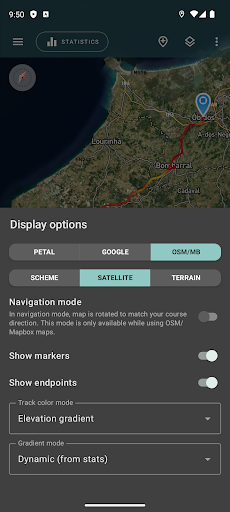
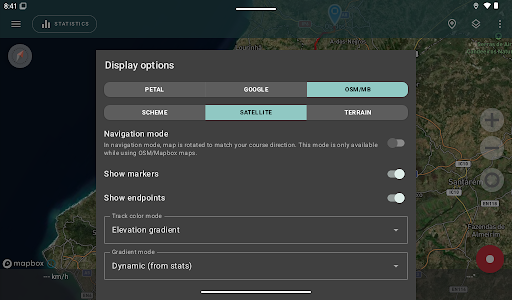
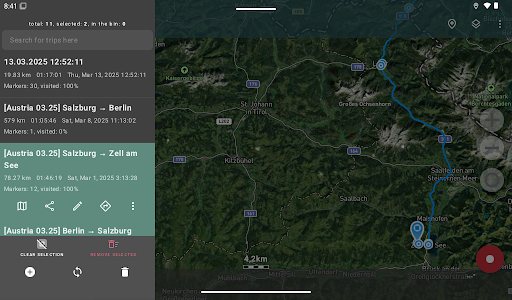
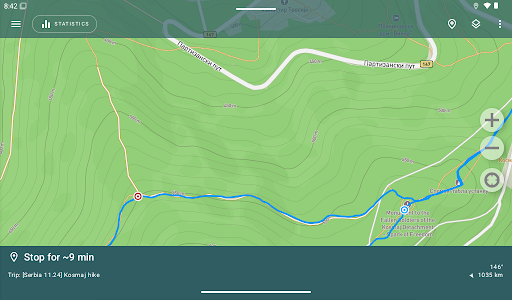
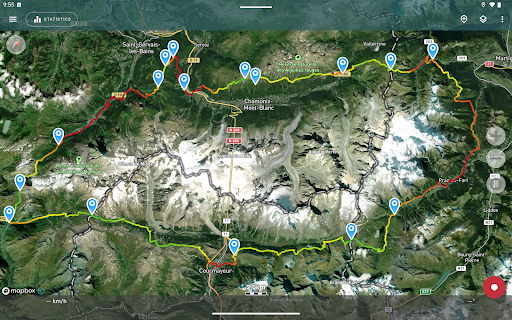
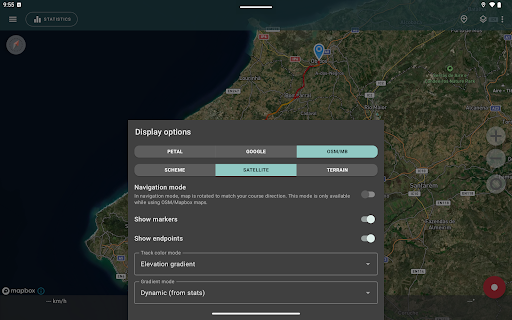
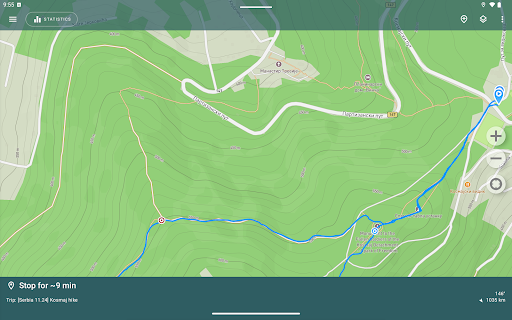
You can view the tracks and the surrounding area in the application using a scheme from OSM or Google, as well as satellite images from Google or Mapbox - this way you will always have the most detailed map of the area anywhere worldwide. The map areas you view are saved to your phone and remain available offline for a while (this works best for OSM maps and Mapbox's satellite images). To record and calculate track statistics only a GPS signal is needed - the Internet is only required to download map images.
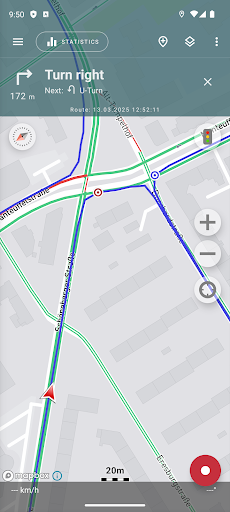
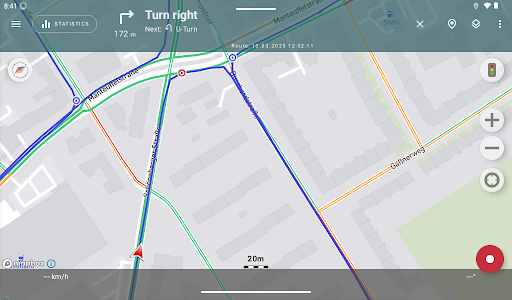
While driving, you can turn on the navigation mode, in which the map automatically rotates in the direction of travel, which greatly simplifies navigation.
The application can record tracks while being in the background (on many devices, this requires additional configuration in the system - be careful! The instructions for these settings are available in the application). Power consumption in background mode is greatly optimized - on average, the phone's charge is enough for a whole day of recording. There's also an economy mode - you can turn it on in the app settings.
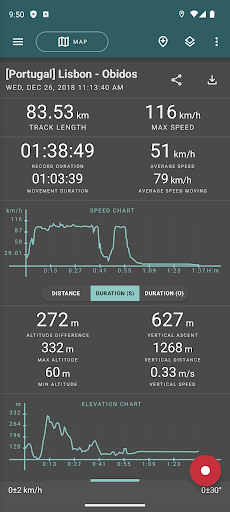
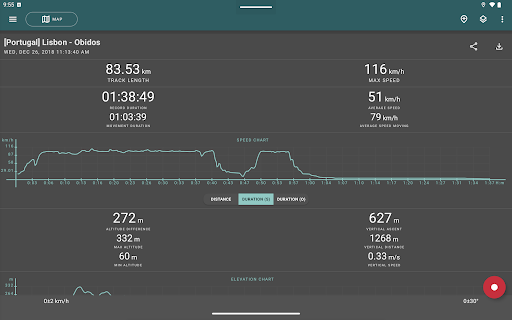
Geo Tracker calculates the following statistics:
• Distance traveled and recording time;
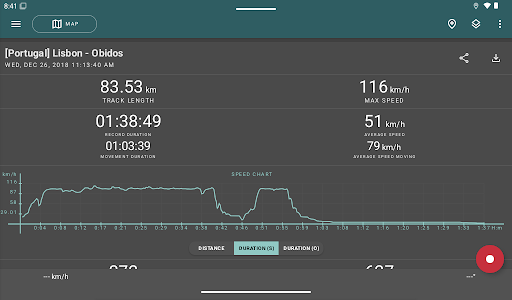
• Max and average speed on the track;
• Time and average speed in motion;
• Min and max altitude on the track, altitude difference;
• Vertical distance, ascent and speed;
• Min, max, and average slope.
Also, there are detailed charts of speed and elevation data available.
Recorded tracks can be stored as GPX, KML, and KMZ files, so they can be used in other well-known applications like Google Earth or Ozi Explorer. Tracks are stored locally on your device and are not transferred to any servers.
The app does not make money from ads or your personal data. To support the development of the project, a voluntary donation can be made in the application.
Useful tips & tricks to solve common GPS issues with your smartphone:
• If you start the tracking please wait a bit until the GPS signal is found.
• Restart your smartphone and make sure that you have a "clear view" of the sky before you start (no disturbing objects like high buildings, forests, etc.).
• The reception conditions are permanently changing because they are influenced by the following factors: weather, season, positioning of satellites, areas with bad GPS coverage, high buildings, forests, etc.).
• Go to phone settings, choose "Location" and activate it.
• Go to phone settings, choose "Date & time" and activate the following options: "Automatic date & time" and "Automatic time zone". It may occur that it takes longer until the GPS signal is found if your smartphone is set to the wrong time zone.
• Deactivate the airplane mode in your phone settings.
If none of these tips & tricks helped to solve your issues, deinstall the app and reinstall it again.
Be aware that Google uses in their Google Maps app not only the GPS data but also additional data of the current location from surrounding WLAN networks and/or mobile networks.
More answers to frequent questions and solutions for popular issues can be found on the website: https://geo-tracker.org/faq/?lang=en
Record GPS tracks of your trips, analyze statistics, and share them with your friends!
Geo Tracker can help:
• Making the way back in an unfamiliar area without getting lost;
• Sharing your route with friends;
• Using someone else's route from GPX, KML or KMZ file;
• Marking important or interesting points on your way;
• Locating a point on the map, if you know its coordinates;
• Showing off colorful screenshots of your accomplishments on social networks.
You can view the tracks and the surrounding area in the application using a scheme from OSM or Google, as well as satellite images from Google or Mapbox - this way you will always have the most detailed map of the area anywhere worldwide. The map areas you view are saved to your phone and remain available offline for a while (this works best for OSM maps and Mapbox's satellite images). To record and calculate track statistics only a GPS signal is needed - the Internet is only required to download map images.
While driving, you can turn on the navigation mode, in which the map automatically rotates in the direction of travel, which greatly simplifies navigation.
The application can record tracks while being in the background (on many devices, this requires additional configuration in the system - be careful! The instructions for these settings are available in the application). Power consumption in background mode is greatly optimized - on average, the phone's charge is enough for a whole day of recording. There's also an economy mode - you can turn it on in the app settings.
Geo Tracker calculates the following statistics:
• Distance traveled and recording time;
• Max and average speed on the track;
• Time and average speed in motion;
• Min and max altitude on the track, altitude difference;
• Vertical distance, ascent and speed;
• Min, max, and average slope.
Also, there are detailed charts of speed and elevation data available.
Recorded tracks can be stored as GPX, KML, and KMZ files, so they can be used in other well-known applications like Google Earth or Ozi Explorer. Tracks are stored locally on your device and are not transferred to any servers.
The app does not make money from ads or your personal data. To support the development of the project, a voluntary donation can be made in the application.
Useful tips & tricks to solve common GPS issues with your smartphone:
• If you start the tracking please wait a bit until the GPS signal is found.
• Restart your smartphone and make sure that you have a "clear view" of the sky before you start (no disturbing objects like high buildings, forests, etc.).
• The reception conditions are permanently changing because they are influenced by the following factors: weather, season, positioning of satellites, areas with bad GPS coverage, high buildings, forests, etc.).
• Go to phone settings, choose "Location" and activate it.
• Go to phone settings, choose "Date & time" and activate the following options: "Automatic date & time" and "Automatic time zone". It may occur that it takes longer until the GPS signal is found if your smartphone is set to the wrong time zone.
• Deactivate the airplane mode in your phone settings.
If none of these tips & tricks helped to solve your issues, deinstall the app and reinstall it again.
Be aware that Google uses in their Google Maps app not only the GPS data but also additional data of the current location from surrounding WLAN networks and/or mobile networks.
More answers to frequent questions and solutions for popular issues can be found on the website: https://geo-tracker.org/faq/?lang=en
What's New
- Recording notification redesign — cleaner, clearer, and easier to read at a glance;
- Android 16 support — fully compatible with the latest Android release;
- Hide segment connectors — a new setting to toggle visibility of connecting lines between track segments;
- GPX import improvements — better handling of complex or non-standard GPX files;
- Android 16 support — fully compatible with the latest Android release;
- Hide segment connectors — a new setting to toggle visibility of connecting lines between track segments;
- GPX import improvements — better handling of complex or non-standard GPX files;
App Information
Version Name
5.3.3.3845
Version Code
45333845
File Size
39.4 MB
Minimum OS
Android 5.0+
Target SDK
Android 34
Developer
Ilya Bogdanovich
Contact
Website
Content Rating
Everyone
Package Name
com.ilyabogdanovich.geotrackerPermissions Required
This app may request the following permissions:
Recent Reviews

Eric Sandbo
5.0★
Starts and finds it's location instantly, maps my walk or disc golf game, and gives me lots of stats afterwards. While many other apps are made for bosses to track their drivers, GeoTracker is perfect for me to track myself without sending my location to others. It activated faster than my smartwatch, which would require using my phone anyway to see the data afterward. If I was running and needed to go light, I would use my watch, but this is perfect for my needs.

Robert Hall
5.0★
Awesome tracking program. I use it for kayak excursions, hikes, and bike rides. It's well designed and super easy to use. I particularly like the ability to share a one-page split image (map on left; trip statistics on the right) by SMS, email, or whatever. It also creates GPX, KML, or KMZ format files that can I email to myself

Ashley M. Kirchner
5.0★
Excellent app that does what it's designed to do, and does it really well. No bells nor whistles, no frills. I've been using it for quite some time to track hikes, runs, and nowadays all of my work delivery routes that I do. It allows me to keep a very accurate log for my trips: both mileage as well as date and times. I can export all that info and generate a complete log file from the individual files that Geo Tracker creates. Excellent work. Only small issue is the mislabeling on when the track was created (Today, Yesterday, etc., ) But that's a MINOR thing.

Andrew G
5.0★
Exactly What I Was Looking For! I needed an app to trace my path while out in my kayak. I go out in the ocean and through tiny openings in mangroves, lagoons, and coves for several hours at a time. I was worried about getting lost. Won't happen with this app. And I can save my trips so I can explore new spots or save good fishing locations. My last trip was almost 6 hours & it brought my battery down to 42%. So it's pretty damn efficient considering it's using GPS.

A Google user
2.0★
My initial review: 5 stars - Awesome! Love it! I use it when I'm walking my dog. It will lay out your track on a satellite image, with the names of the streets and then give you details of exactly how long the walk was, minimum altitude, maximum altitude, rate of climb, it's great! Update 4/6/19: it stopped working. Keeps track of time only, no GPS functionality, no maps, no distance. I wrote the developer twice, with screen prints, and have had no response.

Tom Peterson
5.0★
Great app to map your route and track stats for just about any activity, motorized or not. But FYI, there are better apps for skiing or snowboarding that will differentiate between a lift ride and downhill. TIP: if you don't have cell service, this will still track you but without a satellite background image. Go to Google and download an offline map for the area you will be using this app. Then you are good to go!
Ad slot: In-Content