

USB Remote
com.inputstick.apps.usbremote
by InputStick
Screenshots


Ad slot: Top Leaderboard
About this app
Turns your device into wireless USB keyboard and mouse.
***Requires InputStick USB receiver and free InputStickUtility app (does NOT work over USB cable!)***.
Works with any USB host (which supports generic USB HID keyboard and mouse) More info: http://inputstick.com
USB Remote functionality:
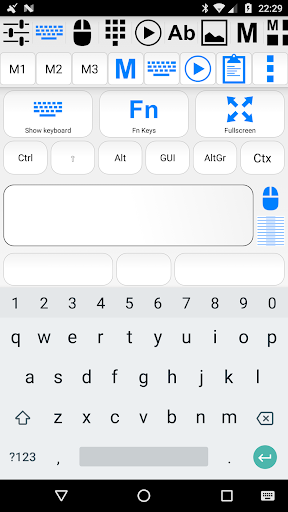
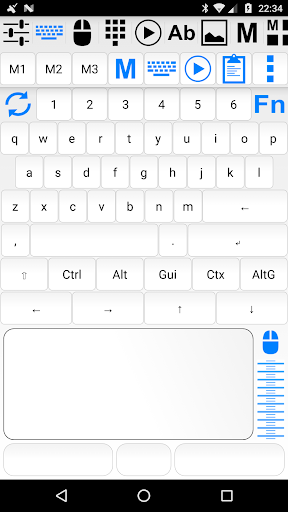
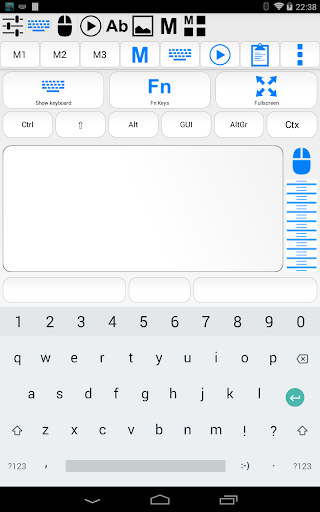
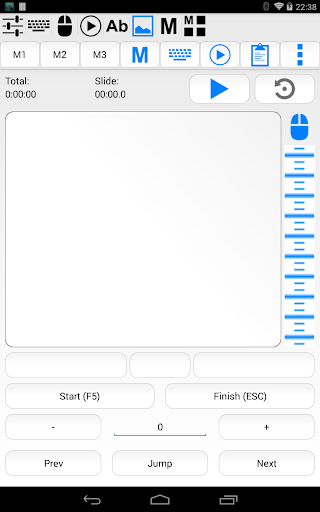
- keyboard (use your soft keyboard or custom keyboard screen)
- mouse/touchscreen (3 buttons, scroll wheel)
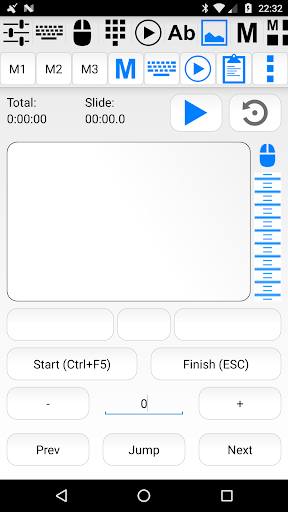
- presentation remote
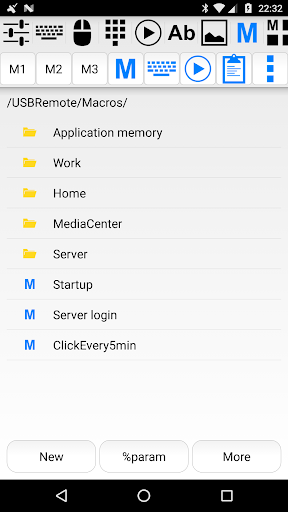
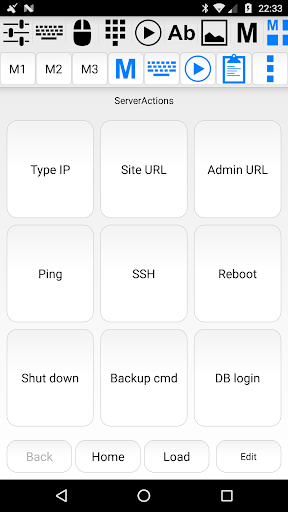
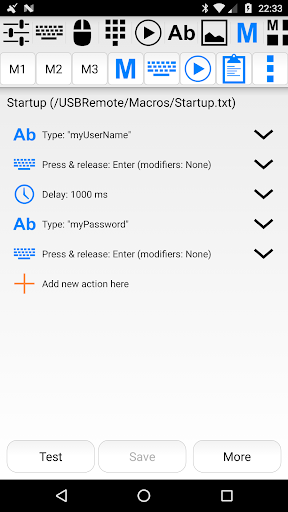
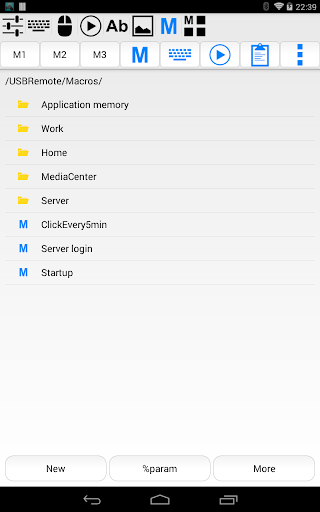
- macros (record actions in real time or use built-in editor)
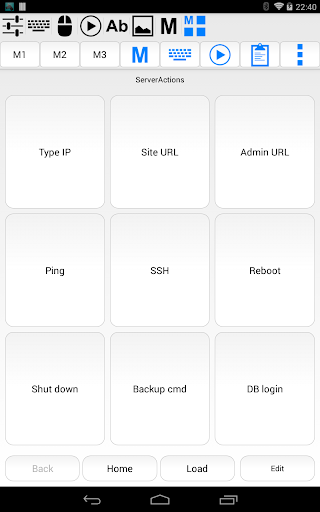
- group macros into customizable panels for easy access and single click execution
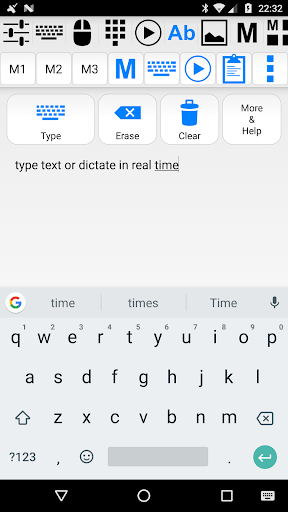
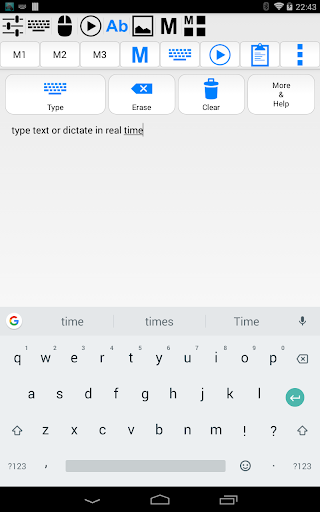
- dictation (use voice recognition built in your soft keyboard, text can by typed on PC in real-time)
- voice commands: execute pre-defined actions while dictating
- numerical keyboard
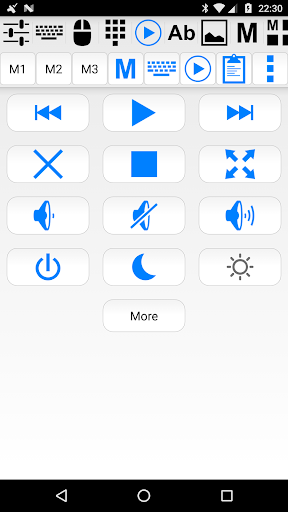
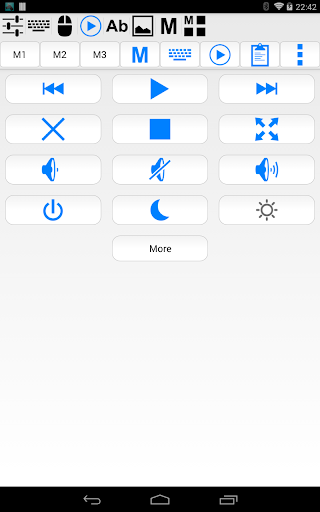
- media remote (playback, volume)
- type from clipboard, text files, SMS and email messages
- scan & type QR codes and bar-codes
- home screen widget shortcuts for most used actions
- works as "Tasker" plugin
For more visit: http://inputstick.com/usbremote
About InputStick receiver:
InputStick acts as a proxy between your Android device and PC (or any other USB host): data received from USB Remote (or any other compatible app) is sent to USB host as keyboard and mouse actions. It pretends to be a generic USB keyboard and mouse device, so there is no need to install any software or custom drivers on the PC as it will see no difference between InputStick and generic USB keyboard.
InputStick is easy to use: just plug it into USB port and after a few seconds it is ready to go. In most cases there is no need to configure anything.
InputStick can be used in situations when software-only solutions will not work: working with BIOS, in recovery mode, or when PC has no network access or software installation is not allowed by system administrator.
Currently supported keyboard layouts: Belgian (FR/NL), Canadian, Croatian, Czech, Danish, Dutch, English (UK/US/international/Dvorak), Finnish, French, German, Greek, Hebrew, Hungarian, Italian, Norwegian, Polish, Portuguese (BR/PT), Russian, Slovak, Spanish, Swedish, Swiss (FR/DE)
***Requires InputStick USB receiver and free InputStickUtility app (does NOT work over USB cable!)***.
Works with any USB host (which supports generic USB HID keyboard and mouse) More info: http://inputstick.com
USB Remote functionality:
- keyboard (use your soft keyboard or custom keyboard screen)
- mouse/touchscreen (3 buttons, scroll wheel)
- presentation remote
- macros (record actions in real time or use built-in editor)
- group macros into customizable panels for easy access and single click execution
- dictation (use voice recognition built in your soft keyboard, text can by typed on PC in real-time)
- voice commands: execute pre-defined actions while dictating
- numerical keyboard
- media remote (playback, volume)
- type from clipboard, text files, SMS and email messages
- scan & type QR codes and bar-codes
- home screen widget shortcuts for most used actions
- works as "Tasker" plugin
For more visit: http://inputstick.com/usbremote
About InputStick receiver:
InputStick acts as a proxy between your Android device and PC (or any other USB host): data received from USB Remote (or any other compatible app) is sent to USB host as keyboard and mouse actions. It pretends to be a generic USB keyboard and mouse device, so there is no need to install any software or custom drivers on the PC as it will see no difference between InputStick and generic USB keyboard.
InputStick is easy to use: just plug it into USB port and after a few seconds it is ready to go. In most cases there is no need to configure anything.
InputStick can be used in situations when software-only solutions will not work: working with BIOS, in recovery mode, or when PC has no network access or software installation is not allowed by system administrator.
Currently supported keyboard layouts: Belgian (FR/NL), Canadian, Croatian, Czech, Danish, Dutch, English (UK/US/international/Dvorak), Finnish, French, German, Greek, Hebrew, Hungarian, Italian, Norwegian, Polish, Portuguese (BR/PT), Russian, Slovak, Spanish, Swedish, Swiss (FR/DE)
What's New
- optimized for Android O
- critical bug fixes (related to InputStick connection)
- critical bug fixes (related to InputStick connection)
App Information
Version Name
1.54
Version Code
19
File Size
2.4 MB
Minimum OS
Android 2.3+
Target SDK
Android 23
Developer
InputStick
Contact
Website
Content Rating
Everyone
Package Name
com.inputstick.apps.usbremotePermissions Required
This app may request the following permissions:
Recent Reviews

Chris Assemble
5.0★
For years I've carried around a mini USB keyboard and trackpad for setting up servers and as the battery for it finally started to become a spicy pillow I went looking for alternatives. The InputStick is perfect. It's much easier to carry, doesn't need charging, and can type passwords and saved snippets quickly. The app is very customizable, and the API is a nice touch too. My only complaints would be the app looks a little dated and it would be cool if there was a USB-C version of the stick.

Christian Shelton
5.0★
I'm honestly surprised at the amount of 1 star ratings from people who clearly did not read the app description before downloading or those who complain that a inputstick is required(nobody is forcing anyone to buy a inputstick - just move to another app if this does not fit your needs!) Silly people aside - If you have bought a inputstick like me then this app works flawlessly(slightly clunky UI) and I really love the amount of features included in this app(Along with the keepass plugin!)

Timothy Becker
5.0★
USB keyboard and mouse on phone without any software installation, perfect for my use case. Works flawlessly. App is a bit clunky to get around but very capable.

A Google user
5.0★
Works great with the InputStick! I'm currently using it to type passwords on library computers (with KP2A) and controlling my HTPC :D People need to read the app description before leaving a 1-star review, way too many idiots around.....

Moon Wong
5.0★
Whilst my main use of the InputStick is for complex password entry, this is still a really useful tool for typing in a whole bunch of stuff where copy and paste isn't available (looking at you VMRC with CnP disabled).
A Google user
5.0★
This is an app specifically for use with the hardware InputStick. Works absolutely perfectly and has fantastic tasker integration. Not sure why people are rating poorly for being unable to read the description.
Ad slot: In-Content