

Canvas
com.instructure.candroid
by Instructure
Screenshots

Ad slot: Top Leaderboard
About this app
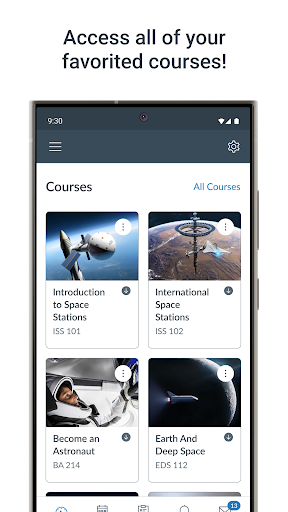
Access your Canvas courses on the go with the Canvas mobile app! From any device, students can now:
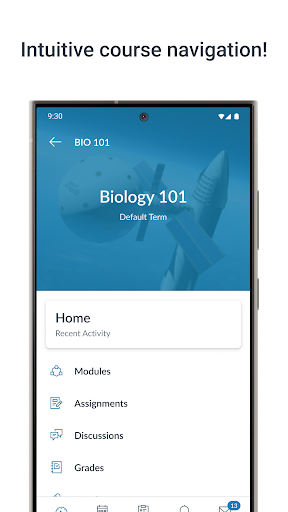
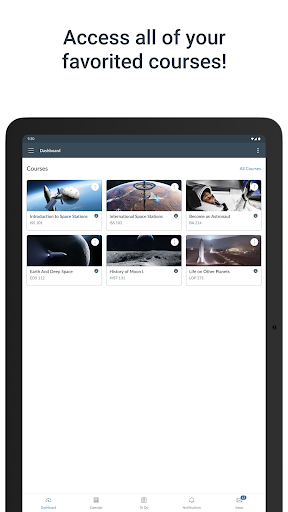
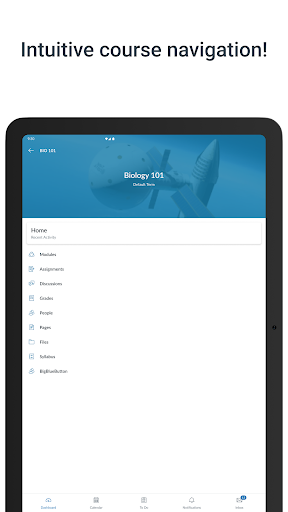
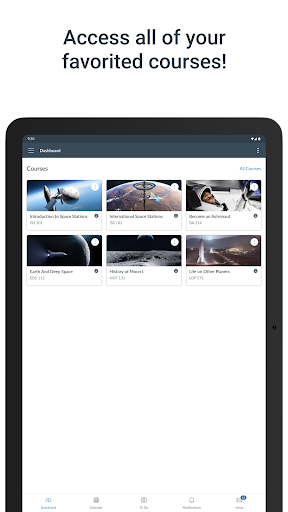
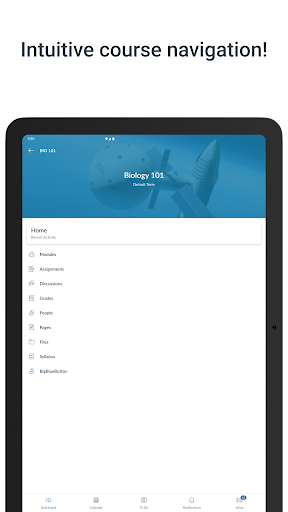
• View grades and course content
• Submit assignments
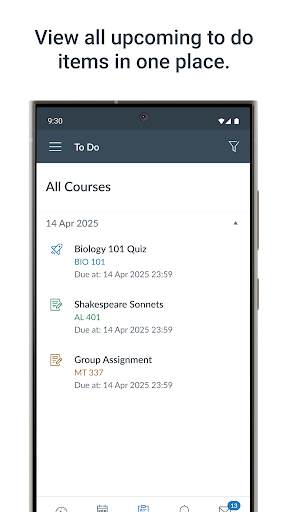
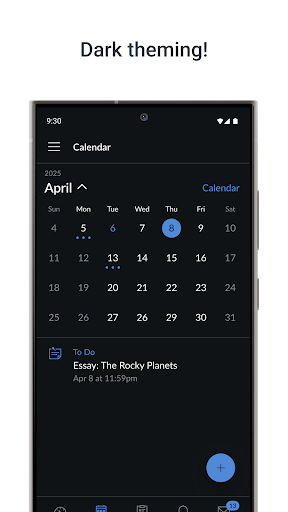
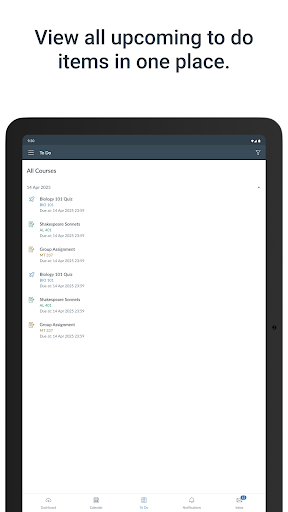
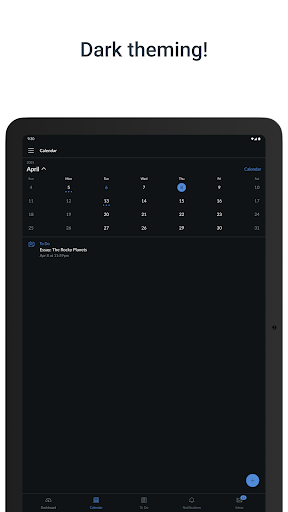
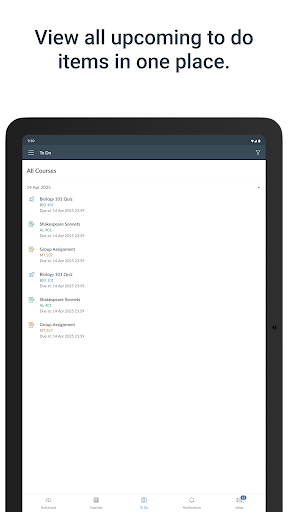
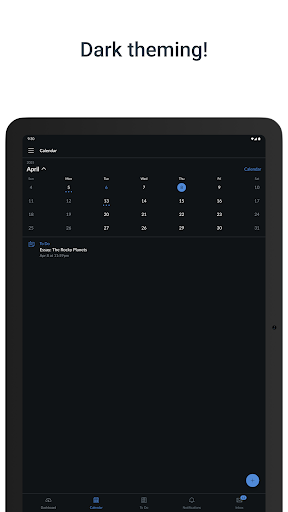
• Keep track of course work with to do list and calendar
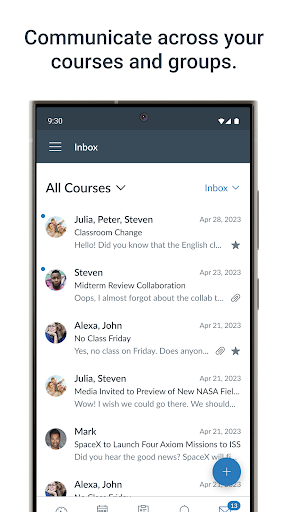
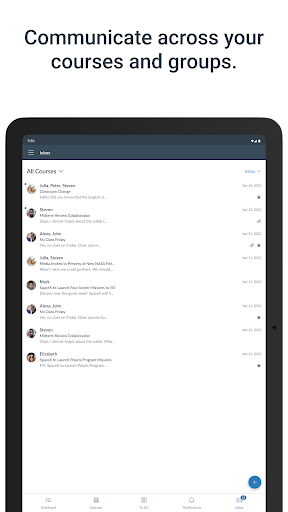
• Send and receive messages
• Post to discussions
• Watch videos
• Take quizzes
• Receive push notifications for new grades and course updates, and much more!
• View grades and course content
• Submit assignments
• Keep track of course work with to do list and calendar
• Send and receive messages
• Post to discussions
• Watch videos
• Take quizzes
• Receive push notifications for new grades and course updates, and much more!
What's New
- Showing discussion checkpoints on Assignment list.
- To-Do list displays items from the past 28 days and the upcoming 28 days.
- Stability improvements.
- Fixed a bug where the application logged out the user after switching users.
- To-Do list displays items from the past 28 days and the upcoming 28 days.
- Stability improvements.
- Fixed a bug where the application logged out the user after switching users.
App Information
Version Name
7.3.0
Version Code
261
File Size
181.1 MB
Minimum OS
Android 9+
Target SDK
Android 33
Developer
Instructure
Contact
Website
Content Rating
Everyone
Package Name
com.instructure.candroidPermissions Required
This app may request the following permissions:
Recent Reviews

Mickey G
1.0★
So... This worked great. Solid, good UI, totally a 5-star app. Then I had the audacity to need it for courses at two schools at once. Instead of, say, keeping me logged in to both and letting me switch with a simple drop-down (like email apps and websites have for over 25 years) it instead logs me out of both after short periods of inactivity--say, the time it takes to read a section and take a short quiz on a publisher's app. 1-star for failing at basic credential management.

Amy Mikolajczyk
3.0★
I'm having a new issue after the update. when I tried to play a video that has an external link it says error has occurred. So instead I try turning my phone so I can see the video on the whole screen but it keeps going to video three of one. even though I'm playing 1. so I hear video one still playing while my view is a play option of the last lesson. it's all of my classes.

Jessica Mensch
1.0★
The new update is horrible. Instead of only having the assignments that are due that week show on the To Do List, it shows every assignment for the rest of the semester. Along with this, I can't even remove the completed assignments from the list, which makes me think I haven't completed the assignment and stresses me out. Please go back to the original version, this one is horrible.

Katherine Mattinson
3.0★
Works better on the computer. Sometimes with the app, the calendar won't load at all, it's just a blank page. I'll close and restart and it continues. I checked for updates, there aren't any. Honestly, too, I think developing a notification system would be a good idea, notifying students when assignments are added or due. EDIT: This review is over a year old and the calendar issue is still a regular thing.

Makayla Lohman
1.0★
I've used Canvas for years. The website is great, the app is borderline useless. The UI is unusable and it's impossible to access anything without receiving the infinite loading screen of death. I use the app purely for push notifications, which only goes so far. An instructor posted an announcement? Cool. I can't read it. Gotta get the laptop.

Ellie Derdich
1.0★
Professors organize things differently in assignments and modules, some things show up in to-do, while others do not. It would be nice to have only modules menu option for the weekly organization, and as a sub heading have assignments for that week. When taking tests it gives a "you are running out of time" pop up, which is not preferable when there is plenty of time left. Having all the questions on one page would be nice during tests.
Ad slot: In-Content