

AirScreen - AirPlay & Cast
com.ionitech.airscreen
by Ionitech
Screenshots















Ad slot: Top Leaderboard
About this app
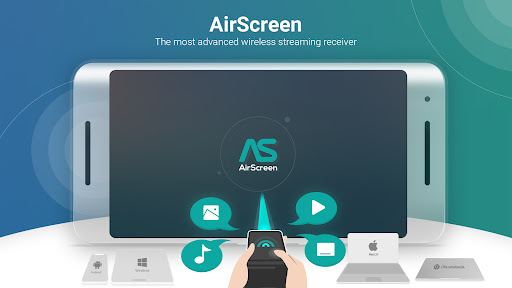
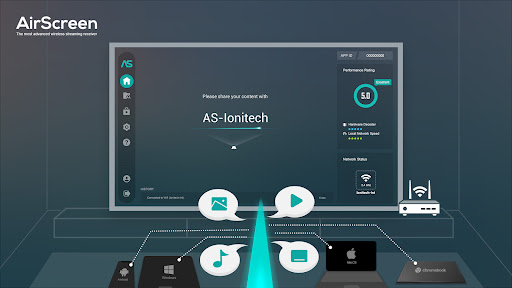
Experience the excitement of sharing and streaming your favorite media content on a larger screen with AirScreen, a top-notch wireless streaming receiver compatible with AirPlay, Cast, Miracast*, and DLNA.
Why pick AirScreen:
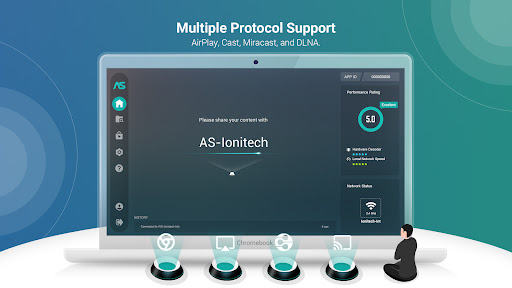
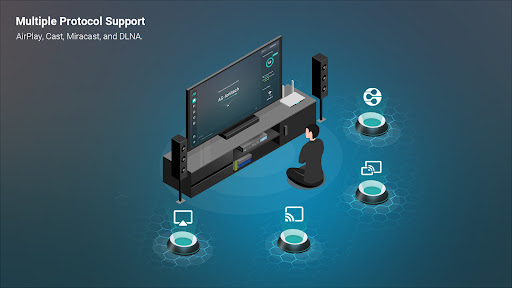
• Multiple Protocol Support: AirScreen supports AirPlay, Cast, Miracast*, and DLNA, making it easy to receive content from your devices without any cables.
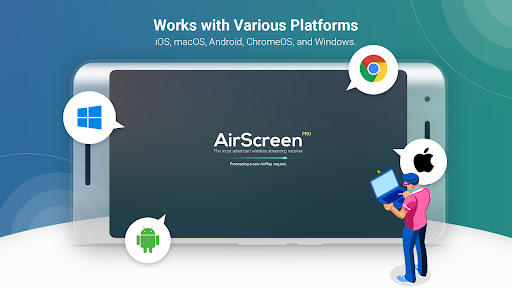
• Works with Various Platforms: Enjoy smooth media sharing across iOS 8-18, macOS 10.5-15, Android 5-15, ChromeOS 63-134, and Windows 7-11 devices.
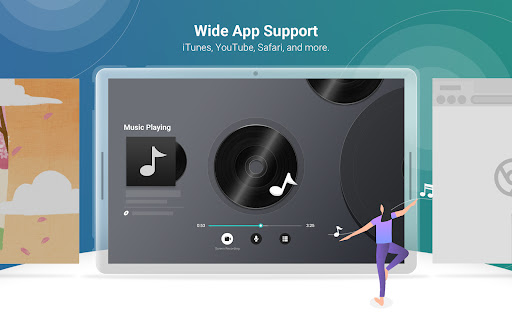
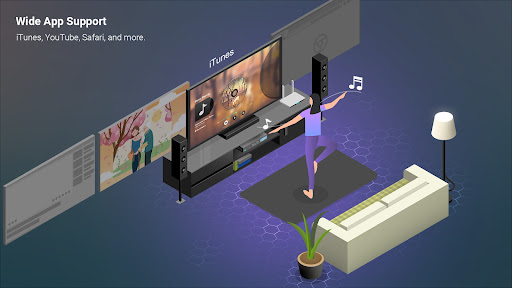
• Wide App Support: Listen to tunes from iTunes, watch videos on YouTube, browse Safari and Chrome webpages, and more. With thousands of compatible apps, AirScreen offers endless entertainment possibilities.
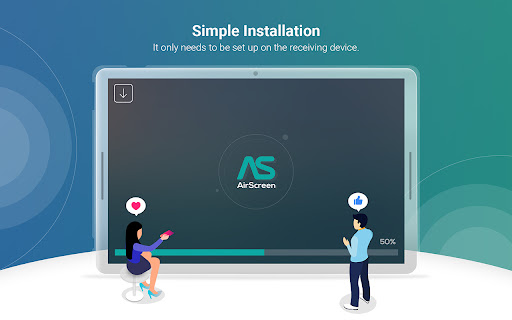
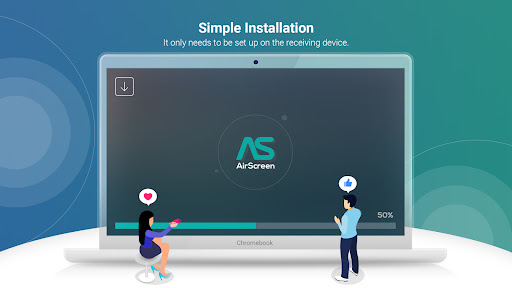
• Simple Installation: Set up AirScreen on the receiving devices only, with no need to install it on the sender devices.
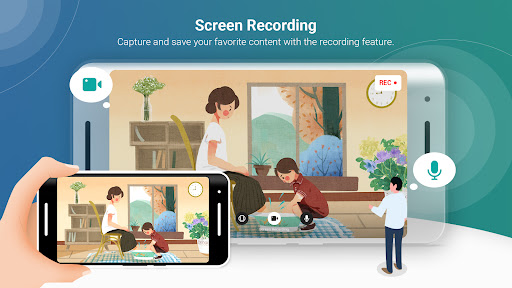
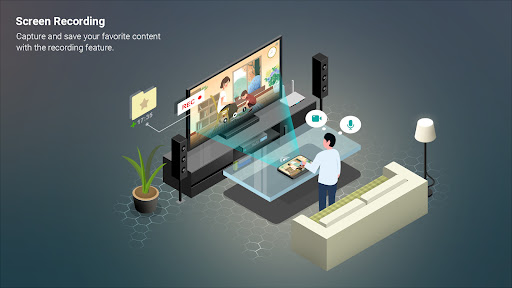
• Screen Recording: Capture and save your favorite content with AirScreen's recording feature.
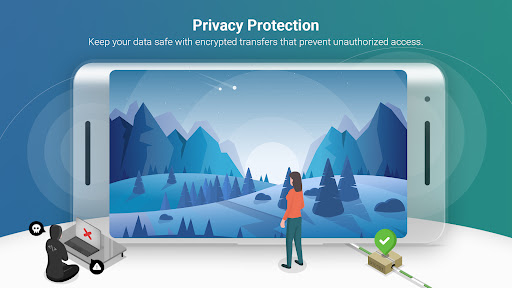
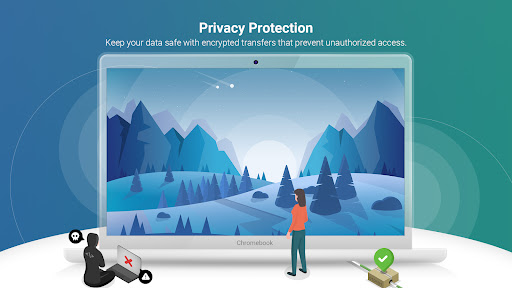
• Privacy Protection: Keep your data safe with encrypted transfers that prevent unauthorized access.
• Extra Perks: Get improved video playback with Video Hardware Acceleration, enjoy crystal-clear 4K Ultra High-Definition resolution, multitask with Background Service Mode, personalize device names, and more.
Upgrade your media sharing experience with AirScreen, the user-friendly wireless streaming receiver perfect for quality time with family and friends.
AirScreen Video Tutorials:
https://www.youtube.com/c/AirScreenApp
We want your feedback! Email your comments, questions, or concerns to [email protected].
* Miracast feature disabled since Android Oreo (8.0).
PLEASE NOTE BEFORE DOWNLOADING: Some Android phones/tablets and Android TV models might not be fully supported by the current version. If you experience glitches, report any issues (including your device model and AirScreen app ID) to [email protected]. We're working hard to make AirScreen available on all devices as soon as possible.
Why pick AirScreen:
• Multiple Protocol Support: AirScreen supports AirPlay, Cast, Miracast*, and DLNA, making it easy to receive content from your devices without any cables.
• Works with Various Platforms: Enjoy smooth media sharing across iOS 8-18, macOS 10.5-15, Android 5-15, ChromeOS 63-134, and Windows 7-11 devices.
• Wide App Support: Listen to tunes from iTunes, watch videos on YouTube, browse Safari and Chrome webpages, and more. With thousands of compatible apps, AirScreen offers endless entertainment possibilities.
• Simple Installation: Set up AirScreen on the receiving devices only, with no need to install it on the sender devices.
• Screen Recording: Capture and save your favorite content with AirScreen's recording feature.
• Privacy Protection: Keep your data safe with encrypted transfers that prevent unauthorized access.
• Extra Perks: Get improved video playback with Video Hardware Acceleration, enjoy crystal-clear 4K Ultra High-Definition resolution, multitask with Background Service Mode, personalize device names, and more.
Upgrade your media sharing experience with AirScreen, the user-friendly wireless streaming receiver perfect for quality time with family and friends.
AirScreen Video Tutorials:
https://www.youtube.com/c/AirScreenApp
We want your feedback! Email your comments, questions, or concerns to [email protected].
* Miracast feature disabled since Android Oreo (8.0).
PLEASE NOTE BEFORE DOWNLOADING: Some Android phones/tablets and Android TV models might not be fully supported by the current version. If you experience glitches, report any issues (including your device model and AirScreen app ID) to [email protected]. We're working hard to make AirScreen available on all devices as soon as possible.
What's New
1. Upgraded the Cast integration rendering engine to version 2.0.
2. Stability and performance improvements.
2. Stability and performance improvements.
App Information
Version Name
2.8.0
Version Code
484
File Size
57.9 MB
Minimum OS
Android 5.0+
Target SDK
Android 33
Developer
Ionitech
Contact
Website
Content Rating
Everyone
Package Name
com.ionitech.airscreenPermissions Required
This app may request the following permissions:
Recent Reviews

Josh Jantz
1.0★
This app serves its purpose, but is unnecessarily difficult to use on a second device when I pay for the service. Living in a family household with multiple phones, I should be able to use the app on multiple phones with no issues. That is not the case, as even AI search results cannot give me clear instructions on how to use the app on a second device while the other one is not present. We live in a time when this is easily resolved; you log into an account to use an app. Why so difficult?

Grey
1.0★
DO NOT PAY FOR THILE MEMBERSHIP!!!! this app is a huge waste of time, energy of money. it gives you about 5 minutes of free cast time then offers you the option to either get a reward and or pay for the subscription, I tried both smfh. paying for the subscription comes with the issue where the accounts cannot be used on another device due to the fact that there are no accounts to even manage a subscription from in the first place, and the reward adds just don't work. you just sit there staring

Alex Ohannes
1.0★
One star for locking basic features behind a subscription. You need to add a 10-20 dollar perpetual license or else you can be safely deemed as "having ill will". Seriously, what led you to think that it was even close to appropriate for an app like this to cost more than 20 bucks ever? The Cast protocol almost never changes. You know that. Maintenence is barely needed on this app, and therefore basically buying it every month (3 bucks in more than most apps) is not appropriate.

Gareth Flandro
1.0★
THIS IS NOT A FREE APP. Movies CANNOT be streamed from Apple products to a TV or other device because of deals that Apple made with movie producers. Only a grey screen is displayed. There are also awful ads, some of which cannot be closed. ON TOP OF THAT, you can't stream for more than ~10 minutes without paying a premium subscription for $13.00 a year. Without paying them, I don't even know what I would use this for.

David
4.0★
I use this app on my FireTV to stream my Oculus Quest headset to my TV. It works extremely well. Just make sure it's on the same network (IP address probably should be X.X.X.Y, where only Y can be different). I have only one issue with it. I would pay up to 15 dollars for this app on FireTV. But I will not pay a subscription fee. To the developer(s): great job on the app. It's excellent for what I do. Please think about how much money you could make by offering it for a one-time fee. I think many users would agree that paying a subscription is something we do rarely, and for things which give us new content every month or year (think Netflix, Hulu, Prime, etc.). It's not for things that were developed and require maintenance (apps like this). As a software engineer, I can respect and appreciate the amount of work this app required to develop, but I think everyone would be happier not paying for it on a monthly basis. I will continue to use the free version on FireTV, until I see it priced as a one-time purchase. Once again, great app. I use it almost every day now for streaming my Quest with my girlfriend. I haven't tried using it for other purposes. It is easy to start, easy to use, and works seamlessly.

Chyna Miranda
1.0★
I pay for a monthly subscription and casting will only work a third of the time. No matter how many different apps I try from, the air screen app will not acknowledge a cast request except for every once in a while. Google has brought no solutions, neither has resetting and reopening the TV, the app, my phone, and my wifi. Still only works when it decides to.
Ad slot: In-Content