

iRobot Home (Classic)
com.irobot.home
by iRobot
Screenshots
Ad slot: Top Leaderboard
About this app
The classic iRobot Home App is compatible with older Roomba®, Braava® and Klaara™ products, including Roomba® or Roomba Combo® e, i, s, m, j, Essential, Essential 2, and 10 Max series robots. For other Roomba® models, please download the Roomba® Home app.
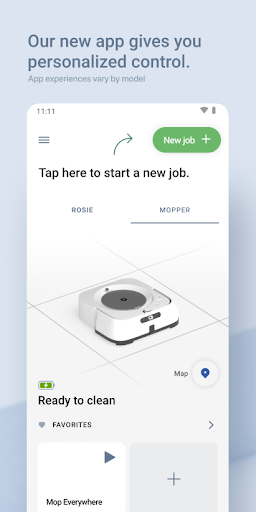
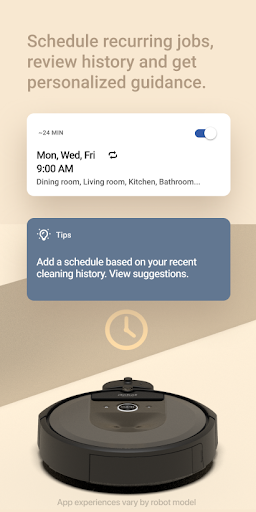
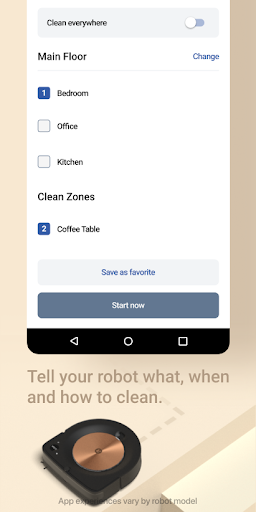
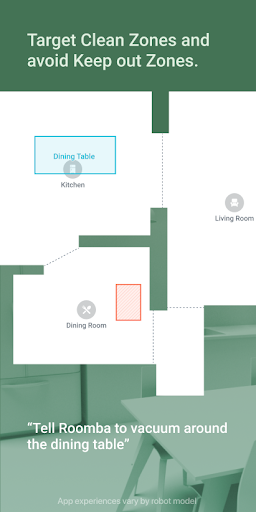
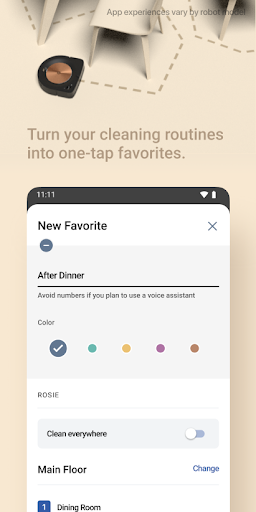
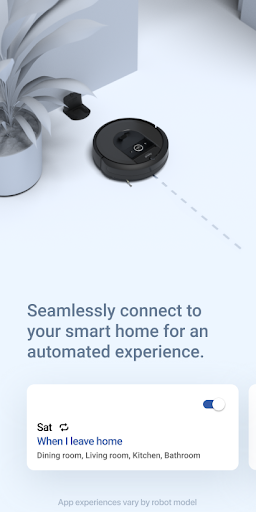
Take control of cleaning your home with the classic iRobot Home app. The easy-to-use app offers enhanced maps, room, zone and object-specific cleaning, customized scheduling, personalized cleaning suggestions, and simple smart home integrations with Alexa, Siri, and Google Assistant-enabled devices*, all designed to make sure you get the most out of your iRobot floor cleaning robots. Feature availability varies by model.
*Works with Alexa, Siri, and Google Assistant-enabled devices. Alexa and all related logos are trademarks of Amazon.com or its affiliates. Google and Google Home are trademarks of Google LLC. Siri is a registered trademark of Apple Inc., registered in the U.S. and other countries and regions.
Take control of cleaning your home with the classic iRobot Home app. The easy-to-use app offers enhanced maps, room, zone and object-specific cleaning, customized scheduling, personalized cleaning suggestions, and simple smart home integrations with Alexa, Siri, and Google Assistant-enabled devices*, all designed to make sure you get the most out of your iRobot floor cleaning robots. Feature availability varies by model.
*Works with Alexa, Siri, and Google Assistant-enabled devices. Alexa and all related logos are trademarks of Amazon.com or its affiliates. Google and Google Home are trademarks of Google LLC. Siri is a registered trademark of Apple Inc., registered in the U.S. and other countries and regions.
What's New
- Bug fixes and improvements
App Information
Version Name
7.13.1
Version Code
1607130101
File Size
468.4 MB
Min SDK
Android 28+
Target SDK
Android 34
Developer
iRobot
Contact
Website
Content Rating
Everyone
Package Name
com.irobot.homePermissions Required
This app may request the following permissions:
Recent Reviews

J. R. Frost
4.0★
The device works well, even goes places i didn't think it could. The control through the app is straightforward and easily navigated. Scheduling is simple and the interface walks you through the tasks well. The app shows where it went, I just wish I could edit the map and mark out rooms. I could on another app from this company, and it was nice to be able to tell it where to go and not go. But that's my only additional want.

Vonyetta Nickerson Campbell
1.0★
You guys need to get it together! I cringe at the thought of going into this app.I just got a new email address, same account number but for some reason the app does not recognize my password. Reset as instructed three times because each time it read; SUCCESS; wrong it is not recognizing my password even after the reset. Always been a problem for your app. We need to upgrade our robot vac, but we are switching brands and it will not be one of your vacuums. Signed sick and tired!🤨😒

Ben Hornbeck
2.0★
I had mine bought specifically with animal hair in mind. It does ok at sweeping, it might as well be a door stop when it comes to carpet. I've tried anti-static spray, too. It seems to lose connection a lot, and I write this review after I told it to run, and it stopped mid-process, and didn't register that it made an attempt at all, so, much more difficult to find out the problem. For the price, and the hype of all the work it would save me, I don't have to sweep my hardfloors as much, I guess.

christina demello
2.0★
It seems to me that I'm spending more time reconnecting my roomba to my wifi and waiting for it to charge again than I am actually using it. It's very difficult to use if it's always offline and or charging. We've had it for about 6 months now and it's never actually mapped our home due to what was mentioned above. There is really nowhere else to place the dock besides the kitchen. The router is in the dining area. They're about 20 feet apart

L Z
1.0★
Used to be so great. Now my wife and I can't have separate accounts. There is no option to re-map the main floor. Or it doesn't activate. Also the entire Customer Support access is within the app itself--no way to save or bookmark a page. Also, the Chat with a specialist button doesn't do anything when you click it. Our Roomba i7+ used to have the rooms marked perfectly..now it goes into different rooms when it's not supposed to. There is no re-mapping option!

Summer M
1.0★
I don't run my roomba often but it seems every time I do, it requires an update. Fine whatever. However after updating it tonight, it keeps saying it can't connect. What is the point in spending so much money on these things if they refuse to work. The roomba is fully charged and if I take it off the base, it can successfully return when I press its home button. So my conclusion is the app is the problem.
Ad slot: In-Content