
TextArt: Cool Text creator
com.jdpapps.textt1
by Quarzo Apps
Screenshots

Ad slot: Top Leaderboard
About this app
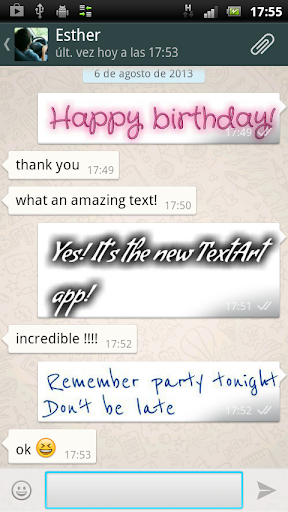
TextArt allows you to create incredible text effects, easily and quickly, and share it with your favorite chat app: Twitter, WhatsApp, Line, Talk, WeChat, ChatON, Telegram, or any other chat application.
Amaze all your contacts !!!
NOTE: TextArt is sent as an optimized image (.jpg compressed or .png). Size in pixels of the resulting images is shown.
USE
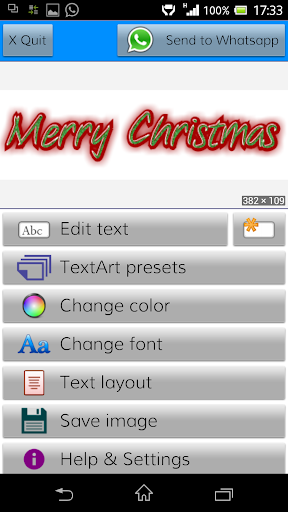
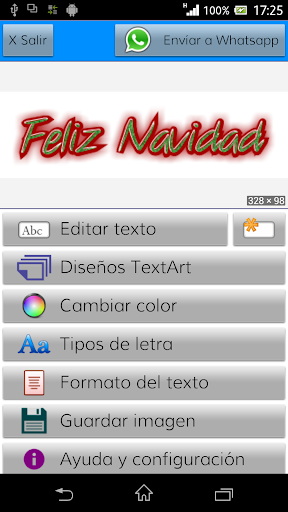
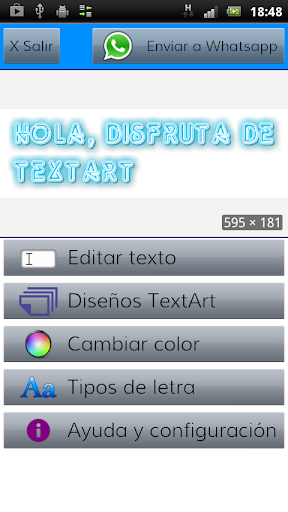
○ Step 1: Enter the text to send. Use the [Edit Text] button or just double-click the preview area.
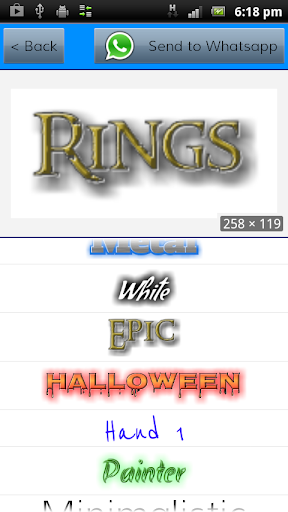
○ Step 2: Select the preset/design that you like.
○ Step 3: Customize the design by changing the font from those available.
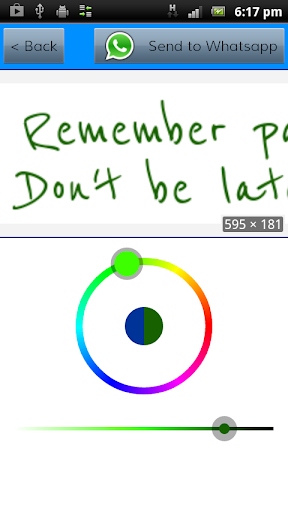
○ Step 4: Change the color of the new design (text and background).
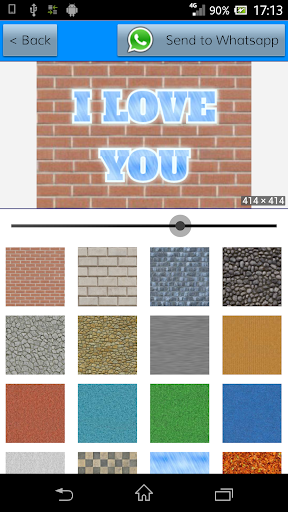
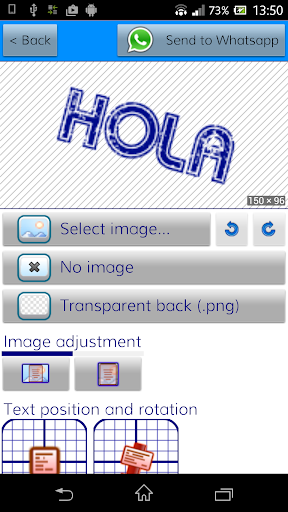
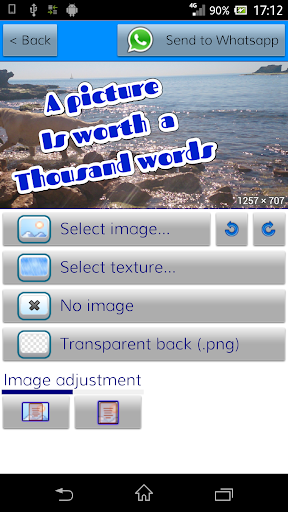
○ Step 5: Set a cool background (built-in textures, solid color, or a custom image)
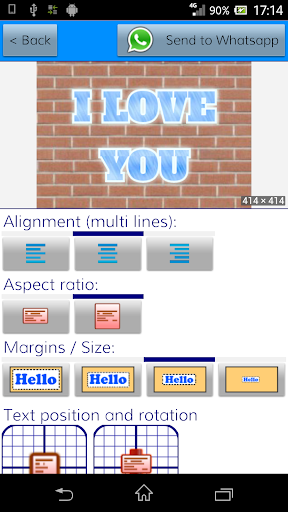
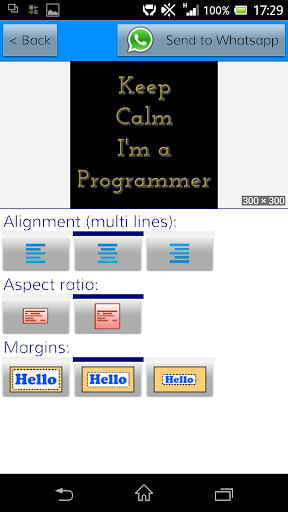
○ Step 6: Change other layout settings: margins, aspect ratio, alignment,...
At any time you can share with your contacts. It will be shared as an image picture.
TIPS AND TRICKS
✔ The preview image allows you to zoom / pan using pinch / drag.
✔ Double-click on the preview image to edit the text
✔ From the settings you can change the configuration of the break-lines and the size of the resulting images.
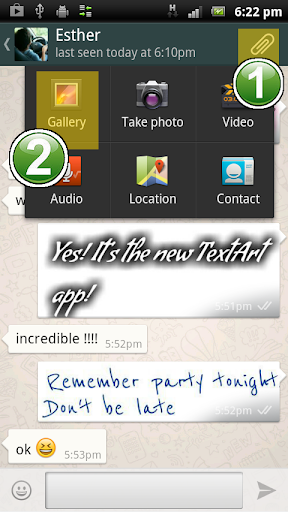
✔ From your favorite chat program, click on the "clip" to attach files, select TextArt and quickly send that creative text to impress your contacts.
✔ Now you can create square images to fit in the profile photo of your favourite chat app: Twitter, Whatsapp, Instagram, ChatON,...
✔ You can create transparent background images.
✔ Tiled back textures available (+35).
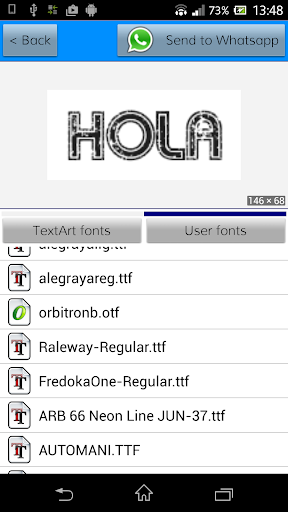
✔ In addition to the 37 fonts provided you can add custom fonts (.ttf and .otf files).
CUSTOM FONTS
You must create a folder named \fonts\ inside the existing folder \TextArt\ located in your internal memory or external SD. There you must place all the typeface files.
Supported the .ttf and .otf formats.
LEGAL NOTE:
This application complies with the policies of Google Play content.
This app is created just for the purpose of entertainment, its free and supported only by advertising.
Permissions required :
- INTERNET : To access the advertising banners (Google AdMob)
- EXTERNAL MEMORY SD : Used to save and share the images created. Images are saved in the [TextArt] folder of the external memory.
Fonts used:
All fonts used in the app comply the following open license: SIL OPEN FONT LICENSE Version 1.1.
If the owner of any of the fonts included en the application wants to remove it, just send us an e-mail and we will do it as soon as possible.
★★★★★
Enjoy!
For any comments or suggestions, please send an e-mail to:
[email protected]
@jdpapps
Amaze all your contacts !!!
NOTE: TextArt is sent as an optimized image (.jpg compressed or .png). Size in pixels of the resulting images is shown.
USE
○ Step 1: Enter the text to send. Use the [Edit Text] button or just double-click the preview area.
○ Step 2: Select the preset/design that you like.
○ Step 3: Customize the design by changing the font from those available.
○ Step 4: Change the color of the new design (text and background).
○ Step 5: Set a cool background (built-in textures, solid color, or a custom image)
○ Step 6: Change other layout settings: margins, aspect ratio, alignment,...
At any time you can share with your contacts. It will be shared as an image picture.
TIPS AND TRICKS
✔ The preview image allows you to zoom / pan using pinch / drag.
✔ Double-click on the preview image to edit the text
✔ From the settings you can change the configuration of the break-lines and the size of the resulting images.
✔ From your favorite chat program, click on the "clip" to attach files, select TextArt and quickly send that creative text to impress your contacts.
✔ Now you can create square images to fit in the profile photo of your favourite chat app: Twitter, Whatsapp, Instagram, ChatON,...
✔ You can create transparent background images.
✔ Tiled back textures available (+35).
✔ In addition to the 37 fonts provided you can add custom fonts (.ttf and .otf files).
CUSTOM FONTS
You must create a folder named \fonts\ inside the existing folder \TextArt\ located in your internal memory or external SD. There you must place all the typeface files.
Supported the .ttf and .otf formats.
LEGAL NOTE:
This application complies with the policies of Google Play content.
This app is created just for the purpose of entertainment, its free and supported only by advertising.
Permissions required :
- INTERNET : To access the advertising banners (Google AdMob)
- EXTERNAL MEMORY SD : Used to save and share the images created. Images are saved in the [TextArt] folder of the external memory.
Fonts used:
All fonts used in the app comply the following open license: SIL OPEN FONT LICENSE Version 1.1.
If the owner of any of the fonts included en the application wants to remove it, just send us an e-mail and we will do it as soon as possible.
★★★★★
Enjoy!
For any comments or suggestions, please send an e-mail to:
[email protected]
@jdpapps
What's New
◉ Support for new Android devices.
◉ Increased resolution.
◉ Bugfixes.
◉ Increased resolution.
◉ Bugfixes.
App Information
Version Name
1.3.0
Version Code
130
File Size
9.7 MB
Minimum OS
Android 6.0+
Target SDK
Android 34
Developer
Quarzo Apps
Contact
Website
Content Rating
Everyone
Package Name
com.jdpapps.textt1Permissions Required
This app may request the following permissions:
Recent Reviews

Timothy Harvey
1.0★
Was going to give 5 stars, then 3 hrs of work was GONE. Tried this on mobile phone so it was understandably a bit tricky. I've worked graphics design on computers for 20+ years so I was quick to pick things up. Some directions were a bit confusing but I found most solutions on own. After working 3 hours straight (til2:30AM) on a project to surprise someone, I saved my progress and laid phone down beside me. Rubbed my eyes a bit and when I look over at phone, I saw it was GONE.

Ena Alexander
1.0★
It doesn't make any sense. You select a background it populate very small. Kept trying to select text or color and nothing happened

Phoenix Harmonii
5.0★
This is a Good App, but the Color Effects seem to turn off, and on at times,for the Background and the Fonts.

Eileen Mathews
1.0★
Ok,i dont know what happened to this app sense 2018, but when i had it then the pd version i could text and have the full picture with the text on it as my end result,and saved to my phone, now i have reinstalled the app pd for it again, and can't even get a full picture result wth people put it back the way it was, without full picture, it's no longer worth it,sorry i pd for the full version now, what a let down.

A Google user
5.0★
Great, but low dpi. SAVES TRANSPARENCY, WHEN CREATING JUST TEXT!!! Perfect for importing the text onto Gallery images via PicsArt, etc, where pic transparencies ARE saved!!!!!😁 A KEEPER, if not just for that TERRIFIC, perk of creating text which holds its transparency when exporting.💖😋 Very few other text apps offer this feature. A keeper. Fabulous for graphics artists.

Trent Kuver (Dugal Karduth)
2.0★
It used to be better. What the hell happened to the physical folder on Android phones? There used to be a folder where you can add the user fonts, but not now. Instead of a populated list, I have to browse through my phone to find the font, time consuming BS. I'm switching to Phonto
Ad slot: In-Content