

LastPass Password Manager
com.lastpass.lpandroid
by LastPass US LP
Screenshots
Ad slot: Top Leaderboard
About this app
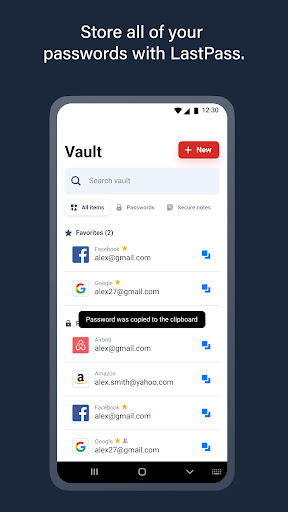
LastPass is a password manager that secures your passwords and personal information in an encrypted vault. As you visit apps and sites, LastPass autofills your login credentials. From your LastPass vault, you can store passwords and logins, create online shopping profiles, generate strong passwords, track personal information securely in notes, and more. All you have to do is remember your LastPass master password, and LastPass will autofill web browser and app logins for you.
Stop getting locked out of your online accounts or struggling with frustrating password resets. Let LastPass remember your passwords for you and keep you safe online.
NEW TO LASTPASS?
Download LastPass now and get the protection you need for your online information.
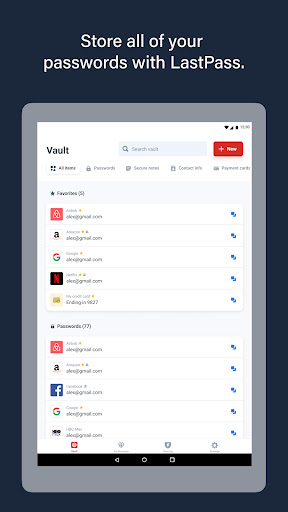
• Store usernames and passwords for all your online accounts securely in your LastPass encrypted vault.
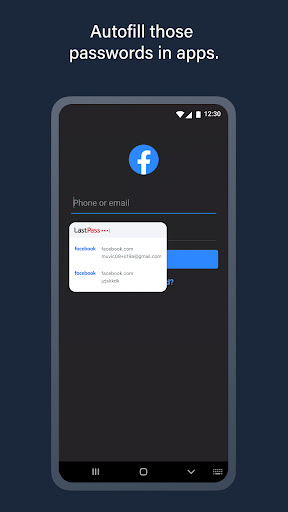
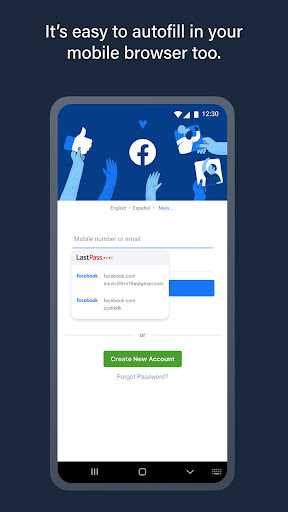
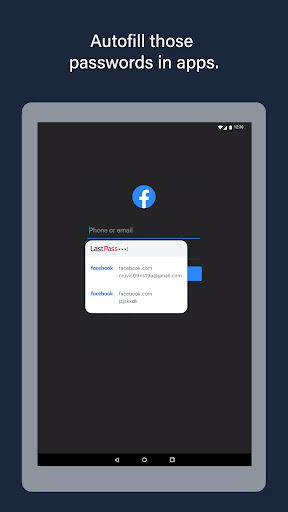
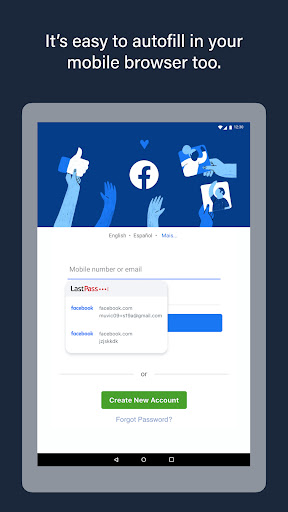
• Autofill your usernames and passwords in apps and websites. Simply launch your apps or navigate to a sign-in page and LastPass will fill in your credentials.
• For Android Oreo and future OS releases, automatically save usernames and passwords to your vault as you visit each site and app.
• Never forget a password again. Only remember your LastPass master password and LastPass secures the rest.
• With automatic device sync, anything you save on one device is instantly available on other devices.
• Securely store information like credit card numbers, health insurance cards, and notes in the encrypted vault.
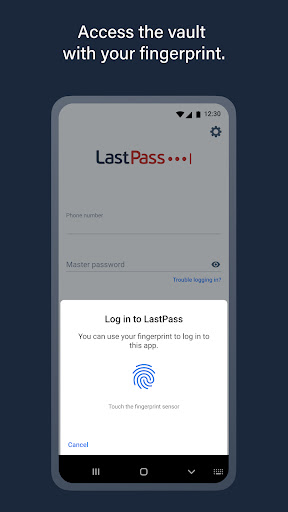
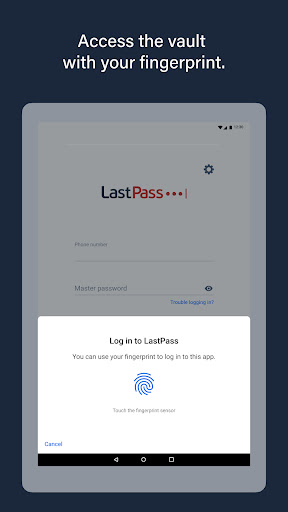
• Log in with your fingerprint or face for simple, secure access to everything in LastPass.
• Safely and conveniently share passwords with others, such as the cable login or Wi-Fi password.
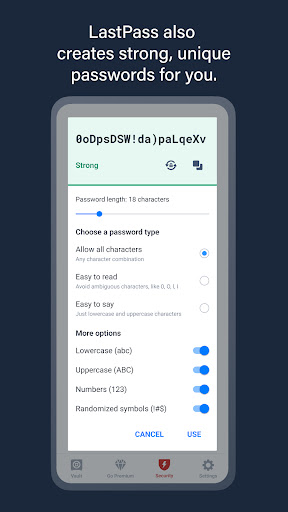
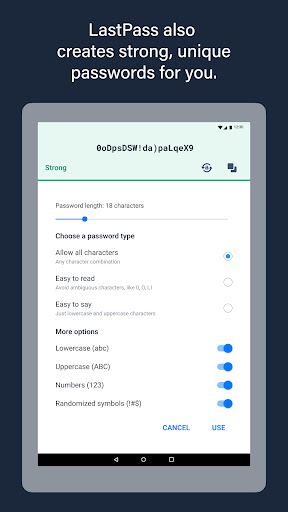
• Create secure passwords in one click with the built-in password generator.
• Multi-factor authentication (MFA) secures your password vault to add a second layer of protection to your account.
LastPass never has the key to your encrypted data, so your information is available to you, and only you. Your vault is encrypted with bank-level, AES 256-bit encryption.
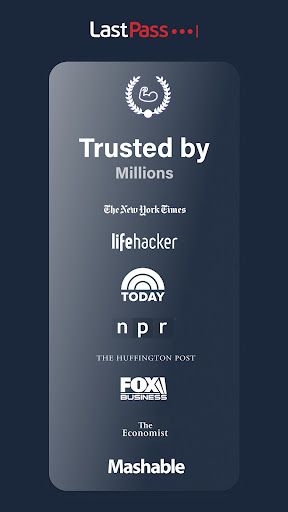
Trusted by Millions
• Trusted by 30+ million users and 85,000+ businesses
• LastPass has been highlighted in PCWorld, Inc., PCMag, ITProPortal, LaptopMag, TechRadar, U.S. News & World Report, NPR, TODAY, TechCrunch, CIO, and more!
Get more with LastPass Premium:
LastPass offers a free 30-day trial of our Premium solution. With our LastPass Premium and Families, you will benefit from:
• Unlimited device type access from any operating system
• Unlimited sharing of passwords, items, and notes
• 1GB encrypted file storage
• Premium multi-factor authentication (MFA), like YubiKey
• Emergency access
• Personal support
USE OF ACCESSIBILITY
LastPass uses Android Accessibility to ensure a smooth experience filling logins across apps and websites on browsers and older versions of Android that don't support Android's Autofill feature.
Terms of service: https://www.lastpass.com/legal-center/terms-of-service/
Download LastPass today for simple, secure access to your passwords!
Give us feedback
Keep the feedback coming! Join the conversation by providing feedback, giving product suggestions, or asking questions in our online community: https://support.lastpass.com/s/community
Stop getting locked out of your online accounts or struggling with frustrating password resets. Let LastPass remember your passwords for you and keep you safe online.
NEW TO LASTPASS?
Download LastPass now and get the protection you need for your online information.
• Store usernames and passwords for all your online accounts securely in your LastPass encrypted vault.
• Autofill your usernames and passwords in apps and websites. Simply launch your apps or navigate to a sign-in page and LastPass will fill in your credentials.
• For Android Oreo and future OS releases, automatically save usernames and passwords to your vault as you visit each site and app.
• Never forget a password again. Only remember your LastPass master password and LastPass secures the rest.
• With automatic device sync, anything you save on one device is instantly available on other devices.
• Securely store information like credit card numbers, health insurance cards, and notes in the encrypted vault.
• Log in with your fingerprint or face for simple, secure access to everything in LastPass.
• Safely and conveniently share passwords with others, such as the cable login or Wi-Fi password.
• Create secure passwords in one click with the built-in password generator.
• Multi-factor authentication (MFA) secures your password vault to add a second layer of protection to your account.
LastPass never has the key to your encrypted data, so your information is available to you, and only you. Your vault is encrypted with bank-level, AES 256-bit encryption.
Trusted by Millions
• Trusted by 30+ million users and 85,000+ businesses
• LastPass has been highlighted in PCWorld, Inc., PCMag, ITProPortal, LaptopMag, TechRadar, U.S. News & World Report, NPR, TODAY, TechCrunch, CIO, and more!
Get more with LastPass Premium:
LastPass offers a free 30-day trial of our Premium solution. With our LastPass Premium and Families, you will benefit from:
• Unlimited device type access from any operating system
• Unlimited sharing of passwords, items, and notes
• 1GB encrypted file storage
• Premium multi-factor authentication (MFA), like YubiKey
• Emergency access
• Personal support
USE OF ACCESSIBILITY
LastPass uses Android Accessibility to ensure a smooth experience filling logins across apps and websites on browsers and older versions of Android that don't support Android's Autofill feature.
Terms of service: https://www.lastpass.com/legal-center/terms-of-service/
Download LastPass today for simple, secure access to your passwords!
Give us feedback
Keep the feedback coming! Join the conversation by providing feedback, giving product suggestions, or asking questions in our online community: https://support.lastpass.com/s/community
What's New
You'll have a more reliable experience thanks to various minor bug fixes.
App Information
Version Name
6.6.0.6952
Version Code
540006952
File Size
35.1 MB
Minimum OS
Android 12+
Target SDK
Android 34
Developer
LastPass US LP
Contact
Website
Content Rating
Everyone
Package Name
com.lastpass.lpandroidPermissions Required
This app may request the following permissions:
Recent Reviews

Chris St.Peters
2.0★
I've been a user for a LONG time. This app is absolute garbage now. It doesn't autofill correctly most of the time and I have to open the app, copy my password, and then fill my info manually. Sometimes it attempts to autofill but requires 2 or more logins in a row before it actually fills the password. It has been going downhill with every version of Android. I'm working on setting up an alternative and dropping this app now. I'm done.

Jesse Rock
1.0★
Something has happened, and it's not good. I have this configured as my default password autofill application and it will not autofill in Chrome. It intermittently pops up with the account that I want to use and then even so, it doesn't actually fill the fields. most of the time I need to copy and paste both my username and password going back and forth between the app and the form that I am trying to autofill my password with. If it doesn't work, why am I paying for it? Please fix the issue.

Dennis D.
4.0★
I'm happy with the app about 80% of the time, but it doesn't always work for the remaining 20%. Its restrictions within my banking, health sites & others are quite bothersome. It is the reason why I purchased the app to begin with! I usually have to pause the product for the duration of access to those online sites. Often, using my Android phone, the app doesn't show up for me to easily provide the userid/pw. I have to copy/ paste them from the vault.

Christiana Ferris
2.0★
Whatever new update has completely screwed Android users. I have updated the LastPass app, ensured it's the preferred autofill service in my Android settings, and verified that autofill is enabled within the LastPass app's settings. It shows the options I have available for login credentials, but it doesn't matter what I do, it will not fill in the info, clicking account needed doesn't do anything. I have to enter the info by hand. I'm about to switch to Google password manager.

Chad Copeland
2.0★
It used to be great, but it's gradually been getting worse over time. Often doesn't pop up on login forms, but sometimes will if I switch apps and come back. It shows up on the form inputs but will also pop up another box at the top, and depending on which one I try, it may or may not make me put my fingerprint in twice to complete the full-in. Signing into the LastPass app itself, it almost always loads to a black screen, and I have to close it and come back to see my account list.

Della Delaney
5.0★
I love LastPass. I've been using for over a decade and it makes it so easy to keep track of all my various passwords, accounts, cards, and more! I've even set it up and used it for my workplace. LastPass uses extensive security features to keep your data safe, and is prompt to inform you of any updates or pertinent information regarding your account. And their free version does everything a standard user could need. I highly recommend LastPass to everyone!
Ad slot: In-Content