

Lenovo
com.lenovo.serviceit
by Lenovo Inc.
Screenshots
Ad slot: Top Leaderboard
About this app
For Android 5.0 and above.
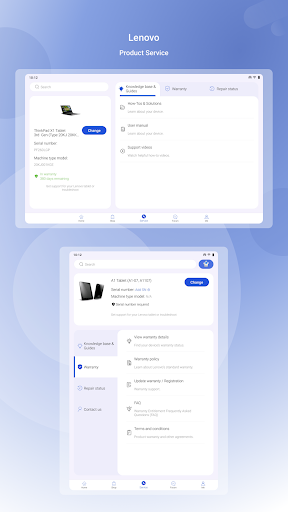
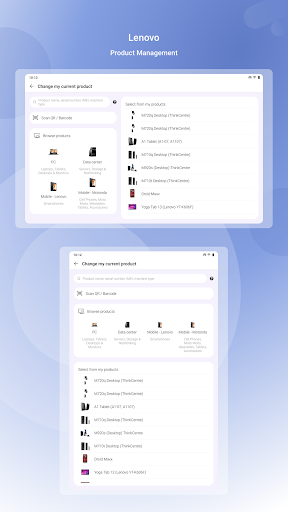
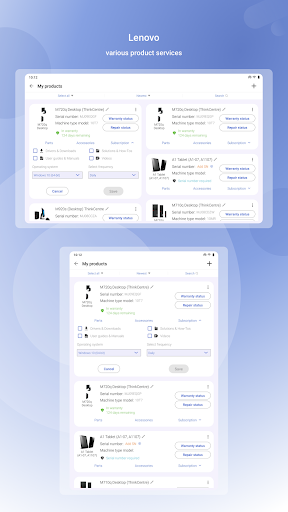
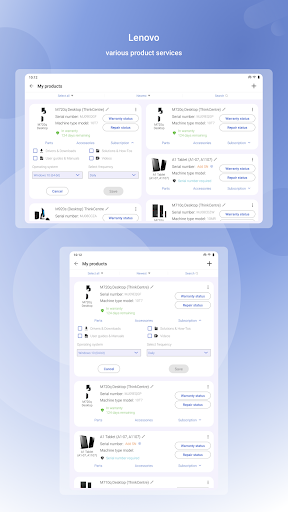
Find support for your Lenovo PC, tablet, smartphone, data center, and other Lenovo and Motorola devices. Quickly find solutions, view your warranty status and device information, optimize your phone, find your nearest service provider, check your repair status, and more.
Your ‘One-Stop’ Lenovo app
Lenovo Help can be installed on any Android-based device. You can even use our diagnostics and optimized features to troubleshoot issues with most of your Android devices, regardless of brand.
What’s New
• Have access to Lenovo product shop and services, all in one place
• Reorganize original Lenovo Support features
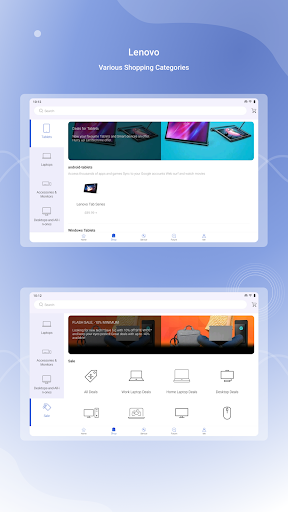
• Add a new 'Shop' section allowing users to explore, search, and purchase Lenovo products
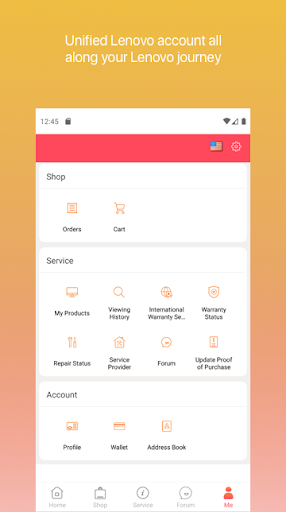
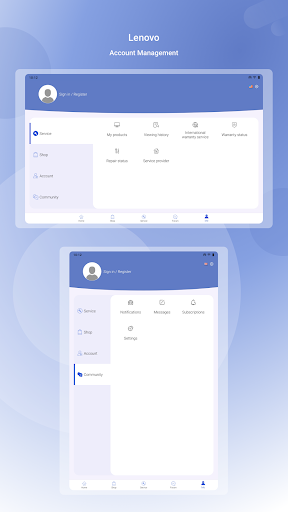
• Integrate a unified Lenovo account in the new 'Me' section
• Update new UI
Service
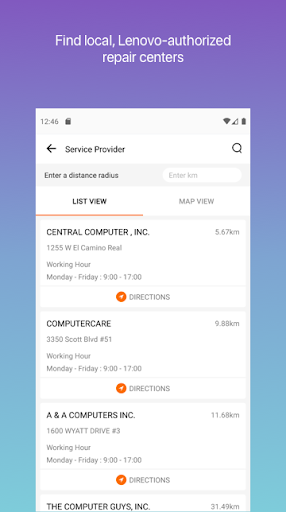
• Need repair? Use our Service Provider Lookup feature to find your nearest service provider’s contact information, as well as location information via Google Maps. Then use the app to open a service ticket (select countries and products).
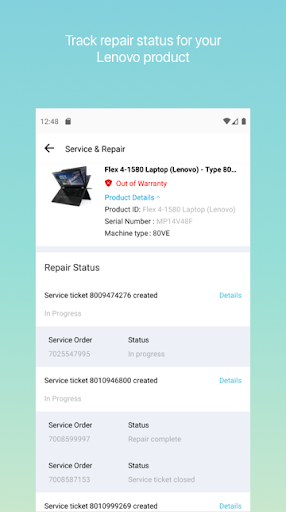
• Check the status of your repair (select countries, PC products only).
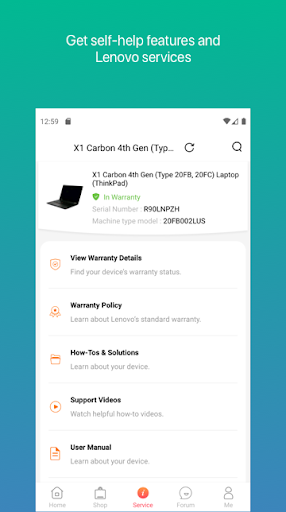
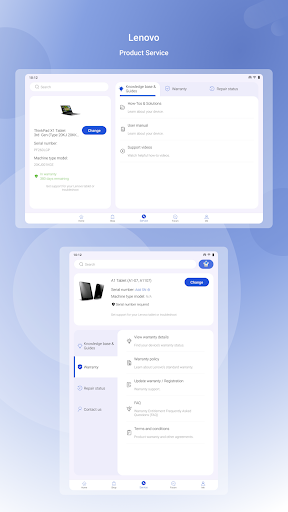
• Check your device’s warranty status and update your warranty end date by scanning proof of purchase documentation and submitting to our agents (select countries and products).
• Chat with one of our knowledgeable agents from within the app (Lenovo smartphones in India only).
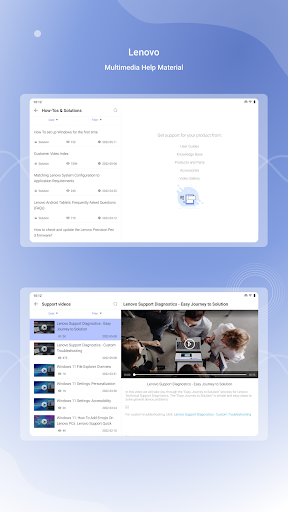
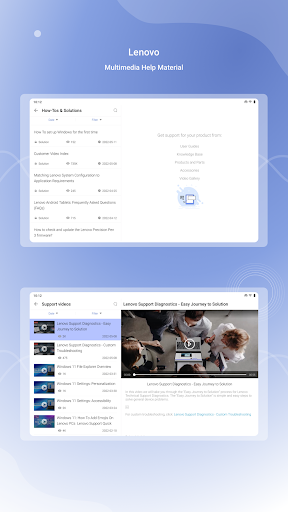
• Find solution articles and videos to help you use your device more effectively and troubleshoot problems. Provide feedback directly to Lenovo about the article’s effectiveness.
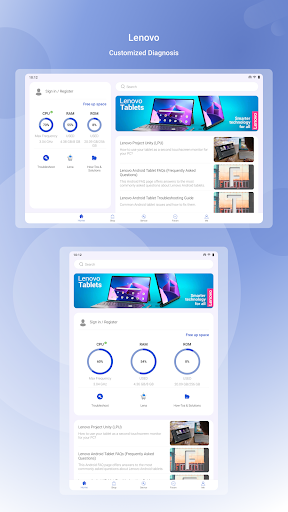
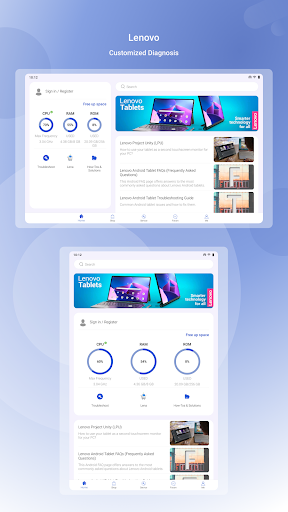
• Having an issue with your Android smartphone or tablet? Run simple or game self-diagnostics on each component to help you identify the problem. Test your display, battery health and temperature, touch screen, sound, cameras, Wi-Fi, GPS, Bluetooth, and more. Works on any Android device! Game tests are available on speaker and microphone tests only
• View important information about your Android smartphone or tablet, such as CPU, RAM, and storage usage, model and IMEI information, and software statistics.
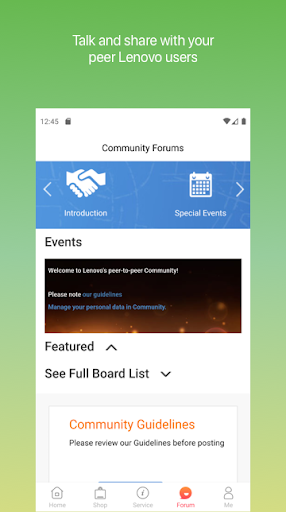
• Access Lenovo’s Support website and Community Forums within the app.
Shop
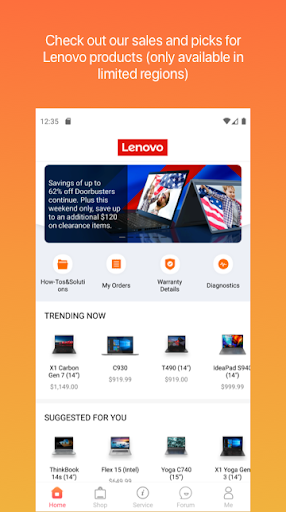
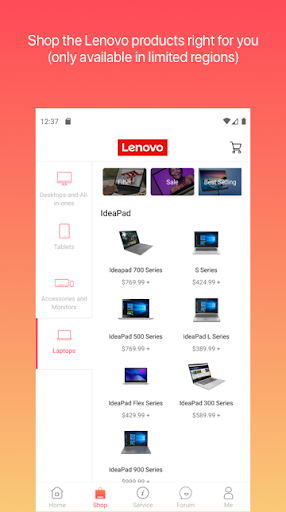
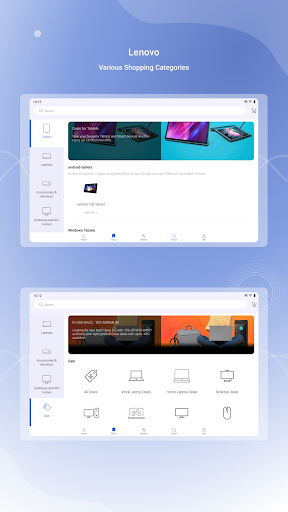
• Now you can explore, search, and purchase Lenovo products in your app!
• Check our picks of Lenovo products and special campaigns
• Explore all Lenovo products by categories, brands and series
• Filter and sort by product specs to easily find exactly the product you need
• Browse a list of bestsellers and sales
• The shopping feature is only available in limited countries and regions. We're now working hard to expand it to more regions
My Account
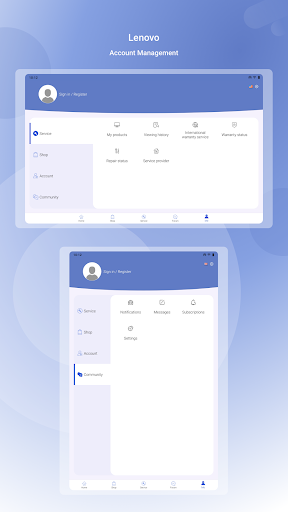
• Log in with Lenovo ID to access your unified Lenovo account
• Your history orders and shopping cart
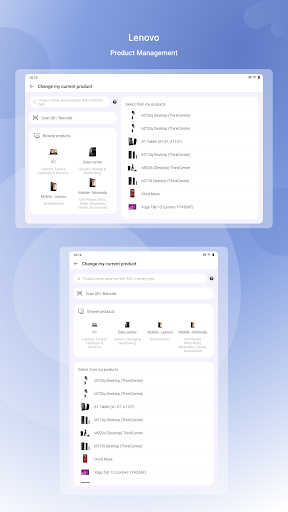
• Your saved products from Lenovo’s Support website.
• Manage your Lenovo profile, wallet, and address book
We welcome your feedback about our app!
Please use the "About" option in the main menu of the app or leave us a comment here to let us know what you think.
NOTE: We cannot respond to product support requests or product complaints through Google Play comments or our in-app surveys.
Permissions requested by Lenovo Help
• Phone: Identify your Lenovo device’s Serial Number and IMEI. The app will never make phone calls.
• Your location: Set your location to get relevant service options, run diagnostics on your GPS sensor, and find your nearest service provider.
• Camera: Run diagnostics on your camera(s).
• Microphone: Run diagnostics on your microphone.
• Storage: Cache solution article images locally on your device for faster retrieval.
Find support for your Lenovo PC, tablet, smartphone, data center, and other Lenovo and Motorola devices. Quickly find solutions, view your warranty status and device information, optimize your phone, find your nearest service provider, check your repair status, and more.
Your ‘One-Stop’ Lenovo app
Lenovo Help can be installed on any Android-based device. You can even use our diagnostics and optimized features to troubleshoot issues with most of your Android devices, regardless of brand.
What’s New
• Have access to Lenovo product shop and services, all in one place
• Reorganize original Lenovo Support features
• Add a new 'Shop' section allowing users to explore, search, and purchase Lenovo products
• Integrate a unified Lenovo account in the new 'Me' section
• Update new UI
Service
• Need repair? Use our Service Provider Lookup feature to find your nearest service provider’s contact information, as well as location information via Google Maps. Then use the app to open a service ticket (select countries and products).
• Check the status of your repair (select countries, PC products only).
• Check your device’s warranty status and update your warranty end date by scanning proof of purchase documentation and submitting to our agents (select countries and products).
• Chat with one of our knowledgeable agents from within the app (Lenovo smartphones in India only).
• Find solution articles and videos to help you use your device more effectively and troubleshoot problems. Provide feedback directly to Lenovo about the article’s effectiveness.
• Having an issue with your Android smartphone or tablet? Run simple or game self-diagnostics on each component to help you identify the problem. Test your display, battery health and temperature, touch screen, sound, cameras, Wi-Fi, GPS, Bluetooth, and more. Works on any Android device! Game tests are available on speaker and microphone tests only
• View important information about your Android smartphone or tablet, such as CPU, RAM, and storage usage, model and IMEI information, and software statistics.
• Access Lenovo’s Support website and Community Forums within the app.
Shop
• Now you can explore, search, and purchase Lenovo products in your app!
• Check our picks of Lenovo products and special campaigns
• Explore all Lenovo products by categories, brands and series
• Filter and sort by product specs to easily find exactly the product you need
• Browse a list of bestsellers and sales
• The shopping feature is only available in limited countries and regions. We're now working hard to expand it to more regions
My Account
• Log in with Lenovo ID to access your unified Lenovo account
• Your history orders and shopping cart
• Your saved products from Lenovo’s Support website.
• Manage your Lenovo profile, wallet, and address book
We welcome your feedback about our app!
Please use the "About" option in the main menu of the app or leave us a comment here to let us know what you think.
NOTE: We cannot respond to product support requests or product complaints through Google Play comments or our in-app surveys.
Permissions requested by Lenovo Help
• Phone: Identify your Lenovo device’s Serial Number and IMEI. The app will never make phone calls.
• Your location: Set your location to get relevant service options, run diagnostics on your GPS sensor, and find your nearest service provider.
• Camera: Run diagnostics on your camera(s).
• Microphone: Run diagnostics on your microphone.
• Storage: Cache solution article images locally on your device for faster retrieval.
What's New
Bug fixes and user experience improvement.
App Information
Version Name
10.0.8.0927
Version Code
1008
File Size
21.8 MB
Minimum OS
Android 7.0+
Target SDK
Android 33
Developer
Lenovo Inc.
Contact
Website
Content Rating
Everyone
Package Name
com.lenovo.serviceitPermissions Required
This app may request the following permissions:
Recent Reviews

Christopher Caras
1.0★
Settings menus aren't intuitive. It took me 3 or 4 minutes to find where notifications settings were, and when I finally clicked on it, I got a message saying "no user information". I clicked check out, and the fields were populated with the name, address, email and phone of a total stranger. Also what's up with the green H icon? Isn't Lenovo a red L icon? Makes me almost think this is some scam app. You would think a computer company could do a lot better.

meniscus70
1.0★
Just installed today, can't log in. First it tells me my email address was not found, then when I do a password reset, using the SAME email address, it works, I sign in, and as soon as I tap any item it throws me back to the sign in screen again except this time around when I try I get "a problem has occurred, please try again later". A few hours later, tried again, "a problem has occurred". Cleared cache and now it's telling me my email address was not found again. Uninstalled. The End

Rajen Jani
1.0★
This is a terrible app. Seriously. On my Samsung S22+ it does not allow me to click on the "Add to Basket" so I cannot buy your products. The error message I get is: "The purchase quantity of the product has reached the upper limit". There is nothing obvious on the site that suggests that the item is out of stock. This is same on the Chrome browser ( third party cookies enabled) and the Firefox browser (private browsing mode). Then the screen on the app goes all grey and seems to freeze.

Arpan Barui
1.0★
Worst App.. Never use this app , specially for shopping any product. There are bugs in the app which will make it slow & prevent you to access important options while using the app. But that is not the only problem, incase somehow if you are successful in purchasing a product, the won't even ship your item for 4-5 days after payment, these guys offers you a standard delivery which is 12-15days (later I saw in terms & condition). It's much better to opt for Amazon or Flipkart for the same product

Raghav Rajendran
1.0★
The most pathetic app I have ever used. Honestly the most pathetic app. It is the most abysmal thing owned by Lenovo. What were they thinking ?! The app gets stuck for no reason and I cannot believe that I installed it for the purchase that I wanted to make. While checking out the product off the cart, the app asked me to enter the shipping address and it was going on a loop. The chat personal then asked me to go with the website. I guess they knew how bad the app could get.

Fred Bryant
1.0★
This app is no good i can't even order my product. I have tried numerous times if I get to see the product I have to tap on it very quickly before it disappear. And even then the app sends me to the basket with nothing on display in the basket. I know that Lenovo has seen all the negative reviews about their app and they don't even care about it. As a consumer I just think that Lenovo needs to either fix the app or take it off completely 🤔
Ad slot: In-Content