

LogMeIn Pro & Central
com.logmein.ignitionpro.android
by GoTo Group, Inc.
Screenshots

Ad slot: Top Leaderboard
About this app
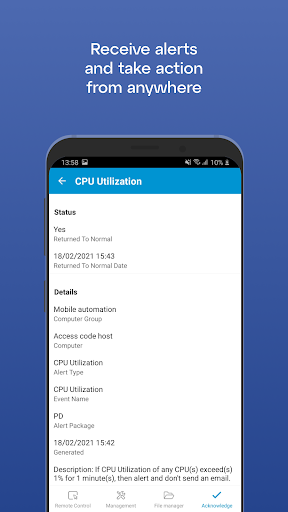
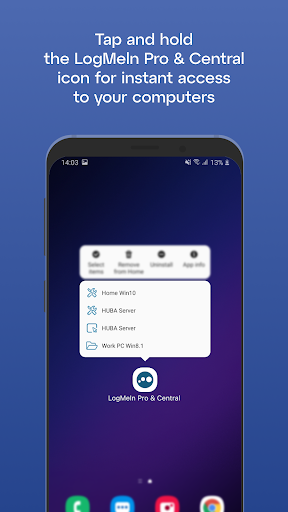
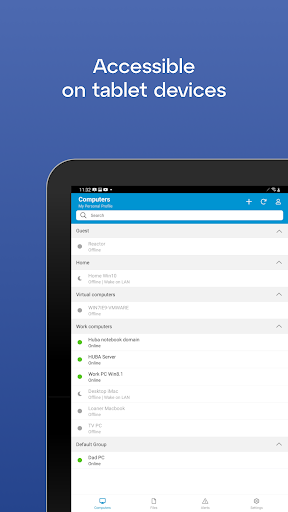
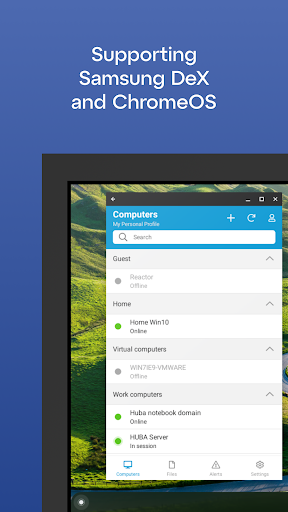
Get secure anytime, anywhere access to your computers from your Android device.
LogMeIn Pro & Central gives LogMeIn Pro and Central subscribers remote access to PCs and Macs over Wi-Fi or mobile data.
Note: to use this free app you must first have a LogMeIn subscription on the computer(s) you want to access.
****************
How to use:
1. Install the app
2. Go to the PC or Mac you want to access and install the LogMeIn software.
3. Launch the app from your Android device to access your computer
For detailed step-by-step instructions, please read the LogMeIn Getting Started Guide.
With LogMeIn Pro & Central you can:
• Access your home and work computers on the go
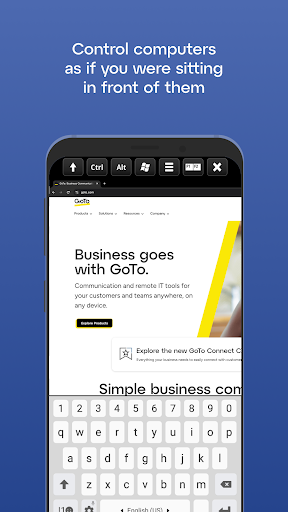
• Control your Mac or PC as if you’re sitting right in front of it
• Get to your computer files and edit them from your Android device
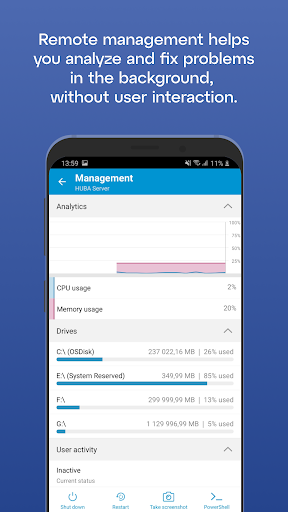
• Remotely run any application on your computer from your Android device
Features include:
• Mouse and screen settings – choose your preferred method of remote control with scroll mode
• Magnifying glass and zoom slider – zoom by mouse, slide or with your fingers
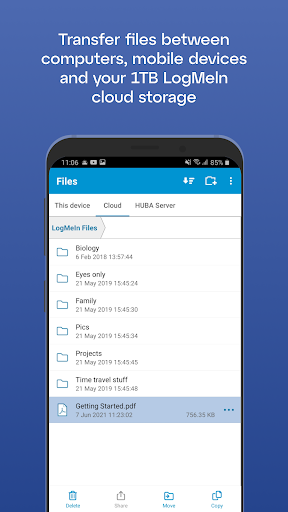
• Quick access to your files with File Manager – save files directly to your Android device so you can work on them offline, or move and copy files between devices.
• Change display color, resolution and network speed to maximize remote control performance.
• HD video and sound – watch videos located on your computer in HD and sound stream remotely
• Photo App Management – easily access and transfer photos
• Attach any number of files, including photos and emails
• Multi-monitor view – shake your device or three-finger swipe to switch between monitors
****************
We love your feedback!
X/Twitter: @GoTo
LogMeIn Pro & Central gives LogMeIn Pro and Central subscribers remote access to PCs and Macs over Wi-Fi or mobile data.
Note: to use this free app you must first have a LogMeIn subscription on the computer(s) you want to access.
****************
How to use:
1. Install the app
2. Go to the PC or Mac you want to access and install the LogMeIn software.
3. Launch the app from your Android device to access your computer
For detailed step-by-step instructions, please read the LogMeIn Getting Started Guide.
With LogMeIn Pro & Central you can:
• Access your home and work computers on the go
• Control your Mac or PC as if you’re sitting right in front of it
• Get to your computer files and edit them from your Android device
• Remotely run any application on your computer from your Android device
Features include:
• Mouse and screen settings – choose your preferred method of remote control with scroll mode
• Magnifying glass and zoom slider – zoom by mouse, slide or with your fingers
• Quick access to your files with File Manager – save files directly to your Android device so you can work on them offline, or move and copy files between devices.
• Change display color, resolution and network speed to maximize remote control performance.
• HD video and sound – watch videos located on your computer in HD and sound stream remotely
• Photo App Management – easily access and transfer photos
• Attach any number of files, including photos and emails
• Multi-monitor view – shake your device or three-finger swipe to switch between monitors
****************
We love your feedback!
X/Twitter: @GoTo
What's New
LogMeIn has been rebranded as LogMeIn Pro & Central. The application now features a minor update to its icon. All functionality remains unchanged, so you can continue using the application as usual.
App Information
Version Name
2.5.1226
Version Code
1226
File Size
11.4 MB
Minimum OS
Android 9+
Target SDK
Android 23
Developer
GoTo Group, Inc.
Contact
Website
Content Rating
Everyone
Package Name
com.logmein.ignitionpro.androidPermissions Required
This app may request the following permissions:
Recent Reviews

Santiago Montano
1.0★
Garbage. I pay $1500 a year and I have not been able to see the mouse cursor on any of my remote machines, from this android app, for a while now. Extremely difficult to use, in fact, it's really just unusable. Over 10 years I've used this software. It was perfect in early versions. Great job ruining it. You won't be getting a renewal from me this year.

Kris Stark
2.0★
Dumbest rename ever... The program can be a godsend when trying to assist others etc, but to name it "Pro and Central" after years of being called, logically, LogMeIn is absolutely asinine. Went to help somebody out and had to spend 10 minutes trying to figure out what happened to the app. The new name provides no useful information not indication of what it does or what it is. It only serves to make it more difficult to find in the app drawer. Not a good UX.

Charlie Sears
5.0★
The function keys and mouse movement are easier to use than in some other remote control apps. I was able to send a key sequence for Control-Alt-Uparrow just now, and it worked fine. In the past a slow internet connection had caused multiple key presses to be transmitted, but that hasn't happened recently.

A Google user
1.0★
As a small market radio station, we began using Logmein in 2014. Recently switched to Splashtop from Logmein Pro due to insane pricing increases. Logmein went from free to $99(Totally understandable). Then from $99 to $249(Ouch). Then from $249 to $349(Whoa). This last jump from $349 to $899 is simply too much. I would've changed to something else after the last price hike, but didn't have the time to research a new solution. I'd pay $249 all day over the $99 for Splashtop as Logmein is sleeker and more user friendly, but being a Non-profit, we just can't justify the tremendous increase in cost.

Antonio Marvuglia
2.0★
It works well just like the desktop app. Disconnects every time you swap to another app, which is a huge pain. I feel like this can be and needs to be fixed. I rely on LogMeIn for my work and I spend an hour or more every day working in this app. Please fix the timeout / disconnect issue! We pay for this product, and it works great except constantly having to log back in every time you open a text message or anything else.

Naples PC
3.0★
I am a fifteen year Logmein user as a computer security provider, however, for the last year this app has a green line at the top of every computer due to resolution issues and sometimes the whole computer is washed white lines. I have to switch to lossless or compressed which makes it slower transmitting. The price has more than trippled but so have the glitches
Ad slot: In-Content