

join.me - Simple Meetings
com.logmein.joinme
by GoTo Group, Inc.
Screenshots







Ad slot: Top Leaderboard
About this app
Stay connected everywhere with join.me! join.me includes audio and video conferencing by phone or internet (VoIP) so you can see and hear anything in real time… on your time. Share your screen with participants while using audio and video at the same time. You can zoom in and see the details of every discussion - even on your phone. Whether at home, at the airport, in the coffee shop – everyone can join in the conversation with join.me.
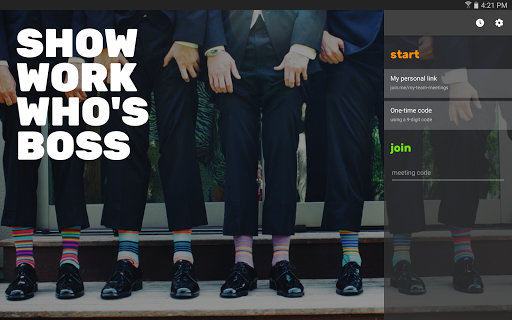
START
Host meetings with a single tap! join.me lets you host audio calls, video calls, and share your screen* and any of your apps. Just one tap starts a scheduled meeting, a spontaneous meeting, or a conference call.
JOIN
Join a meeting, call, or video conference instantly from anywhere. Just type in the meeting code and you’re on the same page, even if you’re hundreds of miles away.
COLLABORATE
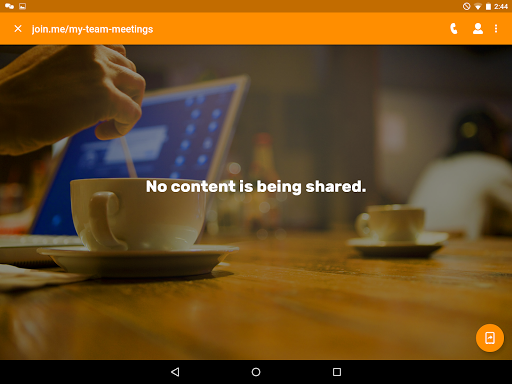
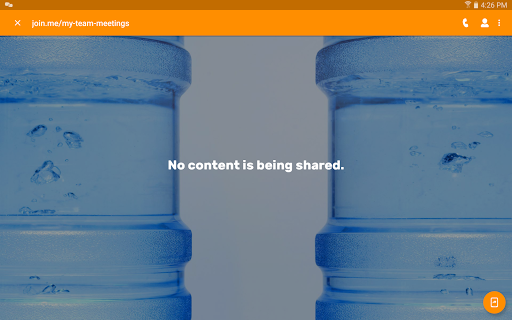
When you’re ready to share your screen*, start your meeting and tap the screenshare button! Now your attendees can see the screen of your Android phone or tablet. Open Docs, Sheets, Slides, websites, or whatever! Attendees can follow and see everything you do. Want to share the spotlight? Pass the presenter role off to another attendee from your phone or tablet.
SAVE
Unlimited conference calling. Whether presenting during a meeting or just using join.me audio, there are never any limits or hidden charges. With join.me PRO, take your calls to the next level with a dedicated conference line and local dial in numbers in the US and more than 45 countries.**
OTHER FEATURES INCLUDE:
• In-meeting chat with all participants at once or individually
• Talk to attendees using VoIP
• Zoom in and out of the shared screen
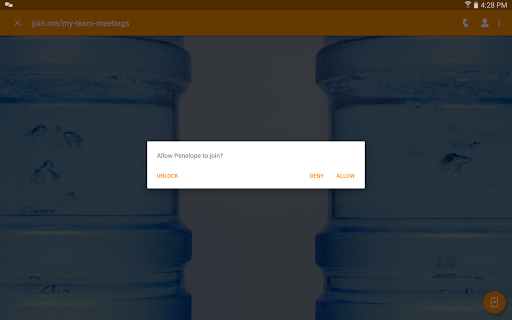
• See who’s attending
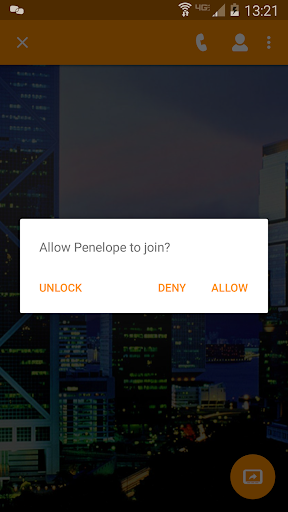
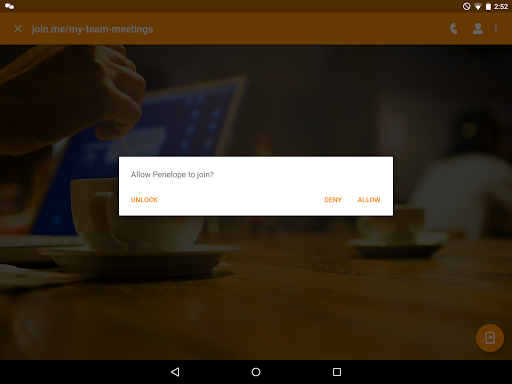
• Meeting lock for extra security
• Schedule meetings right from the app
EVEN MORE WITH PRO
• Create your own personal link (join.me/yourname)
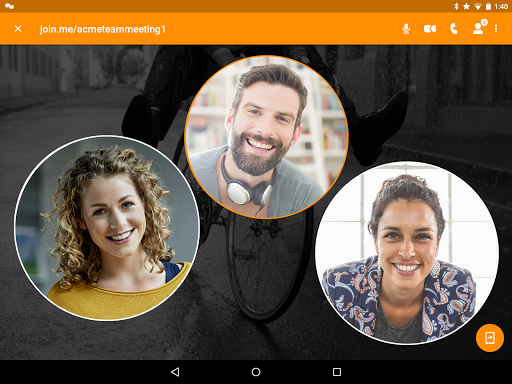
• Video conferencing for up to 10 participants
• Set your personal, branded background image
• Swap presenters during meetings
• Includes full access to join.me desktop version too
* Screen sharing is supported on Android 5.0 and higher.
** Roaming, data and other applicable operator or carrier charges/fees may apply.
REQUIREMENTS:
Optimized for Android 4.4 and higher.
START
Host meetings with a single tap! join.me lets you host audio calls, video calls, and share your screen* and any of your apps. Just one tap starts a scheduled meeting, a spontaneous meeting, or a conference call.
JOIN
Join a meeting, call, or video conference instantly from anywhere. Just type in the meeting code and you’re on the same page, even if you’re hundreds of miles away.
COLLABORATE
When you’re ready to share your screen*, start your meeting and tap the screenshare button! Now your attendees can see the screen of your Android phone or tablet. Open Docs, Sheets, Slides, websites, or whatever! Attendees can follow and see everything you do. Want to share the spotlight? Pass the presenter role off to another attendee from your phone or tablet.
SAVE
Unlimited conference calling. Whether presenting during a meeting or just using join.me audio, there are never any limits or hidden charges. With join.me PRO, take your calls to the next level with a dedicated conference line and local dial in numbers in the US and more than 45 countries.**
OTHER FEATURES INCLUDE:
• In-meeting chat with all participants at once or individually
• Talk to attendees using VoIP
• Zoom in and out of the shared screen
• See who’s attending
• Meeting lock for extra security
• Schedule meetings right from the app
EVEN MORE WITH PRO
• Create your own personal link (join.me/yourname)
• Video conferencing for up to 10 participants
• Set your personal, branded background image
• Swap presenters during meetings
• Includes full access to join.me desktop version too
* Screen sharing is supported on Android 5.0 and higher.
** Roaming, data and other applicable operator or carrier charges/fees may apply.
REQUIREMENTS:
Optimized for Android 4.4 and higher.
What's New
• Bug fixes and improvements
App Information
Version Name
3.1.0.2050
Version Code
23102050
File Size
14.7 MB
Minimum OS
Android 5.0+
Target SDK
Android 23
Developer
GoTo Group, Inc.
Contact
Website
Content Rating
Everyone
Package Name
com.logmein.joinmePermissions Required
This app may request the following permissions:
Recent Reviews

St4keou t
1.0★
It's alright. But there have been multiple instances of it crashing, freezing, lagging, blacking out, not letting people talk or send anything, et cetera. These issues occurred on any device.It was rather frustrating, but the person who hosted the meetings that we went to watch doesn't really do it anymore, hence me rating this before deletion. I dunno if it's gotten better at all now, but those have been my experiences with it. Also, it kinda sucks that you can't share the audio of your device.

A Google user
1.0★
This app worked on my phone one time. Now each time I try to join a meeting the audio is off. When I try to turn on the audio, an error pops up, "Sorry, something went wrong, try again later." This message is less than helpful, and I can't find any knowledge base article that describe how to resolve the issue. I've tried uninstalling, restarting, clearing cache, logging into and out of my profile, and the problem persists. I too will be steering my company away from this product.
A Google user
3.0★
Not sure if I will get any reply, because none of the previous comments have been answered by the company. When there is a tough fight from zoom now a days, there should be free version with more features as compared to free version of zoom. Also many times during presentation host might need to annotate something. So annotation features should be provided.
A Google user
1.0★
Used to be a great screen share/conference app. Then the limit being lowered from 10 to 2 made it impossible to use, unless you pay (Which, not a lot of people can afford nowadays!!) I could have tolerated that however, my biggest issue with your product now is that you don't have a VALID SECURITY CERTIFICATE. My broadband now automatically blocks anything coming from your site and will not allow me to whitelist due to complete lack of security, so I can't even get onto my friends conferences!!! AWFUL.

Bogdan Petre (보그단)
1.0★
DON'T! Used the paid version for some time a few years back, didn't used it for the last 3 years, yet they still billed me yearly and making it VERY Difficult to unsubscribe + the app doesn't even work on desktop ( mic is on mute and can't unmute). To unsubscribe you have to call, and waiting times are horrible. Still didn't manage to unsubscribe...
A Google user
1.0★
Very choppy for only 10 people within 2 neighbouring cities in the meeting. We wasted more time trying to connect and hear each other than we did on the meeting. Also this isn't a very user friendly platform which caused a plethora of problems on its own. I won't be using this service again.
Ad slot: In-Content