

Lowe's
com.lowes.android
by Lowe's Companies, Inc.
Screenshots
Ad slot: Top Leaderboard
About this app
HOME IMPROVEMENT AT YOUR FINGERTIPS
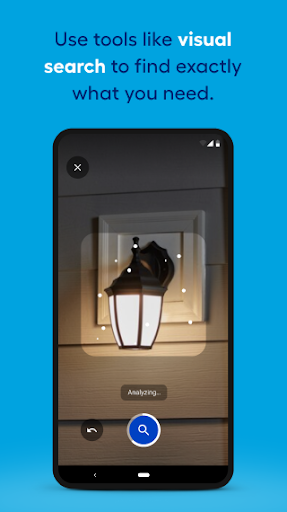
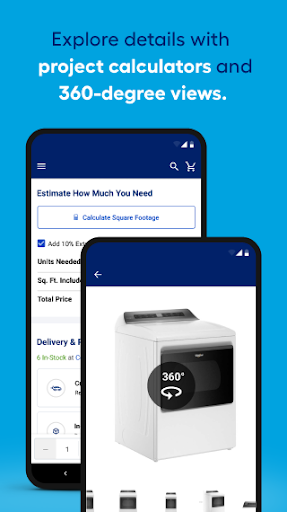
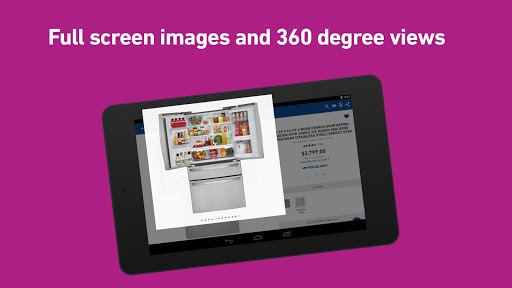
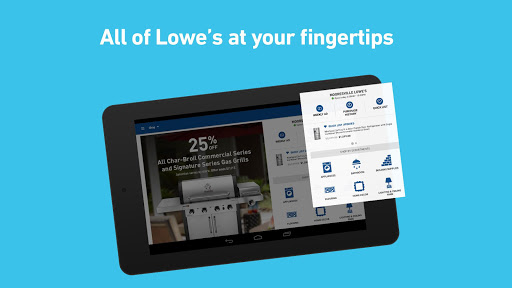
Whether you’re a Pro or a have a DIY project on your mind, you can search and shop thousands of products like kitchen appliances, paint, lumber, tools, outdoor power equipment, grills, outdoor furniture, flooring and more— anytime when you’re on the go. We’ve also included larger, zoomable images and 360° spins so you can see every last detail.
WHAT YOU NEED- FASTER
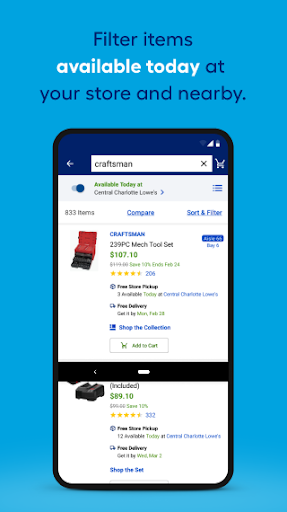
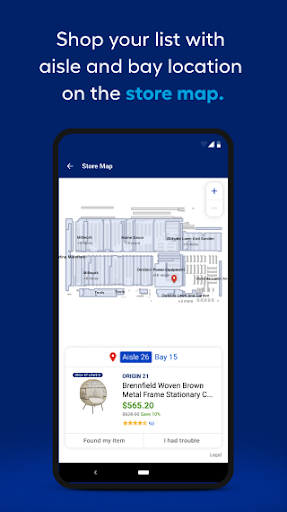
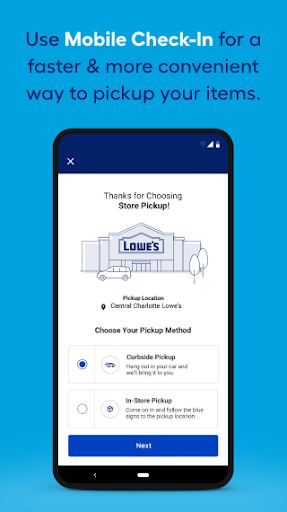
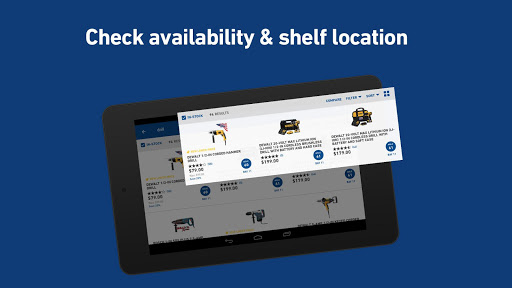
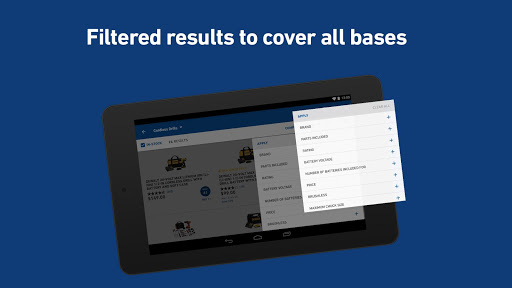
We have clearly marked aisle and bay information right on the list page, so you know right where to go when you’re in a store. Plus, check the “in-stock” box to only view items that are available for pick up. If it’s not there, no problem. Check other stores with just a tap.
STORE FINDER
Locate the store that’s nearest to you along with the phone number, address, directions and drive time estimates. Then, select your choice to get accurate inventory, product locations and pricing*.
*Remember to allow location services to get the most optimized experience possible.
WEEKLY DEALS
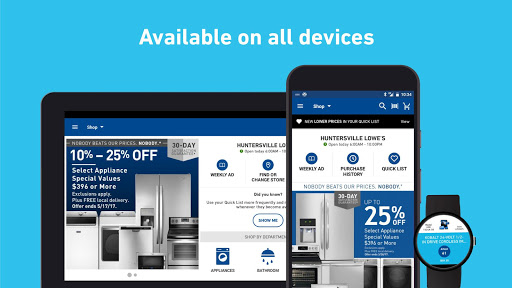
We’ve always got great deals. Check the weekly ad for your selected Lowe’s store right on your phone. View the flyer page by page or by department, it’s that easy.
CUSTOMER RATINGS AND REVIEWS
Read what others are saying. See reviews and star ratings for thousands of products. Plus, you can write your own reviews and upload images right in the Lowe’s app.
COMMUNITY Q & A
Before you buy, make sure a product is right for you. Ask questions and get answers directly from manufacturers or previous customers. You can also browse questions or answer ones for others.
FAVORITE LISTS
Add any product to your Saved Items List and never forget what you need again. Tap the heart on any product page, scan a barcode in the store, or add notes to your list—no sign in required.
CUSTOM WIDGETS
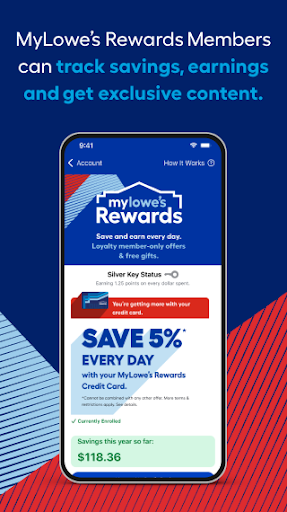
Access your Saved List or mylowes card from a custom widget to shop and checkout without having to open the app.
ORDER HISTORY & DIGITAL RECEIPTS
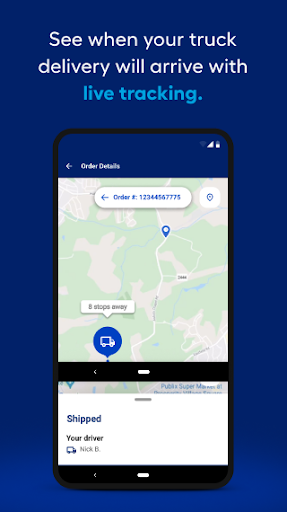
We make paper receipts a thing of the past. Search order history for specific items you’ve purchased and access entire transactions right on your phone.
ANDROID WEAR OPTIMIZED
Add your virtual mylowes card to your digital wallet and find your closest Lowe’s store. Keep track of your Saved List or start a new one by staying, “Hey Google, start a Saved List.”
Whether you’re a Pro or a have a DIY project on your mind, you can search and shop thousands of products like kitchen appliances, paint, lumber, tools, outdoor power equipment, grills, outdoor furniture, flooring and more— anytime when you’re on the go. We’ve also included larger, zoomable images and 360° spins so you can see every last detail.
WHAT YOU NEED- FASTER
We have clearly marked aisle and bay information right on the list page, so you know right where to go when you’re in a store. Plus, check the “in-stock” box to only view items that are available for pick up. If it’s not there, no problem. Check other stores with just a tap.
STORE FINDER
Locate the store that’s nearest to you along with the phone number, address, directions and drive time estimates. Then, select your choice to get accurate inventory, product locations and pricing*.
*Remember to allow location services to get the most optimized experience possible.
WEEKLY DEALS
We’ve always got great deals. Check the weekly ad for your selected Lowe’s store right on your phone. View the flyer page by page or by department, it’s that easy.
CUSTOMER RATINGS AND REVIEWS
Read what others are saying. See reviews and star ratings for thousands of products. Plus, you can write your own reviews and upload images right in the Lowe’s app.
COMMUNITY Q & A
Before you buy, make sure a product is right for you. Ask questions and get answers directly from manufacturers or previous customers. You can also browse questions or answer ones for others.
FAVORITE LISTS
Add any product to your Saved Items List and never forget what you need again. Tap the heart on any product page, scan a barcode in the store, or add notes to your list—no sign in required.
CUSTOM WIDGETS
Access your Saved List or mylowes card from a custom widget to shop and checkout without having to open the app.
ORDER HISTORY & DIGITAL RECEIPTS
We make paper receipts a thing of the past. Search order history for specific items you’ve purchased and access entire transactions right on your phone.
ANDROID WEAR OPTIMIZED
Add your virtual mylowes card to your digital wallet and find your closest Lowe’s store. Keep track of your Saved List or start a new one by staying, “Hey Google, start a Saved List.”
App Information
Version Name
24.4.5
Version Code
312
File Size
136.7 MB
Minimum OS
Android 11+
Target SDK
Android 34
Developer
Lowe's Companies, Inc.
Contact
Website
Content Rating
Everyone
Package Name
com.lowes.androidPermissions Required
This app may request the following permissions:
Recent Reviews

Aaron Foster (Adyon)
2.0★
Honestly it's a decent app in design and function. But it's completely hindered by the absolute hurdles to use it. Want to use it as a payment app? Open it. Sign in every time. And by that I mean enter your email. Then your email again on another screen. Then again. Password. Now send an authentication code every time because it's required if you want to use it as a payment. And then worse, if you're tab off the app too long it will make you do all of that again.

Anthony Garetto
3.0★
Needs work. I think the most annoying part for me is the item pictures. You go to look at an item a little more closely, and then you have to deal with inadequate zoom to see if what you're looking at will fit your application, then just trying to move the zoomed-in photo around, you're constantly fighting it from switching to the next picture. Finally, several auto play videos are intermixed with the pics, which are often not even specific to the item. Very annoying.

Matt
2.0★
The barcode scanner within the app is very slow to respond and could use a lot of work. You have to hold the scanner over the product barcode for what feels like a minute before it registers. Please make it more like the Home Depot or Target app. With those apps, you point it at the barcode and it quickly pulls up the product. Developers, if you don't know what I mean, use your app and then HD or Target and you'll see your scanner is inferior and frustrating to use.

Kenny Catalano
3.0★
I liked the app , can search for and compare items that will help you with your project. compare prices and check inventory too. complete purchase, have delivered or pick up curbside or in store. But if you find things you would like to purchase but leave them in your cart , then add more to cart next time you search. when you reach 65 items in cart that's it.. you broke your app . it won't let you ever open or view your cart again. can't buy , order , pickup. it's worthless.

Andy Huber
3.0★
I regularly order products for jobs from the app and send a worker to pick up the materials. It's common for the inventory to be wrong, and they're out of what I ordered, which cost time/$. In a different case, I paid for a product, it was there in hand, and because it wasn't showing in inventory, the associate removed it from my order and sent my worker away without it which again cost time/$. Other than these common issues, the app has been good. Please update inventory tracking!!!

John Norris
3.0★
I started out with a card & it was quick and easy at checkout. Now I have to open the app, login and take several steps to display the symbol to scan. If it doesn't recognize my password, it's tough at checkout with people behind me. It'll ask me if I want to enable two factor authentication and stuff like that. If I bring it up and do a screencap before I go into the store- then scan that image- it'll say it has expired. Not new and improved, in my opinion.
Ad slot: In-Content