
Classic Words Solo
com.lulo.scrabble.classicwords
by Lulo Apps
Screenshots
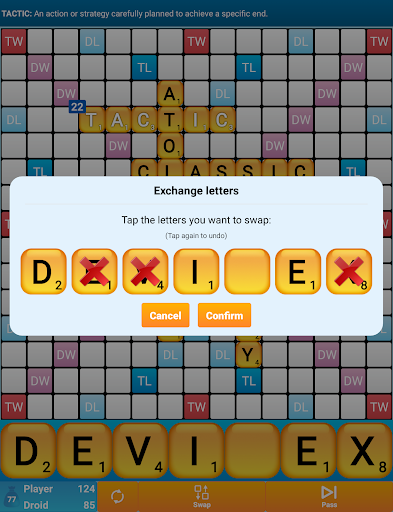
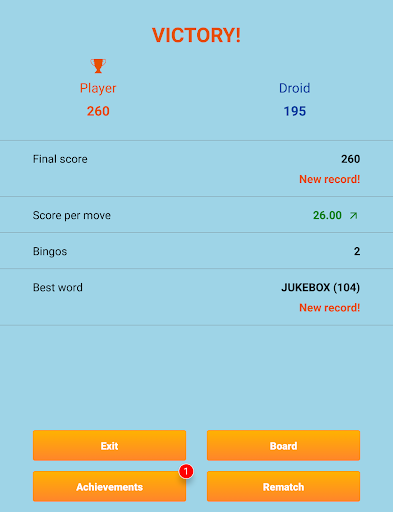
Ad slot: Top Leaderboard
About this app
Classic Words is the number one word game to play against your smartphone or tablet (solitaire mode).
Enrich your vocabulary thanks to the built-in word definitions!
6 difficulty levels and many languages are supported: English, Spanish, French, Italian, German, Dutch, and Polish.
Tired of stumbling across cheaters or waiting hours for your opponent's next move on multiplayer word games?
Try out Classic Words for instant fun, no matter if you are a beginner in crossword games or a tournament player!
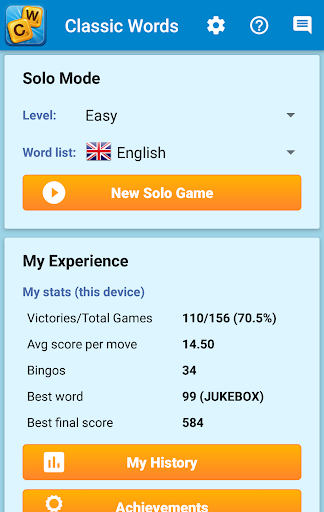
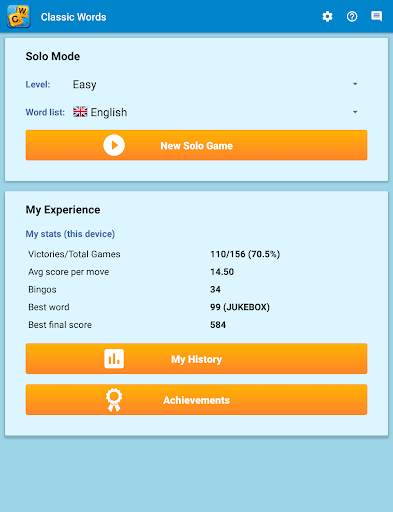
Choose the skill level of the computer (from beginner to expert), pick a word list (English word lists include the latest NASPA Word List 2020), and use your strategy skills and vocabulary to try and defeat the Droid.
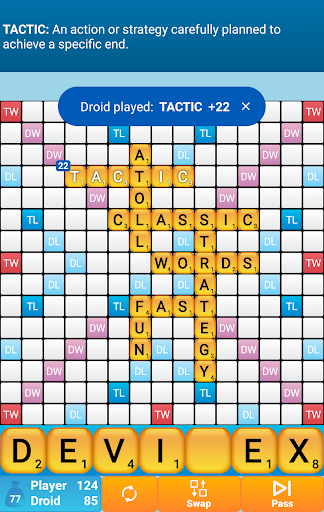
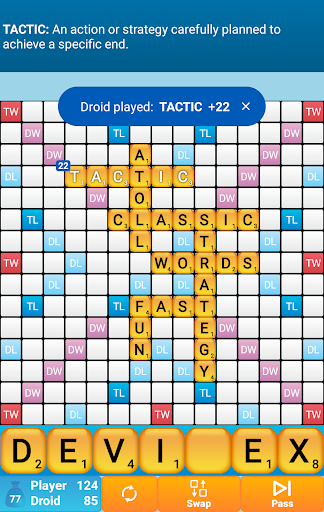
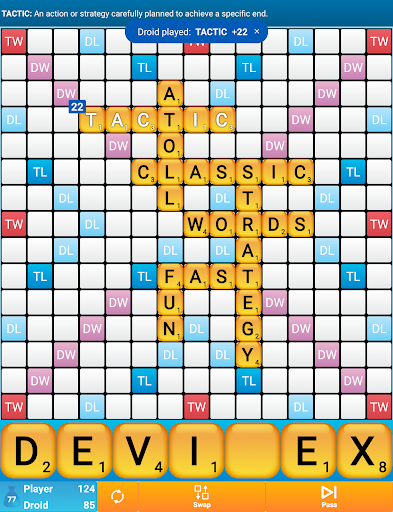
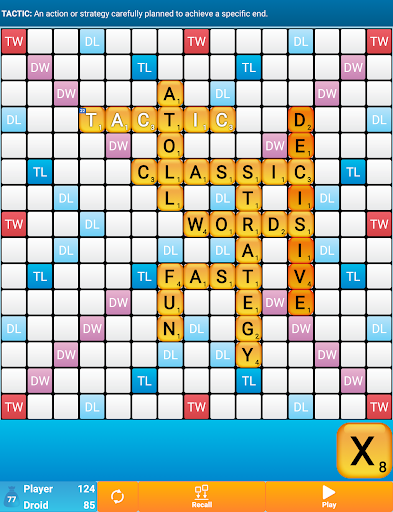
Classic Words gameplay is classical to crosswords board games: create and place words on the board and boost your score by placing letters on the high scoring Double Letter, Double Word, Triple Letter, and Triple Word squares.
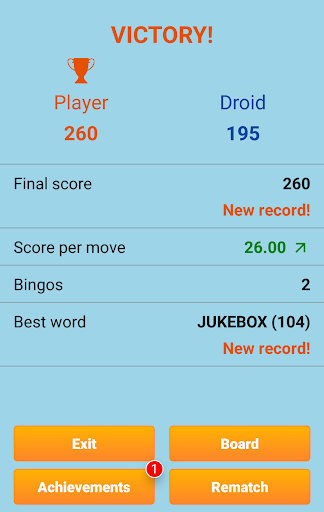
Use all 7 letters from your rack to play a Bingo and get a 50 points bonus.
This game is a great time killer for all board games and strategy games fans. It's also a fun way to improve your spelling and vocabulary.
Thanks to the fast reactivity and variable skill of the computer and quality word lists, Classic Words is used by many enthusiasts to play quick training matches and learn new words from the computer's moves.
Unlike multiplayer board games where some dishonest players use anagram solvers, there is no cheating possible when playing solitaire... Letters and blanks are always picked randomly, and the computer's artificial intelligence does not have more information than you do.
Only your tactics and creativity can make the difference...
Will you play strategically enough to outwit the computer and its extensive vocabulary?
☆ Features ☆
• Smart AI
• 6 levels of difficulty
• Display the definition of words by swiping them
• Supports offline play
• Languages and dictionaries supported:
- English (official NASPA Word List 2020, used in US tournaments, and International English official list)
- German (with support of Umlauts, and Ezset to be replaced by two 'S')
- French (official list used in tournaments)
- Italian
- Spanish
- Dutch
- Polish
• Distribution of letters and points is adapted to the language
Enrich your vocabulary thanks to the built-in word definitions!
6 difficulty levels and many languages are supported: English, Spanish, French, Italian, German, Dutch, and Polish.
Tired of stumbling across cheaters or waiting hours for your opponent's next move on multiplayer word games?
Try out Classic Words for instant fun, no matter if you are a beginner in crossword games or a tournament player!
Choose the skill level of the computer (from beginner to expert), pick a word list (English word lists include the latest NASPA Word List 2020), and use your strategy skills and vocabulary to try and defeat the Droid.
Classic Words gameplay is classical to crosswords board games: create and place words on the board and boost your score by placing letters on the high scoring Double Letter, Double Word, Triple Letter, and Triple Word squares.
Use all 7 letters from your rack to play a Bingo and get a 50 points bonus.
This game is a great time killer for all board games and strategy games fans. It's also a fun way to improve your spelling and vocabulary.
Thanks to the fast reactivity and variable skill of the computer and quality word lists, Classic Words is used by many enthusiasts to play quick training matches and learn new words from the computer's moves.
Unlike multiplayer board games where some dishonest players use anagram solvers, there is no cheating possible when playing solitaire... Letters and blanks are always picked randomly, and the computer's artificial intelligence does not have more information than you do.
Only your tactics and creativity can make the difference...
Will you play strategically enough to outwit the computer and its extensive vocabulary?
☆ Features ☆
• Smart AI
• 6 levels of difficulty
• Display the definition of words by swiping them
• Supports offline play
• Languages and dictionaries supported:
- English (official NASPA Word List 2020, used in US tournaments, and International English official list)
- German (with support of Umlauts, and Ezset to be replaced by two 'S')
- French (official list used in tournaments)
- Italian
- Spanish
- Dutch
- Polish
• Distribution of letters and points is adapted to the language
What's New
Minor design improvements, now with edge-to-edge support.
App Information
Version Name
2.8.13
Version Code
1106
File Size
29.5 MB
Min SDK
Android 19+
Target SDK
Android 34
Developer
Lulo Apps
Contact
Website
Content Rating
Everyone
Package Name
com.lulo.scrabble.classicwordsPermissions Required
This app may request the following permissions:
Recent Reviews

Michelle E Smith
4.0★
Great option if you want to play solo and don't want to play other people. I like that there's only 1 short ad at the end of each finished game. Def recommend. I would give the app 5 stars if it provided a feature (like WWF's has) that indicates if you have the best letter combo placed on the board to score the max points possible for each play.

Daniel Choate
1.0★
Couldn't even enjoy a single game. Every time I click the ad away on the top of the screen it's not two seconds later till a new ad pops up. When I tried to just ignore the ads they started flashing bright colors taking my focus away from my turn. Can we get one Effin scrabble like game without ads, or them constantly reappearing every two seconds. I'm not asking for that much.

Patrice
5.0★
Classic Words Solo is a well designed, enjoyable game. The difficulty levels cover a broad range of choices. I enjoy learning new words, so I appreciate the immediate display of the word's definition. Best of all, I am neither forced nor pestered to play against other people. (I'm a slow player, so I like the computer's patience with me 😁.) This app's only negative is the ads. Playing used to be ad free. On the upside, they never interrupt a game; they're only between games. Definitely try it!

Mary Meador
5.0★
I have been playing this app for years. I love it. I only play solo. I enjoy it. Sometimes for a challenge, I make the starting word as short as possible with least used available letters.. makes the game more of a challenge as the board stays pretty condensed to center when it starts that way. I play solo for myself. I don't care what word the computer plays, I just focus on the letters I'm dealt with, and I never swap letter tiles. It makes me think, without thinking about work.

Kim Hepburn
5.0★
I love this game...instant feedback, no videos to watch. My only complaint, which I've submitted more than once, is the Droid plays tons of words with the same letter in the word. Rarely do I get dealt double letters. After writing to the creator of game, he told me how to unchecked a box in the help section that gives you multiple letters and sometimes no vowels or consonants. Be careful what you wish for, lol!! Great game!

Matt B
5.0★
Good one player Scrabble game, just what I was looking for. Few ads if any, and so far they've been short. There is 2 player local only, pass the phone style, but I think you have to pay for that. I like how you get a bonus (50 pts?) for using all 7 letters, but I wish there were similar bonuses for 6 and 5 letter words. Maybe 25 and 10 pts? Because if you're not getting a 2x or 3x multiplier, it's not worth it. Another idea for when you're cornered, drop a word anywhere, costs you points?
Ad slot: In-Content