
Control Center iOS 15
com.luutinhit.controlcenter
by LuuTinh Developer
Screenshots
Ad slot: Top Leaderboard
About this app
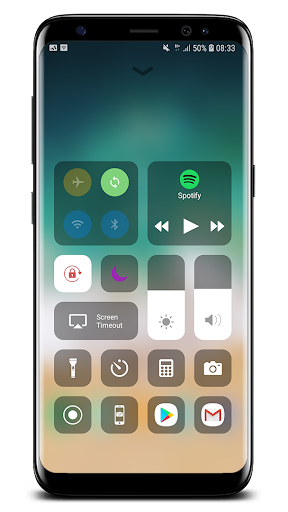
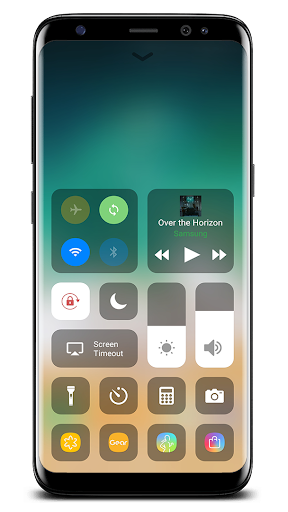
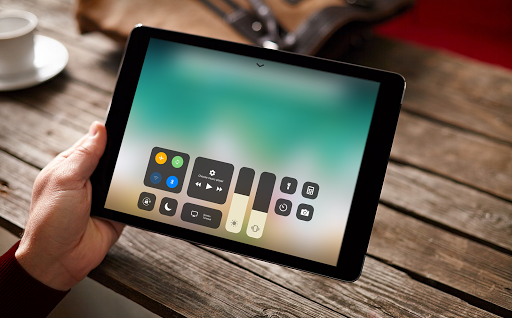
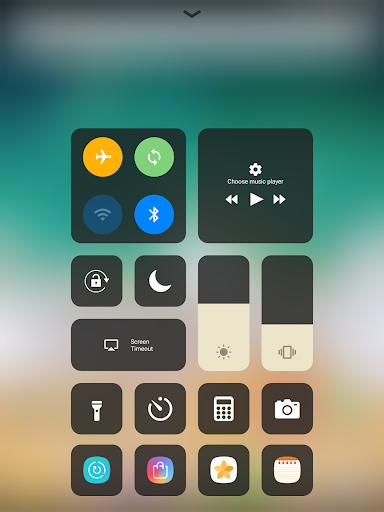
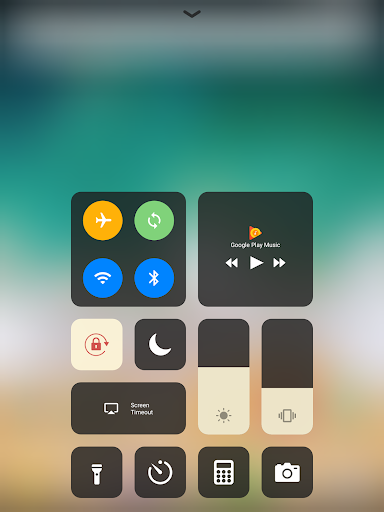
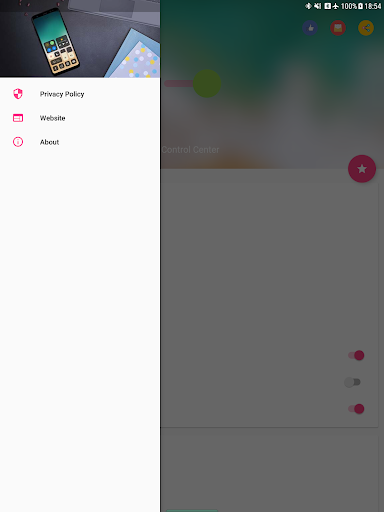
Control Center iOS 15 gives you instant access to the Camera, Clock, Record the screen, Screenshot and more settings like to iOS X, iOS XS.
How to use: https://www.youtube.com/watch?v=DGTF7PZoVTg
To Open Control Center iOS 15
- Swipe up, swipe down, swipe right or swipe left from the edge of screen.
To Close Control Center iOS 15
- Swipe up, swipe down, swipe right, swipe left or tap the top of the screen, or press the Back, Home, Recent button.
If you want to change how you access Control Center on your device, open Control Center application.
Quickly change settings and open apps:
With Control Center, you can quickly access multiple settings and apps.
- Airplane Mode: Use Airplane Mode to instantly turn off Bluetooth, Wi-Fi, and cellular connections on your android device.
- Wi-Fi: Turn on Wi-Fi to browse the web, stream music, download movies, and more.
- Bluetooth: Connect to headphones, car kits, wireless keyboards, and other Bluetooth-enabled devices.
- Do Not Disturb: Silence calls, alerts, and notifications that you receive while your device is locked.
- Portrait Orientation Lock: Keep your screen from rotating when you move your device.
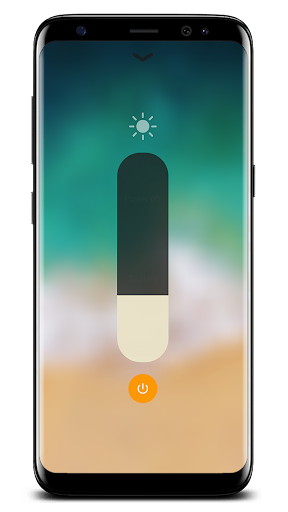
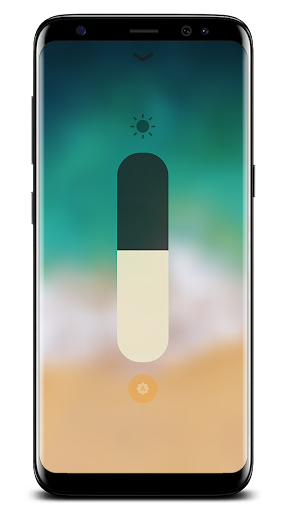
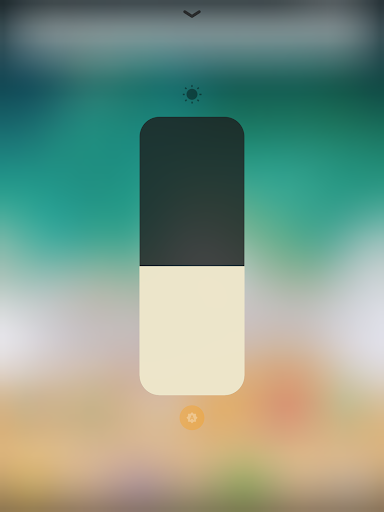
- Adjust brightness: Adjust the brightness of your display from any screen.
- Flashlight: The LED flash on your camera doubles as a flashlight, so you can get extra light when you need it.
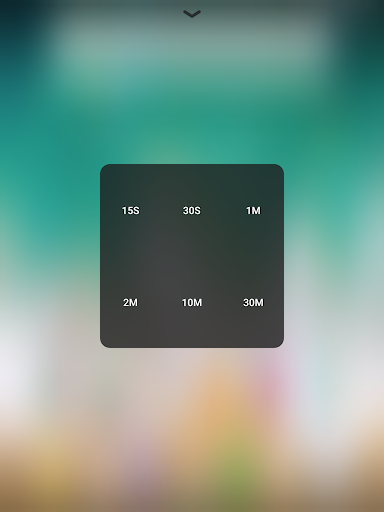
- Alarms and Timer: Set an alarm, timer, or stopwatch, or check the time in another country or region.
- Calculator: Tap numbers and functions in Calculator, just like a standard calculator.
- Camera: Never miss a moment to take a picture with quick access to your camera.
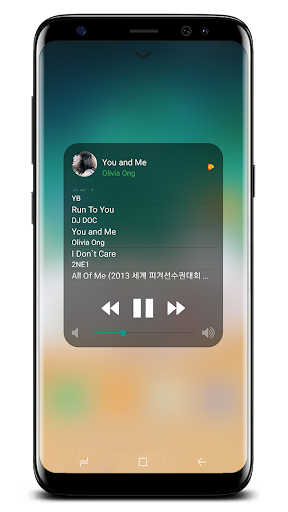
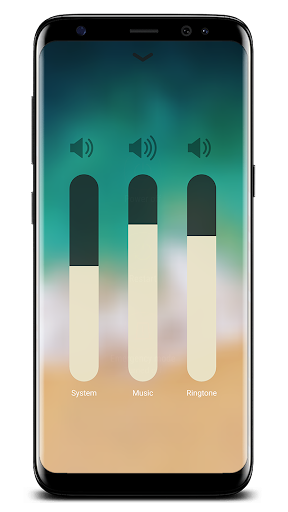
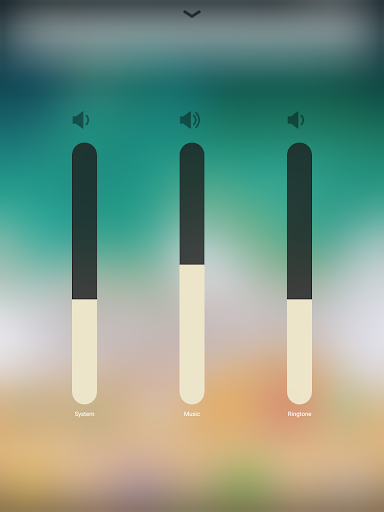
- Control audio: From here, you can quickly play, pause, and control volume of your favorite song, podcast, and more.
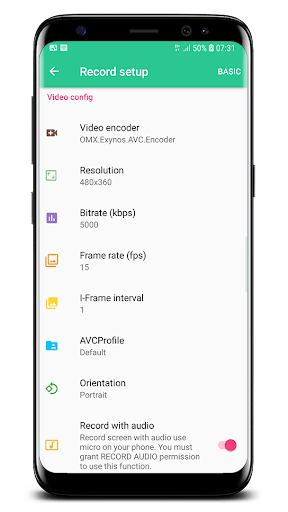
- Record Screen: Record any action in your phone. (Support android 5.0 above only)
- Screenshot: Capture screen (Support android 5.0 above only)
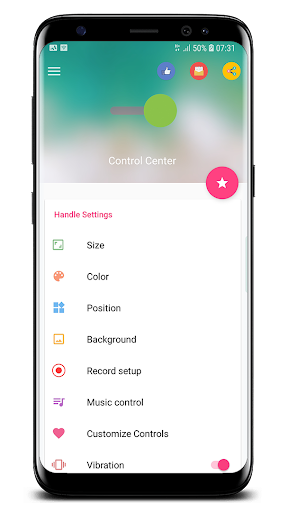
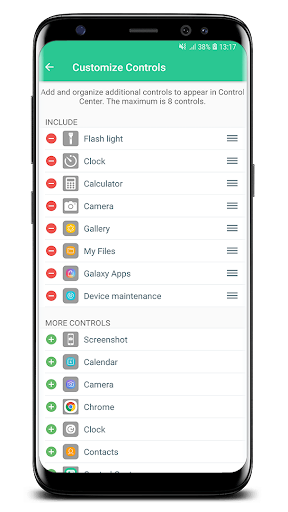
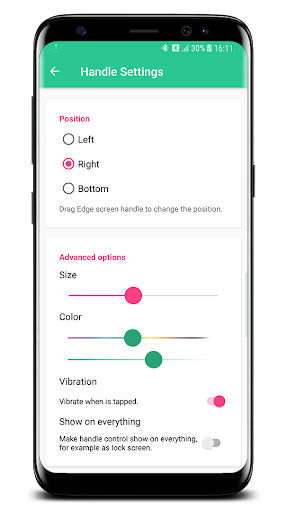
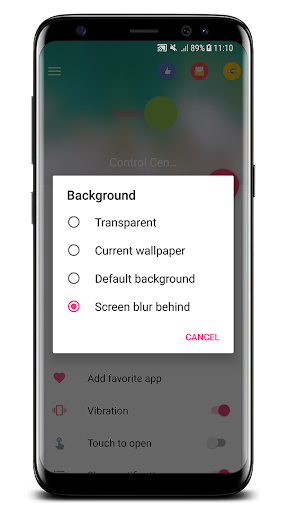
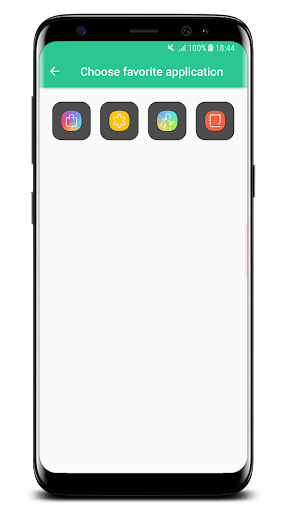
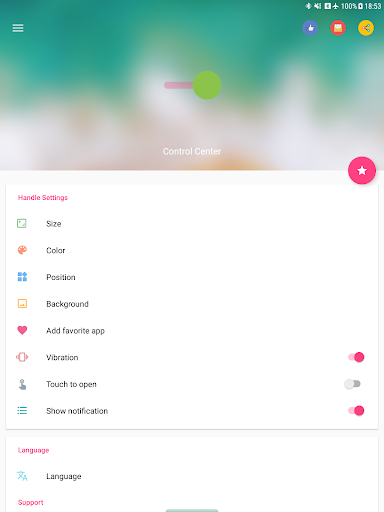
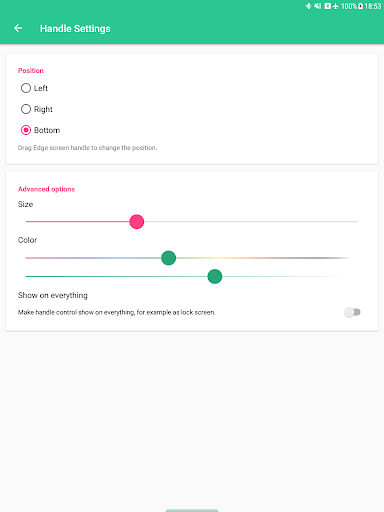
With Control Center app, you can customize more style, such as size, color, position, vibration and more like to iOS XS.
NOW, CONTROL CENTER HAS BEEN SUPPORTED:
- Assistive Touch like to https://play.google.com/store/apps/details?id=com.luutinhit.assistivetouch
- Launcher iOS like to https://play.google.com/store/apps/details?id=com.luutinhit.ioslauncher
And if you have any problems with Control Center application, please contact to me with email: [email protected].
Thank you so much for using my app!
How to use: https://www.youtube.com/watch?v=DGTF7PZoVTg
To Open Control Center iOS 15
- Swipe up, swipe down, swipe right or swipe left from the edge of screen.
To Close Control Center iOS 15
- Swipe up, swipe down, swipe right, swipe left or tap the top of the screen, or press the Back, Home, Recent button.
If you want to change how you access Control Center on your device, open Control Center application.
Quickly change settings and open apps:
With Control Center, you can quickly access multiple settings and apps.
- Airplane Mode: Use Airplane Mode to instantly turn off Bluetooth, Wi-Fi, and cellular connections on your android device.
- Wi-Fi: Turn on Wi-Fi to browse the web, stream music, download movies, and more.
- Bluetooth: Connect to headphones, car kits, wireless keyboards, and other Bluetooth-enabled devices.
- Do Not Disturb: Silence calls, alerts, and notifications that you receive while your device is locked.
- Portrait Orientation Lock: Keep your screen from rotating when you move your device.
- Adjust brightness: Adjust the brightness of your display from any screen.
- Flashlight: The LED flash on your camera doubles as a flashlight, so you can get extra light when you need it.
- Alarms and Timer: Set an alarm, timer, or stopwatch, or check the time in another country or region.
- Calculator: Tap numbers and functions in Calculator, just like a standard calculator.
- Camera: Never miss a moment to take a picture with quick access to your camera.
- Control audio: From here, you can quickly play, pause, and control volume of your favorite song, podcast, and more.
- Record Screen: Record any action in your phone. (Support android 5.0 above only)
- Screenshot: Capture screen (Support android 5.0 above only)
With Control Center app, you can customize more style, such as size, color, position, vibration and more like to iOS XS.
NOW, CONTROL CENTER HAS BEEN SUPPORTED:
- Assistive Touch like to https://play.google.com/store/apps/details?id=com.luutinhit.assistivetouch
- Launcher iOS like to https://play.google.com/store/apps/details?id=com.luutinhit.ioslauncher
And if you have any problems with Control Center application, please contact to me with email: [email protected].
Thank you so much for using my app!
What's New
- Fix all issue reported from users.
THANK YOU VERY MUCH FOR USING MY APP!
IF YOU HAVE ANY PROBLEMS, PLEASE SEND EMAIL TO ME. I WILL TRY IMPROVE MY APP TO BETTER.
THANK YOU VERY MUCH FOR USING MY APP!
IF YOU HAVE ANY PROBLEMS, PLEASE SEND EMAIL TO ME. I WILL TRY IMPROVE MY APP TO BETTER.
App Information
Version Name
3.3.3
Version Code
333
File Size
6.9 MB
Minimum OS
Android 4.1+
Target SDK
Android 34
Developer
LuuTinh Developer
Contact
Website
Content Rating
Everyone
Package Name
com.luutinhit.controlcenterPermissions Required
This app may request the following permissions:
Recent Reviews

A Google user
4.0★
Honestly it's the best launcher I've used! I literally just turned my Samsung Galaxy J3 into a iPhone 10 XD. There is one small flaw (it can be fixed by user). If you want the position of it on the bottom, the spacebar on your virtual keyboard might open it on addicent, but just simply move it to the right so it's out of the way! And one last thing... The adds, they have to go!
A Google user
4.0★
overall its good and easy to use but there are some obvious bugs. for example: when i try to change the position of the control panel (whether is shows from the top, bottom, left, or right), only half of the control panel shows up on screen so i end up having to restart the program. also, i find it annoying that it asks me to review it every 2 seconds so thats why im even typing this in the first place. but thats liveable with i guess.
A Google user
4.0★
Best control center app. But I on the control center if my music player is Spotify it doesn't actually say what song or podcast is playing, it just has a skip, pause, or rewind buttons that work, but it doesn't show the song. Pls fix. Also, the screen recorder button won't even show up on control center for some reason. I have a Google Pixel XL.

dragonlord.nuggets
5.0★
So, I decided to edit the entire review because I think the Developer thought I was being sarcastic about the ad thing. No, really. The ads are fine. They only appear on the app when you switch to different settings instead of an ad popping up while out of the app and are using it. I didn't think too much on my first review because it wanted me to rate it as soon as I opened it up and I was being generous and rated it 5 stars. Then I used it some more and was doing just fine! Great app!
A Google user
1.0★
Waited a few months and still no update. My problem is that I need control center to have a position at the top left or right. People who have phones with gesture control cannot use control center. For example look at the iphone x and the way it handles control center. You notice how there is a small bar at the top right to access control center. There should be a position at the top left or right so you can use control center while also being able to use your phone's dropdown menu.
A Google user
5.0★
I love my android, but the one thing I missed about my iPhone was the control center. This app lets me use the iPhone control center on my android; the addition is seemless and looks like it belongs there! It also has cool customization options that I didnt even have with my iPhone. I was worried when I saw that it had ads, but the ads only come up while you're in the settings for the control center. They don't pop up or interrupt at any other time. So they are nothing to worry about. Love it!
Ad slot: In-Content