

Photo Collage Maker & Editor
com.lyrebirdstudio.collage
by Firehawk
Screenshots

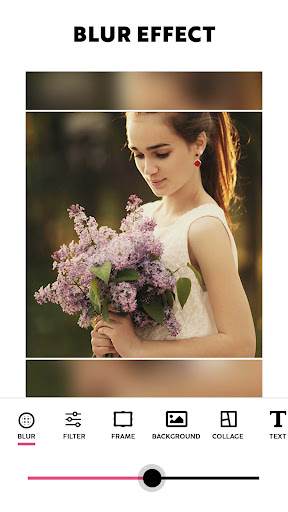

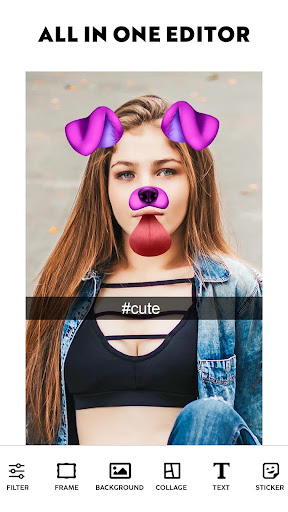
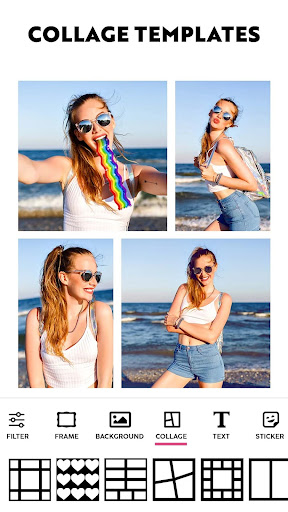
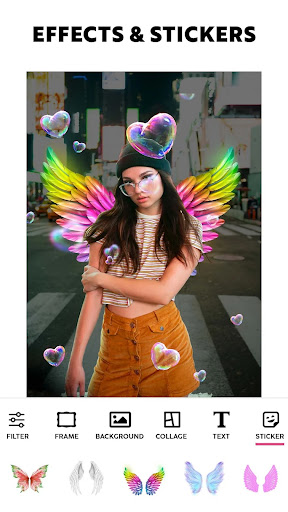
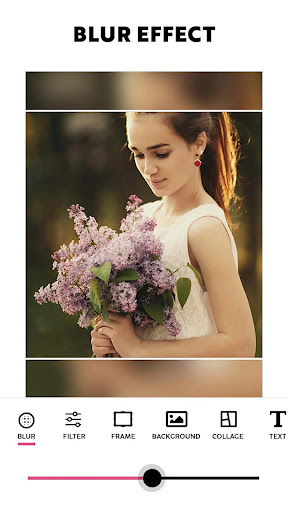
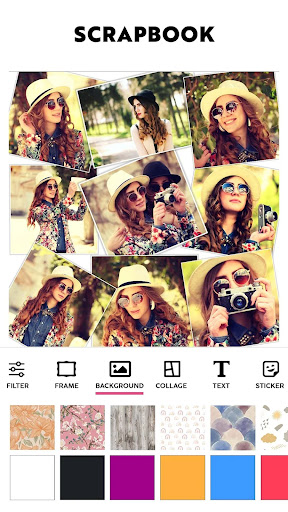
Ad slot: Top Leaderboard
About this app
Photo Grid: Pic Collage Maker will Transform Photos into Elaborate Artwork!With Photo Grid: Pic Collage Maker, an all-encompassing app for merging photos alongside creative layouts, filters and project building, create stunning art pieces. This app is perfect for memory books or sharing on social media since it’s so user friendly. Making collages has never been easier or more entertaining thanks to the built-in features of Collageable: Photo Collage Maker and Photogrid: Wallpaper Collage Maker, which both streamline the process of stunning collage creation.
📄Photo Collage Significant Characteristics:📄
✨ Design splendid photo layouts with Photo Grid: Pic Collage Maker;
✨ Build stunning photo layouts with Collageable: Photo Collage Maker;
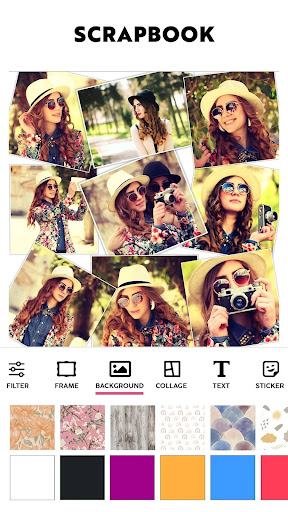
✨ Beautify backgrounds using Wallpaper Collage Maker: Photogrid tools;
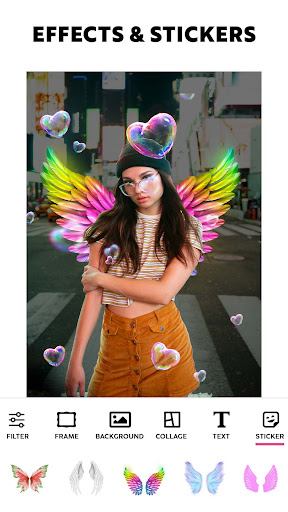
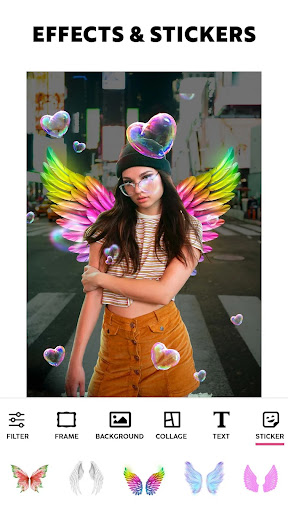
✨ Customize using Picstitch: Picture Collage & Photo Editor stickers and fonts;
✨ Edit freely using Photo Layout: Picture Editor & Photo Filters;
✨ Arrange images in templates using Pics Collage: Combine Photos;
✨ For a professional look, create stylish grids with Pic Stitch Image Layout!
With A Creative Layout, Capture Your Best Moments!Change your daily photos into captivating stories with Photo Grid: Pic Collage Maker. From birthdays to holidays, you can celebrate special memories using special design tools. Photogrid: Wallpaper Collage Maker features lets you add flair using filters, borders, frames, or make artistic mosaics. Whatever your mood or event, you can instantly preview and adjust layouts.
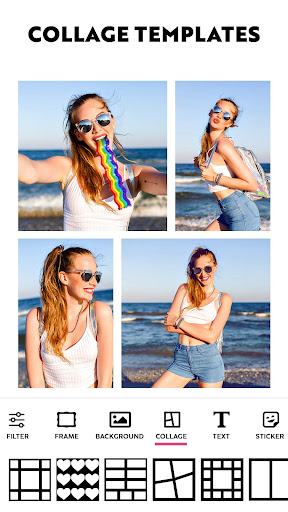
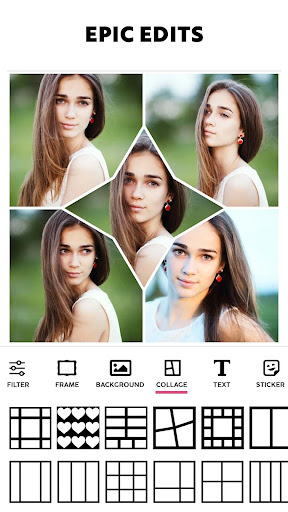
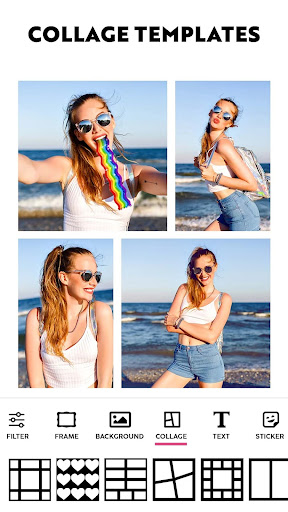
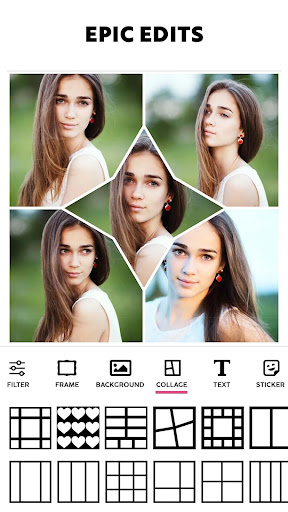
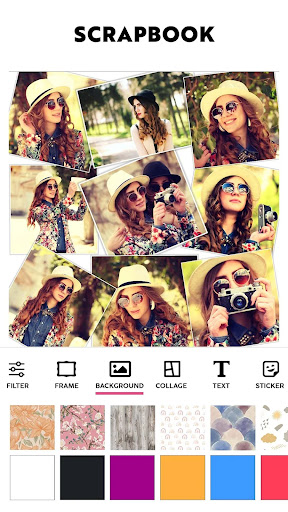
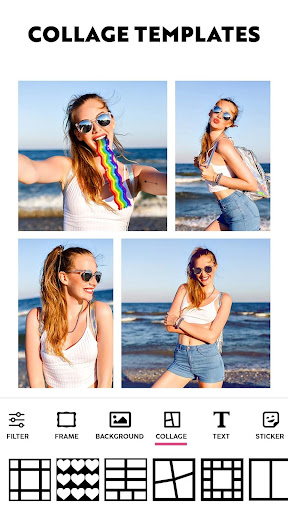
Each collage is a canvas with Collageable: Photo Collage Maker, pick numerous powerful visual message templates, modern or classic. Multiple images can be combined to one. The Photo Grid: Pic Collage Maker intuitive layout system helps you arrange your pictures in creative formats effortlessly.
Artistic Editing Made Simple: 🎨
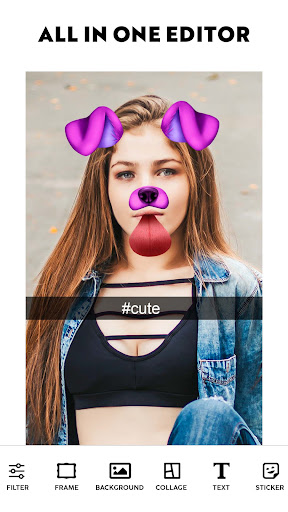
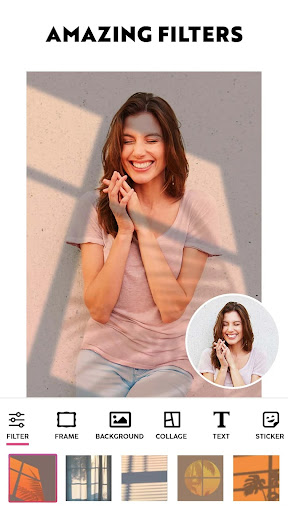
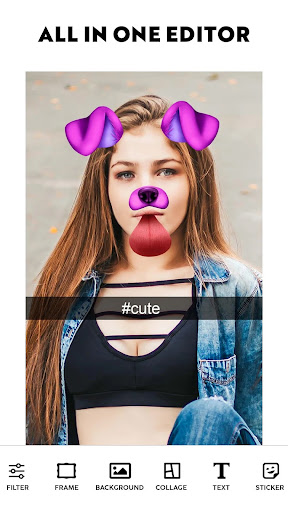
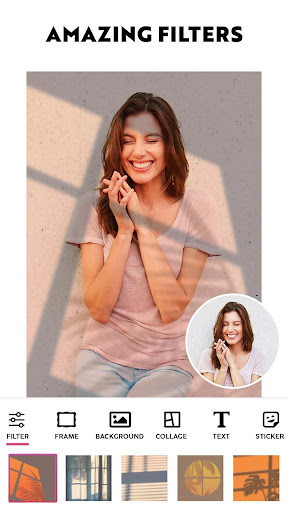
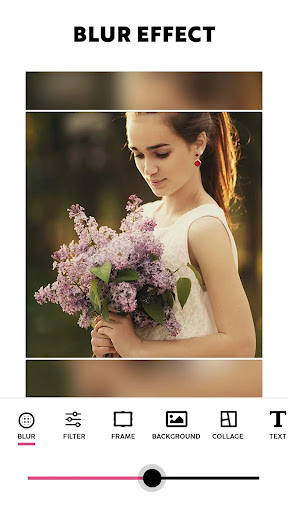
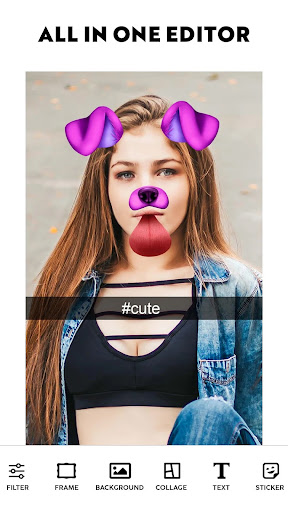
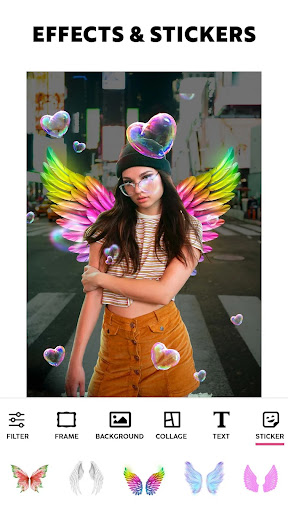
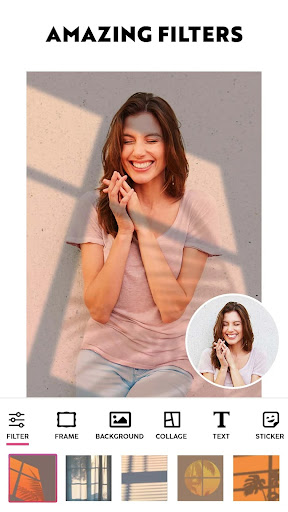
Selfies can be taken to the next level with powerful filters and trendy effects on Picstitch: Picture Collage & Photo Editor. You can dress images using custom text and neon outlines, or apply the sketch feature to get a hand-drawn effect. For image tone, lighting, or retouching edits with a single tap, use Photo Layout: Picture Editor & Photo Filters.
Perfect Grids and Layouts: 🖼️
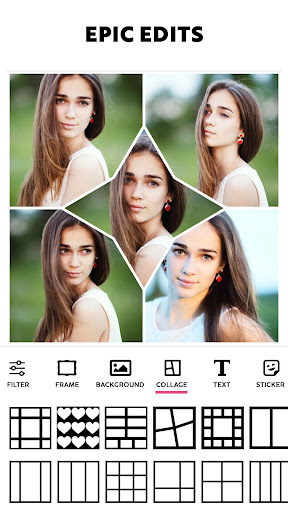
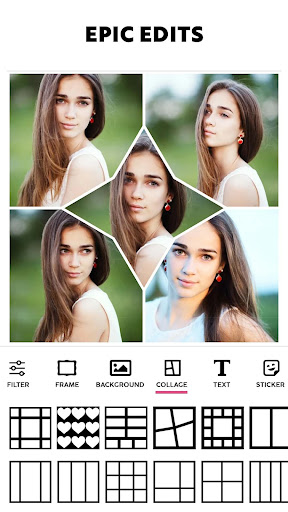
With Pics Collage: Combine Photos, create advanced side-by-side frames, mirror effects, and photo grids. Want bold color pop collages, or minimalist style? No problem. Pic Stitch Image Layout ensures precision. Picstitch: Picture Collage & Photo Editor is easy to use, but still give creative perfectionists the power they need.
Create and Share with Style: 🌟
Photogrid: Wallpaper Collage Maker and Photo Grid: Pic Collage Maker offer you stylish ways to show off your collages. Save in high resolution and optimally for any platform. You are covered whether it’s a memory book collage or a quick photo post.
Utilize Every Photo Layout To Its Full Potential!You can now transform your dull pictures into breath-taking ones through Collageable: Photo Collage Maker. You may create simple and beautiful layouts for your selfies using Pic Stitch Image Layout along with their Photo Layout: Picture Editor & Photo Filters. Discover countless layout combinations with Pics Collage: Combine Photos and Photogrid: Wallpaper Collage Maker.
📄Photo Collage Significant Characteristics:📄
✨ Design splendid photo layouts with Photo Grid: Pic Collage Maker;
✨ Build stunning photo layouts with Collageable: Photo Collage Maker;
✨ Beautify backgrounds using Wallpaper Collage Maker: Photogrid tools;
✨ Customize using Picstitch: Picture Collage & Photo Editor stickers and fonts;
✨ Edit freely using Photo Layout: Picture Editor & Photo Filters;
✨ Arrange images in templates using Pics Collage: Combine Photos;
✨ For a professional look, create stylish grids with Pic Stitch Image Layout!
With A Creative Layout, Capture Your Best Moments!Change your daily photos into captivating stories with Photo Grid: Pic Collage Maker. From birthdays to holidays, you can celebrate special memories using special design tools. Photogrid: Wallpaper Collage Maker features lets you add flair using filters, borders, frames, or make artistic mosaics. Whatever your mood or event, you can instantly preview and adjust layouts.
Each collage is a canvas with Collageable: Photo Collage Maker, pick numerous powerful visual message templates, modern or classic. Multiple images can be combined to one. The Photo Grid: Pic Collage Maker intuitive layout system helps you arrange your pictures in creative formats effortlessly.
Artistic Editing Made Simple: 🎨
Selfies can be taken to the next level with powerful filters and trendy effects on Picstitch: Picture Collage & Photo Editor. You can dress images using custom text and neon outlines, or apply the sketch feature to get a hand-drawn effect. For image tone, lighting, or retouching edits with a single tap, use Photo Layout: Picture Editor & Photo Filters.
Perfect Grids and Layouts: 🖼️
With Pics Collage: Combine Photos, create advanced side-by-side frames, mirror effects, and photo grids. Want bold color pop collages, or minimalist style? No problem. Pic Stitch Image Layout ensures precision. Picstitch: Picture Collage & Photo Editor is easy to use, but still give creative perfectionists the power they need.
Create and Share with Style: 🌟
Photogrid: Wallpaper Collage Maker and Photo Grid: Pic Collage Maker offer you stylish ways to show off your collages. Save in high resolution and optimally for any platform. You are covered whether it’s a memory book collage or a quick photo post.
Utilize Every Photo Layout To Its Full Potential!You can now transform your dull pictures into breath-taking ones through Collageable: Photo Collage Maker. You may create simple and beautiful layouts for your selfies using Pic Stitch Image Layout along with their Photo Layout: Picture Editor & Photo Filters. Discover countless layout combinations with Pics Collage: Combine Photos and Photogrid: Wallpaper Collage Maker.
What's New
Improvements
App Information
Version Name
3.4.1.5
Version Code
304105
File Size
72.4 MB
Minimum OS
Android 7.0+
Target SDK
Android 33
Developer
Firehawk
Contact
Website
Content Rating
Everyone
Package Name
com.lyrebirdstudio.collagePermissions Required
This app may request the following permissions:
Recent Reviews

A Google user
4.0★
As of 10-20, the latest update has removed the beautiful frames and totally changed up the filter effects. I really want the old frames back, but I guess I can get used to the different filter set. Love the elegant lettering options, frames, stickers, and the myriad filters and effects. Not enough of a font color selection, but that's usually no problem. My favorite photo editor on any phone! I just wish it had a doodle function for drawing over pics. The ads are annoying but ok.

Victoria Madaffari-Gouse
3.0★
It's just okay, I'm not very impressed with the shapes of the frames. A lot of the pix I was trying to combine took alot of tweeking in order for the subject to be featured. I uninstalled to try to find something better. Ads are a bit intrusive.i think they could come up with a better way &have better timing for that. One always pops up after you're finished w your collage, I think I'd prefer to watch an ad before I even got started with my project. It just disrupts my flow.
*August Moon*
3.0★
I used to give this app 5 stars, but after getting a new phone in the begining of 2020, I reinstalled this app & the version I once knew was gone; replaced w/ a very updated version, extremley different from the original. The amount of ads seemed to have doubled (if not tripled)! The app once had festive stickers for all occasions; & the Halloween stickers were the best! Now there aren't any holiday ones; they all got replaced with outdated emoticons & basic smiley faces that look cheap.

Razel Olac
5.0★
this app is very useful easy to use .. don't have much time for advertise 😁.. just want to give suggestion to have more stickers to choose .

cashea rigney
1.0★
It does not pick up all of my pictures.So I can't use it to make a collage. my pictures are there but it just will not show them.

Kevin Gallagher
5.0★
Amazing collage app. Very easy to use. No intrusive ads. Pick from thousands of combos for collages. like a pro editor!
Ad slot: In-Content