

mail.com: Email app & Cloud
com.mail.mobile.android.mail
by 1&1 Mail & Media Inc
Screenshots
Ad slot: Top Leaderboard
About this app
mail.com Mail and Cloud App - Secure mail and cloud storage in one email app
Our secure mail app brings all the speed and convenience of your email inbox and cloud to your smartphone. Enjoy 24/7 access to your mailbox and cloud storage.
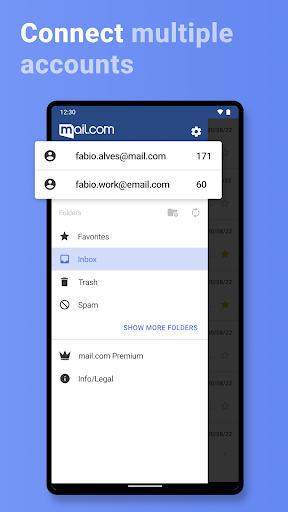
EMAIL: Check your e mails, reply to e mail messages, use your mailbox, email folders and contacts, all from your smartphone. One secure mail app for multiple email accounts and email addresses! mail.com's secure mail app for Android is mobility for your e-mail inbox.
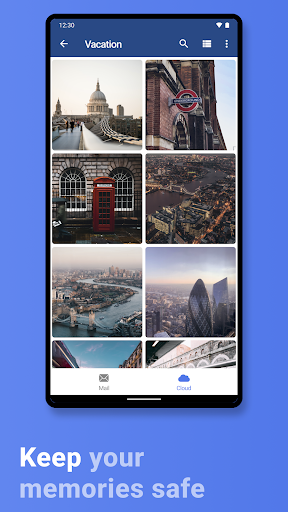
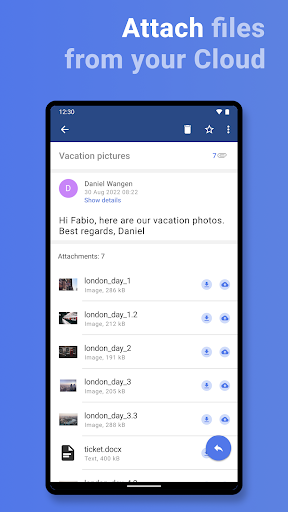
CLOUD: Your mail.com Cloud can be accessed online in your mailbox, so you don't just have your e-mail in your secure mail app inbox, but online cloud docs and photos as well. Activate automatic photo backups to keep your memories safe in your mailbox.
The mail.com secure cloud & mail app features:
- Email encryption & security technology (TLS, SSL)
- Mailbox functions like full screen mode, pinch to zoom & more
- Email push notifications (optional)
- Sync with your smartphone address book (optional)
- PIN, fingerprint, or facial lock security
- Secure mail account includes 2GB free online cloud
- Create email account right in app
- Upload photos & docs from smartphone to Cloud
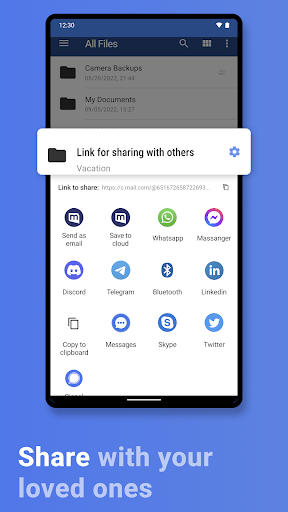
- Email and share photos from Cloud
- Save email attachments and send documents from cloud storage
- mail app and webmail mailbox automatically synced
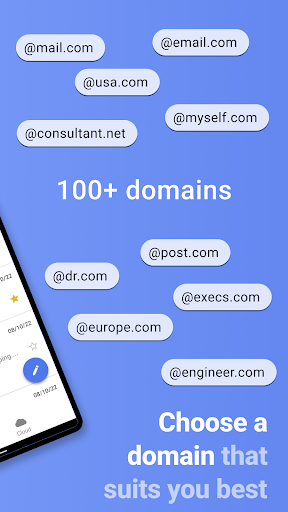
- 100+ domains to customize free email address, e.g. @email.com
Stay in the loop
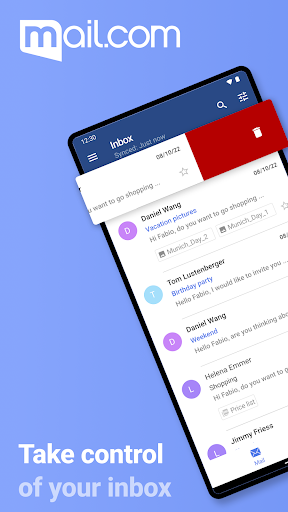
Email address book, inbox and folders are accessed with a click. Activate the push e-mail function to fetch your e-mail messages automatically to your mailbox. Get notifications on the home screen when new e mails arrive in the inbox. Your e mails and files are always right there with the mail.com secure e mail app.
Your cloud in your mailbox
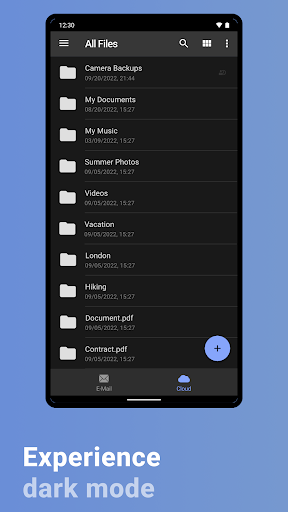
Our secure mail.com mail app lets you access the 2 GB free mail.com Cloud right in your mailbox for secure online storage of photos, videos and documents. With cloud mail you can access all stored files online on your smartphone, create email attachments, and upload items directly from phone to cloud. A automatic uploads can be activated to back up photos to your secure cloud and access in your webmail.
Create email the easy way
The secure mail.com app is flexible; you can tweak the inbox and free e-mail functions to suit you. Set a custom tone to be notified of new e-mails, or if you prefer a quiet online mailbox, activate vibration notifications. You can change the way your e-mail list appears and customize your e-mail inbox and webmail. Create email addresses right in the app and personalize your free email with 100+ domains. From the makers of GMX webmail, Ionos, and 1&1, mail.com is e-mail and webmail that puts you first. Experience our online e-mail inbox and webmail today!
100% convenience
Your mailbox: secure e mail & cloud app is packed full of e mail and cloud features to make life easier. Clean up your secure mailbox with the ‘Empty Spam’ button, and access inbox and mails instantly: The pen icon lets you tap to create email, and the magnifying glass lets you search your e mails when you need to find an e mail without having to comb through the mailbox.
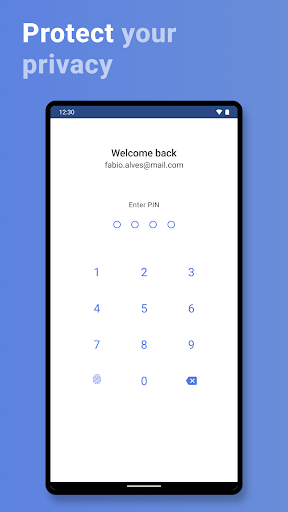
For mailbox security activate the fingerprint or facial ID lock function if supported by your Android smartphone. Otherwise create email PIN code to protect access to your email and mail.com inbox. Our secure e-mail app inbox gives you peace of mind.
We want to hear from you
Mailbox, e mail app or webmail; we want your feedback! Enjoying your free email address? Click Feedback in our secure email app and submit ideas for our online inbox & webmail. Enjoy your secure email mailbox & cloud app by mail.com and 1&1, the maker of GMX and Ionos! Looking for mail for iPad or mail app for iPhone? mail.com also has a mail app for iOS,
Our secure mail app brings all the speed and convenience of your email inbox and cloud to your smartphone. Enjoy 24/7 access to your mailbox and cloud storage.
EMAIL: Check your e mails, reply to e mail messages, use your mailbox, email folders and contacts, all from your smartphone. One secure mail app for multiple email accounts and email addresses! mail.com's secure mail app for Android is mobility for your e-mail inbox.
CLOUD: Your mail.com Cloud can be accessed online in your mailbox, so you don't just have your e-mail in your secure mail app inbox, but online cloud docs and photos as well. Activate automatic photo backups to keep your memories safe in your mailbox.
The mail.com secure cloud & mail app features:
- Email encryption & security technology (TLS, SSL)
- Mailbox functions like full screen mode, pinch to zoom & more
- Email push notifications (optional)
- Sync with your smartphone address book (optional)
- PIN, fingerprint, or facial lock security
- Secure mail account includes 2GB free online cloud
- Create email account right in app
- Upload photos & docs from smartphone to Cloud
- Email and share photos from Cloud
- Save email attachments and send documents from cloud storage
- mail app and webmail mailbox automatically synced
- 100+ domains to customize free email address, e.g. @email.com
Stay in the loop
Email address book, inbox and folders are accessed with a click. Activate the push e-mail function to fetch your e-mail messages automatically to your mailbox. Get notifications on the home screen when new e mails arrive in the inbox. Your e mails and files are always right there with the mail.com secure e mail app.
Your cloud in your mailbox
Our secure mail.com mail app lets you access the 2 GB free mail.com Cloud right in your mailbox for secure online storage of photos, videos and documents. With cloud mail you can access all stored files online on your smartphone, create email attachments, and upload items directly from phone to cloud. A automatic uploads can be activated to back up photos to your secure cloud and access in your webmail.
Create email the easy way
The secure mail.com app is flexible; you can tweak the inbox and free e-mail functions to suit you. Set a custom tone to be notified of new e-mails, or if you prefer a quiet online mailbox, activate vibration notifications. You can change the way your e-mail list appears and customize your e-mail inbox and webmail. Create email addresses right in the app and personalize your free email with 100+ domains. From the makers of GMX webmail, Ionos, and 1&1, mail.com is e-mail and webmail that puts you first. Experience our online e-mail inbox and webmail today!
100% convenience
Your mailbox: secure e mail & cloud app is packed full of e mail and cloud features to make life easier. Clean up your secure mailbox with the ‘Empty Spam’ button, and access inbox and mails instantly: The pen icon lets you tap to create email, and the magnifying glass lets you search your e mails when you need to find an e mail without having to comb through the mailbox.
For mailbox security activate the fingerprint or facial ID lock function if supported by your Android smartphone. Otherwise create email PIN code to protect access to your email and mail.com inbox. Our secure e-mail app inbox gives you peace of mind.
We want to hear from you
Mailbox, e mail app or webmail; we want your feedback! Enjoying your free email address? Click Feedback in our secure email app and submit ideas for our online inbox & webmail. Enjoy your secure email mailbox & cloud app by mail.com and 1&1, the maker of GMX and Ionos! Looking for mail for iPad or mail app for iPhone? mail.com also has a mail app for iOS,
What's New
✔ The hotline is now directly accessible via the help section.
✔ Accessbility improvements
✔ Improvements in usability
✔ Performance and stability improvements
✔ Accessbility improvements
✔ Improvements in usability
✔ Performance and stability improvements
App Information
Version Name
7.48.1
Version Code
405053
File Size
42.4 MB
Minimum OS
Android 9+
Target SDK
Android 33
Developer
1&1 Mail & Media Inc
Contact
Website
Content Rating
Everyone
Package Name
com.mail.mobile.android.mailPermissions Required
This app may request the following permissions:
Recent Reviews

Nicole Pfeiffer
1.0★
It takes forever to load emails. You can star emails to put them in your favorites but you can't see your favorites folder. Why is that? So if you star an email and then search for it, you won't find it. Geez really? update 8/1/25- every 2 or 3 clicks an ad opens and they are loud! you cant even review your inbox or read your email without being constantly interrupted by ads! Will likely find another way to check my mail and delete this app. its just terribly annoying.

Krauss R
1.0★
Awful amount of ads, completely broke the app. This is unacceptable, not to mention that I am a paid user for expanded storage and still get hit with ads every single click. If they don't fix this they are going to lose significant amount of users. I am preparing to transfer to other email service if this doesn't get any better in a week or two.

Wladislaus Dragwlya (Quantum Singularity)
1.0★
Long popup ads that bombard your screen after loading every single email. Or if you take more than 5-10 seconds reading, a 5-second popup ad now occurs every 5-10 seconds of being on this app. This has become the most invasive app for popup ads when trying to use the app. I've been using this email app for years, but I'm fixing to start using my Gmail more if this doesn't get corrected.

Michelle ishappy
2.0★
[Thx for reply devs.] Having probs opening emails. Just spins and spins. There is NECESSARY FUNCTIONALITY MISSING. There's NO way to create a white list in this app, so many of my wanted emails are in the Spam folder and there is NO WAY to add them to the "allowed" list unless I use the web version. I cannot edit my "contacts." There's NO way to move a draft into a personal folder. Adding or deleting a personal folder? I can't figure out how to delete them. The selection of domains is neat tho.

G
1.0★
Edited to one star, advertisments have become disgustingly aggressive! The app is quite LITERALLY unusable, you lot should be ashamed! by all means generate a profit but this is crazy! finish an ad, three seconds later? Another ad. The ads have become painfully unbearable. Always swore by this service and didn't mind occasional ads but now they sometimes pop up three times in the space of 60 seconds. Really needs sorted out, it's a very, very frustrating experience.

Jay M
1.0★
This was my go to email app. About two weeks ago they startrd losing their minfld with random, loud, obnoxious ads every 20 seconds. This is not an exaggeration. The ads will pop up almost every time you scroll and lift your finger off or open an email. It has been quite embarrassing at work when I go to check my email and hear AI slop ads screaming at me. You can't even upgrade to premium because the link on the app doesn't work and the web server just refers you to the app. Garbage.
Ad slot: In-Content