
App Lock: Fingerprint, Pattern
com.martianmode.applock
by AppAzio
Screenshots
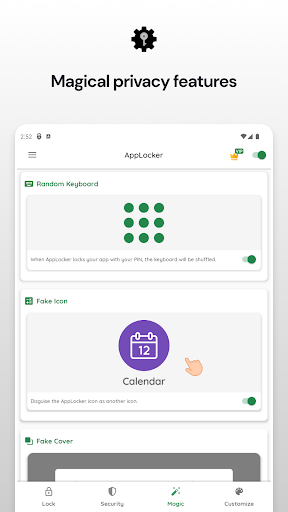
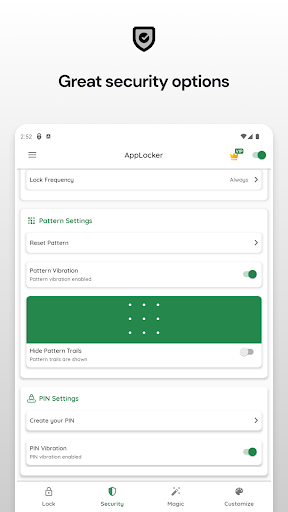
Ad slot: Top Leaderboard
About this app
★★★ Protect your Privacy. The App Lock with Fingerprint support★★★
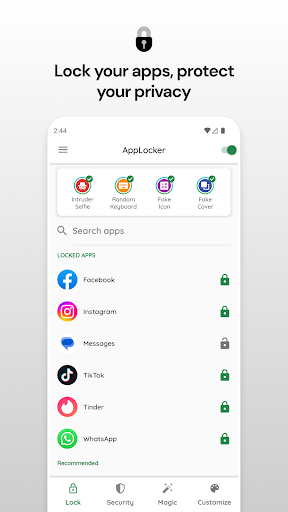
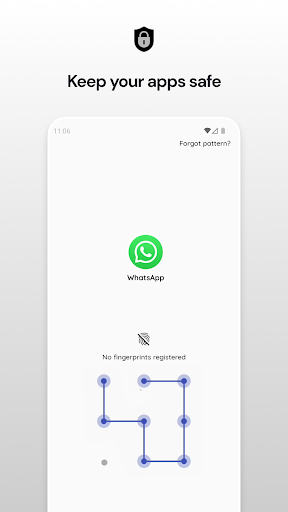
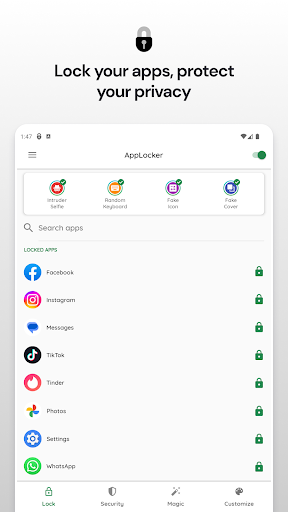
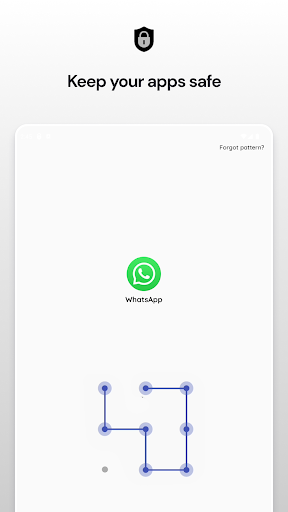
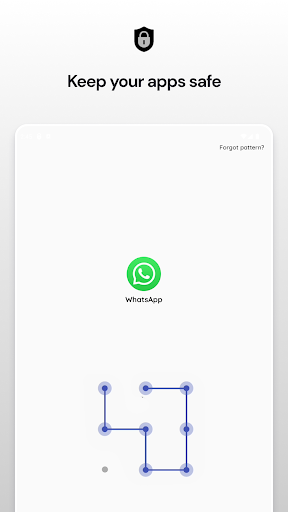
App Lock is an AppLocker (App Protector) that will lock and protect apps using a password or pattern and fingerprint.
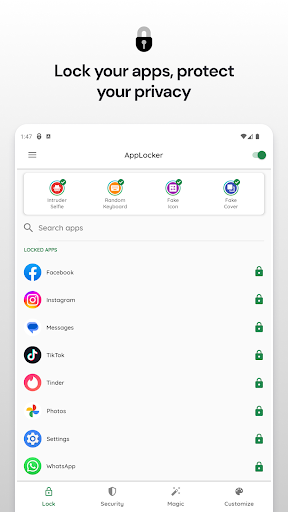
App Lock can lock, Social Media apps, Messaging apps, Gallery, Contacts, Settings, and any app you want. Prevent unauthorized access and protect your privacy.
★ With App Lock:
Never worry about friends borrow your phone to use mobile data again!
Never worry about a friend gets your phone to look at the gallery again!
Never worry about a friend who reads private messages on your phone!
Never worry about parents check your social media apps!
Never worry about your kids change Settings, send random messages, paying with credit cards again!
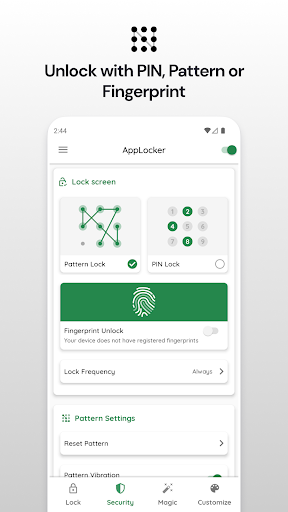
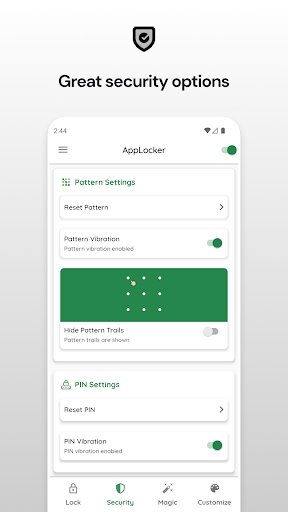
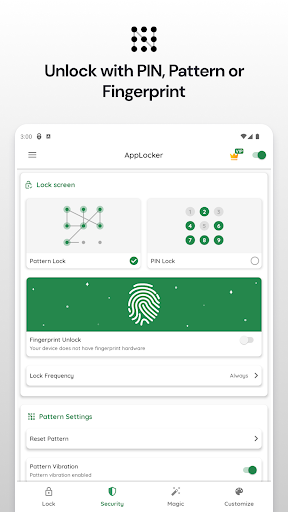
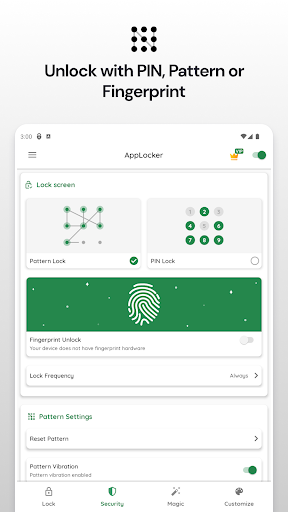
• Lock apps with password, pattern, or fingerprint lock.
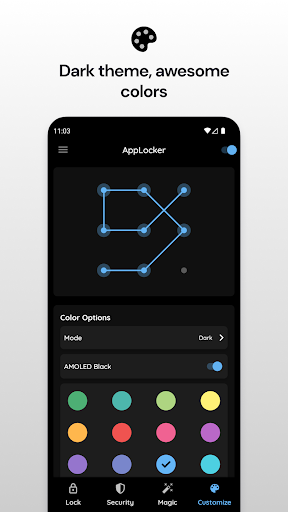
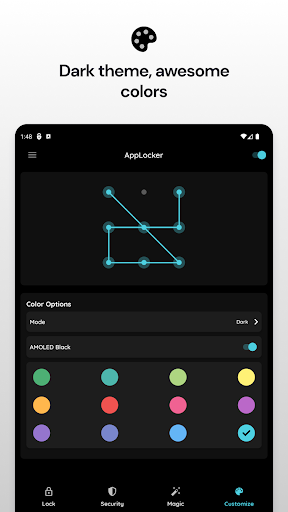
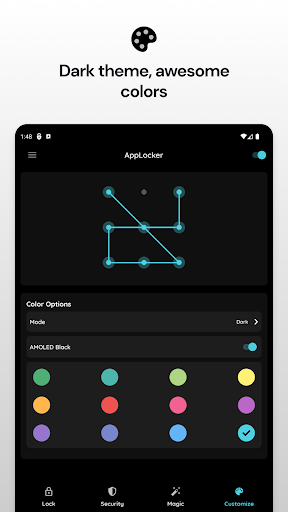
• Themes with many color options.
• Lock system settings to prevent an unwanted change by kids.
• Prevent uninstalling apps.
A must-have personal security app to secure your privacy.
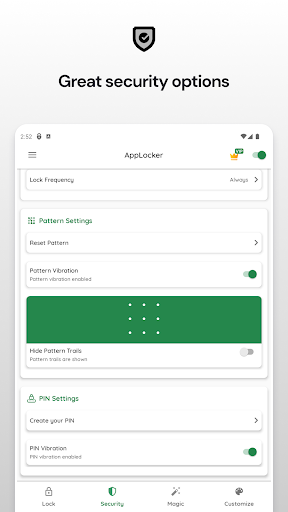
★ Lock your apps with a "secure" but "easy to unlock" pattern.
★ Now with fingerprint support!
★ App Lock does not consume RAM, battery, and other system resources!
★ Secure your messaging and social apps and make your social life yours.
★ Hide your pictures by locking gallery and photo apps.
★ Keep your data secure from prying eyes.
★ Awesome Themes and Colors!
★ Material designed.
★ Works flawlessly even with the latest versions of Android!
Required Permissions And Privacy Notes
Usage Stats Permission: To lock apps, we need to be able to see the last running app. For this, we ask for your "Usage Stats" permission.
Overlay Permission: We ask for "Display Over Other Apps" permission so that we can show the lock screen over the locked app.
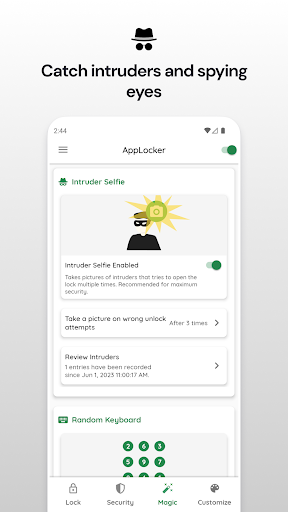
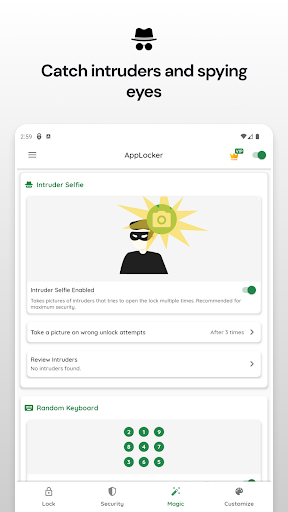
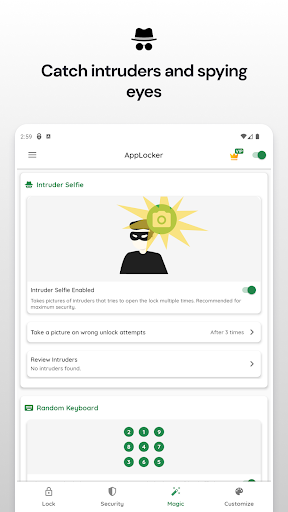
Camera Permission: We ask for your camera permission so that we can take photos with the front camera of intruders who try to open your locked apps without your permission.
App List: We need to list your apps to choose which apps to lock. We ask for your permission for this.
App Lock is an AppLocker (App Protector) that will lock and protect apps using a password or pattern and fingerprint.
App Lock can lock, Social Media apps, Messaging apps, Gallery, Contacts, Settings, and any app you want. Prevent unauthorized access and protect your privacy.
★ With App Lock:
Never worry about friends borrow your phone to use mobile data again!
Never worry about a friend gets your phone to look at the gallery again!
Never worry about a friend who reads private messages on your phone!
Never worry about parents check your social media apps!
Never worry about your kids change Settings, send random messages, paying with credit cards again!
• Lock apps with password, pattern, or fingerprint lock.
• Themes with many color options.
• Lock system settings to prevent an unwanted change by kids.
• Prevent uninstalling apps.
A must-have personal security app to secure your privacy.
★ Lock your apps with a "secure" but "easy to unlock" pattern.
★ Now with fingerprint support!
★ App Lock does not consume RAM, battery, and other system resources!
★ Secure your messaging and social apps and make your social life yours.
★ Hide your pictures by locking gallery and photo apps.
★ Keep your data secure from prying eyes.
★ Awesome Themes and Colors!
★ Material designed.
★ Works flawlessly even with the latest versions of Android!
Required Permissions And Privacy Notes
Usage Stats Permission: To lock apps, we need to be able to see the last running app. For this, we ask for your "Usage Stats" permission.
Overlay Permission: We ask for "Display Over Other Apps" permission so that we can show the lock screen over the locked app.
Camera Permission: We ask for your camera permission so that we can take photos with the front camera of intruders who try to open your locked apps without your permission.
App List: We need to list your apps to choose which apps to lock. We ask for your permission for this.
What's New
- Performance Improvements!
App Information
Version Name
6204-1r
Version Code
6204
File Size
31.6 MB
Minimum OS
Android 5.0+
Target SDK
Android 33
Developer
AppAzio
Contact
Website
Content Rating
Everyone
Package Name
com.martianmode.applockPermissions Required
This app may request the following permissions:
Recent Reviews

Nathan
3.0★
It works majority of the time, however, there has been a huge problem whenever they update the app that forces me to have to reinstall. I can live with that. The biggest issue is how the fingerprint scanner rarely pops up when I open up an app. I'm using the z fold 7 and it rarely asks me for my fingerprint. I don't want people watching me use the pattern, but that's what I'm stuck having to use majority of the time.

Sophonie Bazile
4.0★
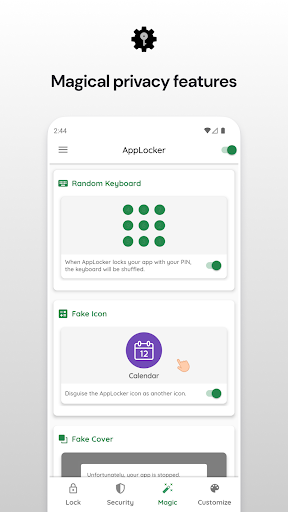
I have Google Play Pass so I was able to get the premium version of AppLocker. The app works like it should and the "magic" features, like random keyboard for pins, is useful. The one thing that's missing is a location- or WiFi-based lock feature. I'd like to select addresses, like my home or home network, where I don't need my apps locked. Once I leave my address/disconnect from my home network, the app should activate automatically. That would make it 5 stars for me.

نيم
1.0★
It's pointless. When you press the App history button on your phone (bottom far left or far right), it shows everything you were doing on all of the Apps . No one else is able to unlock your pin, but they can still see your previous messages, calls, emails, files, pictures, just by pressing the App history button. This is a major fail and must be corrected.

A Google user
2.0★
The app was pretty intuitive and easy to setup and use. The free version is useful but the advertisements were quite obtrusive. I ALMOST bought the app until I realized it could be uninstalled without a password. Just go to the app drawer and uninstall it. I thought the purpose of an app locker is to add a second layer of security to your device by preventing somebody from accessing certain (or all of your) apps. It isn't much of a security layer if an intruder can simply uninstall it. The app does auto-run when the device starts up but it does't auto-run fast enough and I was able to start locked apps upon start-up of the device.

Nicole Crawford
2.0★
I didn't last a day. The video ads were annoying and became more intrusive throughout the day. Often I would open an app, put in my password, watch the video then it would open the app only to lock it. This would go in circles until I gave up, closed out and tried again. This glitch, along with the intrusive video ads after ever unlock, lead me to delete this app to find a better option for me.

Arianna Puckett
3.0★
Great app. It does do what it says. It is easy to use. However people can still see what's in the locked apps in your "recent apps" . Also, sometimes it doesn't really lock the apps. It will glitch and allow them to be opened. The number of ads has become ridiculous. Every other time I want to access a locked app an ad pops up.
Ad slot: In-Content