

MediaFire
com.mediafire.android
by MediaFire
Screenshots

Ad slot: Top Leaderboard
About this app
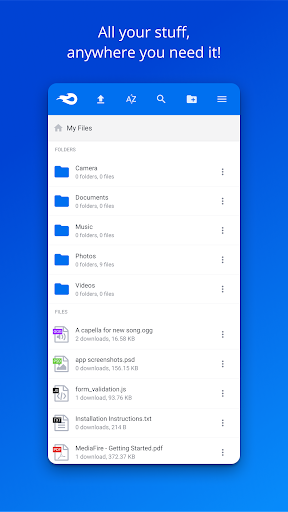
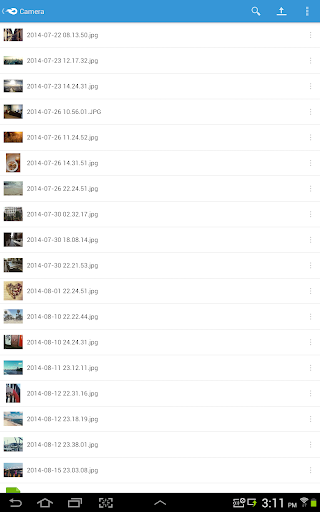
MediaFire lets you easily upload all your files - like your photos, videos, music, and documents - and access them from anywhere with your phone, tablet, computer, or the web!
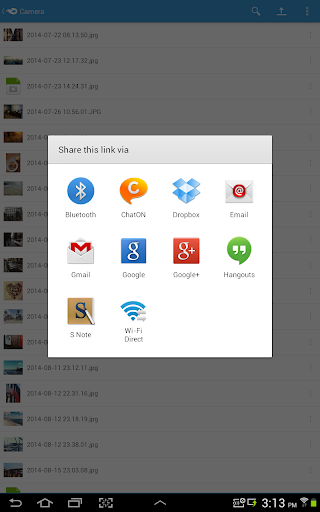
Upload files and folders from other Android apps (including most file managers) by using the Android "Share to" option and selecting "MediaFire". This will upload the file or folder directly into your MediaFire account.
Features:
• Upload files from anywhere with "Share to MediaFire".
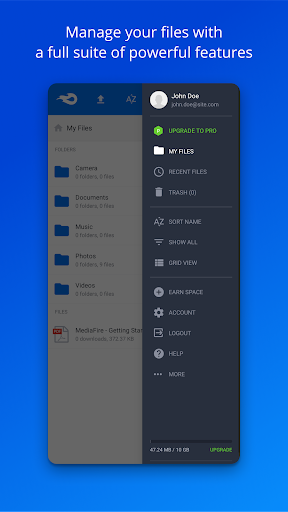
• 12 GB of space - free!
• Earn up to 50 GB of free space.
• View docs, spreadsheets, presentations, video, and listen to audio.
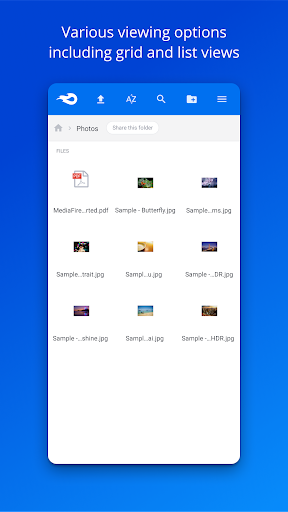
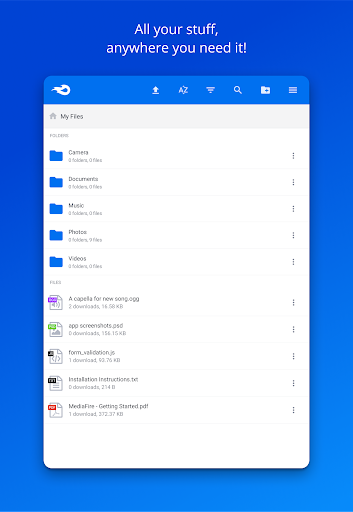
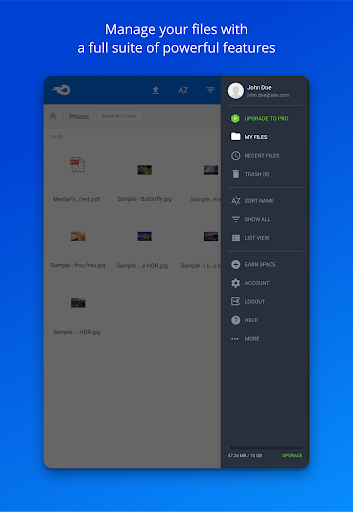
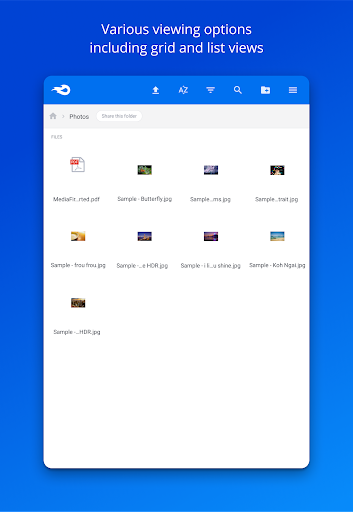
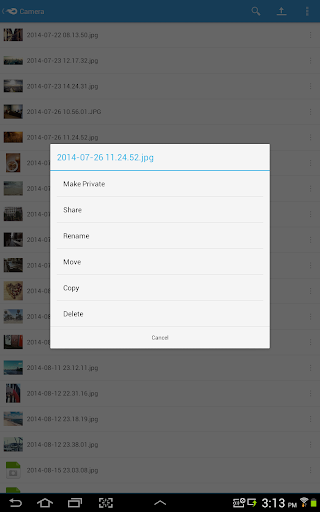
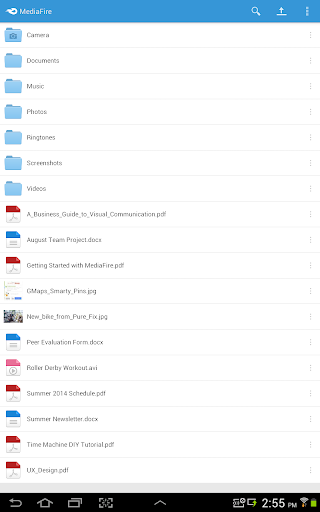
• Create and manage folders of files.
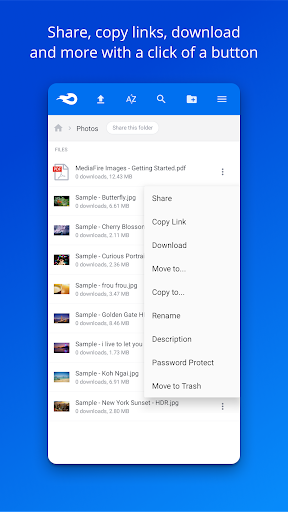
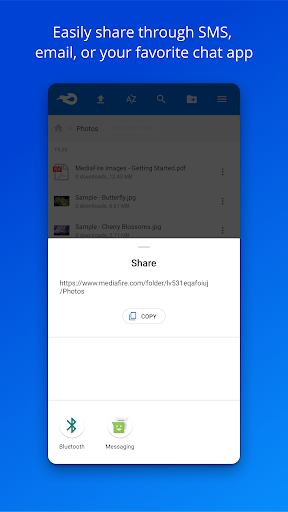
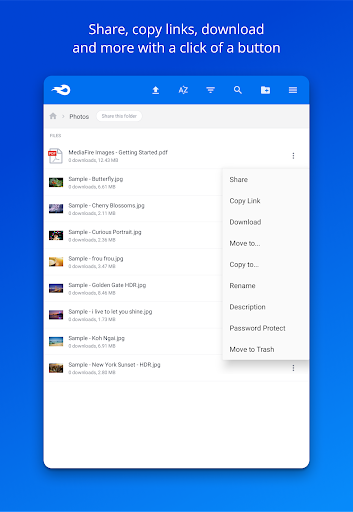
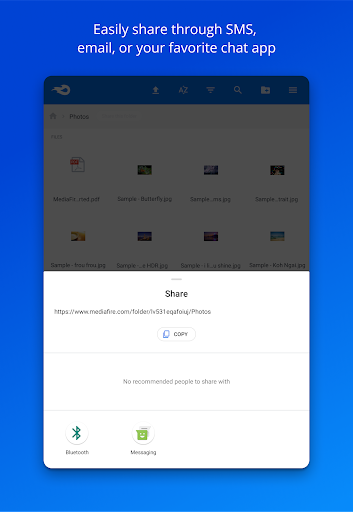
• Share files on the go via email, SMS, Facebook, Twitter, other Android apps, or copy and paste links.
• Quickly search all your files and folders.
• Keep all your important files at your fingertips.
Securely store, organize, and share all your media through your Android phone or tablet. MediaFire keeps all your photos, videos, reading material, work docs, spreadsheets, presentations, and even your homework in your pocket, ready for you to view or share anytime. All your files will always be safe in your MediaFire account - no matter what happens to your Android device.
Upload files and folders from other Android apps (including most file managers) by using the Android "Share to" option and selecting "MediaFire". This will upload the file or folder directly into your MediaFire account.
Features:
• Upload files from anywhere with "Share to MediaFire".
• 12 GB of space - free!
• Earn up to 50 GB of free space.
• View docs, spreadsheets, presentations, video, and listen to audio.
• Create and manage folders of files.
• Share files on the go via email, SMS, Facebook, Twitter, other Android apps, or copy and paste links.
• Quickly search all your files and folders.
• Keep all your important files at your fingertips.
Securely store, organize, and share all your media through your Android phone or tablet. MediaFire keeps all your photos, videos, reading material, work docs, spreadsheets, presentations, and even your homework in your pocket, ready for you to view or share anytime. All your files will always be safe in your MediaFire account - no matter what happens to your Android device.
What's New
Complete rewrite
App Information
Version Name
5.6.0
Version Code
200005
File Size
25.3 MB
Minimum OS
Android 5.0+
Target SDK
Android 33
Developer
MediaFire
Contact
Website
Content Rating
Everyone
Package Name
com.mediafire.androidPermissions Required
This app may request the following permissions:
Recent Reviews

A Google user
3.0★
While it's good that there's an app for Mediafire, for on the go access to your files. It's missing key features. You aren't able to sort through your files from type, date or by name. There's no option to sort by ascending order or descending. Your not able to upload a file directly from your smartphone to your account. It just crashes and closes the app. When highlighting a file and selecting it, there is no option to see the files details.
A Google user
4.0★
It is getting better with each update. I have a MediaFire account since maybe 2011-2012 during MediaFire startup. It was an unpleasant experience. So I very seldom use it maybe 2-3 times a year until lately it became slick and the speed is fast with Photo upload. Recommended for new user but I am not sure how much storage you will be given for free basic account. If the rate is better than its competitor I might buy more storage.

George Mavroudis
5.0★
I am rating the whole service and not just the android app. It is a very reliable cloud storage, that I have used for many years (more than 15 years now). Never had a single problem, never lost a single file, never seen a 404. Thank you for that perfect service all those years.

Chan Fortin
1.0★
Thanks that you update, but it only used for one day (that means yesterday). And now I can't open the app again. It says "unable to connect Mediafire". Please fix this again. And also improve the UI in this app like. We can see easily our files that we upload. And also add cancel button in the upload button if we accidentally press that file. Please respond.

Alvinus Seravhyn
1.0★
It's weird how you show an image as if there's a payment option while there's actually nothing of sort in the app. I appreciate the simplicity of this app, but it just lacks one of the most basic things and that is silly. I looked here bcs the website doesn't provide the payment option I wish. A lot of other services are already doing it with their mobile apps. You are almost like a decade behind.

Brian Stewart (Klovis)
1.0★
The upload part of this app is a joke!! It's very slow if it even starts. And if it doesn't there's no way to stop it. To clean the uploads to start over you have to clear the cache or delete all the App data(And Literally Start the App Over)... Which is why I use other cloud storage apps instead. I used to be a huge MediaFire fan but not so much these days. Now if you use a actual PC to do the uploading there are way less issues.
Ad slot: In-Content