
MediBang Colors coloring book
com.medibang.android.colors
by MediBang Inc.
Screenshots


Ad slot: Top Leaderboard
About this app
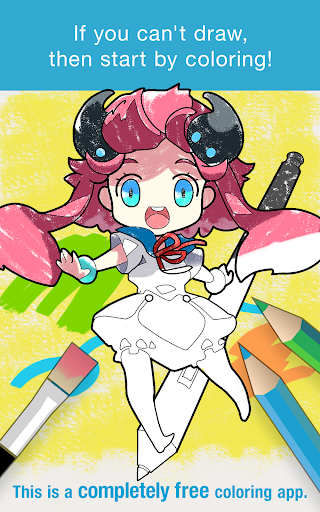
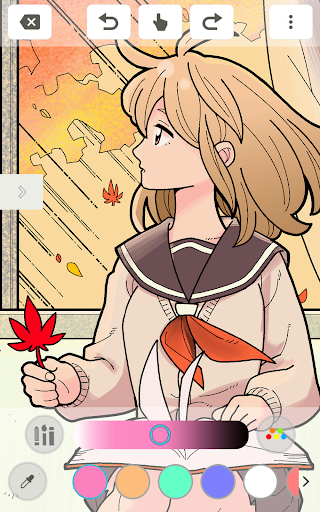
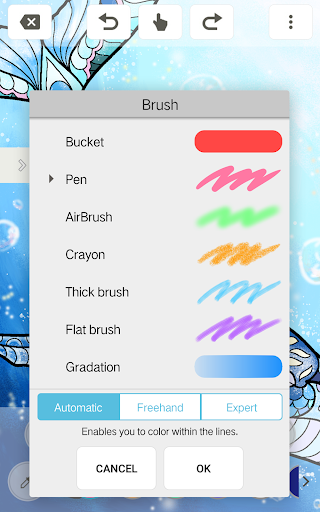
Lots of coloring images for adults as well as character images exclusive to MediBang. This is a coloring app that is completely free to use! We will be adding many more coloring images to the app in the future, so even those who aren't able to draw can enjoy it!
You can create your very own coloring images from scratch!
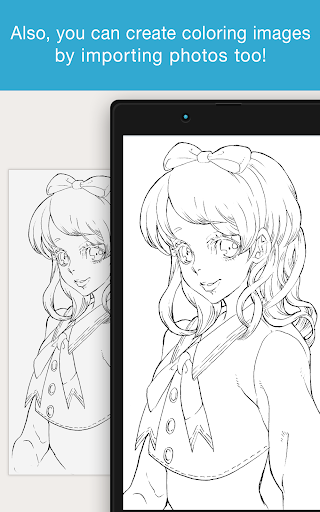
Also, you can create coloring images by importing photos too!
You can show everyone your finished work in the app or even on social media! Show off your masterpieces to everyone!
What's New
Fixed a bug that cannot be posted
App Information
Version Name
1.4
Version Code
9
File Size
31.1 MB
Minimum OS
Android 4.2+
Target SDK
Android 28
Developer
MediBang Inc.
Contact
Website
Content Rating
Everyone
Package Name
com.medibang.android.colorsPermissions Required
This app may request the following permissions:
Recent Reviews

Makayla Beatty
3.0★
Its overall a great app, I just wish there were these things included 1, first of all I would love the addition of a color wheel, so you're not limited to the palette options. 2, the ability to comment in artwork, and see who follows you. 3, when I try to create a line art, my app glitches and I cant do anything, unless I exit and close the app completely. Other than these things, I do reccomend the app

A Google user
3.0★
This app is actually pretty fun and calming! I would recommend this only for the coloring though. You can make your own lineart/coloring sheet but I won't recommend it. First- Theres no layers. Layers is a big thing for drawing digitally so it would've bee nice if there was layers Second - Theres a limited size of the brush, You can't customize the brush size like you can do for the coloring. (This is just a pet peeve for me) I hope this helped you Thanks for reading!

Makala
3.0★
You should get the option to use a colourwheel as well as the pallets. You should also be able to comment on other's art. I also had a problem trying to make linear of my art as it double lined my regular lines . However this is one of my favorite apps to use when I want to be artistic but not have to do all the lining . But the issues I made mention of is holding me back from being able to give this app higher than a 3 star review.

Saihahahara
3.0★
I love the app. The app is a big pick me up when I'm down, so there's one thing I have a problem with. When I choose to create line art from photo, I'll choose my photo, but I'm completely unable to edit it. I can't even exit/save. The only option is for me to clear the tab or stare at the photo I choose :/
A Google user
4.0★
I love it!! I have been looking for a free coloring app and I've found this!! You are absolutely gonna love this if you love coloring and anime. It has all the colors and brushes you need.. However, the problem is when you import a photo from your gallery or take a picture , the lines are really thick ang smudgy even though the picture you used is also a lineart.. I hope this problem will be solved soon.. Nonetheless,This is the best app for art!!

Dominic Deeney-Mygind
3.0★
really need to update the app, I loved this app a few years ago and since it hasn't been updated since January the 'create line art from gallery' feature doesn't work, and almost none of the templates on the opening 'coloring book' page show up on my phone. :( otherwise I'd give it five stars I like making friends on the app :)
Ad slot: In-Content