

MediBang Paint:Draw Art, Comic
com.medibang.android.paint.tablet
by MediBang Inc.
Screenshots
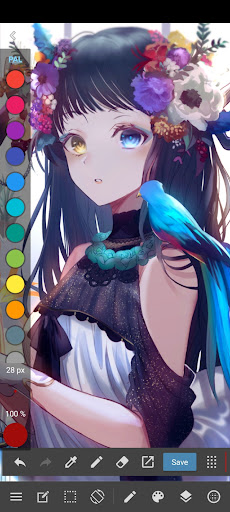
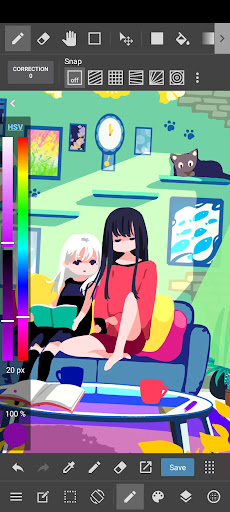
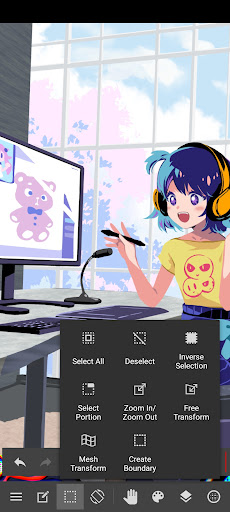
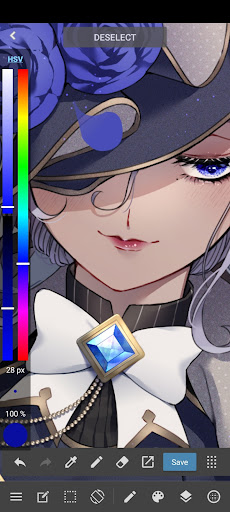
Ad slot: Top Leaderboard
About this app
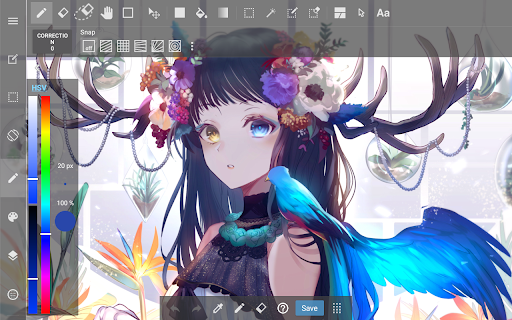
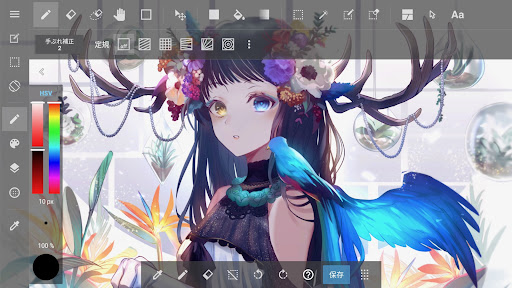
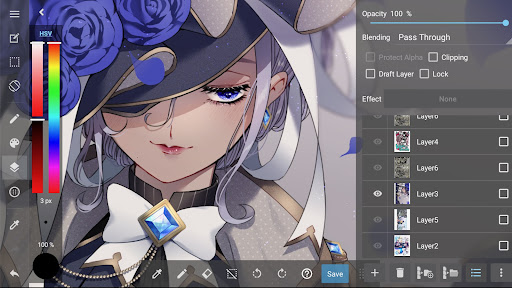
MediBang Paint is an art app for sketching, painting, drawing, and coloring using pencil and pen tools.
Designed for artists of all skill levels, it supports creating digital art, sketches, comics, and illustrations with ease. Whether you’re starting your first art book or refining your next dibujo, MediBang Paint offers powerful features for every creator.
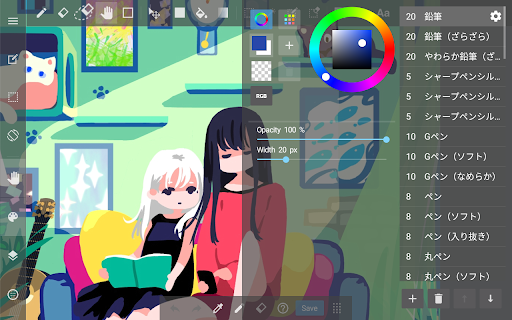
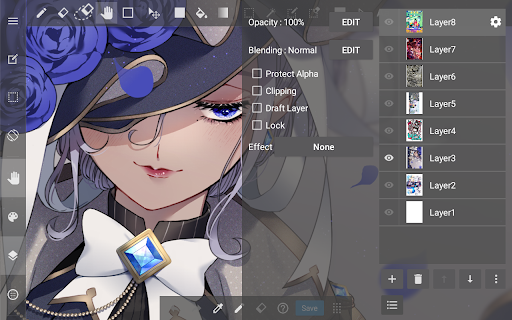
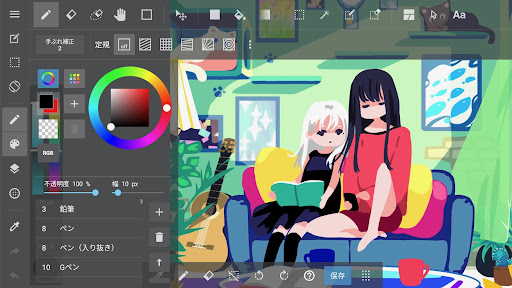
With over 180 brushes included, from pencil and pen to airbrush and watercolor, it makes sketching and painting intuitive and smooth. Artists who subscribe can access 700+ additional brushes and create their own custom sets for a fully personalized workflow.
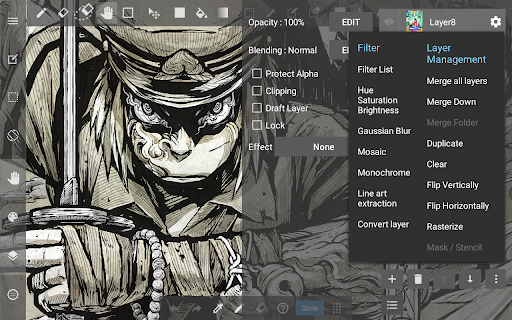
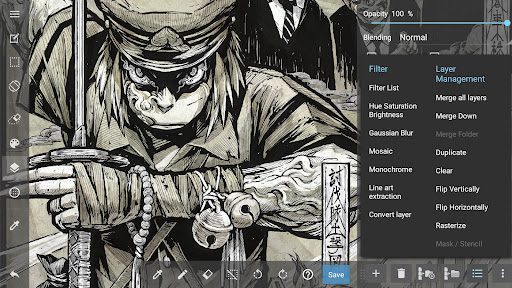
This art app is perfect for creating digital drawings, sketch-based concepts, and detailed illustrations. It supports PSD and CMYK formats for professional publishing, making it ideal for art books and comic production. Optimized for mobile and tablet, MediBang Paint ensures a smooth and responsive drawing experience.
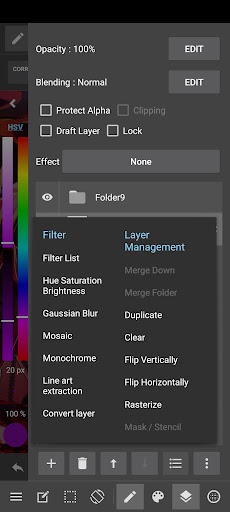
Comic and manga creators benefit from built-in comic paneling tools, screen tones, speech bubble options, and over 60 fonts. From early pencil sketches to polished comic pages, everything can be done within the app.
Work across devices with cloud sync and collaborate on the same canvas with friends or team members. Share your timelapse recordings and drawing process with the creative community on social platforms.
Main Features:
・180+ brushes: including pencil, pen, paint, and more
・700+ additional brushes with subscription plans
・Comic panel and screen tone tools for manga and comic artists
・Supports sketching, drawing, and coloring workflows
・Compatible with PSD and CMYK files
・Cloud sync for seamless use across devices
・Collaborative drawing features for group projects
・Timelapse recording for showcasing your process
・Access tutorials, templates, and resources via MediBang Library
Whether you’re working on a new sketch, experimenting with a painting, or finishing a comic, MediBang Paint is a trusted art app for all styles and workflows. Enjoy a professional drawing experience with a lightweight and efficient design. Ideal for digital artists seeking a powerful alternative to Procreate or Clip Studio.
Start your next creation today—draw, color, and sketch with MediBang Paint.
Designed for artists of all skill levels, it supports creating digital art, sketches, comics, and illustrations with ease. Whether you’re starting your first art book or refining your next dibujo, MediBang Paint offers powerful features for every creator.
With over 180 brushes included, from pencil and pen to airbrush and watercolor, it makes sketching and painting intuitive and smooth. Artists who subscribe can access 700+ additional brushes and create their own custom sets for a fully personalized workflow.
This art app is perfect for creating digital drawings, sketch-based concepts, and detailed illustrations. It supports PSD and CMYK formats for professional publishing, making it ideal for art books and comic production. Optimized for mobile and tablet, MediBang Paint ensures a smooth and responsive drawing experience.
Comic and manga creators benefit from built-in comic paneling tools, screen tones, speech bubble options, and over 60 fonts. From early pencil sketches to polished comic pages, everything can be done within the app.
Work across devices with cloud sync and collaborate on the same canvas with friends or team members. Share your timelapse recordings and drawing process with the creative community on social platforms.
Main Features:
・180+ brushes: including pencil, pen, paint, and more
・700+ additional brushes with subscription plans
・Comic panel and screen tone tools for manga and comic artists
・Supports sketching, drawing, and coloring workflows
・Compatible with PSD and CMYK files
・Cloud sync for seamless use across devices
・Collaborative drawing features for group projects
・Timelapse recording for showcasing your process
・Access tutorials, templates, and resources via MediBang Library
Whether you’re working on a new sketch, experimenting with a painting, or finishing a comic, MediBang Paint is a trusted art app for all styles and workflows. Enjoy a professional drawing experience with a lightweight and efficient design. Ideal for digital artists seeking a powerful alternative to Procreate or Clip Studio.
Start your next creation today—draw, color, and sketch with MediBang Paint.
What's New
Made minor corrections.
App Information
Version Name
27.5
Version Code
480
File Size
47.0 MB
Minimum OS
Android 7.0+
Target SDK
Android 33
Developer
MediBang Inc.
Contact
Website
Content Rating
Teen
Package Name
com.medibang.android.paint.tabletPermissions Required
This app may request the following permissions:
Recent Reviews

Annie Stars
3.0★
Updating my review after 4 years to a 3 star review. The app is still great to use, but I don't like how in order to transfer your project files to a Flash Drive off of your phone, you have to buy a higher premium membership. I'm fine paying for the cheap premium, but I wish I could just save my project files onto my PC through file transfer without paying.
Marla Parraguirre
2.0★
Super great drawing app, almost the same as the desktop version! This is the only digital drawing app that treats me as well as a sheet of paper and I love it! Edit: I still love the app, but the ads make it near impossible to use. I usually just close the app and re-open after saving or exporting my current drawing. The ads and the blocked out "premium" brushes being mixed into the brushes make it very annoying. Especially when it isn't difficult to create your own brushes.

Aveona Seabron
2.0★
If you've used it for the past 5 years or so, you'll understand how the brushes that used to be free are now behind a pay/ad-wall. That made me lower my rating, but I didn't have too much of a problem with it. Now I do, there is a bug in the app that forces you to either try to trigger the "watch ad for brush" button that barely loads on its own, and another that does not register you watching the ad the first time, meaning you have to watch a 30s ad maybe twice for a 3hr use

Rei Kloppenburg
1.0★
I've used this for nearly a decade. It's fallen off severely. Ads just about every save and every 20 brushstrokes. An update put most brushes (That I use in every piece) behind a paywall when they weren't for YEARS and are free on every other drawing program. (Fill tool for example.) You used to be able to watch an ad to unlock everything behind a paywall for 12 hours or so and it's now down to 3. I've moved to FireAlpaca and will be archiving my work then deleting this app from all my devices.

kirby enjoyer
1.0★
this used to be my favorite art program and my go-to recommendation for people searching for art programs to use. unfortunately they implemented ads and now it is basically unusable. there are ads that take up 1/4-1/3 or so of the screen. you can minimize them, but they reopen whenever you turn the screen, and they also refresh so every few minutes you have a new ad that you have to close. it's EXTREMELY disruptive and makes the program lag especially if you're on an older device. very sad :(
madison k.
3.0★
it's the only app i use for art, and i consider it amazing, though recently the ads have gotten to their worst. a thirty second unskippable ad without ANY warning whatsoever can and will completely ruin the flow of my work. not to mention... some of the pop-up image ads can be VERY inappropriate, if you catch my drift. i'm very reluctant on recommending this app to anyone now, despite it being the one i'm most comfortable with and the only one i'm used to.
Ad slot: In-Content