
Screen Mirroring - Cast to TV
com.microapps.screenmirroring
by ZipoApps
Screenshots
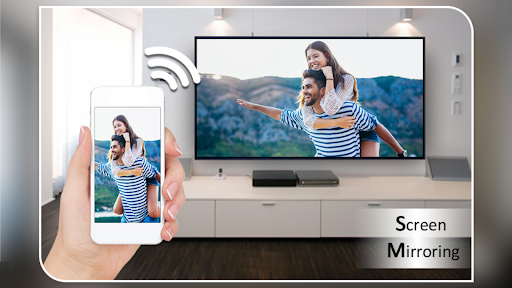
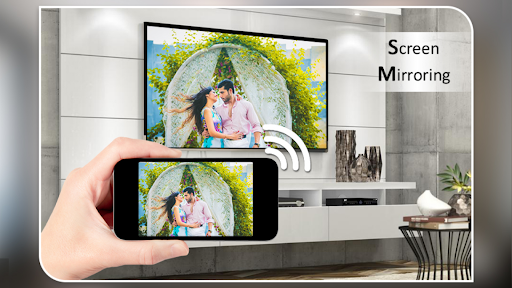
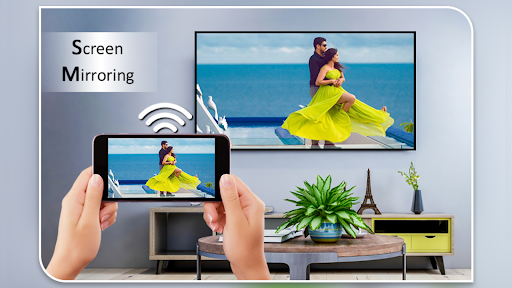
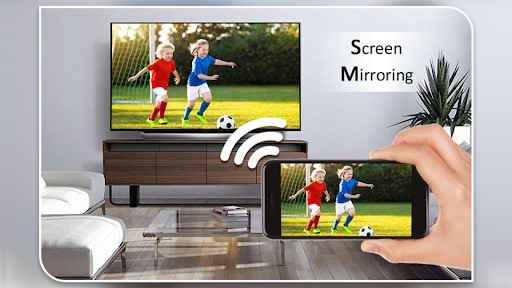

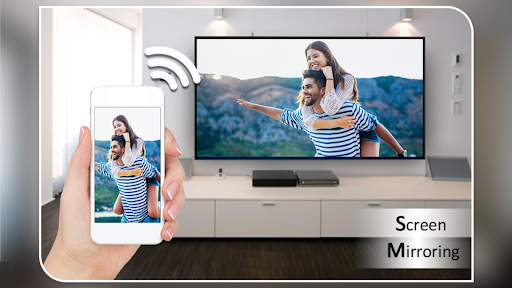
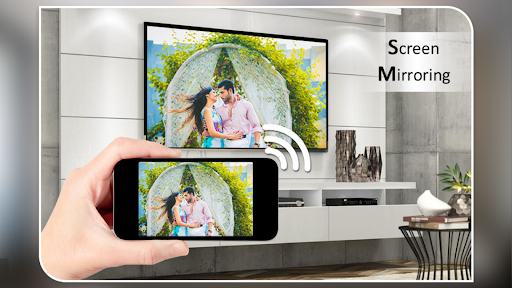
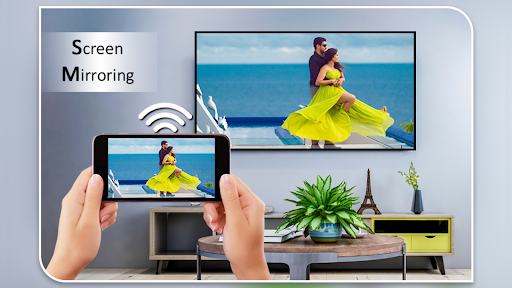
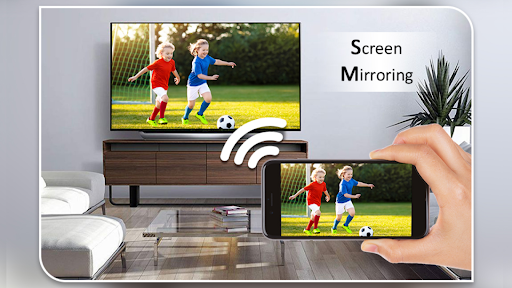
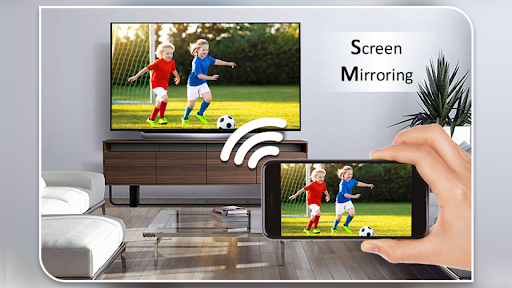

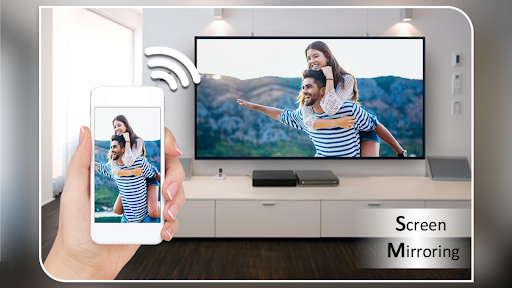
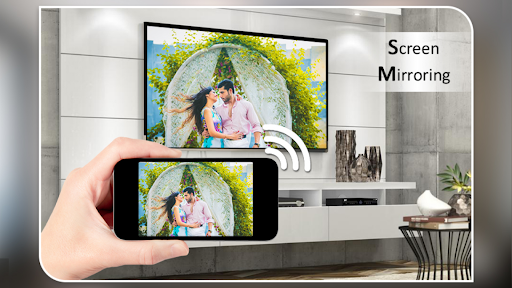
Ad slot: Top Leaderboard
About this app
Screen mirroring - Mirror screen is a powerful tool for mirroring devices in real-time!
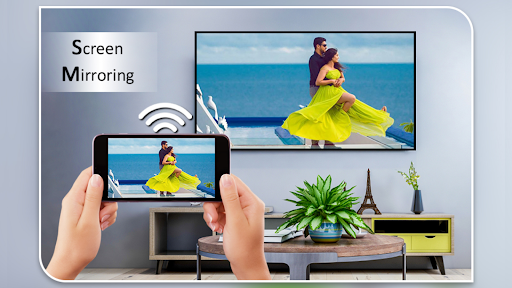
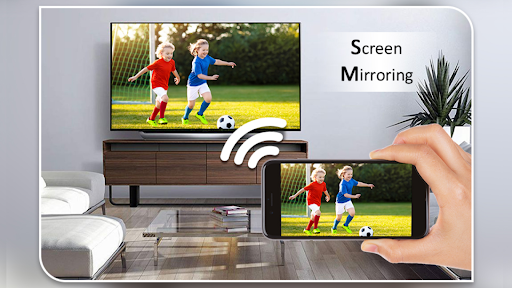
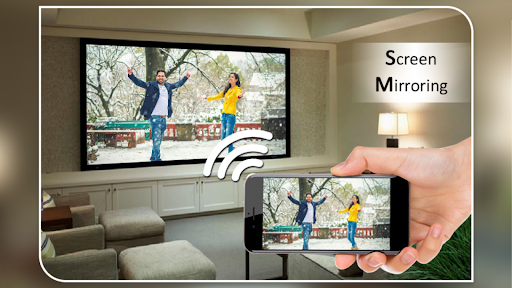
Use the Screen Mirroring App to cast your phone's screen to a smart TV. Screen Mirroring with TV App will assist you to scan and mirror your phone screen on smart TV/Display. With the Screen Mirror app, screen sharing is fast and straightforward.
You can play videos on a Mobile phone, share the mobile screen with the TV, and videocast on TV. Mirroring your phone screen to a TV or any other Android device with a screen mirroring feature. Screen sharing has never been easier!
⭐Screen Mirroring App contains video and audio players.
Now, You can enjoy all popular video and audio formats on your Phone or TV if you connect through a Screen Mirror.
Screen Mirroring with TV App will assist you with mirroring your android phone or tablet on smart TV/Display (cast to TV) or Wireless dongles or adapters. Screen Mirroring can play videos, music, and photos on any device (phone, smartTV, laptop, tablet...) and screen sharing anywhere.
The Screen Mirroring Assistant App helps screen mirror the window on the TV screen from your phone. Screen sharing wirelessly with wifi and mirror screen dongles with smart TV, your screen mirroring.
Screen Mirroring App helps you to mirror Mobile phone and display it on smart TV/Display by wireless, wifi, and Bluetooth dongles or adapters. Screen Mirror your phone with smart TV and watch videos using our Screen Sharing.
Streaming is the most accessible phone video player. It has a powerful video decoding capability to easily support you in playing almost all video files stored on your phone.
⭐Mirror screen and audio of your device easily!
Screen Mirroring app is a powerful tool for mirroring and broadcasting the screen and audio of your device! You can screen share your Android live to any other device on your local network via a mirror screen, web browser, Chromecast, or UPnP compatible devices/DLNA (Smart TV or other devices).
It has been tested, and screen sharing works on most Android devices. Your phone has to be connected to Wi-Fi, like the device you are mirroring.
Features:
✅ Easily change resolution and density - take full advantage of the resolution of your external display and show the Android tablet interface if you're using a phone.
✅ Simple profile-based interface - easy to enable/disable different profiles for different types of displays
✅ Automatically enable Bluetooth and wifi - quickly connect a keyboard, mouse, and/or game controller
✅ Lock screen orientation to landscape
✅ Show desktop sites in Chrome by default - browse the Web on your TV!
✅ Full integration with Tasker
✅ Disable device backlight and/or vibration - save battery while your device is connected (not compatible with all devices)
✅ Load profiles automatically when a display is connected
Now you can Extend your mobile content onto your Smart TV and The FRAME TV. Unique Cast to TV app. Screen Mirroring app will help you screen share displays and mirror screens on smart TVs.
⭐Discover the easiest way to share screen - Screen Mirroring App!
Use the Screen Mirroring App to cast your phone's screen to a smart TV. Screen Mirroring with TV App will assist you to scan and mirror your phone screen on smart TV/Display. With the Screen Mirror app, screen sharing is fast and straightforward.
You can play videos on a Mobile phone, share the mobile screen with the TV, and videocast on TV. Mirroring your phone screen to a TV or any other Android device with a screen mirroring feature. Screen sharing has never been easier!
⭐Screen Mirroring App contains video and audio players.
Now, You can enjoy all popular video and audio formats on your Phone or TV if you connect through a Screen Mirror.
Screen Mirroring with TV App will assist you with mirroring your android phone or tablet on smart TV/Display (cast to TV) or Wireless dongles or adapters. Screen Mirroring can play videos, music, and photos on any device (phone, smartTV, laptop, tablet...) and screen sharing anywhere.
The Screen Mirroring Assistant App helps screen mirror the window on the TV screen from your phone. Screen sharing wirelessly with wifi and mirror screen dongles with smart TV, your screen mirroring.
Screen Mirroring App helps you to mirror Mobile phone and display it on smart TV/Display by wireless, wifi, and Bluetooth dongles or adapters. Screen Mirror your phone with smart TV and watch videos using our Screen Sharing.
Streaming is the most accessible phone video player. It has a powerful video decoding capability to easily support you in playing almost all video files stored on your phone.
⭐Mirror screen and audio of your device easily!
Screen Mirroring app is a powerful tool for mirroring and broadcasting the screen and audio of your device! You can screen share your Android live to any other device on your local network via a mirror screen, web browser, Chromecast, or UPnP compatible devices/DLNA (Smart TV or other devices).
It has been tested, and screen sharing works on most Android devices. Your phone has to be connected to Wi-Fi, like the device you are mirroring.
Features:
✅ Easily change resolution and density - take full advantage of the resolution of your external display and show the Android tablet interface if you're using a phone.
✅ Simple profile-based interface - easy to enable/disable different profiles for different types of displays
✅ Automatically enable Bluetooth and wifi - quickly connect a keyboard, mouse, and/or game controller
✅ Lock screen orientation to landscape
✅ Show desktop sites in Chrome by default - browse the Web on your TV!
✅ Full integration with Tasker
✅ Disable device backlight and/or vibration - save battery while your device is connected (not compatible with all devices)
✅ Load profiles automatically when a display is connected
Now you can Extend your mobile content onto your Smart TV and The FRAME TV. Unique Cast to TV app. Screen Mirroring app will help you screen share displays and mirror screens on smart TVs.
⭐Discover the easiest way to share screen - Screen Mirroring App!
What's New
Minor bug fixes
App Information
Version Name
3.13.0.1
Version Code
216
File Size
22.2 MB
Minimum OS
Android 5.0+
Target SDK
Android 33
Developer
ZipoApps
Contact
Website
Content Rating
Everyone
Package Name
com.microapps.screenmirroringPermissions Required
This app may request the following permissions:
Recent Reviews

A Google user
5.0★
I would like to share a tip I found recently with anyone using this app and wants to run it from there mobile data and not their Wi-Fi. While keeping your Wi-Fi turned on, simply select "forget network" on the Wi-Fi you usually use, (and any other networks your phone may automatically connect to) and turn your mobile data on. You will now be able to pair your phone to your device without having to be connected through Wi-Fi. It probably won't be as stable but it's an option. Hope this is useful
A Google user
2.0★
It works okay at first but there isn't a way to disconnect it through the app and the screen is still shared despite turning off the ability for apps to connect on the television itself. I had to turn off my phone and then just change the TV to Netflix or something else in order for it to stop sharing my phone screen. I'd suggest working on the app more and enabling a way to disconnect the phone on the app.
A Google user
4.0★
The apps works perfectly fine! Of course the short ads are annoying but it's free And a Tip; it's not the app failing to reconnect over a bit of time. It is usually our TV's fault. All you need to do is unplug your tv, then hold the power button in for 5 seconds, release it, plug the tv back in, power on and itll work fine everytime!
A Google user
3.0★
From what I've heard, this app is great and it casts fairly well using Miracast or Roku, but my problem is that it doesn't support LG or Android serviced phones, which is unfortunate. Overall, it seemed pretty legit up until the "Device Not Supported" sign, based off of firsthand experience.
A Google user
4.0★
Works great LG smart TV and my Android phone. I travel a lot and was looking for an app that would work with Netflix and my Beachbody videos. Four star only because it has kicked me off a couple times, but restarting Netflix seems to fix the issue. Also, this app automatically disconnects from mirroring if using a VPN. It would be nice if there were a way to keep VPN connected while mirroring. The adds have not interfered with my streaming. Decent app, especially for FREE.
A Google user
5.0★
Excellent app that's easy to set up & use, & does what it's supposed to. Works to play whatever video app or internet videos you want to. I'm not that great at figuring out this sort of the newest entertainment technology, so if I could do it properly the first try, pretty much anyone could. I do screen mirror it thru the screen mirroring app of my Roku, but I believe if you have a smart technology TV it would easily hook directly to the TV, cordlessly that is!
Ad slot: In-Content