

Microsoft Edge: AI browser
com.microsoft.emmx
by Microsoft Corporation
Screenshots



Ad slot: Top Leaderboard
About this app
Microsoft Edge is your AI-powered browser with Copilot built in — your personal AI assistant for smarter, more productive browsing. Powered by the latest AI models from OpenAI and Microsoft, Copilot helps you ask questions, refine searches, summarize content, write effortlessly, and create images with DALL·E 3. Talk to Copilot with your voice to brainstorm ideas, tackle complex questions, or even write stories and scripts — hands-free. Get real-time answers, support, and creative inspiration — all in one place. With AI deeply integrated into Edge through Copilot, you can browse, create, and get things done — anywhere, anytime.
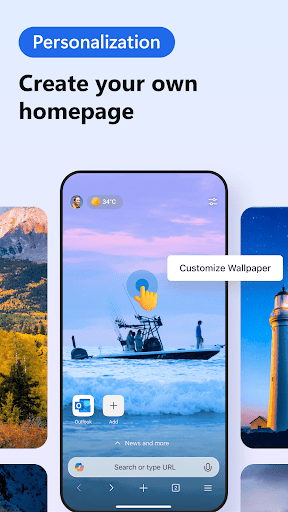
Enhance your browsing experience with extensions. You can now personalize your experience in Edge with extensions such as cookie management, speed control for videos and audios, and website theme customization.
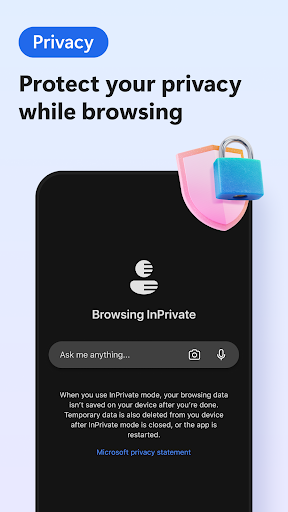
Browse the web securely and prioritize your privacy with smart security tools, such as tracking prevention, Microsoft Defender SmartScreen, AdBlock, InPrivate browsing and InPrivate search. Safeguard your browsing history for a more secure and private online experience.
MICROSOFT EDGE FEATURES:
🔍 A SMARTER WAY TO FIND
• Supercharge your searches with Copilot, the AI assistant built into Microsoft Edge, delivering faster, more accurate, and personalized results.
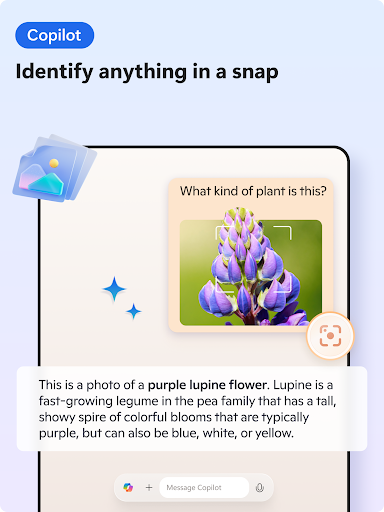
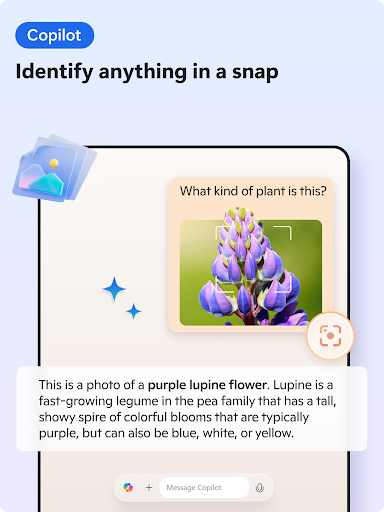
• Explore visually with Copilot — upload images to search, get insights, or spark inspiration with AI lens.
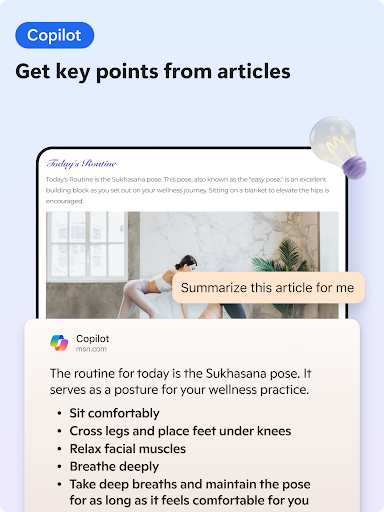
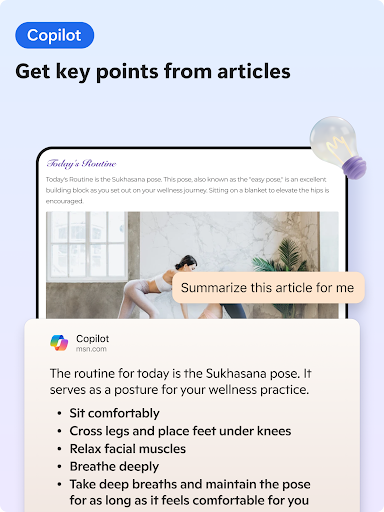
• Use AI-powered Copilot to instantly summarize web pages, PDFs, and videos — providing clear, cited insights in seconds.
• All powered by the most advanced AI models from OpenAI and Microsoft, enabling smarter information discovery like never before.
💡 A SMARTER WAY TO DO
• Talk to Copilot with your voice to brainstorm ideas, tackle complex questions, or even write stories and scripts — hands-free.
• Compose with Copilot — your built-in AI writer that transforms ideas into polished drafts. With AI and Copilot, creating content is faster, easier, and more intelligent than ever.
• Translate or proofread across multiple languages with AI, making your writing globally ready.
• Generate images with Copilot and DALL·E 3 — just describe what you want, and our AI brings it to life.
• Tailor your experience with powerful extensions that redefine how you browse.
• Listen to content while performing other tasks or improve your reading comprehension with Read Aloud, in your desired language. Available in a variety of natural-sounding voices and accents.
🔒 A SMARTER WAY TO STAY SAFE
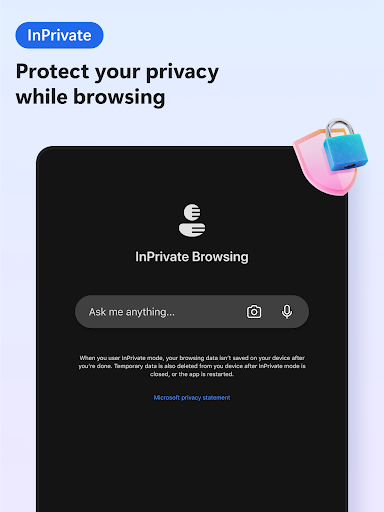
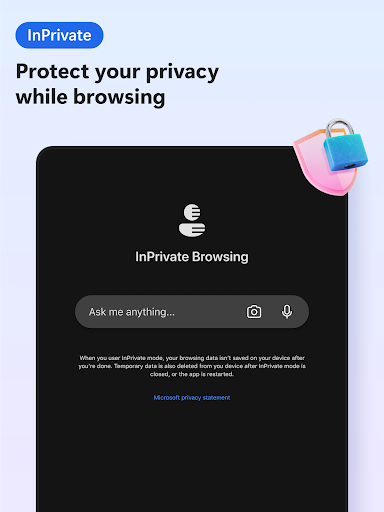
• Browse securely with InPrivate browsing that safeguards sensitive information from trackers.
• Enhanced privacy protection in InPrivate mode, with no search history saved to Microsoft Bing or associated with your Microsoft account.
• Password monitoring alerts you if any credentials saved in your browser are found on the dark web.
• Default tracking prevention for a more private browsing experience.
• Ad Blocker – use AdBlock Plus to block unwanted ads, enhance focus and remove distracting content.
• Stay protected while you browse by blocking phishing and malware attacks with Microsoft Defender SmartScreen.
Download Microsoft Edge — the AI browser with Copilot built in. Explore smarter ways to search, create, and get things done with the power of AI at your fingertips.
Enhance your browsing experience with extensions. You can now personalize your experience in Edge with extensions such as cookie management, speed control for videos and audios, and website theme customization.
Browse the web securely and prioritize your privacy with smart security tools, such as tracking prevention, Microsoft Defender SmartScreen, AdBlock, InPrivate browsing and InPrivate search. Safeguard your browsing history for a more secure and private online experience.
MICROSOFT EDGE FEATURES:
🔍 A SMARTER WAY TO FIND
• Supercharge your searches with Copilot, the AI assistant built into Microsoft Edge, delivering faster, more accurate, and personalized results.
• Explore visually with Copilot — upload images to search, get insights, or spark inspiration with AI lens.
• Use AI-powered Copilot to instantly summarize web pages, PDFs, and videos — providing clear, cited insights in seconds.
• All powered by the most advanced AI models from OpenAI and Microsoft, enabling smarter information discovery like never before.
💡 A SMARTER WAY TO DO
• Talk to Copilot with your voice to brainstorm ideas, tackle complex questions, or even write stories and scripts — hands-free.
• Compose with Copilot — your built-in AI writer that transforms ideas into polished drafts. With AI and Copilot, creating content is faster, easier, and more intelligent than ever.
• Translate or proofread across multiple languages with AI, making your writing globally ready.
• Generate images with Copilot and DALL·E 3 — just describe what you want, and our AI brings it to life.
• Tailor your experience with powerful extensions that redefine how you browse.
• Listen to content while performing other tasks or improve your reading comprehension with Read Aloud, in your desired language. Available in a variety of natural-sounding voices and accents.
🔒 A SMARTER WAY TO STAY SAFE
• Browse securely with InPrivate browsing that safeguards sensitive information from trackers.
• Enhanced privacy protection in InPrivate mode, with no search history saved to Microsoft Bing or associated with your Microsoft account.
• Password monitoring alerts you if any credentials saved in your browser are found on the dark web.
• Default tracking prevention for a more private browsing experience.
• Ad Blocker – use AdBlock Plus to block unwanted ads, enhance focus and remove distracting content.
• Stay protected while you browse by blocking phishing and malware attacks with Microsoft Defender SmartScreen.
Download Microsoft Edge — the AI browser with Copilot built in. Explore smarter ways to search, create, and get things done with the power of AI at your fingertips.
What's New
Welcome to Microsoft Edge! Check out what’s new in this release:
• PDF annotation: Your PDFs, your notes—annotate anywhere with Edge.
• Clear Browsing Data: Protect your privacy easily with one tap from the menu.
• Copilot Smart Mode (GPT-5): Copilot in Edge Mobile now adapts to your needs, delivering quick answers or deeper insights with expert results.
Upgrade to the latest version and enjoy a smarter, more efficient Microsoft Edge!
• PDF annotation: Your PDFs, your notes—annotate anywhere with Edge.
• Clear Browsing Data: Protect your privacy easily with one tap from the menu.
• Copilot Smart Mode (GPT-5): Copilot in Edge Mobile now adapts to your needs, delivering quick answers or deeper insights with expert results.
Upgrade to the latest version and enjoy a smarter, more efficient Microsoft Edge!
App Information
Version Name
124.0.2478.104
Version Code
247810405
File Size
149.4 MB
Minimum OS
Android 10+
Target SDK
Android 34
Developer
Microsoft Corporation
Contact
Website
Content Rating
Everyone
Package Name
com.microsoft.emmxPermissions Required
This app may request the following permissions:
Recent Reviews

Sarah Thompson
1.0★
I emailed screen recording per developer request. No reply.**** This was my long my chosen default browser on my S23U. Despite a few issues, it was great. Starting two weeks ago, attempting to open it immediately returned an error message: "Oh, no! Something went wrong. We'll work on that." I tried the recommended cache clearing to no avail. So, delete data or uninstall, both of which will lose my Collections & Favorites, are the only options???!!! So, you said you'd work on it. Where's the fix?

Kohlfrog N. (kohlfrog)
3.0★
It's my favorite browser. So why 3 stars? Because every few months I have to uninstall and reinstall it. It just starts crashing and no amount of deleted data, cache, tabs, etc makes it work again. I have to reinstall. Annoying. But I make money using it. About 30-40 Dollars a year. Edit, can't cash my points out. customer service ignores me. switched browsers.

Aaron Jackson
4.0★
Outside of Microsoft's norms, I think they have taken something (Chromium) and made it better. Yes, the privacy situation is criminal, but such is the case with everything. If you want to lock it down, it can be done. I am in the fortunate position of being old enough not to give a damn if I am tracked, and so I simply embrace all the customizable options based on everything I do, say, smell, etc. If you are young, fight the fight. Otherwise, Edge is extremely fast, stable and feature packed.

R Marie Peoples
4.0★
Microsoft Edge is fine, but there's a bug there that's been bothering me. Every time I want to type something and I get finished, and the moment I try to hit send on whatever website, the keyboard ends up hiding the typing bar and it makes me end up tapping things I don't want. I tried to uninstall it and reinstall, and restart my device but it didn't work. Is it the app or the keyboard, and if it's either or can you fix it?

David Topete
1.0★
This app sucks. I had to get it because Microsoft's authentication app was no longer going to have the auto fill feature cuz Edge was going to be filling it but more often than not the auto fill doesn't work! I have to open the browser, go to settings, and copy it from the saved password section and then paste it manually. Way to drag us to this garbage browser and then make it not work, Microsoft. Unrelated but also screw you for hiking up the prices of Game Pass to 30 bucks a month.

Aquilla Akerstrom
5.0★
In my opinion it's the best web browser. Especially if you use windows, it doesn't slow it down and use the same amount of CPU that Google Chrome does or even Firefox. it also has a feature called "collections" that will sync across devices. so you can create a collection of websites you want to save in the same collection that you can access from your phone, laptop/desktop, and tablet. it also has a "read aloud" feature that works really great and runs in the background while not in the app
Ad slot: In-Content