

Power Apps
com.microsoft.msapps
by Microsoft Corporation
Screenshots







Ad slot: Top Leaderboard
About this app
Get Power Apps to conveniently access your work or school apps no matter where you are: at home, on the road, in the field, off-campus, at the airport, or at the beach – anywhere life takes you.
WHAT’S INSIDE
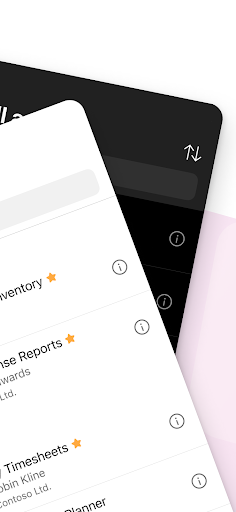
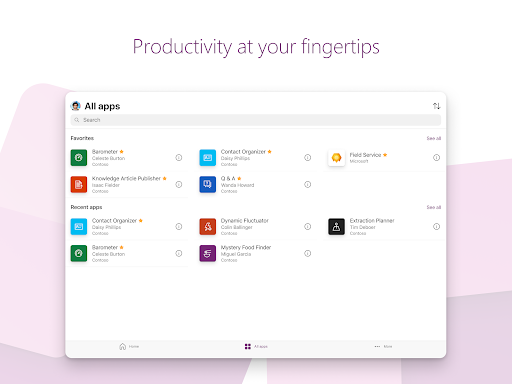
The Power Apps app is the front door to the apps at your work or school. Which apps can you use? It depends on what’s been created for you. Here are some examples you might see, or ones you can make yourself using the Power Apps website:
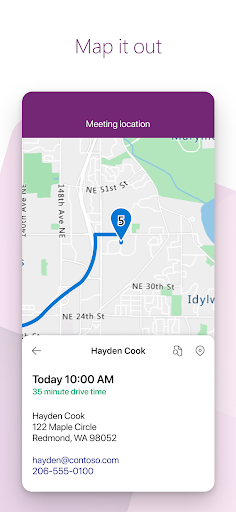
• Campus app: Map your campus with icons for landmarks and facility details.
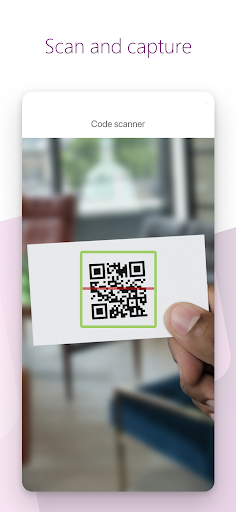
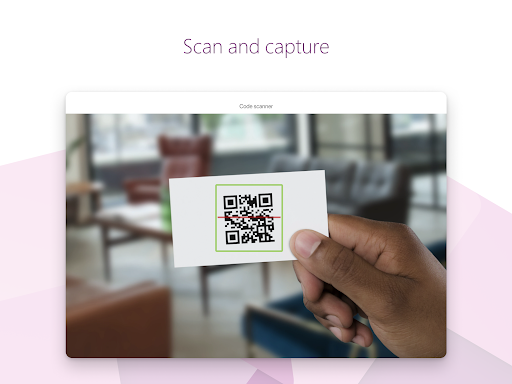
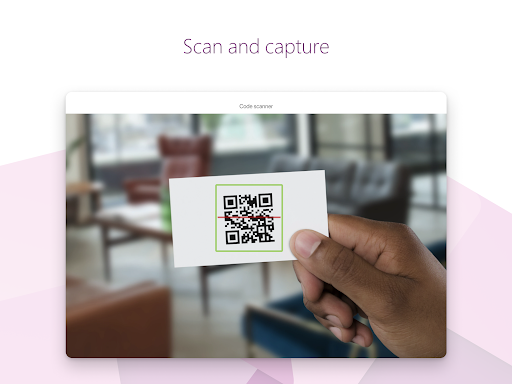
• Event registration app: Record attendees as they arrive using barcodes or QR codes.
• Expenses app: Let employees submit their expenses and upload photos of receipts.
• Health clinic app: Let patients check in to appointments with just a few taps.
• NFC reader app: Scan NFC tags on ID cards, equipment, packages, etc.
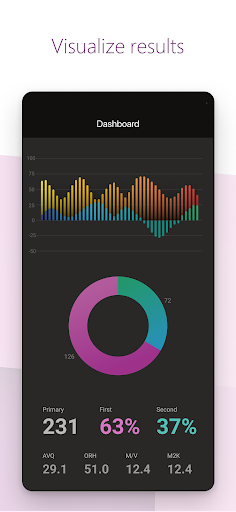
• Performance app: Visualize data and get insights with interactive dashboards.
• Sales app: See opportunities and leads, review comments, and approve for your P&L.
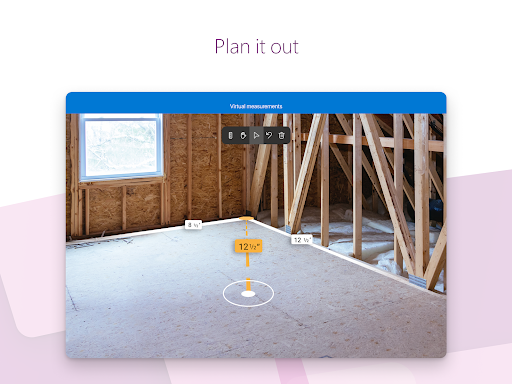
• Space planning app: Take 3D measurements and manipulate objects in mixed reality.
• Timesheet app: Collect, consolidate, and analyze shift data from employees.
This is just a handful of examples; the possibilities are endless. Build and share low-code apps for your work or school at the Power Apps website.
TIPS
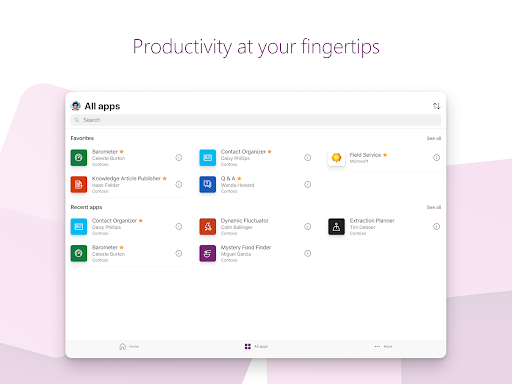
• Swipe right to make an app a favorite, swipe left to add a shortcut to the home screen.
• As an admin, mark an app as Featured, so that it stays pinned to the top of the apps list.
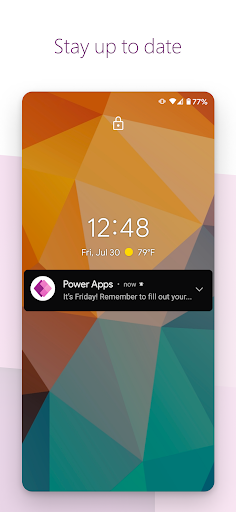
• Some apps can work offline, and Power Apps will sync your data when you reconnect.
Accessibility: https://go.microsoft.com/fwlink/?linkid=2121429
WHAT’S INSIDE
The Power Apps app is the front door to the apps at your work or school. Which apps can you use? It depends on what’s been created for you. Here are some examples you might see, or ones you can make yourself using the Power Apps website:
• Campus app: Map your campus with icons for landmarks and facility details.
• Event registration app: Record attendees as they arrive using barcodes or QR codes.
• Expenses app: Let employees submit their expenses and upload photos of receipts.
• Health clinic app: Let patients check in to appointments with just a few taps.
• NFC reader app: Scan NFC tags on ID cards, equipment, packages, etc.
• Performance app: Visualize data and get insights with interactive dashboards.
• Sales app: See opportunities and leads, review comments, and approve for your P&L.
• Space planning app: Take 3D measurements and manipulate objects in mixed reality.
• Timesheet app: Collect, consolidate, and analyze shift data from employees.
This is just a handful of examples; the possibilities are endless. Build and share low-code apps for your work or school at the Power Apps website.
TIPS
• Swipe right to make an app a favorite, swipe left to add a shortcut to the home screen.
• As an admin, mark an app as Featured, so that it stays pinned to the top of the apps list.
• Some apps can work offline, and Power Apps will sync your data when you reconnect.
Accessibility: https://go.microsoft.com/fwlink/?linkid=2121429
What's New
For information about what’s new in this release, please see this topic:
https://aka.ms/powerapps-releasenotes
https://aka.ms/powerapps-releasenotes
App Information
Version Name
3.24051.21
Version Code
3547283
File Size
78.7 MB
Minimum OS
Android 7.0+
Target SDK
Android 34
Developer
Microsoft Corporation
Contact
Website
Content Rating
Everyone
Package Name
com.microsoft.msappsPermissions Required
This app may request the following permissions:
Recent Reviews

Patrick Rosenheim
2.0★
"Apps" are never in the same place. Apps under "recent apps" are always random sorted. I have multiple "favorite apps", but they never show up until I go to "all apps" and then back again. And I do not know if this is a problem with the app itself or the backend or the company's infrastructure, but everything is just slow all the time. You can punch in a number and if you are lucky that data is sent to the server, but most of the time it just isn't.

S Miah
1.0★
Almost impossible to use on mobile. can't expand screen size to be able to read content, using gestures or other methods. Certain programmed in buttons don't work on Android buy works on MS desktop. It's an app designed for business, but fails on Android.

S L (Sulam)
1.0★
What's wrong with this app?! Stuted at the first screen then and not working???? Using the Mi handphone, also with the black overlay with my tablet

N G
1.0★
the app doesn't load, stuck at the splash screen and doesn't present an error. I've never experienced an app that doesn't load on Android, of course it would be a Microsoft app that doesn't work.

Blair “Andre” Piper
1.0★
for some reason when I download Microsoft apps it shows that I have 3 of the same phones and old phones that I haven't had access to in years

Timothy Burgin
1.0★
I tried for 2 hours to use this app today, and couldn't get it to load into anything - I got stuck on the initial screen with the power apps logo in the middle and Microsoft at the bottom with no indication of any loading or ability to login.
Ad slot: In-Content