

Microsoft Lens - PDF Scanner
com.microsoft.office.officelens
by Microsoft Corporation
Screenshots

Ad slot: Top Leaderboard
About this app
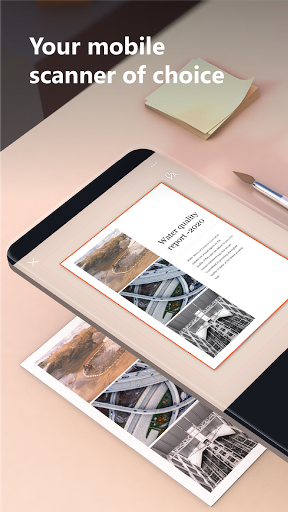
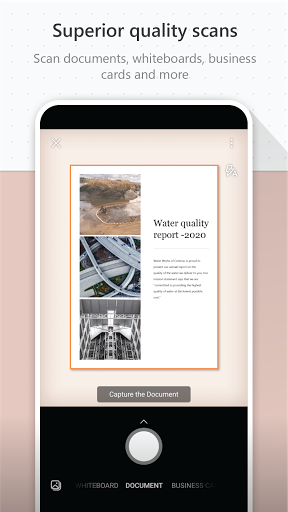
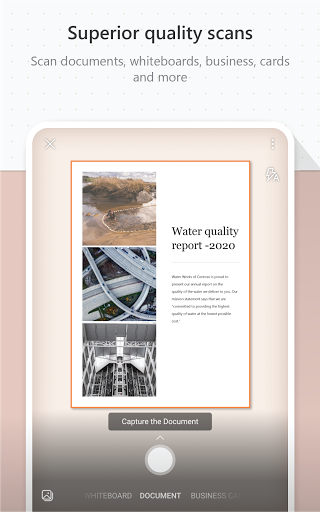
Microsoft Lens (formerly Microsoft Office Lens) trims, enhances, and makes pictures of whiteboards and documents readable.
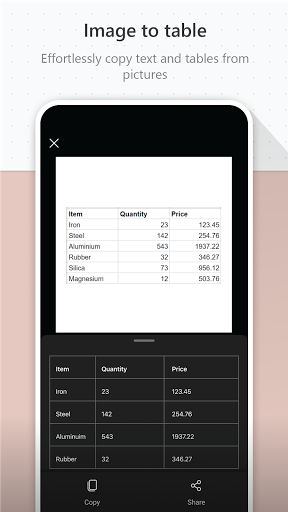
You can use Microsoft Lens to convert images to PDF, Word, PowerPoint, and Excel files, digitize printed or handwritten text, and save to OneNote, OneDrive, or your local device. You can even import images that are already on your device using Gallery.
PRODUCTIVITY AT WORK
• Scan and upload all your notes, receipts, and documents
• Capture whiteboard at end of the meeting to keep those action items on track
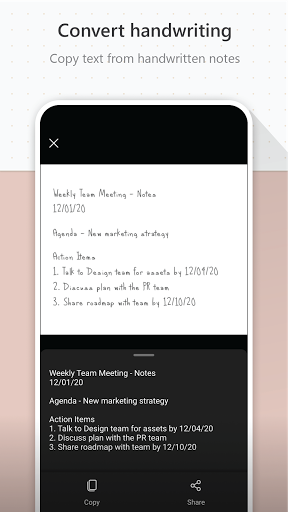
• Scan printed text or handwritten meeting notes to edit and share later
• Keep your business networking contacts handy by scanning business cards and saving them to your contact list
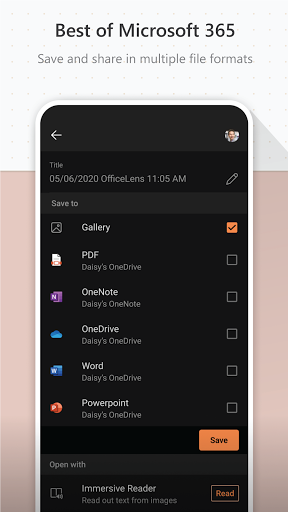
• Choose to save as PDF, Image, Word or PowerPoint formats into OneNote, OneDrive, or local device as location
PRODUCTIVITY AT SCHOOL
• Scan classroom handouts and annotate them in Word and OneNote
• Scan handwritten notes to digitize and edit later (works with English only)
• Take a picture of the whiteboard or blackboard to reference later, even if you're offline
• Keep class notes and your own research organized with the seamless integration with OneNote
By installing the app, you agree to these terms and conditions: http://aka.ms/olensandterms.
You can use Microsoft Lens to convert images to PDF, Word, PowerPoint, and Excel files, digitize printed or handwritten text, and save to OneNote, OneDrive, or your local device. You can even import images that are already on your device using Gallery.
PRODUCTIVITY AT WORK
• Scan and upload all your notes, receipts, and documents
• Capture whiteboard at end of the meeting to keep those action items on track
• Scan printed text or handwritten meeting notes to edit and share later
• Keep your business networking contacts handy by scanning business cards and saving them to your contact list
• Choose to save as PDF, Image, Word or PowerPoint formats into OneNote, OneDrive, or local device as location
PRODUCTIVITY AT SCHOOL
• Scan classroom handouts and annotate them in Word and OneNote
• Scan handwritten notes to digitize and edit later (works with English only)
• Take a picture of the whiteboard or blackboard to reference later, even if you're offline
• Keep class notes and your own research organized with the seamless integration with OneNote
By installing the app, you agree to these terms and conditions: http://aka.ms/olensandterms.
What's New
Bug fixes and performance improvements.
App Information
Version Name
16.0.17425.20158
Version Code
2003961299
File Size
61.2 MB
Minimum OS
Android 7.0+
Target SDK
Android 33
Developer
Microsoft Corporation
Contact
Content Rating
Everyone
Package Name
com.microsoft.office.officelensPermissions Required
This app may request the following permissions:
Recent Reviews

Jonathon Hamel
1.0★
At first, the app was working great. I was easily creating PDFs, and there were no issues. Now, the app refuses to capture a full sheet of paper in a scan even though the camera is perfectly level, the background contrasts with the paper, and the lighting is perfect, and the camera is properly distanced so that the paper is in focus. The cropping *feature* keeps cropping out important parts of the paper. This NEEDS to be fixed ASAP.

Tom Murphy
1.0★
Great app, never had an issue. Always gets reinstalled after a device reset. Unfortunately, some Microsoft moron thinks that CoPilot is an adequate substitute despite not having a tenth of the capability as Lens. Don't bother installing unless you need it right now. Not only are they removing it from the play store, it won't work by the end of the year.

E Eggert
5.0★
This is a great way to scan and save documents, receipts, and more. Scan as many pages as you need, apply filters to each image as needed to improve contrast, change to black/white or grey scale, and highlight colors. Excellent for scanning receipts and related paper docs for expenses, health care tracking. Also great for scanning physical photos.

Harm Campmans
4.0★
Useful tool when working with papers which you want to archive digitally. Found no way to start over with the scanning of a multi page document though, without cumbersome one bg one page deletion. It was also not clear to me that almost all save options aren't pdf. Would also be nice if there would be a "black, gray and white" filter.

SkyEver
5.0★
Great for digitizing documents. I use it all the time for signed documents I need to send. Replaces what faxes we're for. I especially like how I don't need to square up to the document as it somehow accounts for me holding my phone at a angle. I also love how I can create a number of formats such as image, PDF, or even a OneNote page. I then can share a link to the document which allows someone to download the document without even having a Microsoft account. There are so much more. Love it!

A Google user
3.0★
Great when it works. But it rarely does as expected. The OCR feature is the main reason I ever open this app. It is completely unpredictable. Some rare occasions it decodes perfectly first time, usually I try about six times to force it to go. Some documents require framing small blocks of text, a few lines at a time. Very cumbersome. Updates have improved stability .Usually an error will happen on saving. That used to be 50/50 chance of crash; but it hasn't happened in a long time. I really don't like the idea of default saving to OneDrive. Saving to the device has gotten easier, but MS clearly wants OneDrive to be the first option.
Ad slot: In-Content