
Microsoft Outlook
com.microsoft.office.outlook
by Microsoft Corporation
Screenshots


Ad slot: Top Leaderboard
About this app
Connect and coordinate your busy life with Microsoft Outlook . Stay on top of your day through a secure email and calendar app that lets you manage your emails, files and calendar all in one place. Stay productive with whatever hits your inbox, whether it's from your work, school or your personal account. Organize your email intelligently, filtered into Focused and Other so you can easily see your most important messages. Keep your day organized by seeing multiple calendars at a glance.
Outlook is free for personal use. You can connect your various accounts, like Microsoft Exchange, Microsoft 365, Outlook.com, Gmail, Yahoo Mail, iCloud and IMAP, giving you flexibility to stay connected on the go. Write polished, professional-quality emails with built-in intelligent editing tools for real-time typing suggestions, grammar, and spelling help. Send documents, photos, or video from your Files list, OneDrive, or your Gallery. Open Word, Excel, and PowerPoint documents right from your inbox.
Cut through daily noise and remove clutter with swipe gestures to delete, archive, snooze, or move to folders quickly. Flag important messages for follow-up or pin them to the top of your inbox. Listen to what’s new in your inbox, and find what you need with Search with a tap or your voice.
Stay protected from phishing and spam with Outlook’s enterprise-grade security. Connect with Teams, Skype, Zoom, or other video calling providers for any meeting on the go.
If it’s important, manage it with Microsoft Outlook.
Microsoft Outlook Includes:
Inbox for Everything All in One Place - Email, Contacts & Files
• Inbox access to everything you need, including other email providers. Manage your Gmail, Yahoo Mail, and iCloud inbox and calendars for free with Outlook
• Files are accessible right from your inbox, with connected experiences to Microsoft 365, Word, Excel, PowerPoint & OneNote. Access recent attachments from within Outlook, or attach links from OneDrive or other cloud storage
• Email organizer equipped with filters, folders & more. Easily filter out unwanted spam email
Planning & Calendar Management
• See your various calendars side by side to help you schedule your day
• Create and join your online video calls from Teams, Zoom, and Skype
• RSVP to invites from your inbox & send personalized comments
• Keep your weekly calendar and daily tasks organized with Outlook
Task Organizer & Productivity Solutions - Intelligence Everywhere
• Group same subject emails & conversations for easier tracking
• Use your voice to find people, contacts, emails, events & attachments with Search
• Use suggested replies to respond quickly
• Listen to emails with Play My Emails & catch up hands-free
• Calendar automatically updates with travel & delivery information
Security & Privacy - Protect your mailbox with enterprise-grade security
• Microsoft Outlook protects your files, emails and information with security you can trust
• Secure email app with built-in protection against viruses, phishing & spam email
• Encrypt emails to prevent forwarding when sending sensitive information (requires Microsoft 365 subscription)
The Microsoft Outlook mobile app is compatible with:
• Microsoft Exchange
• Microsoft 365
• Outlook.com, Hotmail.com, MSN.com, Live.com
• Gmail
• Yahoo Mail
• iCloud
• IMAP, POP3
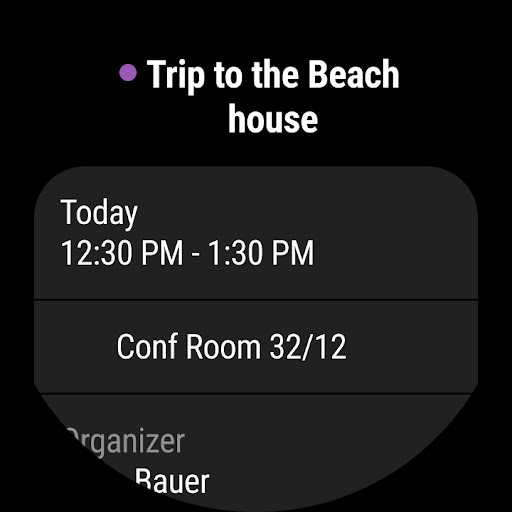
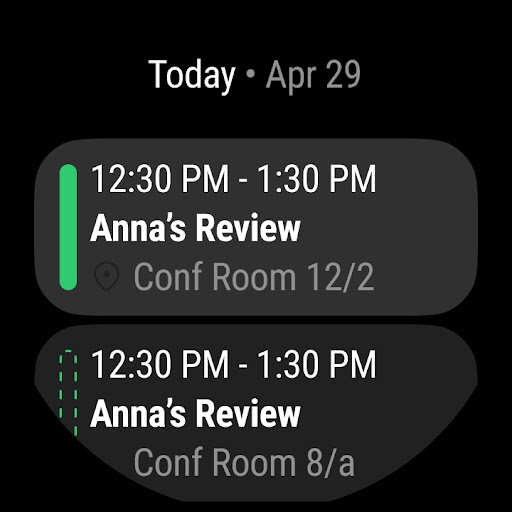
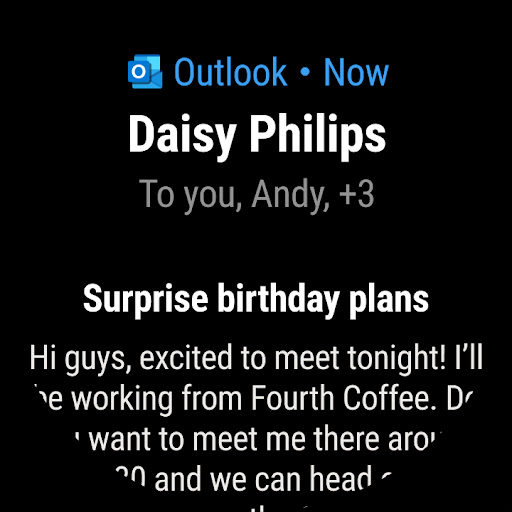
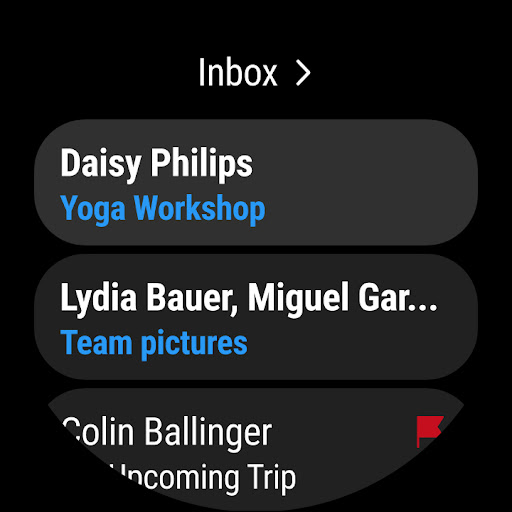
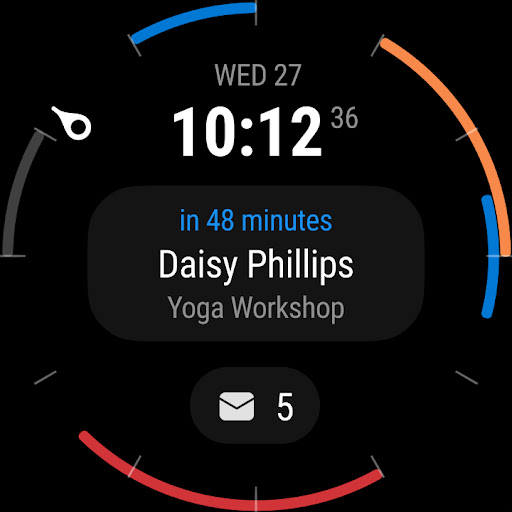
To see your emails and events at a glance, get the Outlook companion app - including a complication and tile - for Wear OS.
Consumer Health Data Privacy Policy: https://go.microsoft.com/fwlink/?linkid=2259814
Outlook is free for personal use. You can connect your various accounts, like Microsoft Exchange, Microsoft 365, Outlook.com, Gmail, Yahoo Mail, iCloud and IMAP, giving you flexibility to stay connected on the go. Write polished, professional-quality emails with built-in intelligent editing tools for real-time typing suggestions, grammar, and spelling help. Send documents, photos, or video from your Files list, OneDrive, or your Gallery. Open Word, Excel, and PowerPoint documents right from your inbox.
Cut through daily noise and remove clutter with swipe gestures to delete, archive, snooze, or move to folders quickly. Flag important messages for follow-up or pin them to the top of your inbox. Listen to what’s new in your inbox, and find what you need with Search with a tap or your voice.
Stay protected from phishing and spam with Outlook’s enterprise-grade security. Connect with Teams, Skype, Zoom, or other video calling providers for any meeting on the go.
If it’s important, manage it with Microsoft Outlook.
Microsoft Outlook Includes:
Inbox for Everything All in One Place - Email, Contacts & Files
• Inbox access to everything you need, including other email providers. Manage your Gmail, Yahoo Mail, and iCloud inbox and calendars for free with Outlook
• Files are accessible right from your inbox, with connected experiences to Microsoft 365, Word, Excel, PowerPoint & OneNote. Access recent attachments from within Outlook, or attach links from OneDrive or other cloud storage
• Email organizer equipped with filters, folders & more. Easily filter out unwanted spam email
Planning & Calendar Management
• See your various calendars side by side to help you schedule your day
• Create and join your online video calls from Teams, Zoom, and Skype
• RSVP to invites from your inbox & send personalized comments
• Keep your weekly calendar and daily tasks organized with Outlook
Task Organizer & Productivity Solutions - Intelligence Everywhere
• Group same subject emails & conversations for easier tracking
• Use your voice to find people, contacts, emails, events & attachments with Search
• Use suggested replies to respond quickly
• Listen to emails with Play My Emails & catch up hands-free
• Calendar automatically updates with travel & delivery information
Security & Privacy - Protect your mailbox with enterprise-grade security
• Microsoft Outlook protects your files, emails and information with security you can trust
• Secure email app with built-in protection against viruses, phishing & spam email
• Encrypt emails to prevent forwarding when sending sensitive information (requires Microsoft 365 subscription)
The Microsoft Outlook mobile app is compatible with:
• Microsoft Exchange
• Microsoft 365
• Outlook.com, Hotmail.com, MSN.com, Live.com
• Gmail
• Yahoo Mail
• iCloud
• IMAP, POP3
To see your emails and events at a glance, get the Outlook companion app - including a complication and tile - for Wear OS.
Consumer Health Data Privacy Policy: https://go.microsoft.com/fwlink/?linkid=2259814
What's New
Copilot helps you prepare for your meeting in minutes by summarizing key documents, tasks, and past meetings.
App Information
Version Name
4.2418.0
Version Code
42418811
File Size
106.4 MB
Minimum OS
Android 9+
Target SDK
Android 33
Developer
Microsoft Corporation
Contact
Website
Content Rating
Everyone
Package Name
com.microsoft.office.outlookPermissions Required
This app may request the following permissions:
Recent Reviews

Casey Mattice
3.0★
Past few months I've been dealing with issues where the app doesn't sync emails and calendar just disappears.. it's been happening more frequently lately (it's happened 3 times the last week). I know it's not a domain issue because I have multiple emails.accounts and it happens for all of them. Resetting the accounts, restarting my phone,clearing the cache, switching between wifi and cell network doesn't work. It just randomly starts working again on its own.

Travis DeLong
1.0★
Signature does not work. I have a signature saved and when I send an email it changes the text to a different color. This app works sometimes but then when you really need it, it doesn't work at all. It says I'm signed into my account yet has no data at all. About once a week it says my inbox is empty and won't sync. I have to reload the app three or four times to get any emails or calendar events. It worked yesterday but its empty today. April 5 - does not work again. Very frustrating.

Rick Gastly
1.0★
Not sure if anyone else is currently dealing with this, but the app won't upload new emails and keeps prompting me to login to my account. Unfortunately, that hasn't been working, forcing me to uninstall and reinstall the app in order to receive/send any new messages. This started about 4 days ago. I've been using the app for YEARS without issue until now.

Mandy Underwood
1.0★
Doesn't refresh. You think you've read all your mail just to find that the app didn't refresh and you missed something. Difficult to read email threads. Keeps part of the thread out of view for no apparent reason. Gmail is so much better. If I didn't have to use Outlook for work, I wouldn't. Update: MISSED EMAILS. It notifies me of emails that are unimportant. But if I am waiting for an email reply, I'll only know I've received a response if I manually check myself. Unacceptable.

Alexander
1.0★
Can't use default browser with web links. They added an option for default browser but it's grayed out and doesn't work. Totally unacceptable and lazy IT Update: most verification codes never show up now. They're not in junk, they're not on my block list, I have no rules, they just never show up, making two-factor authentication impossible. Microsoft neither cares nor has the intelligence required to fix their issues. Stick with Gmail.

Bobby Cone
1.0★
With the latest update, when you click on an email to read it, the logic in the system thinks that email is still unread until you exit out of the specific email and go back to the list of emails. So while you're reading an email for the first time, the only option is to "Mark as read". Now the swipe to mark unread isn't working. What is going on????
Ad slot: In-Content