

Windows App
com.microsoft.rdc.androidx
by Microsoft Corporation
Screenshots


Ad slot: Top Leaderboard
About this app
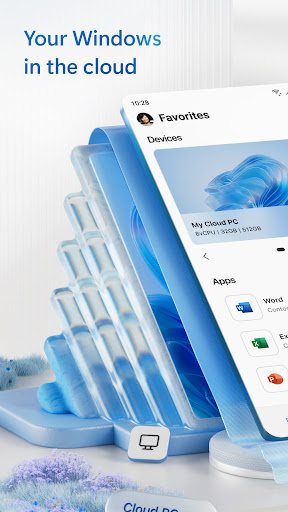
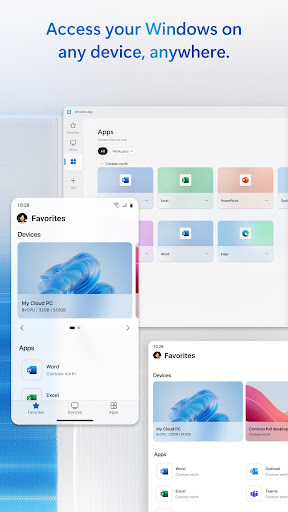
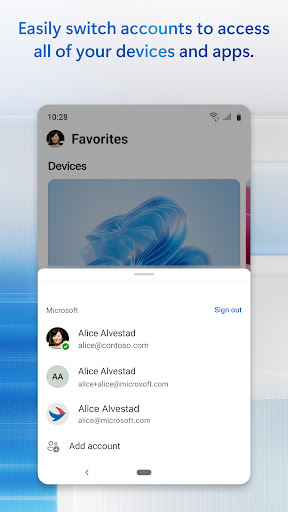
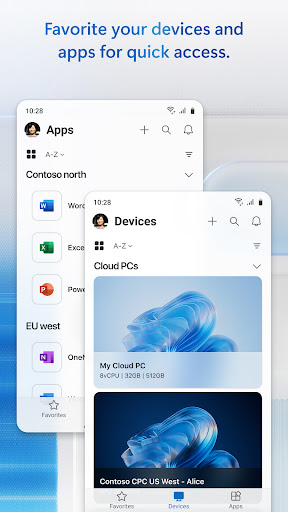
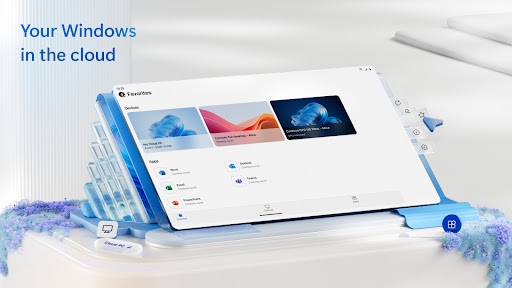
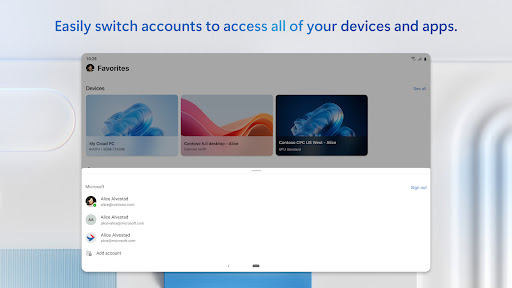
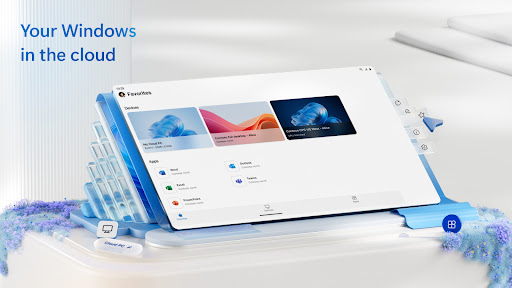
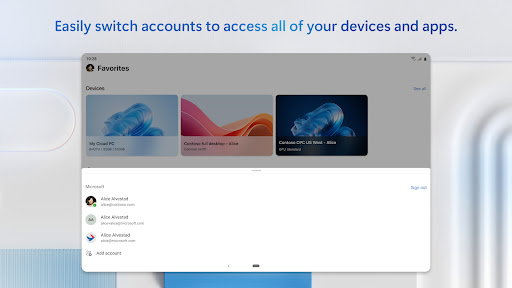
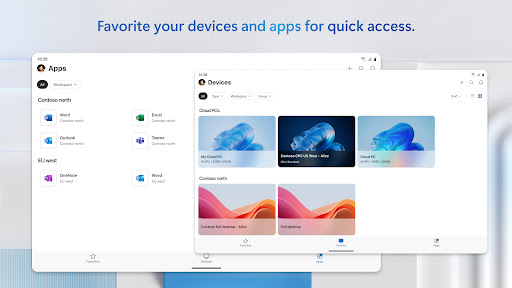
Windows App securely connects you to all remote Windows experiences, including Azure Virtual Desktop, Windows 365, Microsoft Dev Box, Remote Desktop Services, and remote PCs.
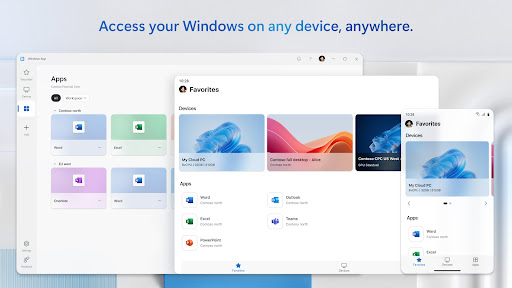
You can use Windows App on all supported Android devices running Android 11 and above: including tablets, smartphones, VR headsets and Chromebooks that support apps from the Play Store. Learn more about features and upcoming releases at aka.ms/WindowsApp
You can use Windows App on all supported Android devices running Android 11 and above: including tablets, smartphones, VR headsets and Chromebooks that support apps from the Play Store. Learn more about features and upcoming releases at aka.ms/WindowsApp
App Information
Version Name
10.0.18.1254
Version Code
323
File Size
42.1 MB
Minimum OS
Android 9+
Target SDK
Android 33
Developer
Microsoft Corporation
Contact
Website
Content Rating
Everyone
Package Name
com.microsoft.rdc.androidxPermissions Required
This app may request the following permissions:
Recent Reviews

Jin Kim
4.0★
It's fine. Still a bit clunky but largely does what the old RD client version did. Biggest issue now was a problem from before, mouse cursor color is stupid. Like REALLY guys, I need to tell you that having the same color cursor as the damn background of so many windows is a REALLY STUPID idea? Do you not use your own app? Also lack of ability to adjust window shifting when zoomed in and using the cursor. At this point you should just pay me big bucks to tell you how to design software.

Alexander Abney
2.0★
The latest update has fixed a few issues; shortcuts to specific computers are back, and it no longer constantly prompts for access to Bluetooth peripherals. It still has issues though, as it doesn't properly pass my credentials for the gateway to the desktop like it does on the desktop application, so I have to log in twice. The old Remote Desktop app handled all of this better than this app. Not sure why I was forced to move to a worse app with less features.

Michael C
5.0★
Works surprisingly well. I see a lot of negative reviews on here, not sure why. My experience has been very positive. Specifying the IP address is easy, just put it in the pc name field. I didn't even bother with the wizard, anyone using this app probably doesn't need it anyway. I also like how it saves my connection info so I can remote into my hyper-v host server easily, as well as my fail over. Connection, in my environment, is about the same as the RD app. I don't like UI change but 🤷

Spud Chick
1.0★
I use the RD app on my phone and tablet to occasionally check on the 2 windows pro machines on my network. I didn't use it a lot but it was handy and IT WORKED. Windows App forced itself on my tablet last night and I couldn't get it to work AT ALL. Original connections failed, attempts to set up new ones failed. From the other ratings it looks like I'm not the only one having this issue. Also a stupid idea for an app name.

Ryan
1.0★
EDIT: 4 months later and it seems to have gotten even worse. Literally constant freezing and crashing. It's unusable. I don't understand how Microsoft could put out something THIS bad. Constant freezing, crashing, and forced closing on Android. Very unreliable. Looking for an alternative because this app has proven it's not out of beta with how often it freezes or crashes on me. I expect better from Microsoft.

Corey L
1.0★
Constant crashes, freezes, and disconnects since the July update. Happens regardless of network or target PC. LAN or AVD. Desktop session or remote app. Direct or through RD gateway. it's always the same: I connect to the PC/workspace and after a minute or so of normal use I get a grey screen and a spinning throbber. Often while scrolling. It's been months and still no fix in sight. Thanks Microsoft, you've made it impossible for me to work from my phone, which is actually kind of a big deal.
Ad slot: In-Content