

Microsoft Teams
com.microsoft.teams
by Microsoft Corporation
Screenshots






Ad slot: Top Leaderboard
About this app
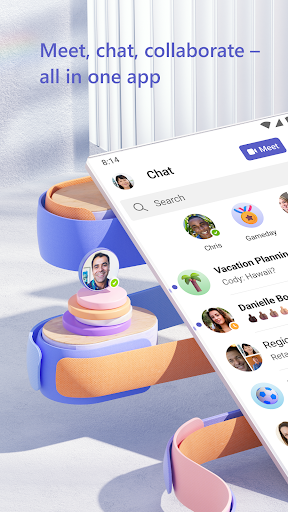
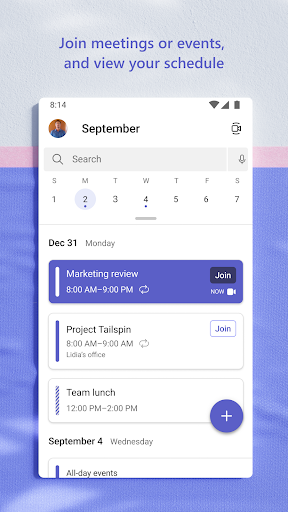
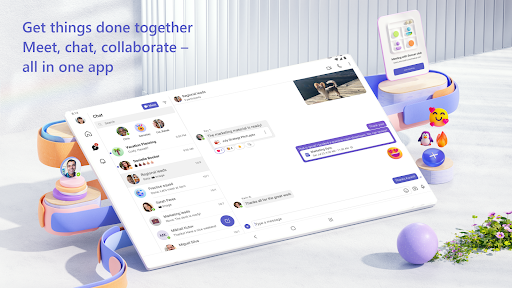
Whether you’re connecting with your community for an upcoming activity or working with teammates on a project, Microsoft Teams helps bring people together so that they can get things done. It’s the only app that has communities, events, chats, channels, meetings, storage, tasks, and calendars in one place—so you can easily connect and manage access to information. Get your community, family, friends, or work mates together to accomplish tasks, share ideas, and make plans. Join audio and video calls in a secure setting, collaborate in documents, and store files and photos with built-in cloud storage. You can do it all in Microsoft Teams.
Easily connect with anyone:
• Skype is now part of Teams. Continue where you left off with your chats, calls and contacts in Microsoft Teams Free.
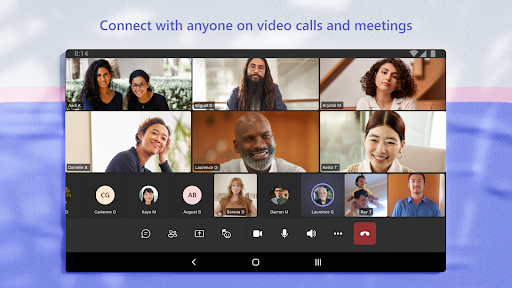
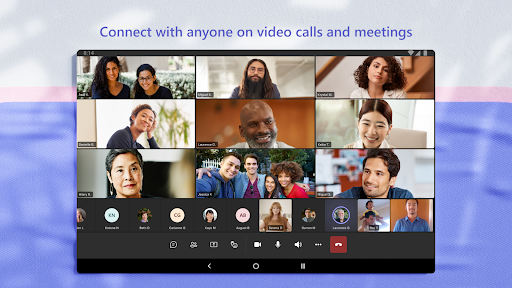
• Meet securely with communities, teammates, family, or friends.
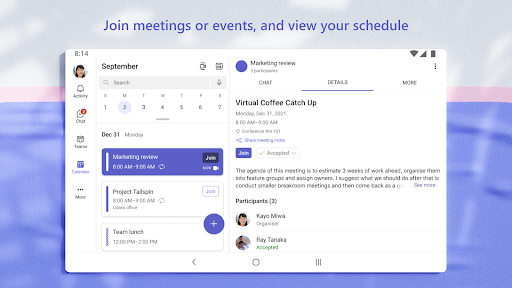
• Set up a meeting within seconds and invite anyone by sharing a link or calendar invite.
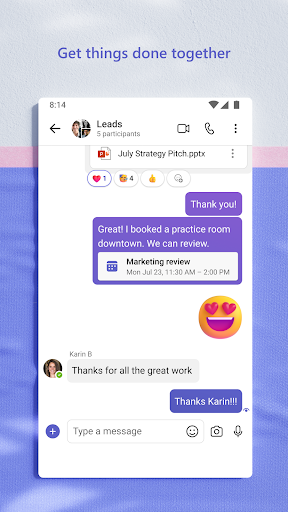
• Chat 1-1 or to your entire community, @mention people in chats to get their attention.
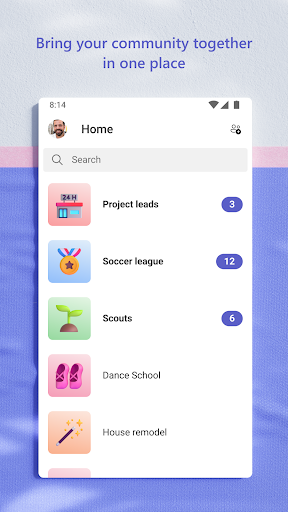
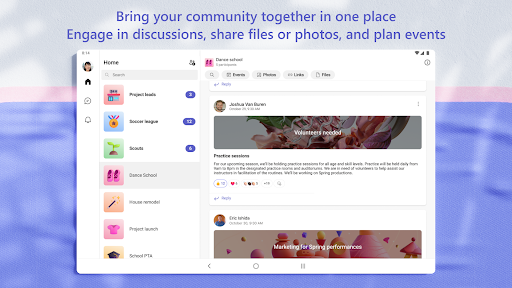
• Create a dedicated community to discuss specific topics and make plans*.
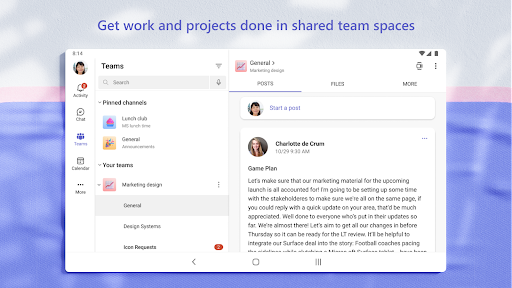
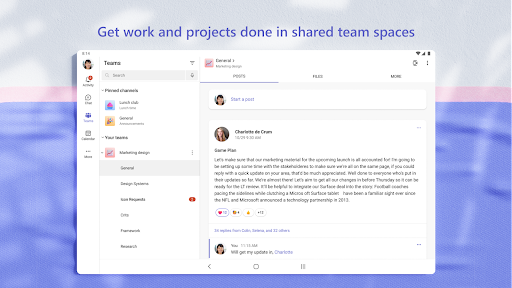
• Work closely and collaborate by keeping conversations organized by specific topics and projects with teams and channels.
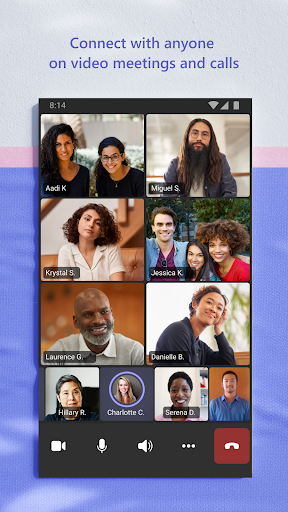
• Video or audio call anyone directly in Teams or instantly convert a group chat to a call.
• Use GIFs, emojis, and message animations to express yourself when words aren’t enough.
Accomplish plans and projects together:
• Send photos and videos in chats to quickly and easily share important moments.
• Use cloud storage to access shared documents and files on the go.
• Organize shared content in a community — events, photos, links, files —so you don’t have to waste time searching*.
• Get the most out of your meetings by using screenshare, whiteboard, or breakout in virtual rooms.
• Manage access to information and ensure the right people have access to the right info, even when people join and leave projects.
• Use task lists to stay on top of projects and plans - assign tasks, set due dates, and cross off items to keep everyone on the same page.
Designed to give you peace of mind:
• Securely collaborate with others while maintaining control over your data.
• Keep communities safe by allowing owners to remove inappropriate content or members*.
• Enterprise-level security and compliance you expect from Microsoft 365**.
*Available when using Microsoft Teams with your Microsoft account.
**Commercial features of this app require a paid Microsoft 365 commercial subscription or a trial subscription of Microsoft Teams for work. If you’re not sure about your company’s subscription or the services you have access to, visit Office.com/Teams to learn more or contact your IT department.
By downloading Teams, you agree to the license (see aka.ms/eulateamsmobile) and privacy terms (see aka.ms/privacy). For support or feedback, email us at [email protected]. EU Contract Summary: aka.ms/EUContractSummary
Consumer Health Data Privacy Policy
https://go.microsoft.com/fwlink/?linkid=2259814
Easily connect with anyone:
• Skype is now part of Teams. Continue where you left off with your chats, calls and contacts in Microsoft Teams Free.
• Meet securely with communities, teammates, family, or friends.
• Set up a meeting within seconds and invite anyone by sharing a link or calendar invite.
• Chat 1-1 or to your entire community, @mention people in chats to get their attention.
• Create a dedicated community to discuss specific topics and make plans*.
• Work closely and collaborate by keeping conversations organized by specific topics and projects with teams and channels.
• Video or audio call anyone directly in Teams or instantly convert a group chat to a call.
• Use GIFs, emojis, and message animations to express yourself when words aren’t enough.
Accomplish plans and projects together:
• Send photos and videos in chats to quickly and easily share important moments.
• Use cloud storage to access shared documents and files on the go.
• Organize shared content in a community — events, photos, links, files —so you don’t have to waste time searching*.
• Get the most out of your meetings by using screenshare, whiteboard, or breakout in virtual rooms.
• Manage access to information and ensure the right people have access to the right info, even when people join and leave projects.
• Use task lists to stay on top of projects and plans - assign tasks, set due dates, and cross off items to keep everyone on the same page.
Designed to give you peace of mind:
• Securely collaborate with others while maintaining control over your data.
• Keep communities safe by allowing owners to remove inappropriate content or members*.
• Enterprise-level security and compliance you expect from Microsoft 365**.
*Available when using Microsoft Teams with your Microsoft account.
**Commercial features of this app require a paid Microsoft 365 commercial subscription or a trial subscription of Microsoft Teams for work. If you’re not sure about your company’s subscription or the services you have access to, visit Office.com/Teams to learn more or contact your IT department.
By downloading Teams, you agree to the license (see aka.ms/eulateamsmobile) and privacy terms (see aka.ms/privacy). For support or feedback, email us at [email protected]. EU Contract Summary: aka.ms/EUContractSummary
Consumer Health Data Privacy Policy
https://go.microsoft.com/fwlink/?linkid=2259814
What's New
Use Copilot to summarize channel meetings
App Information
Version Name
1416/1.0.0.2024053003
Version Code
2024453030
File Size
346.8 MB
Min SDK
Android 26+
Target SDK
Android 33
Developer
Microsoft Corporation
Contact
Website
Content Rating
Everyone
Package Name
com.microsoft.teamsPermissions Required
This app may request the following permissions:
Recent Reviews

Shawn Clark
1.0★
I would like to get a notification when a message is received, open the app, see the message, open it, and reply to it without it being a major life event. I usually get late notifications (or none at all) and then can't open the message because the messages don't refresh without me closing the app, sometimes several times before it will appear. The simplest of tasks should work for a major app. I'd avoid using it at all costs if I wasn't forced to for work.

Jess Steere
3.0★
The previous problem with messages not sending appears to be fixed. (Added a star). The other problem is less serious, but still annoying. Whenever I tap to reply to a message, and my phone pulls up the keyboard, it covers up the text box that I'm about to type into. If I hit the back button and then tap the text box again, then it works properly, but this happening many times per day does get annoying. It doesn't happen in any app on my phone except Teams. Galaxy s21.

Duke Kuvaas
3.0★
for a group Teams meeting, I have no issues and would rated higher but when having a one on one call, the app doesn't work well with any of my Bluetooth devices on my android phone. I end up asking them to just call my cell. Not sure what the difference is between a group call vs one on one that has me experiencing this issue.

Victor Prohorov
2.0★
It is heavy and slow. Issues synchronizing messages with other clients. If you ever, for whatever reason, lose access to your teams account (e.g. graduate from school), you have to delete teams and re-login with other accounts because this app enters an infinite loop being unable to login to the, now blocked, account. Wish I didn't have to use it.

Zach W
1.0★
A downgrade from Skype in every way, which itself got progressively worse after Microsoft bought it out. Constantly missing messages that either show up only on desktop, or only show up on mobile. Can't forward messages to people in a way that shows who sent the original message. Even worse when trying to forward an entire conversation. Also can't customize colors like you could on Skype.

Ginger Duey
1.0★
I am not a fan. I have lost days of conversations. There's a lag time for contacts to see or receive "INSTANT" HAHA messages. I have had to uninstall and reinstall several times and this time it won't let me login. I have gone to my Microsoft account and everything is correct. It's telling me, "Sorry, but we are having trouble signing you in. please try again later" I have been trying for 4 hours.
Ad slot: In-Content