

Microsoft Translator
com.microsoft.translator
by Microsoft Corporation
Screenshots



Ad slot: Top Leaderboard
About this app
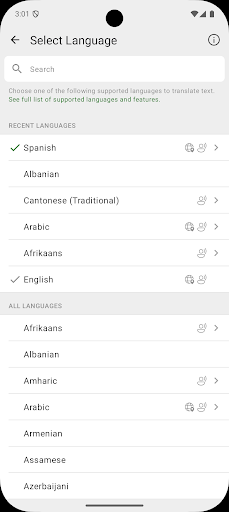
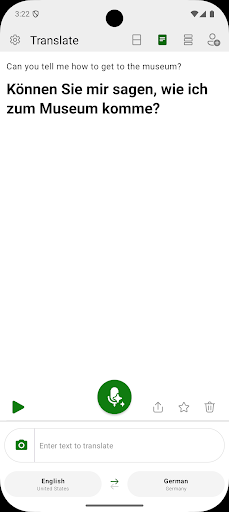
Need to communicate with someone who uses a different language? Microsoft Translator is here to help you break through language barriers and connect with people from around the globe.
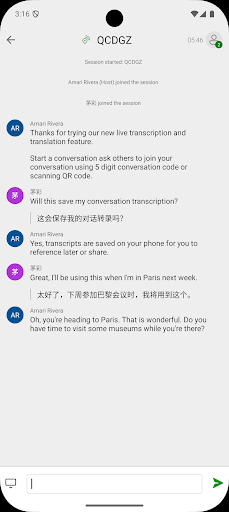
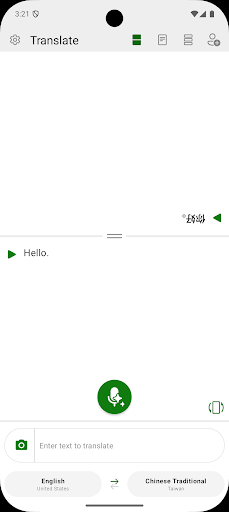
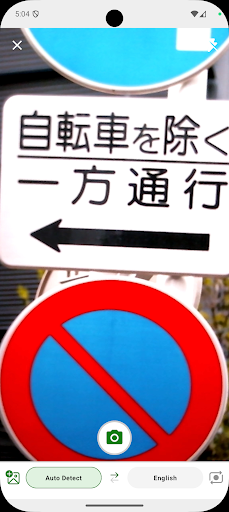
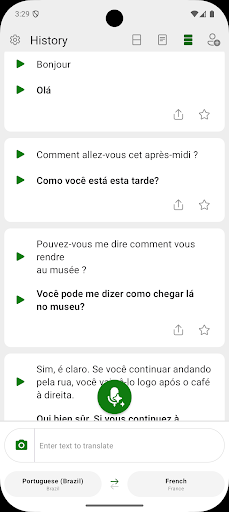
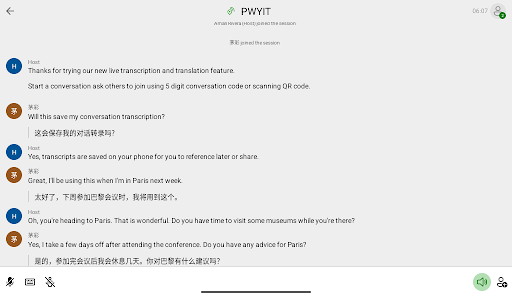
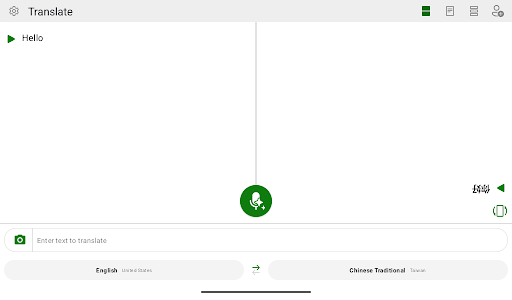
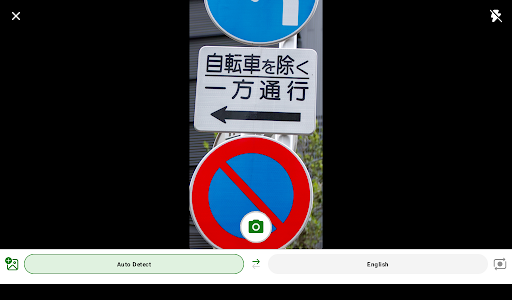
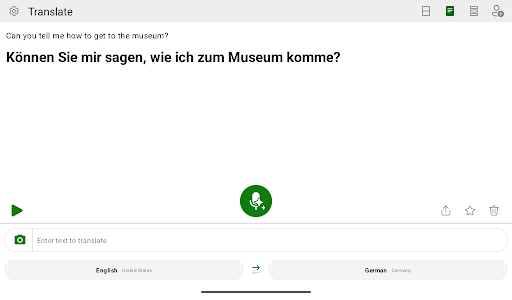
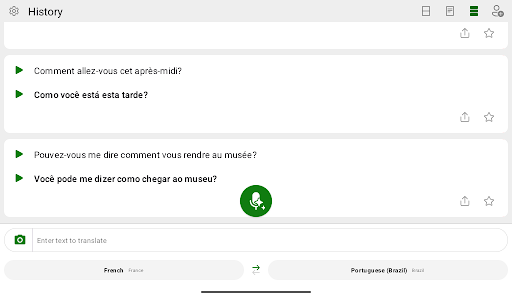
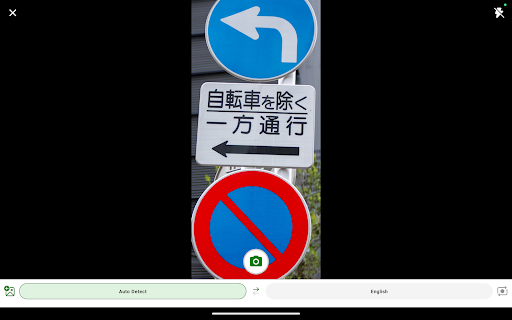
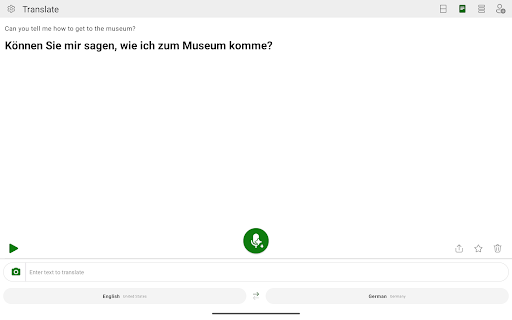
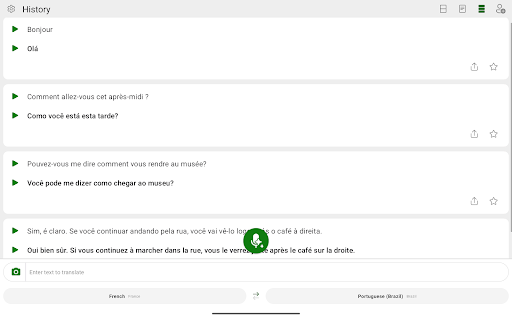
Microsoft Translator allows you to translate text, speech, images, and group conversations in over 100 languages - for free. Whether you’re traveling and need help understanding a menu or navigating unfamiliar streets, or you’re trying to communicate with a colleague at work or school, Microsoft Translator has you covered. Download it now and see how it can help you break language barriers, stay on top of group conversations by navigating easily within transcripts. With an intuitive interface and real-time accurate translations, Microsoft Translator makes it easier to communicate with confidence.
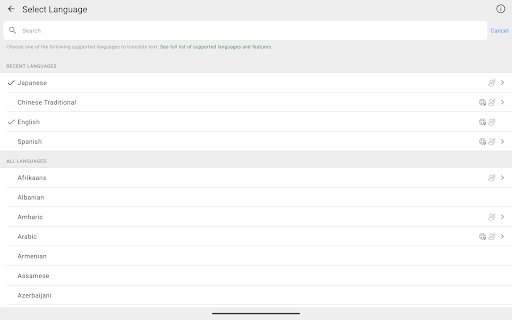
Don’t let language barriers hold you back. Download Microsoft Translator now and see how it can help you connect with people from different cultures and backgrounds. With support for over 100 languages (https://aka.ms/applanguages), you’ll be able to communicate with ease no matter where you are in the world.
Microsoft Translator allows you to translate text, speech, images, and group conversations in over 100 languages - for free. Whether you’re traveling and need help understanding a menu or navigating unfamiliar streets, or you’re trying to communicate with a colleague at work or school, Microsoft Translator has you covered. Download it now and see how it can help you break language barriers, stay on top of group conversations by navigating easily within transcripts. With an intuitive interface and real-time accurate translations, Microsoft Translator makes it easier to communicate with confidence.
Don’t let language barriers hold you back. Download Microsoft Translator now and see how it can help you connect with people from different cultures and backgrounds. With support for over 100 languages (https://aka.ms/applanguages), you’ll be able to communicate with ease no matter where you are in the world.
What's New
Bug fixes and general improvements.
App Information
Version Name
4.0.542a 2b44aba7
Version Code
542
File Size
67.7 MB
Minimum OS
Android 10+
Target SDK
Android 31
Developer
Microsoft Corporation
Contact
Website
Content Rating
Everyone
Package Name
com.microsoft.translatorPermissions Required
This app may request the following permissions:
Recent Reviews

Megan
2.0★
This app's conversation function was amazing, especially in school settings with so many languages in one classroom. I have a friend that speak Egyptian Arabic and it translated the context very well while it also translated to Russian and Spanish and Dutch at the same time. Unfortunately the conversation function no longer works. It's writes it all in English. I saw many complaints from educators with no response from Microsoft. It's super disappointing it's not supported anymore.

A R
3.0★
Great at first, but getting too glitchy in the real time live translation. I have been using this app almost every day for a month, specifically the "converse" portion. There were some random ending of sessions, but it was a great tool! However, over the past two weeks or so, it won't allow me to open any new "converse" sessions.I have tried on multiple devices & no luck:(

Joe Ouellette
2.0★
I'm giving two stars because for months when I try to use it, 70% of the time or more, it tells me "Can't translate, check your connection settings and try again." Right now I'm connected, 5' from my wifi, & have full bars on my phone. If I could get it to work right again, 4 stars, easy. If they bring back the picture translator ability, this would be a 5-star app, no doubt. Sorry Google, but this is so much better. When it works.

Don B
3.0★
On Android (Samsung) phones it only allows about 10 to 15 translations before it crashes. Then you have to close and restart the app to get it to translate again. Also, the "Auto-speak translations" function is not working. You still have to push the play button after every translation. Finally, please restore the translation speed function from the previous version that enables you to listen to the translations at various fast or slow speeds.

Andriea Moss
2.0★
I use it all the time ----- Now I hate it. The newest update has been a real disappointment. You can't edit. Copying translations is more difficult. And there are no alternative translations shown. It seems optimized for active conversation translation. Which is not what I want. I would like the old version back. Otherwise I'm going to need to find a different app.

Lily
1.0★
After the newest update, I can't stand the app. The formatting is ugly and unnecessarily complicated. Feels like it's trying to push users teaching users instead of simply translating my text. Has some new features (that I'll never use) but removed the ability to view different forms of a translation and what the context behind them. You can no longer view the two translations for Japanese. Also can no longer copy the text easily. I'd much rather use Google translate, and that says something.
Ad slot: In-Content