

Lines - Icon Pack
com.natewren.linesfree
by Nate Wren Design
Screenshots
Ad slot: Top Leaderboard
About this app
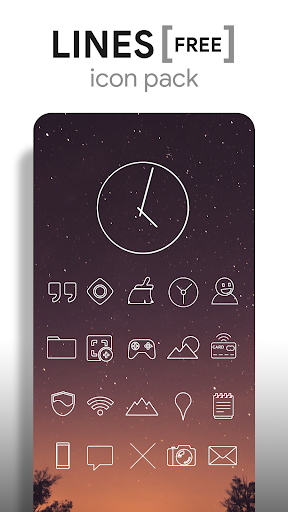
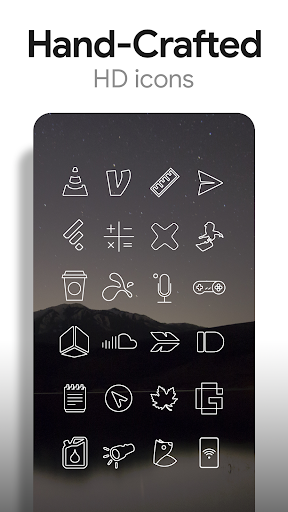
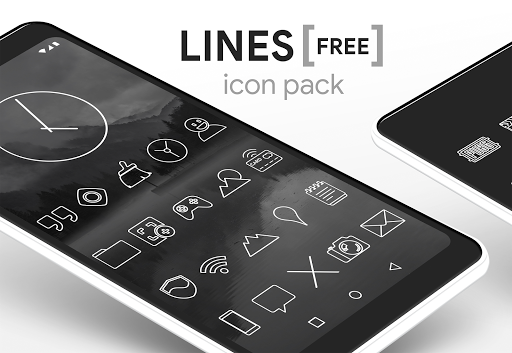
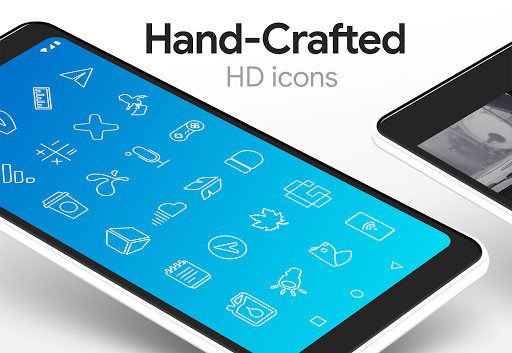
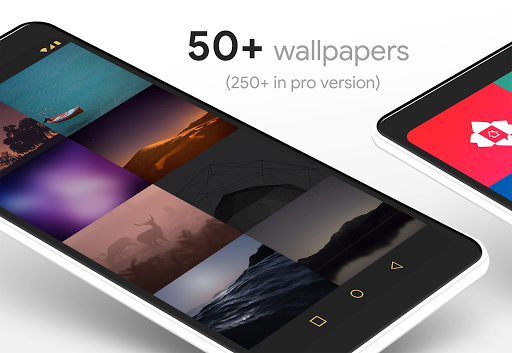
Lines - Icon Pack (free version) are outlined shapes of the most popular apps. Included with the hand-crafted line icons are matching wallpapers, and a matching analog clock widget. Over 200 hand-picked wallpapers of skies, clouds & landscapes are included. The center of the icon outline is transparent, letting you show off your wallpaper beneath the icons. The line icons are xxxhdpi which means they're HD or high enough resolution to get cool looking lined icons on any device out there.
QUICK TIPS
You can manually edit icons in most launchers by long-pressing the icon you'd like to edit.
Widgets: If your widget stops updating, check your system or battery settings to make sure the app is exempt from battery optimization.
FREE VERSION
This is the free version of the app. Get the pro version here: https://play.google.com/store/apps/details?id=com.natewren.lines
DISCLAIMER
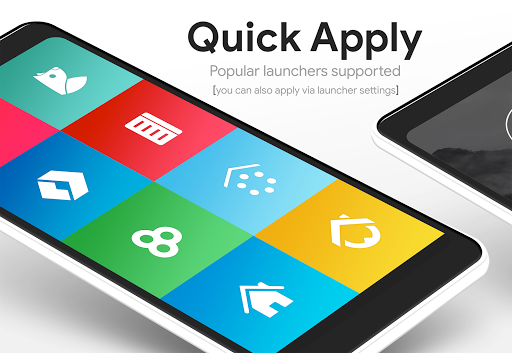
You may need a 3rd party launcher to apply the icon pack.
COMPATIBLE LAUNCHERS
• Nova Launcher (Recommended)
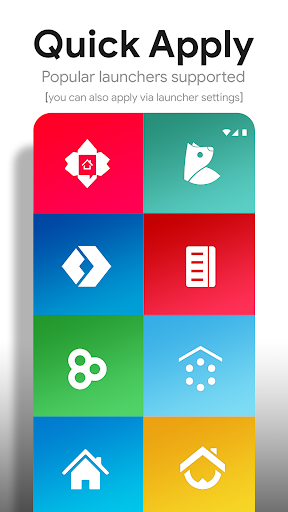
• Microsoft Launcher (Apply via launcher settings)
• Evie Launcher (Apply via launcher settings)
• Poco Launcher
• ADW Launcher
• Yandex Launcher (Apply via launcher settings)
• Action Launcher
• Apex Launcher
• Atom Launcher
• Aviate Launcher
• Go Launcher
• Holo Launcher
• Inspire Launcher
• KK Launcher
• Lucid Launcher
• Next Launcher
• Nine Launcher
• Solo Launcher
• Smart Launcher
• Themer
• TSF
Nova is recommended for the best experience and supports icon name search when manually applying icons. For more info on searching while manually applying icons please visit https://natewren.com/manually-edit-icons/.
HOW-TO GUIDE
http://natewren.com/apply
FEATURES
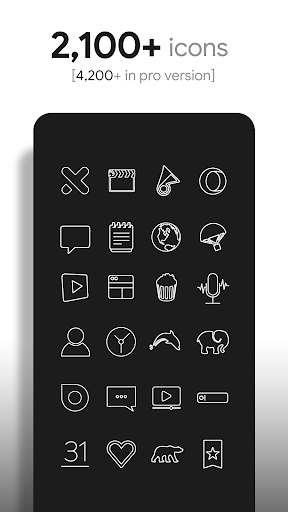
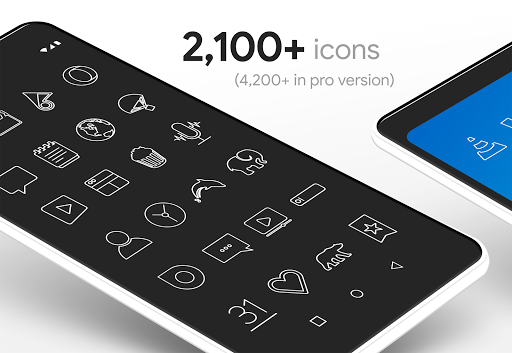
• 2,100+ hand crafted flat, clean & simple white flat HD Icons. Full version has 4,000 icons. The icon pack includes icons with many variations of default lined icons such as phone, contacts, camera, etc.
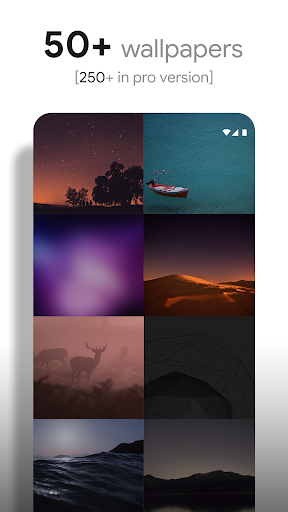
• 200+ modern scenic wallpapers that show off the lined icons nicely. All wallpapers shown are included!
• XXXHDPI high definition modern, outlined transparent icons included for super large HD screens. All Icons are 192x192.
• Analog Clock Widget
• Customized wallpapers. Wallpapers have been edited to show off the white icons nicely
• Some parts of the flat line icons are transparent letting each show the provided scenic backgrounds or to your own backgrounds.
• Wallpaper chooser comes installed
• Clean, white outline icons work best with dark wallpapers.
• Muzei support for rotating wallpapers
• New icons added regularly
HOW TO APPLY ICONS VIA ICON PACK
1. Open the app after installing
2. Navigate to "Apply" tab
3. Select your Launcher
HOW TO APPLY ICONS VIA LAUNCHER
1. Open Launcher settings by tapping + holding on an empty area of home screen
2. Select launcher display/personalization options
3. Select icon pack
FOLLOW ME
Twitter: https://twitter.com/natewren
QUESTIONS/COMMENTS
[email protected]
http://www.natewren.com
QUICK TIPS
You can manually edit icons in most launchers by long-pressing the icon you'd like to edit.
Widgets: If your widget stops updating, check your system or battery settings to make sure the app is exempt from battery optimization.
FREE VERSION
This is the free version of the app. Get the pro version here: https://play.google.com/store/apps/details?id=com.natewren.lines
DISCLAIMER
You may need a 3rd party launcher to apply the icon pack.
COMPATIBLE LAUNCHERS
• Nova Launcher (Recommended)
• Microsoft Launcher (Apply via launcher settings)
• Evie Launcher (Apply via launcher settings)
• Poco Launcher
• ADW Launcher
• Yandex Launcher (Apply via launcher settings)
• Action Launcher
• Apex Launcher
• Atom Launcher
• Aviate Launcher
• Go Launcher
• Holo Launcher
• Inspire Launcher
• KK Launcher
• Lucid Launcher
• Next Launcher
• Nine Launcher
• Solo Launcher
• Smart Launcher
• Themer
• TSF
Nova is recommended for the best experience and supports icon name search when manually applying icons. For more info on searching while manually applying icons please visit https://natewren.com/manually-edit-icons/.
HOW-TO GUIDE
http://natewren.com/apply
FEATURES
• 2,100+ hand crafted flat, clean & simple white flat HD Icons. Full version has 4,000 icons. The icon pack includes icons with many variations of default lined icons such as phone, contacts, camera, etc.
• 200+ modern scenic wallpapers that show off the lined icons nicely. All wallpapers shown are included!
• XXXHDPI high definition modern, outlined transparent icons included for super large HD screens. All Icons are 192x192.
• Analog Clock Widget
• Customized wallpapers. Wallpapers have been edited to show off the white icons nicely
• Some parts of the flat line icons are transparent letting each show the provided scenic backgrounds or to your own backgrounds.
• Wallpaper chooser comes installed
• Clean, white outline icons work best with dark wallpapers.
• Muzei support for rotating wallpapers
• New icons added regularly
HOW TO APPLY ICONS VIA ICON PACK
1. Open the app after installing
2. Navigate to "Apply" tab
3. Select your Launcher
HOW TO APPLY ICONS VIA LAUNCHER
1. Open Launcher settings by tapping + holding on an empty area of home screen
2. Select launcher display/personalization options
3. Select icon pack
FOLLOW ME
Twitter: https://twitter.com/natewren
QUESTIONS/COMMENTS
[email protected]
http://www.natewren.com
What's New
Added 80 Icons to Pro Version
Added 20 Icons to Free Version
Now Targeting SDK version 35
Updated Appfilter - fixes to un-themed icons
Current Pro Version Icon Count: 5,470
Current Pro Version Icon Count: 2,637
If you've purchased an Icon Pack, thanks for your support!
For Updates: @natewren on bluesky | @natewrendesign on insta
Added 20 Icons to Free Version
Now Targeting SDK version 35
Updated Appfilter - fixes to un-themed icons
Current Pro Version Icon Count: 5,470
Current Pro Version Icon Count: 2,637
If you've purchased an Icon Pack, thanks for your support!
For Updates: @natewren on bluesky | @natewrendesign on insta
App Information
Version Name
3.6.1
Version Code
361
File Size
38.5 MB
Minimum OS
Android 4.4+
Target SDK
Android 33
Developer
Nate Wren Design
Contact
Website
Content Rating
Everyone
Package Name
com.natewren.linesfreePermissions Required
This app may request the following permissions:
Recent Reviews
Shana
5.0★
It's been a few months since I got into beyond just applying a wallpaper and using the original icons on my phone. I've tried countless packs; I always ended up deleting them. This one ended up being the perfect match to fit my taste and Mars live wallpaper. Within using it for just a couple days, I bought the full pro version :) I love how it looks when I go into my app drawer. The options are seemingly endless, even if the developer doesn't have an icon made for a specific app. I love it!

A Google user
2.0★
Let me preface this by saying that I like the pack for what it is; free. That said, interactions with the settings invokes horribly intrusive, fullscreen ads. This is a BIG no-no! I understand that this is the free version, but I will give anything that does this a big thumbs down. Please, just add tooltips that tell us where to buy the full version! This aside, it is a great pack. Each icon is well made and looks good, though there's a whole mess of other apps thrown into the mix for double dipp
A Google user
5.0★
My favorite icon pack. I don't think I'll ever use another one. The only gripe I have is that because there are so many icons, it's hard to look for an icon that you specifically one. If there was a way to delete/hide the icons you know you'll never use in the icon library, I would rate this 5 stars! Even if it'll be a pro feature I'll pay for pro if this feature was on it. Please consider it!

R G O 2 (BaelRathLian)
3.0★
Love the outline type icons. Missing a lot of icons I normally use, like the Greek alphabet, electrical, geometric shapes like a triangle, and zodiac icons. If you don't mind hunting for what you want, it is worth checking out.

Adrian Amadi
5.0★
bro... this is the most underrated icon pack ever I thought my homescreen looked good but when I use this.... it never look better the only complaint is that you have to buy the black version but it doesn't matter that much 10 out of 10 will definitely use again👍

The Nameless
5.0★
I've been using this so long I can't even remember when I got it. I use it in conjunction with Nova Launcher. This is hands down the best icon pack I've ever found personally. It's tasteful, minimalist, but clear enough that you know what you're clicking. When I download a new app, the first thing I do every single time is open Lines and either find the app, or find a custom icon that fits the purpose. There are countless varieties and I've never not been able to find a good icon. 10/10
Ad slot: In-Content