

NDrive GPS - Maps & Navigation
com.ndrive.androidtmndrive
by GPS Navigation and Maps
Screenshots
Ad slot: Top Leaderboard
About this app
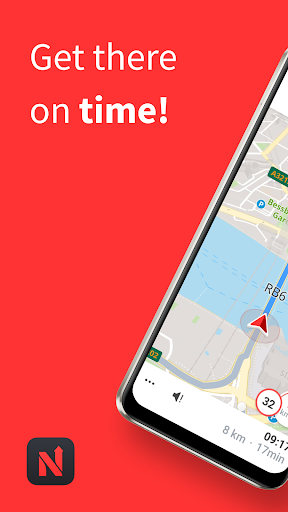
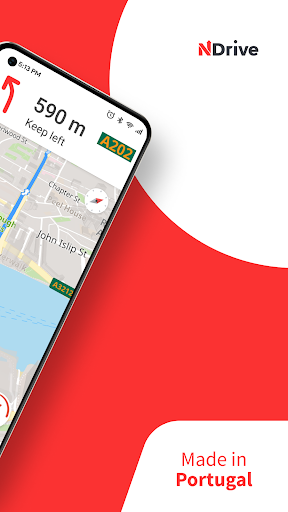
Portugal's favorite GPS navigation, made in Portugal and now with the name that literally put Portugal on the digital map. NDrive GPS - Maps & Navigation.
Wherever you are in Portugal, NDrive GPS offers the best routes and helps you avoid traffic jams with real-time traffic information. If you're undecided about which bridge to cross during peak hours in Porto and Lisbon, or need directions for an important appointment, NDrive GPS is the navigation app for you!
NAVIGATE FREE OF COST
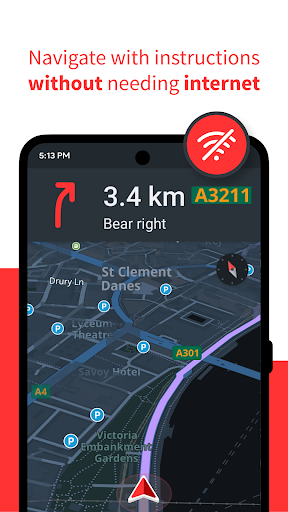
NDrive GPS is a GPS navigation app for smartphones, with turn-by-turn voice directions and that does not require an internet connection to navigate.
Offline maps of all countries in the world available for you to download and save on your cell phone.
Free and frequent map updates.
GPS navigation with accurate voice directions and clearly spoken street names.
Turn-by-turn automotive and pedestrian navigation modes with visual and voice instructions, including automatic route recalculation.
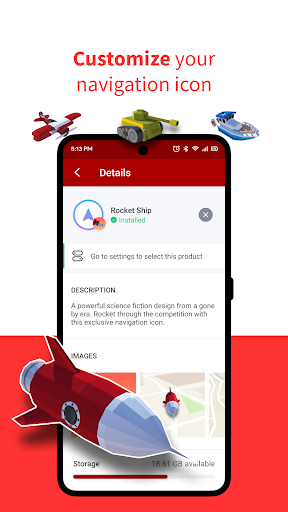
Personalize your navigation with freely available navigation voices and icons.
RADARS and FREE TRAFFIC
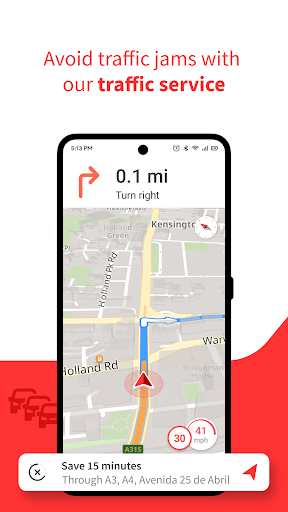
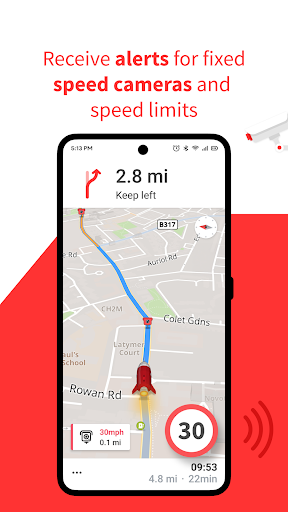
NDrive GPS is FREE and already comes with maps of mainland Portugal and islands installed. It also includes speed camera alert and also offers FREE traffic information so you can avoid traffic jams*.
Avoid traffic fines with speeding warnings during navigation.
THE BEST SUGGESTIONS
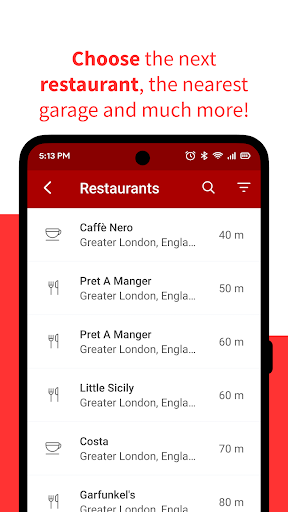
Discover the world around you with the best suggestions for stores, restaurants, attractions and more. Navigation instructions with multiple routes just a tap away
__________________________________________________________________________
MAIN FEATURES
Precise indication of the lane to be followed, with signposts integration;
Speedometer integrated into the navigation screen;
Offline maps with day and night mode; Free to use whenever you need.
Complete voice instructions with street names (TTS);
Fast and intelligent search;
Visualization and possibility of choosing alternative routes;
Fully interactive maps, even during navigation;
Access to thousands of Points of Interest organized by categories (POI);
Free real-time traffic information;*
Find parking when you arrive at your destination;
Free traffic speed cameras and speed limit indication, with permanent updates;
Search and browse for any contact saved on your phone;
Send estimated travel time or a location to a contact* (ETA).
Possibility to see a route simulation.
Please take the following into consideration:
- When using the app for the first time, make sure your phone is connected to a Wi-Fi network.
- Never let navigation instructions interfere with your driving.
- When using NDrive GPS while driving, do not hold the phone in your hand. Place it on a support, where it does not obstruct the view.
- Operating the GPS in the background for prolonged periods may lead to a significant reduction in battery life.
Follow us on social media!
Facebook: fb.com/ndrive
Instagram: @ndrivenav
*This feature requires internet access; Data transfer charges may apply.
Wherever you are in Portugal, NDrive GPS offers the best routes and helps you avoid traffic jams with real-time traffic information. If you're undecided about which bridge to cross during peak hours in Porto and Lisbon, or need directions for an important appointment, NDrive GPS is the navigation app for you!
NAVIGATE FREE OF COST
NDrive GPS is a GPS navigation app for smartphones, with turn-by-turn voice directions and that does not require an internet connection to navigate.
Offline maps of all countries in the world available for you to download and save on your cell phone.
Free and frequent map updates.
GPS navigation with accurate voice directions and clearly spoken street names.
Turn-by-turn automotive and pedestrian navigation modes with visual and voice instructions, including automatic route recalculation.
Personalize your navigation with freely available navigation voices and icons.
RADARS and FREE TRAFFIC
NDrive GPS is FREE and already comes with maps of mainland Portugal and islands installed. It also includes speed camera alert and also offers FREE traffic information so you can avoid traffic jams*.
Avoid traffic fines with speeding warnings during navigation.
THE BEST SUGGESTIONS
Discover the world around you with the best suggestions for stores, restaurants, attractions and more. Navigation instructions with multiple routes just a tap away
__________________________________________________________________________
MAIN FEATURES
Precise indication of the lane to be followed, with signposts integration;
Speedometer integrated into the navigation screen;
Offline maps with day and night mode; Free to use whenever you need.
Complete voice instructions with street names (TTS);
Fast and intelligent search;
Visualization and possibility of choosing alternative routes;
Fully interactive maps, even during navigation;
Access to thousands of Points of Interest organized by categories (POI);
Free real-time traffic information;*
Find parking when you arrive at your destination;
Free traffic speed cameras and speed limit indication, with permanent updates;
Search and browse for any contact saved on your phone;
Send estimated travel time or a location to a contact* (ETA).
Possibility to see a route simulation.
Please take the following into consideration:
- When using the app for the first time, make sure your phone is connected to a Wi-Fi network.
- Never let navigation instructions interfere with your driving.
- When using NDrive GPS while driving, do not hold the phone in your hand. Place it on a support, where it does not obstruct the view.
- Operating the GPS in the background for prolonged periods may lead to a significant reduction in battery life.
Follow us on social media!
Facebook: fb.com/ndrive
Instagram: @ndrivenav
*This feature requires internet access; Data transfer charges may apply.
What's New
Bug Fixes and route optimization.
App Information
Version Name
13.45.02
Version Code
82529000
File Size
106.0 MB
Minimum OS
Android 6.0+
Target SDK
Android 33
Developer
GPS Navigation and Maps
Contact
Website
Content Rating
Everyone
Package Name
com.ndrive.androidtmndrivePermissions Required
This app may request the following permissions:
Recent Reviews

David PT
1.0★
You can't even see what way you're going, it doesn't display all the roads, it's hard to tell which interception you're at, and it gave me the wrong directions to a public space

Sergio de Abreu
4.0★
installed and as an EV user I would like to see more related ev features. charging stations, optimized routes, in Portugal mobi.e integration for charging sessions simulations and real time utilization of the chargers, share routes with the cars, etc. apart from that will test it further.

Jose Santos
4.0★
Going to test the new version of NDrive. Previously was Meo Drive. Update: just tested, and unfortunately, it doesn't support Android auto. At least, I was not able to use it. For me, that's not feasible. However, app looks good and responsive when I used it, and it's a good alternative, when you need offline maps. Will you implement this app to work on android auto and apple car? update: when is expected to have android auto?

Nick Ndinwa
1.0★
I was excited to install the app. After installation, the first thing I see is, ' Allow NDrive access my phone storage to grant permission to access the maps stored in my phone....." My problem with that is, lack of options to say Yes or No. You don't need access to my used maps to calculate anything. Some people might like it, but I don't. Don't force people into granting access due to lack of options to decline or accept.

José Serrão
2.0★
Unfortunately I'm not seeing myself using this app. Lot's of navigation errors (took some screenshots, if needed) but the worst are the ads. Apart from being intrusive I can't see why casino ads don't raise ethical issues when choosing commercial partnerships.

Paul Almeida
3.0★
Not all addresses appear in USA maps but in Europe, it worked great. Other than that, it does work as well or better than other GPS's... but because it doesn't use my data, it's great to have.
Ad slot: In-Content