
Nest
com.nest.android
by Nest Labs Inc.
Screenshots
Ad slot: Top Leaderboard
About this app
At Google Nest, we make products that are beautiful, helpful and easy to use. The Nest app is no exception.
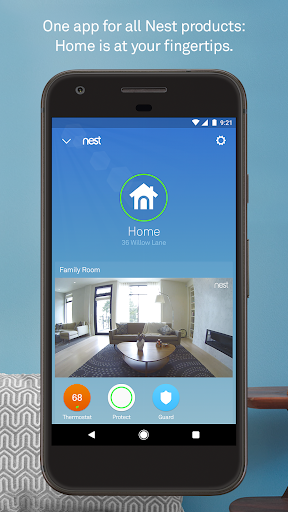
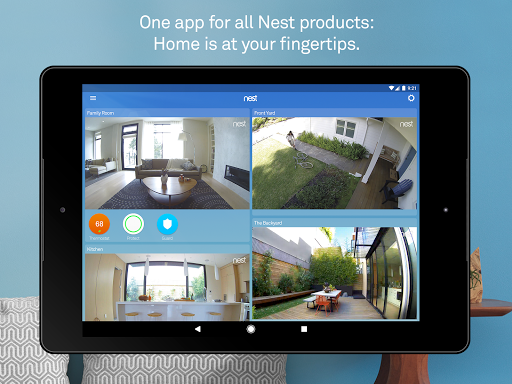
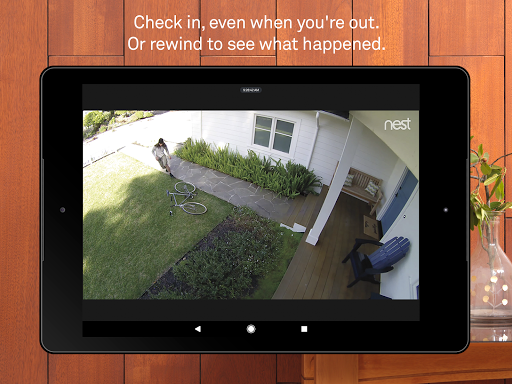
Control your Nest thermostat, arm and disarm your Nest Secure alarm system, see your home with Nest Cam, and get an alert if Nest Protect goes off – all in one place. And receive notifications on your Android phone or tablet.
Nest uses sensors, algorithms, and the location of your phone to do the right thing automatically, turning off the heat and turning on the camera when you leave. Forget to set the alarm? It will notice, and send you a Remind Me alert.
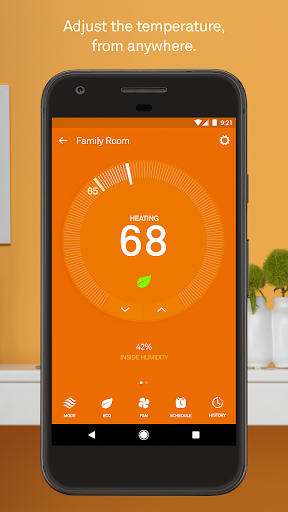
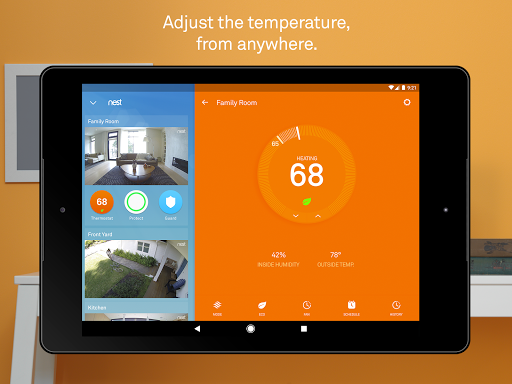
Nest Learning Thermostat and Nest Thermostat E
Thermostats that program themselves to help you save energy.
- Change the temperature from the subway or the sofa using your phone.
- See how much energy you used, and why.
- View and edit your schedule.
- Get extreme temperature alerts before your home gets too cold.
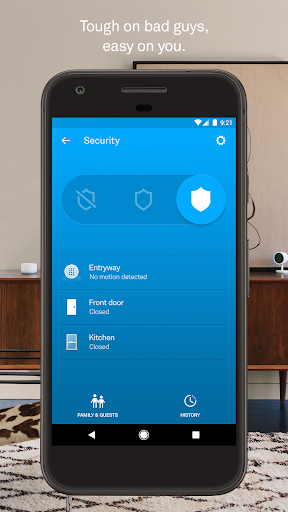
Nest Secure alarm system
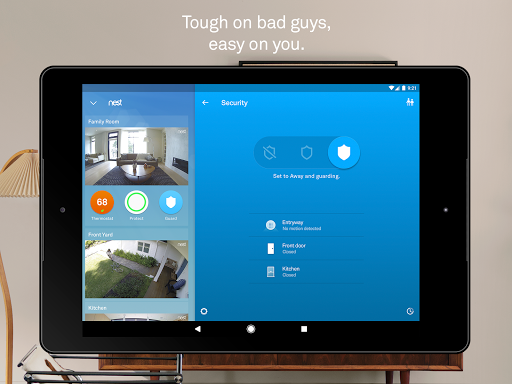
- Arm and disarm your home remotely from the app.
- Receive a Remind Me alert if you leave home and forget to set the alarm.
- Receive a security alert on your phone telling you what triggered the alarm – a door or window opening, or someone entering a room.
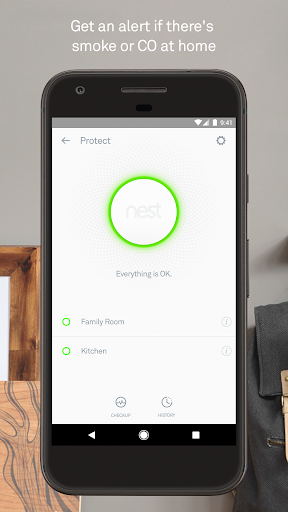
Nest Protect
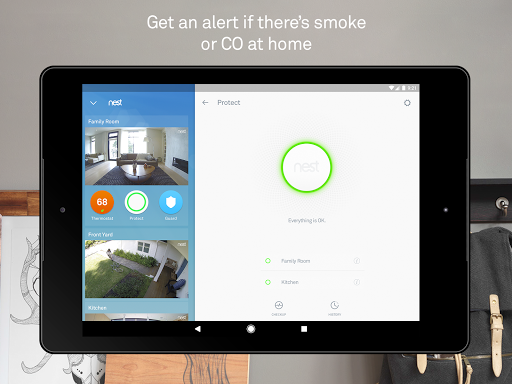
The smoke and carbon monoxide alarm that thinks, speaks, and alerts your phone.
- Get an alert if Nest Protect senses smoke or carbon monoxide. (Requires Wi-Fi and a working internet connection.)
- Silence an alarm from your phone with App Silence. (Nest Protect 2nd gen only.)
- See the status of your batteries, sensors, and Wi-Fi connection.
- Run a Safety Checkup to test all your alarms at once. (Nest Protect 2nd gen only.)
- See your Safety History so you know when alerts happened and why.
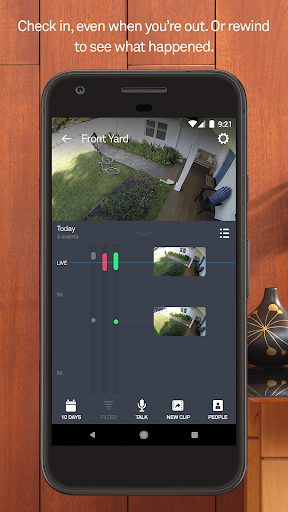
Nest Cam IQ Indoor and Outdoor, Nest Cam Indoor, Nest Cam Outdoor, and Dropcam
The security cameras that let you see your home on your phone, inside and out.
- Get alerts when there’s activity, and talk back to get someone’s attention.
- See what you missed with snapshots of the last three hours.
- Check in 24/7 with crisp 1080p HD video (Nest Cam and Dropcam Pro only).
- Get person alerts (or familiar face alerts with Nest Cam IQ) and up to 30 days of video history when you subscribe to Nest Aware. (Subscription service sold separately.)
Nest Hello
Know who’s knocking.
- 24/7 video streaming means you’ll never miss a moment.
- Designed to show you everything at your doorstep – people head to toe, or packages on the ground.
- Knows the difference between a person and a thing.
- Notifies you about visitors, even if they don’t ring the bell.
- HD Talk and Listen lets you have a seamless conversation with someone at your door.
- When you can’t answer the door, quick responses let you reply to visitors with prerecorded audio messages.
Nest x Yale Lock
The lock for a more secure connected home.
- Instead of sharing keys, assign passcodes to people you trust in the Nest app.
- Get an alert when someone locks or unlocks the door.
- With Home/Away Assist and Auto-Lock, your door can lock itself when you leave.
Some features require a working internet connection, Wi-Fi, and/or Bluetooth.
Control your Nest thermostat, arm and disarm your Nest Secure alarm system, see your home with Nest Cam, and get an alert if Nest Protect goes off – all in one place. And receive notifications on your Android phone or tablet.
Nest uses sensors, algorithms, and the location of your phone to do the right thing automatically, turning off the heat and turning on the camera when you leave. Forget to set the alarm? It will notice, and send you a Remind Me alert.
Nest Learning Thermostat and Nest Thermostat E
Thermostats that program themselves to help you save energy.
- Change the temperature from the subway or the sofa using your phone.
- See how much energy you used, and why.
- View and edit your schedule.
- Get extreme temperature alerts before your home gets too cold.
Nest Secure alarm system
- Arm and disarm your home remotely from the app.
- Receive a Remind Me alert if you leave home and forget to set the alarm.
- Receive a security alert on your phone telling you what triggered the alarm – a door or window opening, or someone entering a room.
Nest Protect
The smoke and carbon monoxide alarm that thinks, speaks, and alerts your phone.
- Get an alert if Nest Protect senses smoke or carbon monoxide. (Requires Wi-Fi and a working internet connection.)
- Silence an alarm from your phone with App Silence. (Nest Protect 2nd gen only.)
- See the status of your batteries, sensors, and Wi-Fi connection.
- Run a Safety Checkup to test all your alarms at once. (Nest Protect 2nd gen only.)
- See your Safety History so you know when alerts happened and why.
Nest Cam IQ Indoor and Outdoor, Nest Cam Indoor, Nest Cam Outdoor, and Dropcam
The security cameras that let you see your home on your phone, inside and out.
- Get alerts when there’s activity, and talk back to get someone’s attention.
- See what you missed with snapshots of the last three hours.
- Check in 24/7 with crisp 1080p HD video (Nest Cam and Dropcam Pro only).
- Get person alerts (or familiar face alerts with Nest Cam IQ) and up to 30 days of video history when you subscribe to Nest Aware. (Subscription service sold separately.)
Nest Hello
Know who’s knocking.
- 24/7 video streaming means you’ll never miss a moment.
- Designed to show you everything at your doorstep – people head to toe, or packages on the ground.
- Knows the difference between a person and a thing.
- Notifies you about visitors, even if they don’t ring the bell.
- HD Talk and Listen lets you have a seamless conversation with someone at your door.
- When you can’t answer the door, quick responses let you reply to visitors with prerecorded audio messages.
Nest x Yale Lock
The lock for a more secure connected home.
- Instead of sharing keys, assign passcodes to people you trust in the Nest app.
- Get an alert when someone locks or unlocks the door.
- With Home/Away Assist and Auto-Lock, your door can lock itself when you leave.
Some features require a working internet connection, Wi-Fi, and/or Bluetooth.
What's New
Bug fixes and enhancements
App Information
Version Name
5.76.0.8
Version Code
5760008
File Size
79.4 MB
Minimum OS
Android 8.0+
Target SDK
Android 33
Developer
Nest Labs Inc.
Contact
Website
Content Rating
Everyone
Package Name
com.nest.androidPermissions Required
This app may request the following permissions:
Recent Reviews

Debbie Flack
4.0★
Nest works well with Google Home, but two things could improve. 1, give more notice BEFORE the monthly smoke alarm sound check, not after it happens. 2, give more time to tell the app that smoke is from cooking before sounding the alarm - 5 seconds isn't enough time to get the phone out of my pocket, open the app, and figure out how to say it's safe.

Brian Walker
2.0★
I only use this for the thermostat. It works more or less and I like the reporting, but the scheduling UI is terrible on mobile. i think it was designed for a browser. Its way too small and sensitive for the average mobile user. Initially 3 stars, but it has been this way for YEARS, so dropping to 2. Not interested in any other nest products if they can't get the simple ones right.

C J
2.0★
The doorbell isn't responsive fast enough. For example, I get a doorbell ring, so I open the app and it tries to connect to the camera. It takes a whole to make a connection. I run fiber to my home so it's not my internet speeds. Usually, by the time it connects, the person is gone. The camera is clear and the sound is good when it is connected, however.

Tr Tr
2.0★
Been using this for more than 2 years now. Good to have a camera to view outside, but frustrated when the camera alerts came several seconds after whatever/whoever outside passed by. Even when I walked up to the door, the alert came when I already about to enter the house! that at least 4 seconds!! As for records, it often only keeps photos of people walked past, meaning more often than not the photos were of scenery! Only if the person stopped, such as delivery man, then it shown.

DeWitt Powers
2.0★
Presence sensing for home/away assist gets worse and worse. It used to turn the camera on, set the thermostat to eco, and undo that when one of us came home. Now we're lucky if it ever does it at all. The camera comes on when we leave most of the time, but it only turns off half of the time. Eco mode has to be done "manually." update 2+ years later: same. Eco mode changes itself more often now, but the camera does less, so it is about the same.

John Sells
2.0★
We've had the Yale Nest locks at our home and vacation home for about 5 years and they have worked flawlessly, until I updated to the current app version. Now I get a message " Something went wrong, the app is unable to connect to the Nest device, Try Again, or Cancel". This happens about 75% of the time, I try it. We have a Google Nest Mini, and that can lock the door, even when the phone cannot connect. The app shows them online when this is happening as well.
Ad slot: In-Content