
Markers
com.ng_labs.markers
by ng-labs
Screenshots


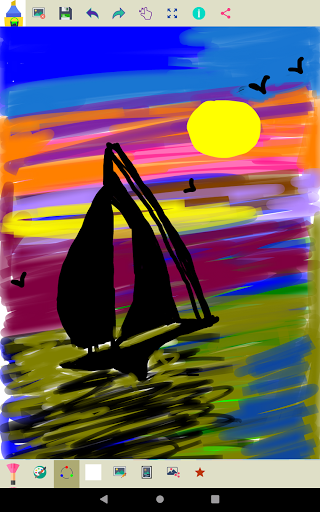
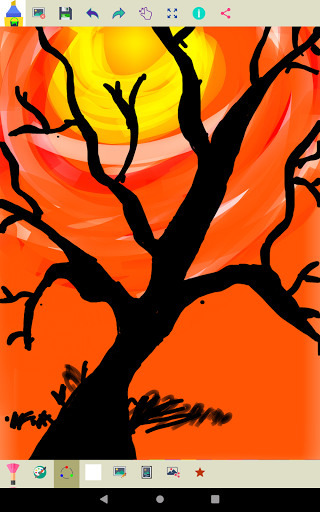
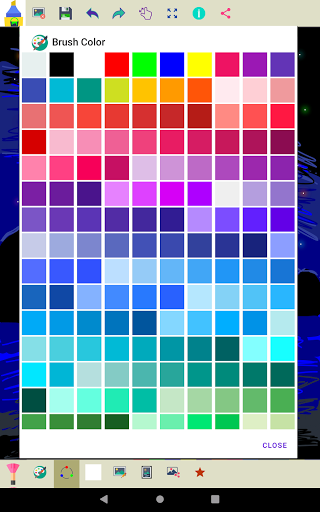
Ad slot: Top Leaderboard
About this app
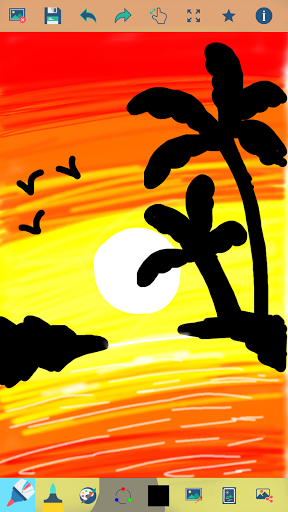
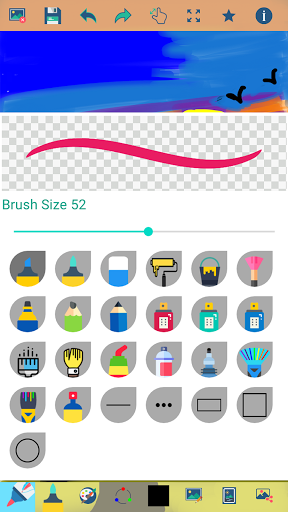
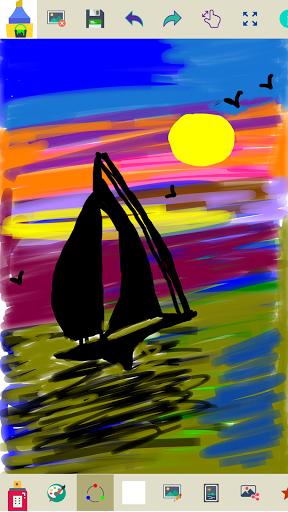
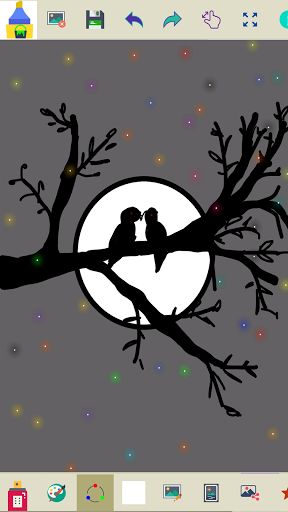
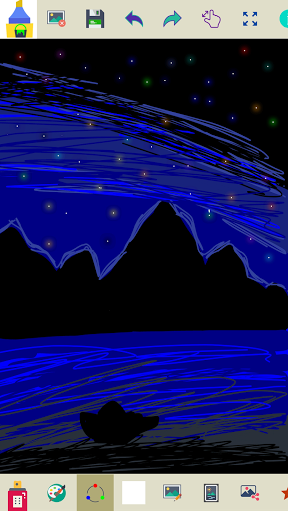
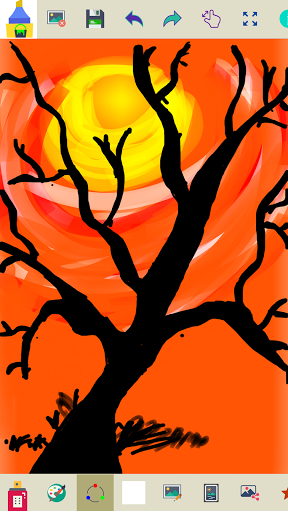
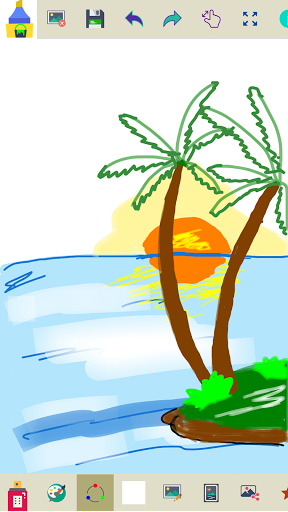
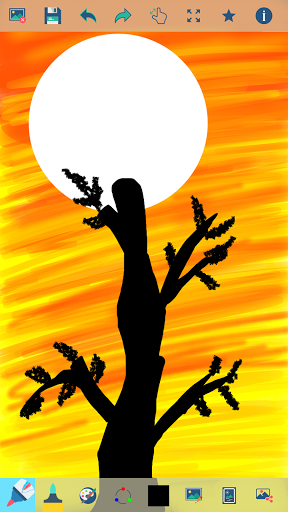
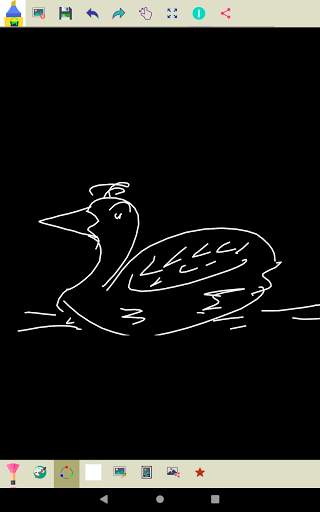
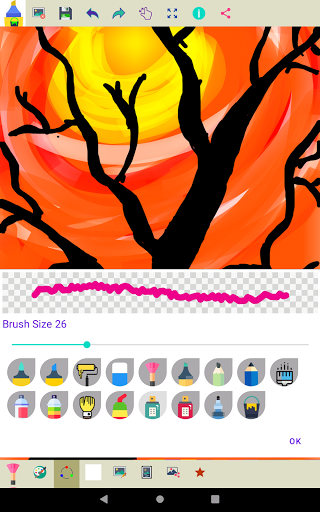
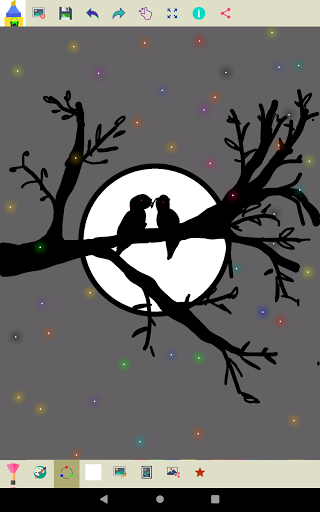
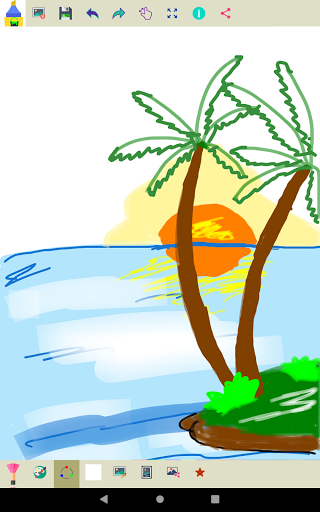
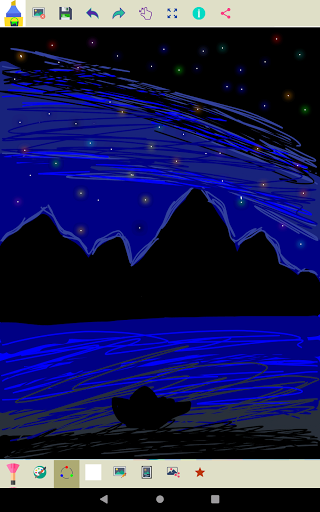
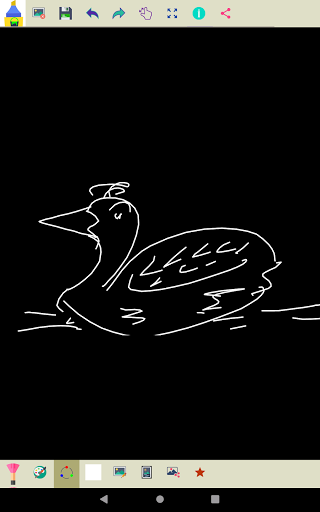
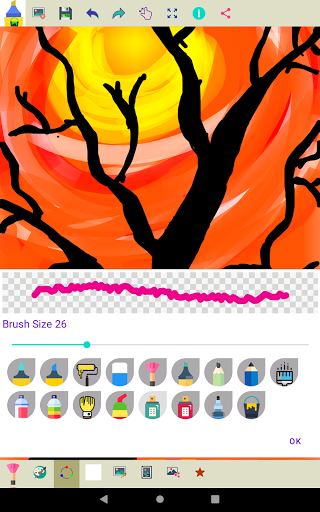
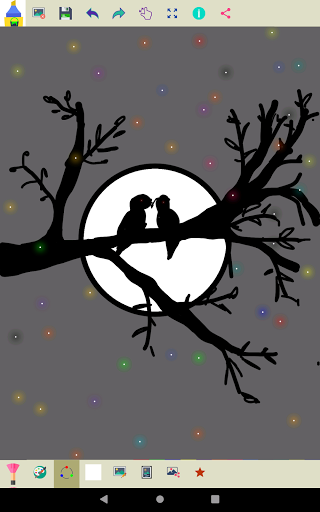
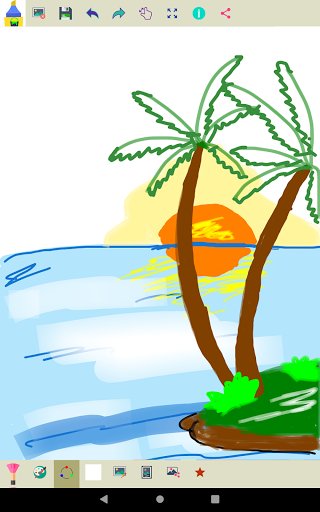
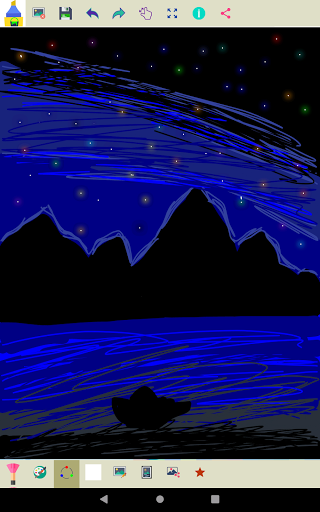
Marker is a simple app that you can use to create drawings on a blank canvas area or in the existing pictures, our unique collection of brushes will help you to create amazing artwork. A great selection of brushes is available from Calligraphy brush, Airbrush, School Pen, Roller brush, Spray brushes, Highlighter, Paintbrush, Eraser, and Rainbow brush.
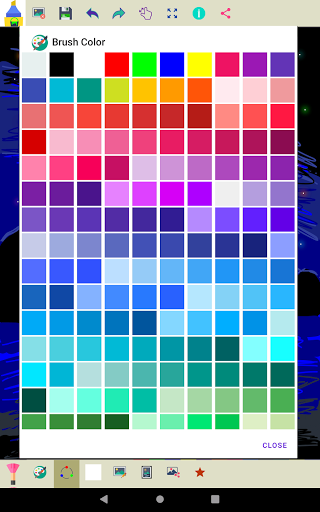
All the brushes look great when your choose different brush sizes and color.
Key Features of this Application
• It's a free app and an off-line app
• Multiple brushes are available to draw beautiful drawings and customize your brush size.
• Erase part of the drawing or complete drawing.
• Undo and Redo last drawn strokes.
• Zoom in and Zoom out your drawing to make small and minute corrections
• Tap on the zoom button, use one finger to scroll and two to zoom the drawing
• Tap on the reset zoom button, to reset the zoom to fit on the screen
• View all the drawings in your art gallery.
• Share your drawings with friends with different options.
• Click an area on the canvas to fill color.
• Select the width of the brush you have chosen.
• Save your drawing into your image gallery.
Privacy Policy: https://www.ang-labs.com/privacy-policy
Don't keep the "Markers" app a secret! We grow with your support, keep sharing :)
Please don't leave negative feedback! Instead, please contact us @ [email protected] and we'll do our best to solve your issues.
All the brushes look great when your choose different brush sizes and color.
Key Features of this Application
• It's a free app and an off-line app
• Multiple brushes are available to draw beautiful drawings and customize your brush size.
• Erase part of the drawing or complete drawing.
• Undo and Redo last drawn strokes.
• Zoom in and Zoom out your drawing to make small and minute corrections
• Tap on the zoom button, use one finger to scroll and two to zoom the drawing
• Tap on the reset zoom button, to reset the zoom to fit on the screen
• View all the drawings in your art gallery.
• Share your drawings with friends with different options.
• Click an area on the canvas to fill color.
• Select the width of the brush you have chosen.
• Save your drawing into your image gallery.
Privacy Policy: https://www.ang-labs.com/privacy-policy
Don't keep the "Markers" app a secret! We grow with your support, keep sharing :)
Please don't leave negative feedback! Instead, please contact us @ [email protected] and we'll do our best to solve your issues.
What's New
Thanks for choosing the Markers app! In this update, we’ve made:
✓ Faster performance and a range of general improvements.
✓ Faster performance and a range of general improvements.
App Information
Version Name
2.1.1
Version Code
12
File Size
4.4 MB
Minimum OS
Android 7.0+
Target SDK
Android 34
Developer
ng-labs
Contact
Website
Content Rating
Everyone
Package Name
com.ng_labs.markersPermissions Required
This app may request the following permissions:
Recent Reviews

Rose Ewer
4.0★
i tried a lot of free drawing apps for mobile and this one was by far the best. no large annoying ads that make you stop what you're doing, no weird subscriptions or 'free trials'. the only issue i've run into is that the fill tool is messed up and sometimes decides it just doesn't want to color an area for some reason (?). besides that, a tool to pick colors from the canvas for your brush color would be very nice to see in the future, as well as the ability to add an additional layer.

Erthyr Asmodae
4.0★
I love this app for its simplicity, small file size, miniscule battery usage, and absolutely no unnecessary or invasive permissions! My single only critique is that I think the menus that appear on the top and bottom of the screen should be switched with one another. I particularly use the "undo" function with frequency, and reaching for the top of the screen each time to undo the previous brush stroke is tedious and ineffectual. This function would be far more accessible on the bottom.
Naren
5.0★
It is wonderful and easy to draw...very useful to create & learn drawing 💯👍
Anne
5.0★
🎨✨ I enjoy the zoom feature, giving more room for creativity, thank you, Having fun with it so far. No glitches, ads are annoying, although app runs smoothly.

Kelly McGillis
5.0★
I love using it really, my creativity in Arts shows

Red (Lilah)
4.0★
it's a cute and easy app for sketching ideas or using as a quick whiteboard for art or text. simple and effective, & I like it alot for when out & about. the reason it's not five stars is mostly because there DEFO needs some quality of life changes. more specifically;ADD EYE DROP TOOL, the ability to turn the canvas around when moving it. & I can barely read the different options for the 'rate markers' ect. it's literally the exact same colour as it's background.also improve the brushes&layout!
Ad slot: In-Content