
Paint
com.ng_labs.paint
by ng-labs
Screenshots

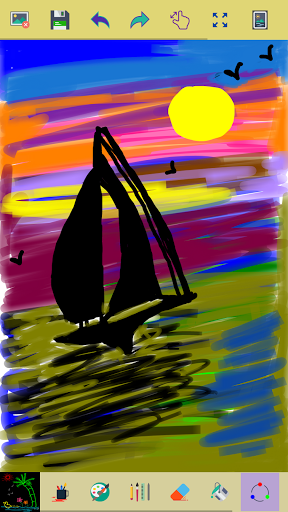

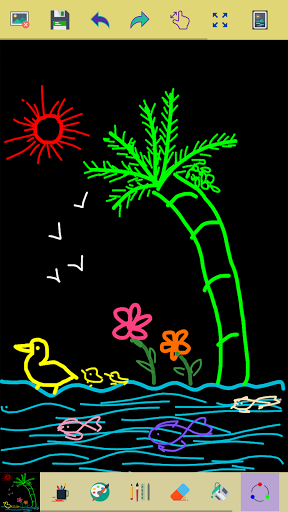


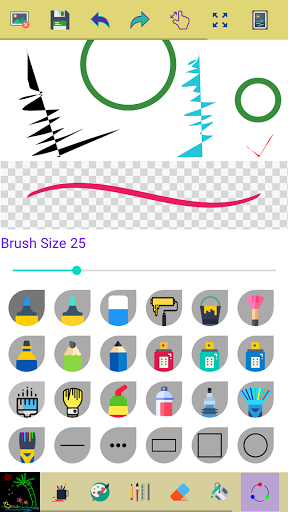
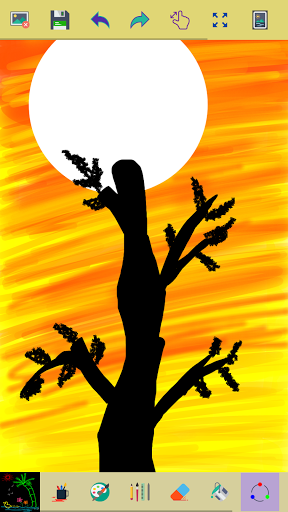
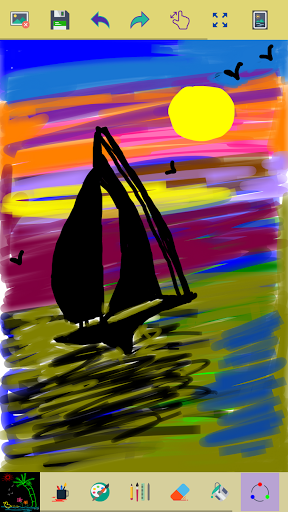


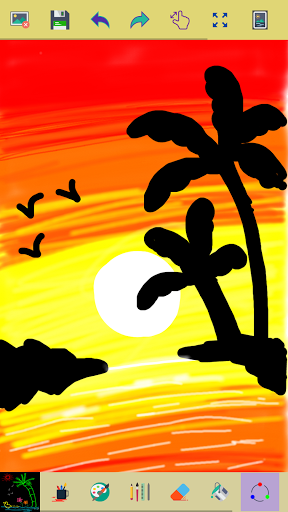


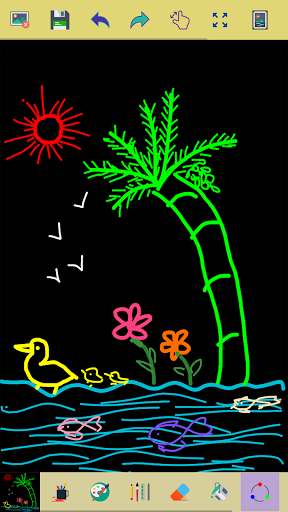
Ad slot: Top Leaderboard
About this app
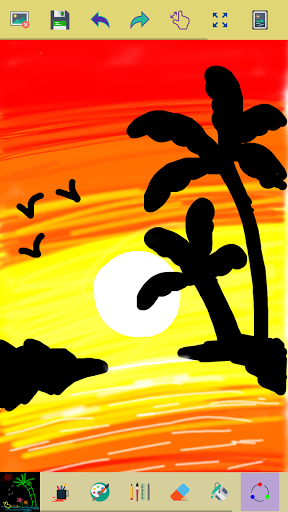
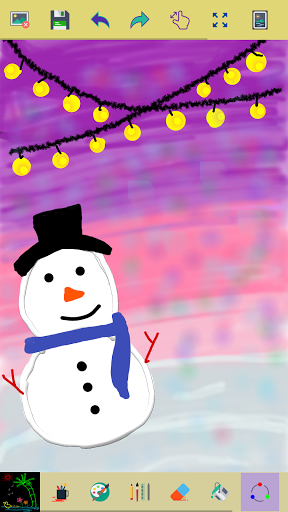
This app is made for creative professionals and anyone who likes to capture their ideas and creative thinking into a beautiful picture.
Key Features of this Application
✓ Start with a new drawing by clicking the clear button
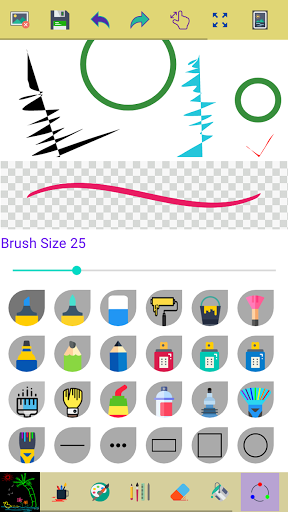
✓ Draw creative pictures using an array of brushes and painting tools
✓ Feel the smoothness of drawing while drawing in fingers
✓ Multiple brushes, pens, and pencils are available
✓ Adjust a width for the brushes and eraser by using the slider bar
✓ Draw with finger or stylus
✓ Erase part of the drawing when needed any correction
✓ Zoom in and Zoom out to make small corrections in drawing
✓ On clicking the reset zoom button your drawing will fit into the screen
✓ All your drawings are available in My Art Gallery
✓ Activating random brush color will act each stroke and shapes with different color
✓ Undo and Redo last action and few strokes
✓ Click an area on the canvas to fill it with background-color
✓ Edit images/ photos
✓ Your drawings have been saved into the photo gallery
✓ Choose background color on easy color picker tool
✓ Using the color picker tool select brush and background-color
✓ Share your drawings with family and friends
Permissions note:
✓ Storage: Needed to allow the user to access your device storage to save your drawings into a photo gallery and display drawings into My Art Gallery.
Don't keep the "Paint" app a secret! We grow with your support, keep sharing :)
Please don't leave negative feedback! Instead, please contact us @ [email protected] and we'll do our best to solve your issues.
Key Features of this Application
✓ Start with a new drawing by clicking the clear button
✓ Draw creative pictures using an array of brushes and painting tools
✓ Feel the smoothness of drawing while drawing in fingers
✓ Multiple brushes, pens, and pencils are available
✓ Adjust a width for the brushes and eraser by using the slider bar
✓ Draw with finger or stylus
✓ Erase part of the drawing when needed any correction
✓ Zoom in and Zoom out to make small corrections in drawing
✓ On clicking the reset zoom button your drawing will fit into the screen
✓ All your drawings are available in My Art Gallery
✓ Activating random brush color will act each stroke and shapes with different color
✓ Undo and Redo last action and few strokes
✓ Click an area on the canvas to fill it with background-color
✓ Edit images/ photos
✓ Your drawings have been saved into the photo gallery
✓ Choose background color on easy color picker tool
✓ Using the color picker tool select brush and background-color
✓ Share your drawings with family and friends
Permissions note:
✓ Storage: Needed to allow the user to access your device storage to save your drawings into a photo gallery and display drawings into My Art Gallery.
Don't keep the "Paint" app a secret! We grow with your support, keep sharing :)
Please don't leave negative feedback! Instead, please contact us @ [email protected] and we'll do our best to solve your issues.
What's New
Thank you for selecting the Paint app! This release brings you the following enhancements:
✓ Performance improvements and various other enhancements.
✓ Performance improvements and various other enhancements.
App Information
Version Name
3.5
Version Code
21
File Size
4.3 MB
Minimum OS
Android 6.0+
Target SDK
Android 34
Developer
ng-labs
Contact
Website
Content Rating
Everyone
Package Name
com.ng_labs.paintPermissions Required
This app may request the following permissions:
Recent Reviews

Trent Walsh
4.0★
very easy to understand, simple, and effective. However quality of life options are lacking, such as choosing the size of a blank canvas on creation, or saving used colours. Additionally, some key tools such as smudging being unavailable. despite this, I would argue it is good for small edits or so.

Ivan Boyle
5.0★
Amazing and very cool app! I would absolutely recommend drawing and painting pictures with this paint app!! it's really good for changing colors of brush, changing the brushes size, obviously drawing amazing artwork, using hundreds of ways to draw, and even adding your photos in the paint app!! I'm really obsessed with painting and drawing and designing pictures with this app!! I'm glad the features are easy for painting and drawing here! PLS DOWNLOAD THIS PAINT APP ITS SUPER FUN!! 😍😍😍🎨🎨🎨
Shreyas Poojary
4.0★
It was nice, it is like a basic, simple and easy paint app I really loved it! I could use it whenever I feel bored. But still, something was missing maybe you should try to improving the app.

Linda Finnegan
5.0★
This app has the basic elements of great not even just good drawing & is really easy to use! superb layout. enchanting. artists 🎨 & non-artista alike will be replacing their game time!

Brigitte Cass
3.0★
I am still trying to /earn this app. Why does the triangle shape come out upsidedown? I am struggling to draw what I want with my finger on a small tablet.

Jester
4.0★
Most excellent app!! But it needs a method to add text, I could not find this if it's there. And it's sometimes a bit buggy, so save often. Related, the app using it's own folder, perhaps with dated folders inside, would help users a lot, then cleanup would be much simplified, I've got tons of in-progress "snapshots" saved.
Ad slot: In-Content