
NHS App
com.nhs.online.nhsonline
by NHS Digital
Screenshots
Ad slot: Top Leaderboard
About this app
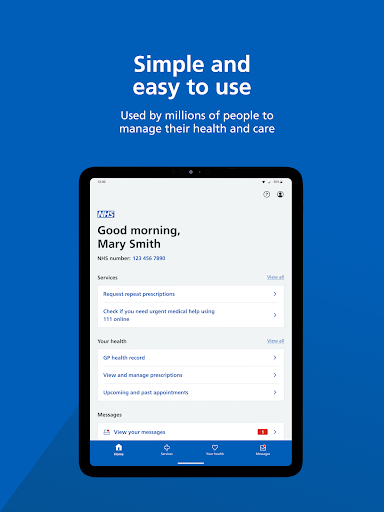
The NHS App gives you a simple and secure way to access a range of NHS services on your smartphone or tablet.
You can use the app if you are aged 13 or over. You must be registered with an NHS GP surgery in England or the Isle of Man.
You can also log in through the NHS website on a computer to use NHS App services.
Access NHS services
----------------------
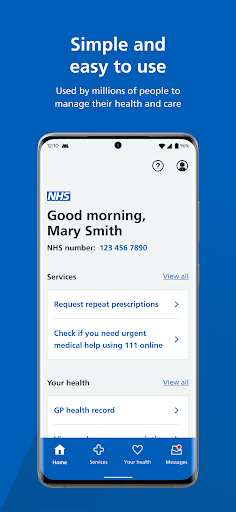
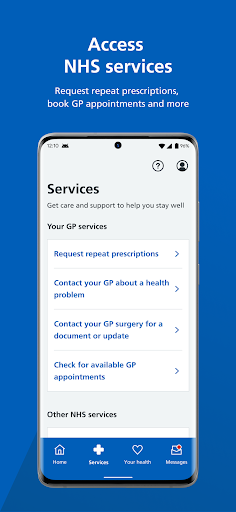
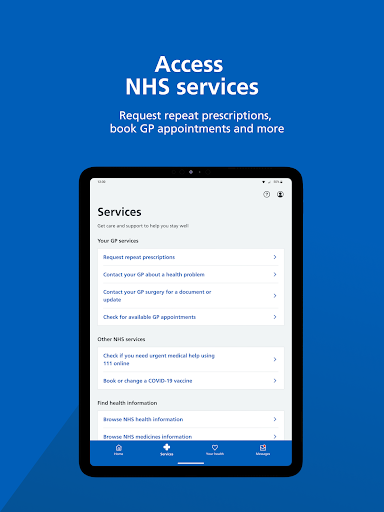
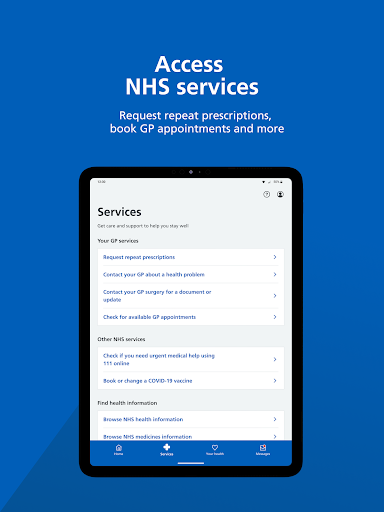
Use the NHS App to access your NHS services, anytime and anywhere. You can request repeat prescriptions, use 111 online, find nearby NHS services and more.
Depending on your GP surgery, you may also be able to book appointments and contact your surgery about a health problem.
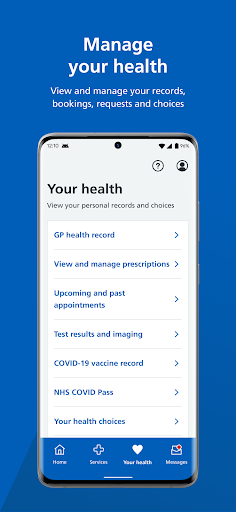
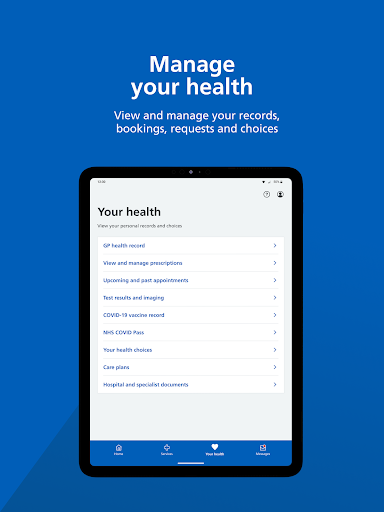
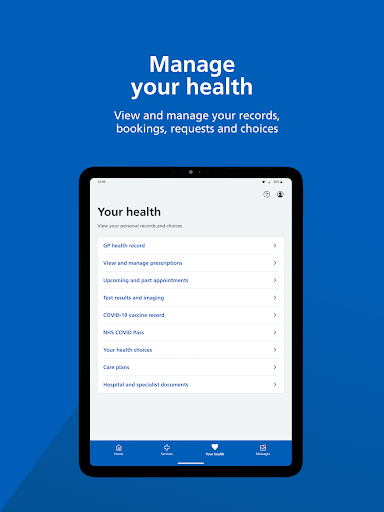
Manage your health
--------------------
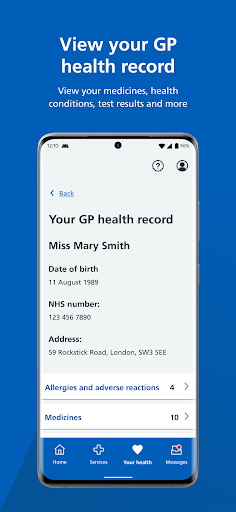
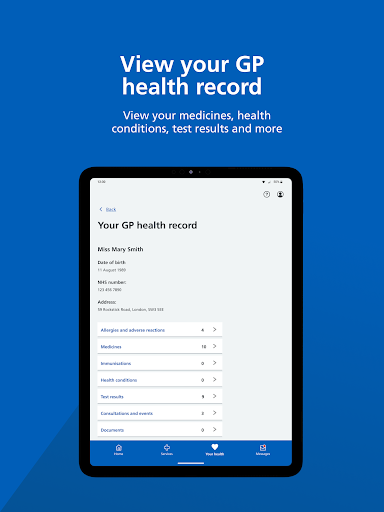
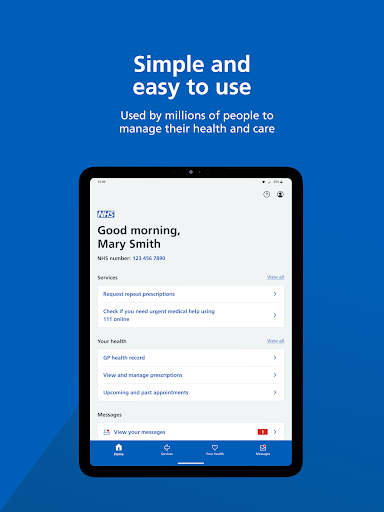
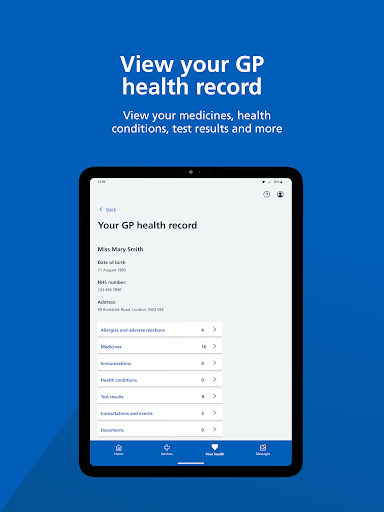
The NHS App gives you a convenient way to view your GP health record, including your test results.
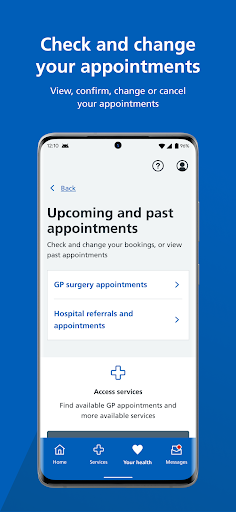
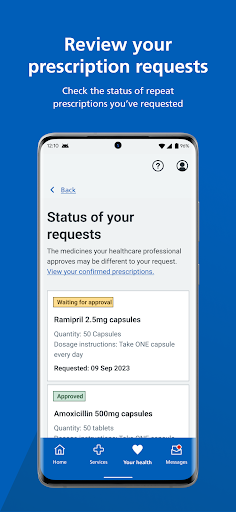
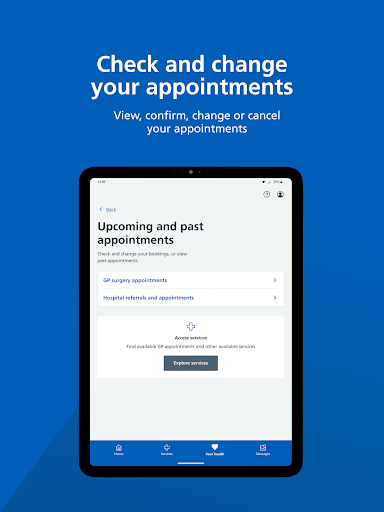
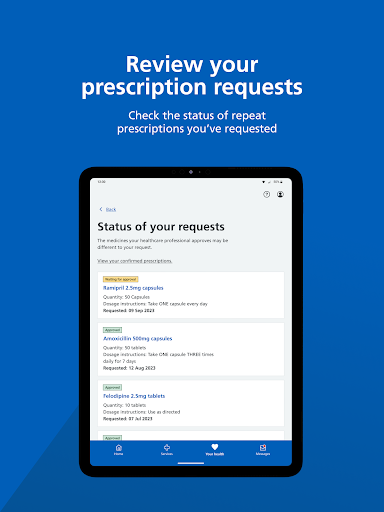
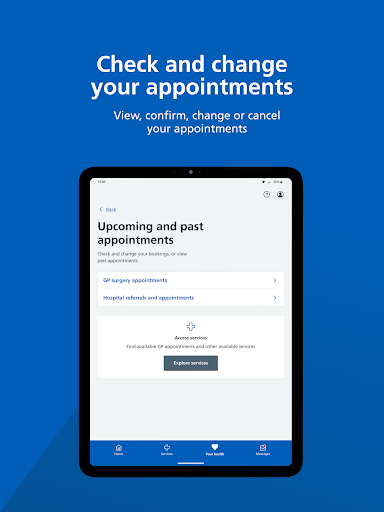
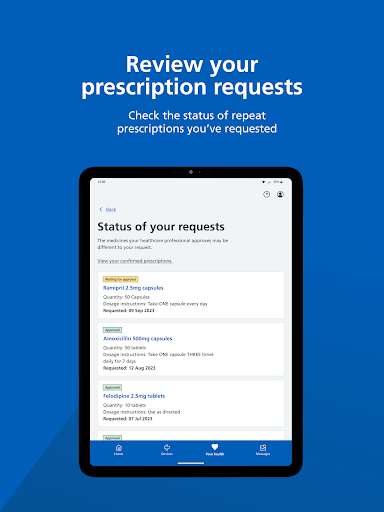
You can manage your upcoming appointments and prescription requests. You can also make choices about your health, like your organ donation decision.
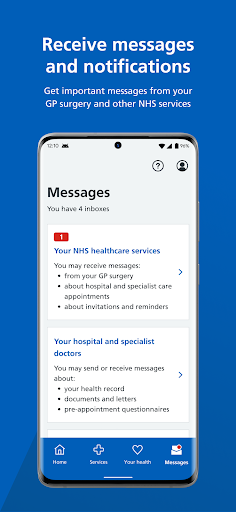
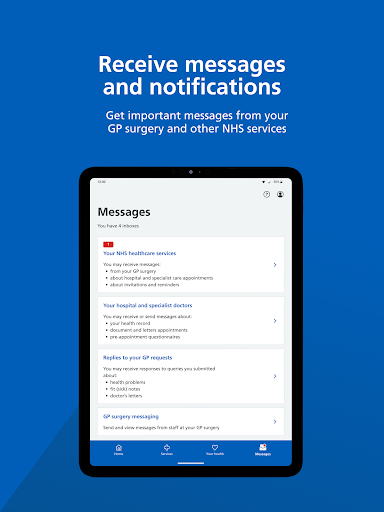
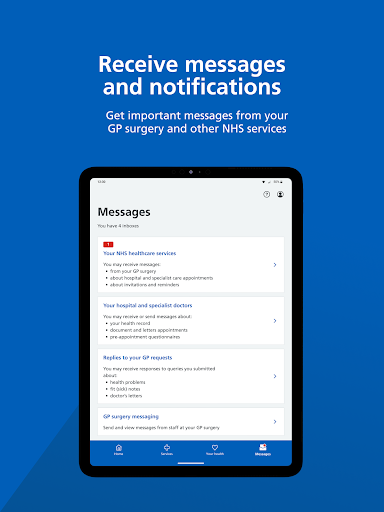
Receive messages
-------------------
You can get important messages from your GP surgery and other NHS services through the app. Turning on notifications can alert you to new messages.
Manage services for other people
---------------------------------
You can switch profiles to access services for other people in the NHS App, such as a child or family member. Your GP surgery needs to give you access and you must both share the same surgery.
Log in securely
---------------
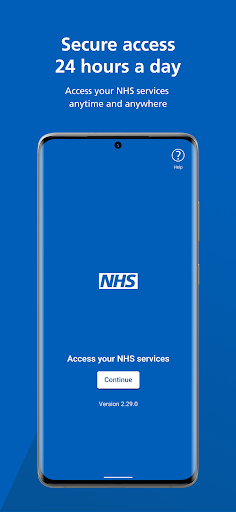
The NHS App will guide you through setting up an NHS login if you do not have one already. You will be asked to prove who you are. The app will then securely connect to information from your NHS services.
If your Android device supports fingerprint, face or iris recognition, you can use it to log in, every time you use the app.
You can use the app if you are aged 13 or over. You must be registered with an NHS GP surgery in England or the Isle of Man.
You can also log in through the NHS website on a computer to use NHS App services.
Access NHS services
----------------------
Use the NHS App to access your NHS services, anytime and anywhere. You can request repeat prescriptions, use 111 online, find nearby NHS services and more.
Depending on your GP surgery, you may also be able to book appointments and contact your surgery about a health problem.
Manage your health
--------------------
The NHS App gives you a convenient way to view your GP health record, including your test results.
You can manage your upcoming appointments and prescription requests. You can also make choices about your health, like your organ donation decision.
Receive messages
-------------------
You can get important messages from your GP surgery and other NHS services through the app. Turning on notifications can alert you to new messages.
Manage services for other people
---------------------------------
You can switch profiles to access services for other people in the NHS App, such as a child or family member. Your GP surgery needs to give you access and you must both share the same surgery.
Log in securely
---------------
The NHS App will guide you through setting up an NHS login if you do not have one already. You will be asked to prove who you are. The app will then securely connect to information from your NHS services.
If your Android device supports fingerprint, face or iris recognition, you can use it to log in, every time you use the app.
What's New
You can now log in using a passkey, which is a more secure alternative to using a password.
App Information
Version Name
4.8.0
Version Code
31725
File Size
40.4 MB
Minimum OS
Android 8.0+
Target SDK
Android 33
Developer
NHS Digital
Contact
Website
Content Rating
Everyone
Package Name
com.nhs.online.nhsonlinePermissions Required
This app may request the following permissions:
Recent Reviews

Stephen Lewis
3.0★
I have 2 suggestions for improvement. 1. Enable biometric log in. I find it easier to log on to any of my banking apps than this. All that select all the pictures of X nonsense! I usually fail at least once. 2. Enable a way of replying to GP messages. it's frustrating to have to search the web to find an email address for the surgery to let them know what I need to after receiving a message. Otherwise it's useful.

Elizabeth Crabtree
4.0★
I have to re-register on the app as I no longer have access to my old email address. This has proved impossible to do as the app does not let you upload photo ID. All the necessary permissions are set, but still the upload and take photo buttons don't respond. UPDATE. I've now managed to re-register after a stressful few hours of trying and have revised my rating.

mick l
4.0★
The app itself is straightforward for me to use, However, provision should be made where the user can send messages/requests straight through to a doctor, just the same as requesting repeat prescriptions, instead of having to phone and go through receptionists. It can get very frustrating just trying to get a receptionist to put a request through. If you argue, you're in trouble! I think that that would be very helpful to a lot people.

David
3.0★
The app now scolds you for not using Chrome browser - What!!!! Last time I checked, the responsibility was on you, the service provider, to write adequate apps and websites which are WIDELY compatible. Not to try and force your users to switch browser to compensate for lazy coding (let's be honest this isn't an app, it's a wrapper for the website, and pretty poor at its job as it is!). Note for developers - it works perfectly fine with Firefox installed.

Martin Williams
3.0★
ideal app for taking numbers off the NHS phone lines and doctors surgerys. but basic system...!! I've been told I can book appointments like blood tests, but I couldn't. as I needed a referral from the doctor first. who told me to go on the app to book ?? Most importantly, there is a page for checking the outcome of appointments. I've had a number of visits over the last year, and the page only shows one appointment results from 2023 ?? which makes me think the app is not being updated 🤔

A Mitchard
1.0★
Having checked that my NHS online account is verified and then downloaded and installed the app, I'm unable to get past the three introductory pages. I click 'Continue' and get a blank screen with a small blue dot at the centre. Please help. And please do not tell me I need a more expensive phone. October 6th: having managed to get the app installed and used it once, it now refuses to open. Same issue, I get a blank screen with a blue dot. I cannot access the message from my surgery.
Ad slot: In-Content