
Snapseed
com.niksoftware.snapseed
by Google LLC
Screenshots
Ad slot: Top Leaderboard
About this app
Snapseed is a complete and professional photo editor developed by Google.
== KEY FEATURES==
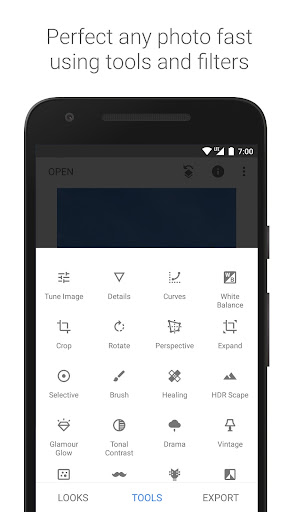
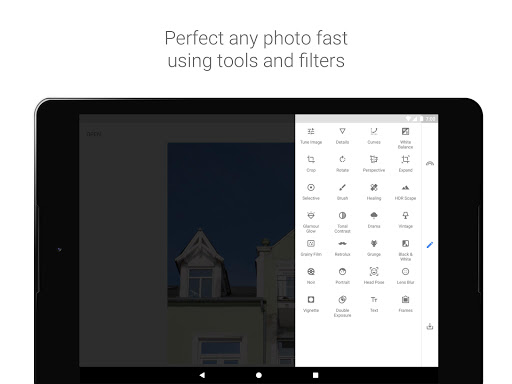
• 29 Tools and Filters, including: Healing, Brush, Structure, HDR, Perspective (see list below)
• Opens JPG and RAW files
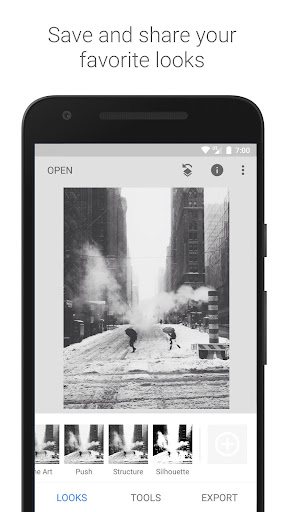
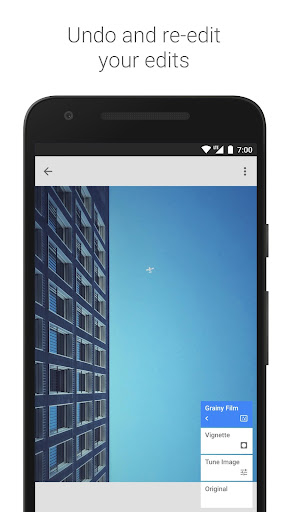
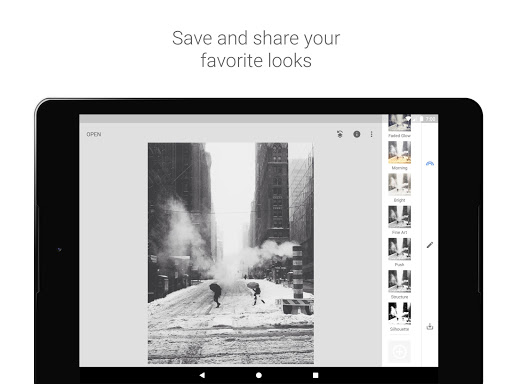
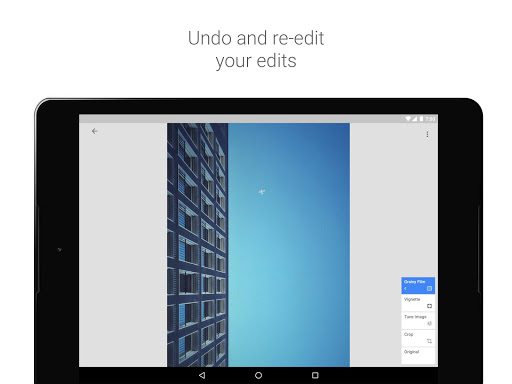
• Save your personal looks and apply them to new photos later
• Selective filter brush
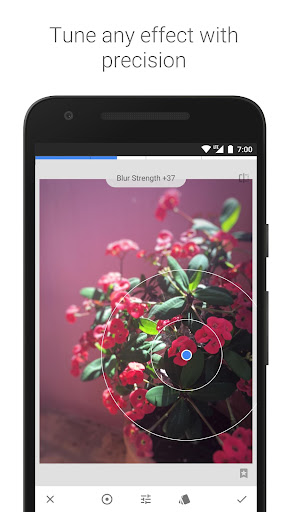
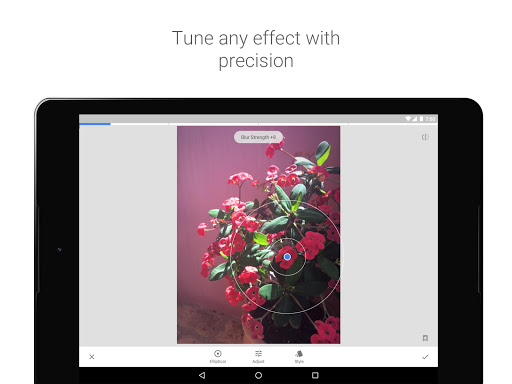
• All styles can be tweaked with fine, precise control
== TOOLS, FILTERS AND FACE ==
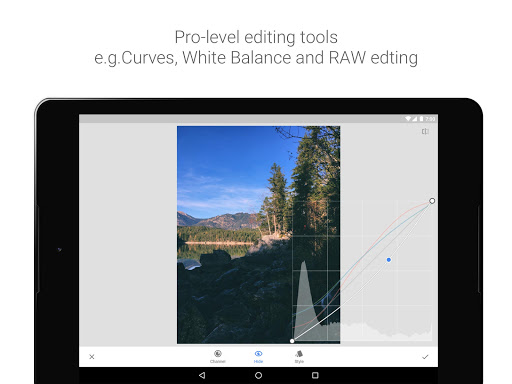
• RAW Develop – open and tweak RAW DNG files; save non-destructively or export as JPG
• Tune image – adjust exposure and color automatically or manually with fine, precise control
• Details – magically brings out surface structures in images
• Crop – crop to standard sizes or freely
• Rotate – rotate by 90°, or straighten a skewed horizon
• Perspective – fix skewed lines and perfect the geometry of horizons or buildings
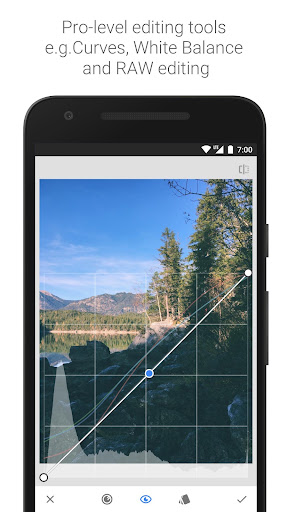
• White Balance – adjust the colors so that the image looks more natural
• Brush – selectively retouch exposure, saturation, brightness or warmth
• Selective – the renown “Control Point” technology: Position up to 8 points on the image and assign enhancements, the algorithm does the rest magically
• Healing – remove the uninvited neighbor from a group picture
• Vignette – add a soft darkness around the corners like a beautiful, wide-aperture would do
• Text – add both stylized or plain text
• Curves - have precise control over the brightness levels in your photos
• Expand - increase the size of your canvas and fill up the new space in smart ways with content of your image
• Lens Blur – add a beautiful Bokeh to images (background softening), ideal for photographic portraits
• Glamour Glow – add a fine glow to images, great for fashion or portraits
• Tonal Contrast – boost details selectively in the shadows, midtones and highlights
• HDR Scape – bring a stunning look to your images by creating the effect of multiple exposures
• Drama – add a hint of doomsday to your images (6 styles)
• Grunge – an edgy look with strong styles and texture overlays
• Grainy Film – get modern film looks with realistic grain
• Vintage – the style of color film photo from the 50’s, 60’s or 70’s
• Retrolux – go retro with light leaks, scratches, film styles
• Noir – Black and White film looks with realistic grain and the “wash” effect
• Black & White – classic Black and White look straight out of the darkroom
• Frames – add frames with adjustable size
• Double Exposure - blend two photos, choosing from blend modes that are inspired by shooting on film and by digital image processing
• Face Enhance – add focus to the eyes, add face-specific lighting, or smoothen skin
• Face Pose - correct the pose of portraits based on three dimensional models
== KEY FEATURES==
• 29 Tools and Filters, including: Healing, Brush, Structure, HDR, Perspective (see list below)
• Opens JPG and RAW files
• Save your personal looks and apply them to new photos later
• Selective filter brush
• All styles can be tweaked with fine, precise control
== TOOLS, FILTERS AND FACE ==
• RAW Develop – open and tweak RAW DNG files; save non-destructively or export as JPG
• Tune image – adjust exposure and color automatically or manually with fine, precise control
• Details – magically brings out surface structures in images
• Crop – crop to standard sizes or freely
• Rotate – rotate by 90°, or straighten a skewed horizon
• Perspective – fix skewed lines and perfect the geometry of horizons or buildings
• White Balance – adjust the colors so that the image looks more natural
• Brush – selectively retouch exposure, saturation, brightness or warmth
• Selective – the renown “Control Point” technology: Position up to 8 points on the image and assign enhancements, the algorithm does the rest magically
• Healing – remove the uninvited neighbor from a group picture
• Vignette – add a soft darkness around the corners like a beautiful, wide-aperture would do
• Text – add both stylized or plain text
• Curves - have precise control over the brightness levels in your photos
• Expand - increase the size of your canvas and fill up the new space in smart ways with content of your image
• Lens Blur – add a beautiful Bokeh to images (background softening), ideal for photographic portraits
• Glamour Glow – add a fine glow to images, great for fashion or portraits
• Tonal Contrast – boost details selectively in the shadows, midtones and highlights
• HDR Scape – bring a stunning look to your images by creating the effect of multiple exposures
• Drama – add a hint of doomsday to your images (6 styles)
• Grunge – an edgy look with strong styles and texture overlays
• Grainy Film – get modern film looks with realistic grain
• Vintage – the style of color film photo from the 50’s, 60’s or 70’s
• Retrolux – go retro with light leaks, scratches, film styles
• Noir – Black and White film looks with realistic grain and the “wash” effect
• Black & White – classic Black and White look straight out of the darkroom
• Frames – add frames with adjustable size
• Double Exposure - blend two photos, choosing from blend modes that are inspired by shooting on film and by digital image processing
• Face Enhance – add focus to the eyes, add face-specific lighting, or smoothen skin
• Face Pose - correct the pose of portraits based on three dimensional models
What's New
• Added support for a dark theme mode in Settings
• Bug fixes
• Bug fixes
App Information
Version Name
2.21.0.566275366
Version Code
1320060
File Size
27.0 MB
Min SDK
Android 30+
Target SDK
Android 34
Developer
Google LLC
Contact
Website
Content Rating
Everyone
Package Name
com.niksoftware.snapseedPermissions Required
This app may request the following permissions:
Recent Reviews

Sydney Taylor
3.0★
3 stars is harsh for a fairly good free photo editing app, but Snapseed has not improved or kept up with the times. It's been the same for the past decade. I would like to see a significant improvement to the healing tool. I would also like to see other editing options offered on other platforms. For example, Canva can edit the background and foreground separately, remove objects, expand the image, etc. Other than that, the tools the app offers are still some of the best out there for free.

A Google user
5.0★
I love snap seed! It's a pretty nifty little photo editor. It does a great job and has a wide variety of tools to use as well as a few filters. It works well and is perfect for those who would rather have one smaller sized app with the "must have" tools rather than a ginormus app with thousands of tools, most of which you would never even consider to click on. You can't add, like, stickers or make collages--stuff like that... But it's the best app available if you just need a general editor.
Jocelyn K
3.0★
I've been using this app for at least 2yrs and have loved it! But the past couple of months, the app isn't able to consistently export/save my photos. I've uninstalled & reinstalled the app multiple times, made sure I have the most recent version, & checked my permissions. Most of the time now it won't export or save my edited photo. Then randomly, it will saves/export a photo. But the next photo I work on, it won't save/ export. Not sure what's happened. Sadly now, looking for another editor.

Stylo
4.0★
Great app! However, it can be improved. The healing tool doesn’t erase things very well & you aren't allowed to adjust the size unless you zoom in & out. This is a similar problem when adding double exposure; I wish it had the option to make the eraser tool bigger or smaller. That way it can be more precise when erasing or healing an object. Another feature to add is the undo and redo button while editing at all times. Lastly, to allow you to increase or reduce the "Looks" sensitivity.

Kevin Bhieey
3.0★
Okay. They've "fixed" the uploading feature. You still can't easily access your files - "Recent" is a useless feature - but now at least Albums has my files. Unfortunately it's in a random order - not alphabetical, because why would anyone want that? - and it's mixed in with Photos Albums. Even worse, the app now changes the name of the file, so when you export, it's difficult to simply replace the original photo. Why do they keep making this HARDER to use?
A Google user
4.0★
I like it very much. Especially the zero-loss of resolution after editing. 2 requests: please provide a means of adjusting font size (especially with the line text formats, which are always way too small compared to the rest of the text formats) & justify (instead of only center justify) within the text tool. Other than that, no complaints after 1 year of use. 👍👍
Ad slot: In-Content