

GeForce NOW Cloud Gaming
com.nvidia.geforcenow
by NVIDIA
Screenshots







Ad slot: Top Leaderboard
About this app
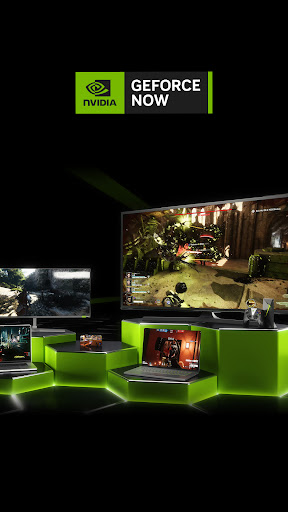
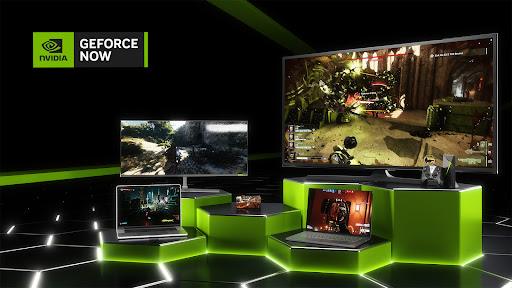
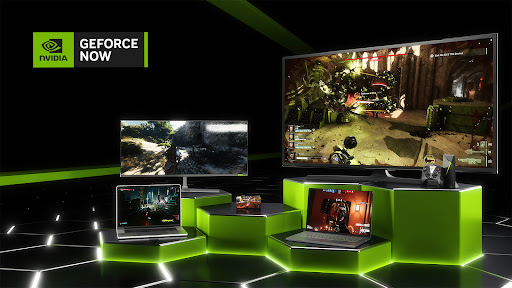
NVIDIA GeForce NOW™ transforms your device into a powerful PC gaming rig.
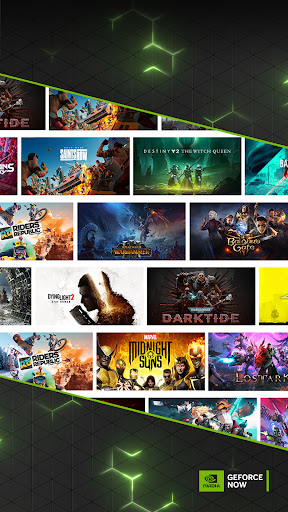
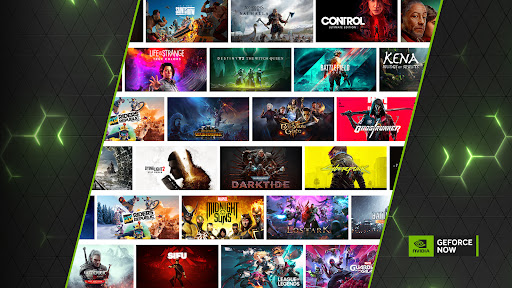
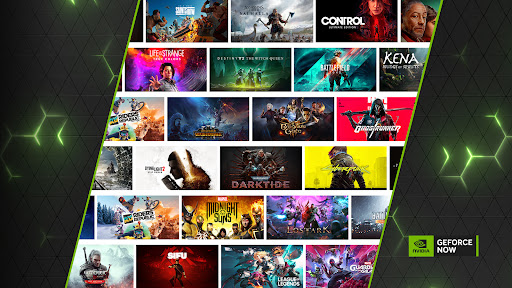
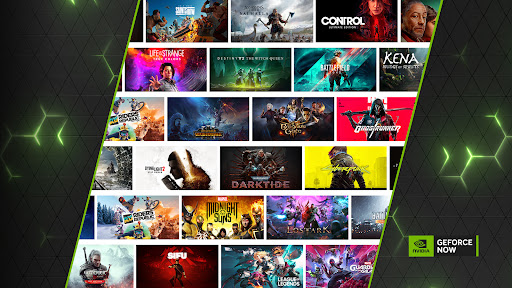
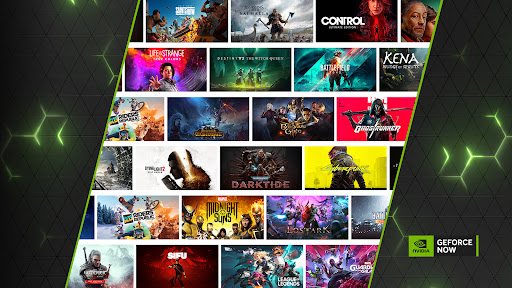
Gamers can play PC titles they already own or purchase new games from popular digital stores like Steam, Epic Games Store, Ubisoft Connect, and EA. Access 1500+ games, with more released every GFN Thursday. The catalog also features many of the world’s most-played games, including 100+ free-to-play titles, like Fortnite, Apex Legends, Destiny 2 and more. Play with and against millions of other PC players, and never wait for downloads, installs, patches or updates.
Downloading the app will not give you access to the service. Streaming with GeForce NOW requires a membership. Give PC gaming a try with our free membership. Or join one of our premium memberships for an enhanced experience including faster frame rates, RTX ON, priority access to our gaming servers and extended session lengths. To learn more about membership options, and to sign-up for GeForce NOW, visit our page here: www.geforcenow.com.
The GeForce NOW app works with Android phones, tablets and TV devices supporting OpenGL ES 2.0 with at least 1GB of memory and Android 5.0 (L) or later. GeForce NOW works with most Chromebooks with 4GB of RAM or more. For an optimal experience, we recommend 5GHz WiFi or Ethernet connection with at least 15Mbps. You can find a full list of system requirements and supported gamepads here: https://www.nvidia.com/en-us/geforce-now/system-reqs/
Gamers can play PC titles they already own or purchase new games from popular digital stores like Steam, Epic Games Store, Ubisoft Connect, and EA. Access 1500+ games, with more released every GFN Thursday. The catalog also features many of the world’s most-played games, including 100+ free-to-play titles, like Fortnite, Apex Legends, Destiny 2 and more. Play with and against millions of other PC players, and never wait for downloads, installs, patches or updates.
Downloading the app will not give you access to the service. Streaming with GeForce NOW requires a membership. Give PC gaming a try with our free membership. Or join one of our premium memberships for an enhanced experience including faster frame rates, RTX ON, priority access to our gaming servers and extended session lengths. To learn more about membership options, and to sign-up for GeForce NOW, visit our page here: www.geforcenow.com.
The GeForce NOW app works with Android phones, tablets and TV devices supporting OpenGL ES 2.0 with at least 1GB of memory and Android 5.0 (L) or later. GeForce NOW works with most Chromebooks with 4GB of RAM or more. For an optimal experience, we recommend 5GHz WiFi or Ethernet connection with at least 15Mbps. You can find a full list of system requirements and supported gamepads here: https://www.nvidia.com/en-us/geforce-now/system-reqs/
What's New
Various bug fixes and performance enhancements. For more details, go to “Settings” and select “Release Highlights”.
App Information
Version Name
1.0.3
Version Code
800000105
File Size
450.4 KB
Min SDK
Android 19+
Target SDK
Android 33
Developer
NVIDIA
Contact
Website
Content Rating
Teen
Package Name
com.nvidia.geforcenowPermissions Required
This app may request the following permissions:
Recent Reviews

Black Dragon
5.0★
Saw the app, got curious, figured $10 for one month is a good trial. I'm glad I did it. I am playing all of the biggest titles in my steam library with little to no issues on my phone! it's been phenomenal for Borderlands 4 on my phone and 5g connection. I've maybe noticed 4 instances of lag. doesnt work as well on LGTV app. 4.5/5 will be buying 1 year subscription. If want a true test of it spend the $10 don't use it for free.

Justin Borthick
5.0★
I pay for Performance and it is 10/10 worth it. Not only does it work the way it's supposed to, albeit with the occasional hiccup because it's software and not infallible, but it's a great way for me to be able to play a lot of my library without installation. Storage is no longer a problem, can play my PC games on my phone, etc, can do exactly what it says. Minimal waiting ever on load up, a solid choice for any gamer.

Alexis
5.0★
Very IMPRESSED. I would say this app is very useful when it comes to playing PC games. It makes my gameplay very smooth. I tried fortnite mobile just regularly, and it lagged very bad, but when I put it through gforcenow, it worked much smoother. I mean it does make you watch ads, and it does timeout every hour, but as it is free and making PC gaming awesome on mobile, I don't mind it. I know some people say they had troubles with it, but it works OK for me. Overall, pretty happy with GeForce.

Dylan Thomas
3.0★
The availability on my phone is great, but sometimes the wait time just isn't worth it. i know they need money and all, but to have people wait hours just to play a single game for 1 hour is just criminal. another problem is that it kicks me out of the game in the middle of matches. overall, you're better off playing on a console or pc, rather than using this app. (this might not be important, but I think it's worth mentioning that it keeps resetting progress on hayoverse games, mainly ZZZ.)

Andrew Dahl
3.0★
Works fine most of the time, but occasionally it has intermittent lag and has to be restarted. Then it'll work lag-free for a couple hours before needing to be restarted again. Seems like a memory leak. Also, I can't switch apps on my phone (Galaxy S23 Ultra) for more than like a minute without the game shutting down and losing all my progress. So I have to make sure to save and close the game before switching from the GeForce Now app to any other app.

Crystal Wolf
4.0★
It literally great. It'd free, I mean, ads are annoying but for such a long play time? I can suck it up. Only complaint is that it keeps logging me out of the game I'm trying to play. And then it's so annoying and it doesn't work when I try to get back in (luckily, something happened and it allows me back, idk what tho). If the problem of logging out ends up fixed, I'll change my review to 5 stars!
Ad slot: In-Content