

OnePlus Games
com.oneplus.gamespace
by OnePlus Ltd.
Screenshots
Ad slot: Top Leaderboard
About this app
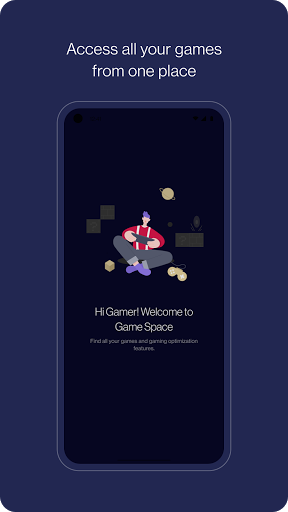
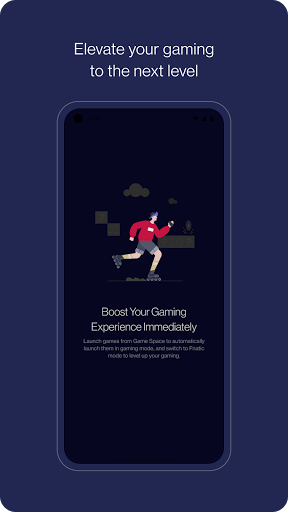
Store and access all your games from OnePlus Games with gaming optimization options. Installed games will automatically be launched in gaming mode for immersive gaming.
What's New
1. Fixed some bugs in the gaming tools
2. Be able to display more information in tools pannel
3. Improved the UI of instant game
2. Be able to display more information in tools pannel
3. Improved the UI of instant game
App Information
Version Name
4.10.0_oos_exp
Version Code
41000091
File Size
87.2 MB
Min SDK
Android 29+
Target SDK
Android 31
Developer
OnePlus Ltd.
Contact
Website
Content Rating
Everyone
Package Name
com.oneplus.gamespacePermissions Required
This app may request the following permissions:
Recent Reviews

KA Fleury
1.0★
HORRIBLE! I don't want this BLOAT garbage. Can't uninstall or disable. Opens itself, can't change settings to prevent that. I like to play a quick card game while waiting for a call, but this app shuts off incoming calls and notifications. Has to be turned off manually EVERY TIME, and even then it turns itself back on. Totally takes away the enjoyment of gaming. I picked this OnePlus phone for the amount of storage, only to find out it's loaded with apps I don't want. IT'S AWFUL!

Mhd Median Tiba
3.0★
It's a nice app, the new design looks good, but there's a small problem. It's not showing the correct number of games on the main list. If I change the view mode, it displays icons of all games, but if I go back to the main list I only see 30 games and they never change. So to find the remaining games I always have to switch the view. Reviewed on OnePlus 7 Pro.

Chad Marinkovits
1.0★
Used gaming mode when I first bought the phone because I figured it would make a game I play run better. Turned out, it messed up the processing done in-game and caused frequent crashes and freezes. So at that time, I simply turned off gaming mode for that app. All was great again. Then this stupid app came out as a mandatory download, and once installed it automatically forces every game to launch with gaming mode. And the best part? YOU CAN NO LONGER TURN OFF GAMING MODE AT ALL. Fix it!!

Alexia Clarke
1.0★
I thought it was nice to have all my games in one place and auto silence my phone rather than a typical folder, but a couple weeks ago there was an update that did two unforgivable things. First, it's pushing ads right at the top -imagine an OS being adware! Second and worst of all, it updated again yesterday and DISAPPEARED MY GAMES FROM MY PHONE! They're still installed somewhere, but they aren't in the app list! All my games data is missing from the app, too. FIX THIS!

Dan Christian
1.0★
Not changing my rating until they removed the game called stack bounce in my 1+ phone, it's very unnecessary to include that in a update. Update (11-21-2022): this new update is even worse than the last one, they've made the app. either remove the games in one space or the games in my phone are nowhere to be found. What the heck is happening to OnePlus?!!

Ava Mahoney
1.0★
There needs to be a way to disable this app, or at least stop it from automatically running every time I switch to anything it calls a game (including Neko Atsume). If I want to turn it off, I have to open the game, go back to home, drag down the top menu, release that, go back to the game and drag that top menu down again as fast as possible (repeat if it doesn't allow me to drag down), and manually hit exit. I have to do this every time I switch from Scrabble to messaging and back again!
Ad slot: In-Content