
8bit Painter
com.onetap.bit8painter
by OneTap Japan
Screenshots
Ad slot: Top Leaderboard
About this app
Chosen as “Editor’s Choice” on Google Play in Japan. Over 4,600,000 downloads.
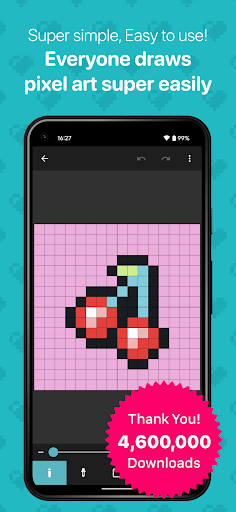
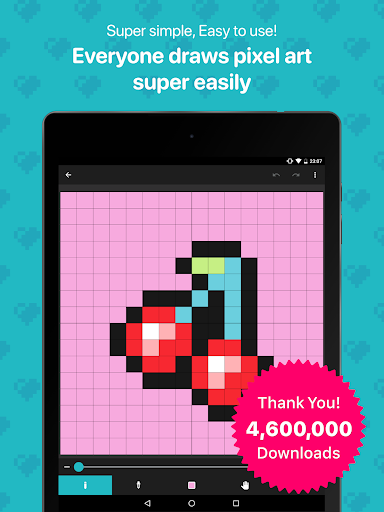
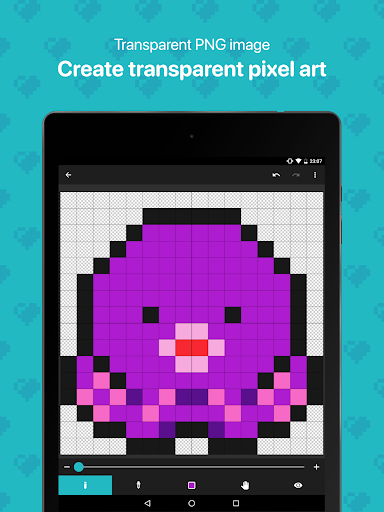
8bit Painter is easy to remember because it is narrowed down to intuitive operation methods and the minimum functions necessary for creating pixel art, so you will not get lost in operation. 8bit Painter focuses on ease of use rather than feature richness.
Great for creating NFT art.
[Recommended for people like this]
* Pixel art beginner
* Creating your SNS icon
* Designing bead pattern
* Designing Cross-stitch pattern
* Creating player skins for games
* Creating NFT art
[Canvas can be customized in size]
In addition to the fixed aspect ratio sizes below, the canvas can be created in any size by specifying the width and height. The canvas size can be changed during the creation of the artwork.
* 16 x 16
* 24 x 24
* 32 x 32
* 48 x 48
* 64 x 64
* 96 x 96
* 128 x 128
* 160 x 160
* 192 x 192
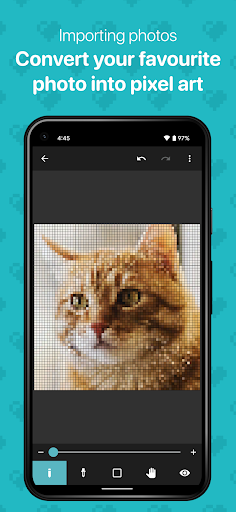
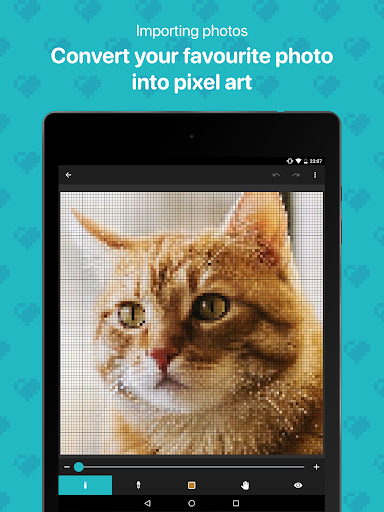
[Convert your favorite images to pixel art]
Import your favorite images into the app and easily convert them to pixel art.
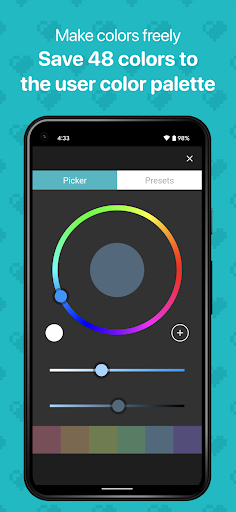
[Create any color and save 48 colors]
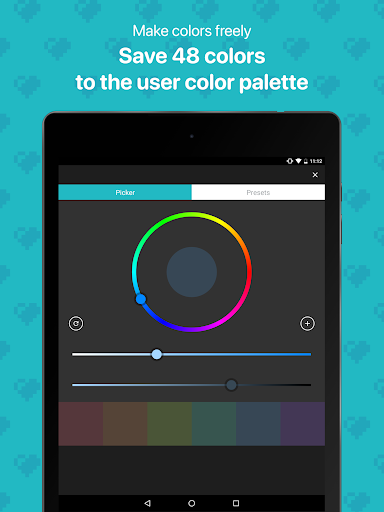
Save up to 48 colors in the “User Color Palette”. The “Preset Color Palette”, which has 96 colors, is also useful.
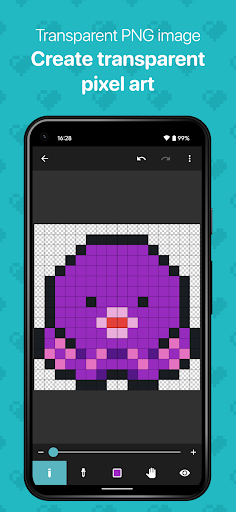
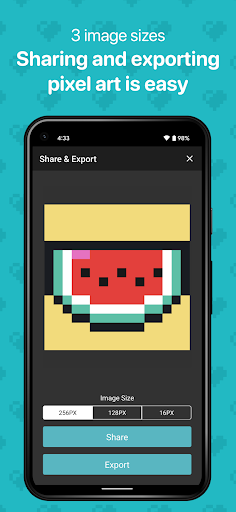
[Export your artwork in transparent PNG]
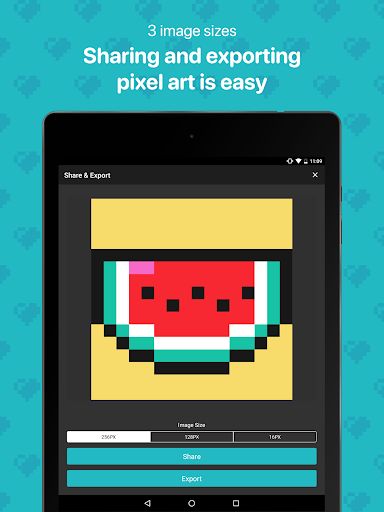
Choose from three different sizes of images to export. The image file format is PNG, and transparent PNG is supported. It is also possible to export an image with the canvas grid lines displayed.
[Export artwork data]
Export your artwork data to external storage such as Google Drive, Dropbox, SD card, etc. The exported artwork data can be imported to other smartphones and tablets that have 8bit Painter installed.
By exporting and backing up your artwork data, you can easily transfer your artwork data to another device if your device is damaged, lost, or upgraded, so you can rest assured.
[Remove ads]
Purchase “Ad Remover” to remove ads. “Ad Remover” does not need to be purchased many times because once purchased, it can be restored at the time of reinstallation even if the app is uninstalled.
8bit Painter is easy to remember because it is narrowed down to intuitive operation methods and the minimum functions necessary for creating pixel art, so you will not get lost in operation. 8bit Painter focuses on ease of use rather than feature richness.
Great for creating NFT art.
[Recommended for people like this]
* Pixel art beginner
* Creating your SNS icon
* Designing bead pattern
* Designing Cross-stitch pattern
* Creating player skins for games
* Creating NFT art
[Canvas can be customized in size]
In addition to the fixed aspect ratio sizes below, the canvas can be created in any size by specifying the width and height. The canvas size can be changed during the creation of the artwork.
* 16 x 16
* 24 x 24
* 32 x 32
* 48 x 48
* 64 x 64
* 96 x 96
* 128 x 128
* 160 x 160
* 192 x 192
[Convert your favorite images to pixel art]
Import your favorite images into the app and easily convert them to pixel art.
[Create any color and save 48 colors]
Save up to 48 colors in the “User Color Palette”. The “Preset Color Palette”, which has 96 colors, is also useful.
[Export your artwork in transparent PNG]
Choose from three different sizes of images to export. The image file format is PNG, and transparent PNG is supported. It is also possible to export an image with the canvas grid lines displayed.
[Export artwork data]
Export your artwork data to external storage such as Google Drive, Dropbox, SD card, etc. The exported artwork data can be imported to other smartphones and tablets that have 8bit Painter installed.
By exporting and backing up your artwork data, you can easily transfer your artwork data to another device if your device is damaged, lost, or upgraded, so you can rest assured.
[Remove ads]
Purchase “Ad Remover” to remove ads. “Ad Remover” does not need to be purchased many times because once purchased, it can be restored at the time of reinstallation even if the app is uninstalled.
What's New
Minor fixes
App Information
Version Name
1.25.0
Version Code
116
File Size
12.7 MB
Minimum OS
Android 6.0+
Target SDK
Android 34
Developer
OneTap Japan
Contact
Website
Content Rating
Everyone
Package Name
com.onetap.bit8painterPermissions Required
This app may request the following permissions:
Recent Reviews

AJ Scott
5.0★
Great and very beginner friendly; I would recommend it to those looking to get into pixel art, though for some reason, it crashes if you use the paint bucket a lot. Some cool features to add for more experienced users would be animation/frames, the ability to copy parts of one drawing onto another, palletes, and layers. More dynamic canvas sizing would also be appreciated.

A E
5.0★
I've been using this app for 4-5 years now and it is amazing for creating pixel art when away from a computer. This app is actually what got me into making pixel art as It is very beginner friendly, intuitive, and doesn't have lots of ads (only like a banner ad at the bottom of the screen and a video ad every now and again when you leave a drawing). The only change I'd suggest would be the addition of a line tool. (Also please remove the "Great for NFTs" in the description)

Mysterious stranger
5.0★
It's great for creating your own pixel art! Most pixel art apps have you click and boom you've added a color and that's it and they usually require you to animate your art. This has a bucket to cover anything not colored and let's you do one at a time! It even has multiple different bit sizes so you can make as big of a sprite as you want! There are barely even any ads! The fact that a free app is better than ones you have to pay 10$ for shows how far society has fallen so just ignore that fact.

Payton Duran (Plush-Hog Form)
5.0★
When I came to see some reviews, I saw the app was listed as "In-App Purchases" so I came to check to find, there is an Add Remover. I didn't even know there were adds! Also, this took me a while to realise, if you saved pixel art and, for instance, delete the app or the canvas, by using the right sized canvas, you can perfectly re-import the image. This app is great. It's wht it's supposed to be and nothing more. No extra trash, not too many adds, not too complicated. I hella recommend it.
Jon Reynolds
1.0★
I've been using this app for a couple years now and it's been working fine. However, the ads HAVE to stop or at least be dialed back. I just lost 2 hours worth of work on a project I'm getting paid for because some ad decided to pop up in the middle of me working and crashed the application, deleting a ton of progress. The ONLY time an ad should ever rightfully show is when you go to export a project. Especially since you don't give us any tools to use. Meaning it's 1 pixel at a time.

Ruth Ashby
4.0★
This app is great. Its very simple and easy to use, but there are a few features I think would improve it greatly: It would be even better for making cross-stitch patterns if it would let you select and move groups of pixels that have been painted. Also, I would love it if I could enter a HEX code to get a specific color rather than having to use the color picker each time. Nevertheless, it is all I expected it to be and has been very helpful.
Ad slot: In-Content