
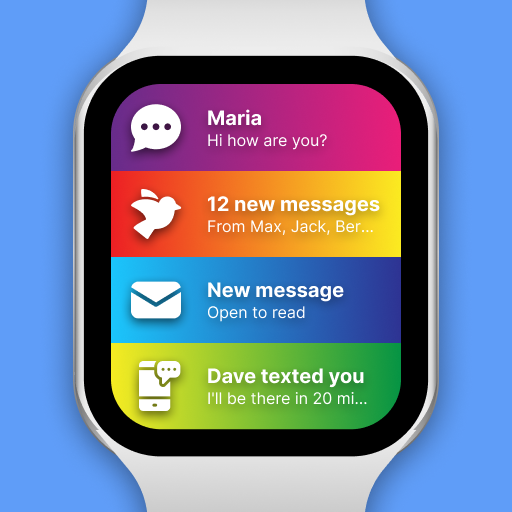
SmartWatch & BT Sync Watch App
com.OnSoft.android.BluetoothChat
by Devolutionapps
Screenshots






Ad slot: Top Leaderboard
About this app
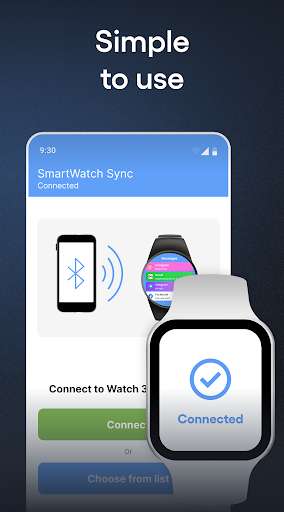
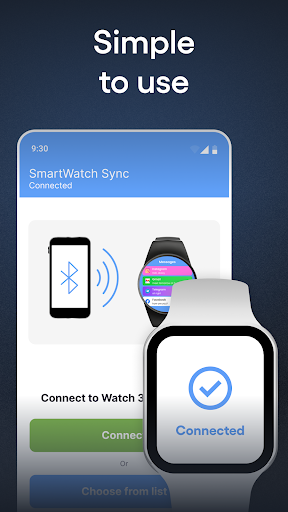
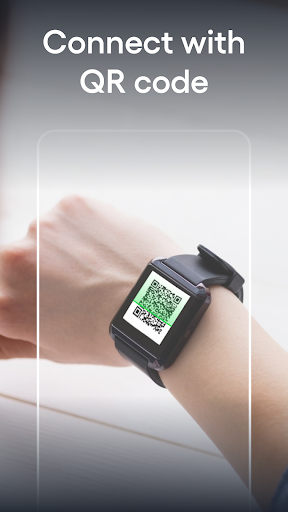
SmartWatch sync app for android & Bluetooth notifier - not only allows you to establish a BT binding between Android phone and your smartwatch, but it will also show all incoming BT messages on the smartwatch shield. It will also expand the facilities of the watch to maximize its performance.
With the Smart watch sync app, your gadget will gain even more features and will work 100%:
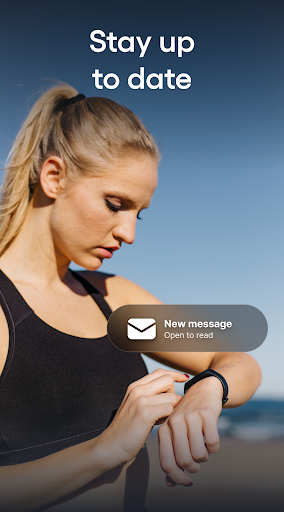
STAY CONNECTED ALWAYS: Read messages, emails and answer calls instantly.
In basic models with our application, you can simply read a message or hang up a call, in advanced models it is possible to answer calls and messages. This feature will certainly come in handy when you are on a run or any kind of activity and it is inconvenient to take a smartphone.
APP SUPPORTED BY POPULAR BRANDS: The app is supported on most popular brand smartwatches and also Chinese swatches - Samsung, Garmin, Xiaomi, Grape, Fundo, Kurio and many others!
CHANGE THE STYLE OF YOUR WATCH of your choice at any time: the app allows you to use dozens of colors that you can customize yourself!
USE MORE FEATURES: add significant events, write notes to be more sure that information will not be lost or reminders of the main thing, pay by the clock and much more.
Installation and sync guide:
(For an extended step-by-step guide with sketched illustrations, visit: qwegnumor.com/Smartwatchsync)
1. Install the Smart watch sync & Bt notifier (Wear OS) from online market on Android smartphone and SmartWatch device.
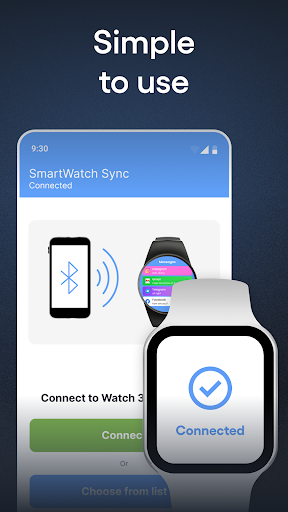
2. Open Bt notifier sync on your smartwatch. Select "Turn on Bluetooth". Next, make Swatch discoverable by clicking the “Discoverable button”.
3. Open the Smart Sync Notifier app on your mobile. Click Enable Permissions to let the Notifier app access BT messages. You can see the phone notifier setting screen where you need to turn on the toggle switch for the Sync app. Then, press the "Back" button to return to the bt notifier application.
4. Select "Enable bt" after "Connect device".
5. Find the name of the smartwatch in the Bt list and connect.
6. Press "Pair / OK" on both devices and, if necessary, confirm the pair of devices (press "OK" / "Allow").
Done! Smartphone and android / wear watch are now paired!
What are the advantages of buying the PRO version?
1. No intrusive ads on your phone or watch!
2. Ability to adjust the on / off messages for selected contacts, instant messengers, programs in a pair
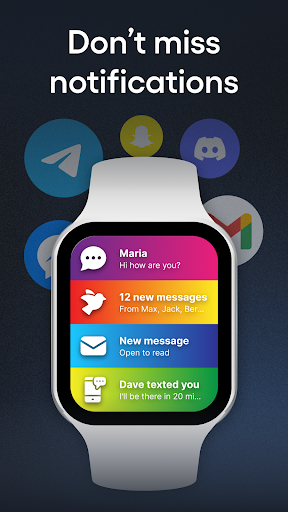
3. Bright themes for bt notifications. Select from a variety of colorful notification themes for each contact / sender / program and enjoy the uniqueness of the watch during daily activities!
Possible problems with Bluetooth sync and their solutions:
Place the devices you are trying to sync as close to each other as possible. Due to the long distance between devices, pairing errors are most common
Disconnect and reconnect devices. A quick connection reset can sometimes fix the error.
Check your device for connectivity with other Android devices. Some smartwatches are trying to connect to the last phone/earphone they were previously paired with. Here you may need to change the settings manually.
Check the battery level on both paired devices. Some smart devices have built-in power management that disables BT if the battery is low. Requires additional charge before use.
The benefits of pair between gadgets will be available through our application.
Smart Watch sync app for android & Bluetooth notifier - sync two devices for a more comfortable existence for a person.
With the Smart watch sync app, your gadget will gain even more features and will work 100%:
STAY CONNECTED ALWAYS: Read messages, emails and answer calls instantly.
In basic models with our application, you can simply read a message or hang up a call, in advanced models it is possible to answer calls and messages. This feature will certainly come in handy when you are on a run or any kind of activity and it is inconvenient to take a smartphone.
APP SUPPORTED BY POPULAR BRANDS: The app is supported on most popular brand smartwatches and also Chinese swatches - Samsung, Garmin, Xiaomi, Grape, Fundo, Kurio and many others!
CHANGE THE STYLE OF YOUR WATCH of your choice at any time: the app allows you to use dozens of colors that you can customize yourself!
USE MORE FEATURES: add significant events, write notes to be more sure that information will not be lost or reminders of the main thing, pay by the clock and much more.
Installation and sync guide:
(For an extended step-by-step guide with sketched illustrations, visit: qwegnumor.com/Smartwatchsync)
1. Install the Smart watch sync & Bt notifier (Wear OS) from online market on Android smartphone and SmartWatch device.
2. Open Bt notifier sync on your smartwatch. Select "Turn on Bluetooth". Next, make Swatch discoverable by clicking the “Discoverable button”.
3. Open the Smart Sync Notifier app on your mobile. Click Enable Permissions to let the Notifier app access BT messages. You can see the phone notifier setting screen where you need to turn on the toggle switch for the Sync app. Then, press the "Back" button to return to the bt notifier application.
4. Select "Enable bt" after "Connect device".
5. Find the name of the smartwatch in the Bt list and connect.
6. Press "Pair / OK" on both devices and, if necessary, confirm the pair of devices (press "OK" / "Allow").
Done! Smartphone and android / wear watch are now paired!
What are the advantages of buying the PRO version?
1. No intrusive ads on your phone or watch!
2. Ability to adjust the on / off messages for selected contacts, instant messengers, programs in a pair
3. Bright themes for bt notifications. Select from a variety of colorful notification themes for each contact / sender / program and enjoy the uniqueness of the watch during daily activities!
Possible problems with Bluetooth sync and their solutions:
Place the devices you are trying to sync as close to each other as possible. Due to the long distance between devices, pairing errors are most common
Disconnect and reconnect devices. A quick connection reset can sometimes fix the error.
Check your device for connectivity with other Android devices. Some smartwatches are trying to connect to the last phone/earphone they were previously paired with. Here you may need to change the settings manually.
Check the battery level on both paired devices. Some smart devices have built-in power management that disables BT if the battery is low. Requires additional charge before use.
The benefits of pair between gadgets will be available through our application.
Smart Watch sync app for android & Bluetooth notifier - sync two devices for a more comfortable existence for a person.
What's New
- Minor fix
App Information
Version Name
366.0
Version Code
366
File Size
61.9 MB
Minimum OS
Android 7.0+
Target SDK
Android 33
Developer
Devolutionapps
Contact
Website
Content Rating
Everyone
Package Name
com.OnSoft.android.BluetoothChatPermissions Required
This app may request the following permissions:
Recent Reviews

Pm Market
5.0★
This app is an absolute must-have for any smartwatch user! It makes syncing your Android phone and watch effortless, ensuring you never miss a notification. Being able to instantly read messages and manage calls right from my wrist is incredibly convenient. The setup is straightforward, it supports many brands, and it truly maximizes the performance of my device. Simple, reliable, and essential!

Raj Kushwaha
5.0★
I am absolutely impressed with this smartwatch sync app! It has made connecting my watch to my phone effortless and smooth. The setup was quick, and within minutes my watch was perfectly synced with all my notifications, calls, and messages. The app runs very reliably in the background without draining my phone battery, which is a huge plus. One of my favorite things is how fast the sync works. As soon as I get a notification on my phone, it instantly shows up on my watch. I also love that I ca

Talha Arshad
5.0★
I've been using this smartwatch sync app for several weeks now, and it's been working incredibly well. Installing the app was a simple process, and it has been functioning flawlessly ever since. Pairs effortlessly, synchronizes steps, heart rate, and notifications flawlessly. Battery usage is low, and the user interface is simple and straightforward to navigate.

Arju
5.0★
I’ve been using SmartWatch & BT Sync Watch App (Bluetooth Chat) for a few weeks now, and it’s been quite useful for keeping my smartwatch and phone connected. The setup process was smooth — pairing took less than a minute, and the app started syncing notifications right away. I really like that I can see calls, messages, and app alerts directly on my watch without needing to check my phone every time. The notification system works well most of the time.
Глеб Мясников
5.0★
Great app! The UI is clean and easy to navigate. It's super helpful for tracking my fitness goals. The data syncs seamlessly and the notifications are on point. Battery life impact is minimal. A couple of minor bugs, but overall, it's a solid app and I highly recommend it for your smart watch. Excellent integration!

main naveed
5.0★
I've been using the SmartWatch & BT Sync Watch App for a few days now, and I must say I'm very impressed! The app is easy to use, and pairing it with my smartwatch took only a few seconds. It syncs all my notifications from calls, messages, WhatsApp, and even social media apps like Instagram and Facebook without any issues. One of the best features is the real-time notification alert-it's quick and reliable. I no longer miss important messages or calls even when my phone is on silent.
Ad slot: In-Content