

Fing - Network Tools
com.overlook.android.fing
by Fing Limited
Screenshots

Ad slot: Top Leaderboard
About this app
Fing has helped 40 million user worldwide to understand:
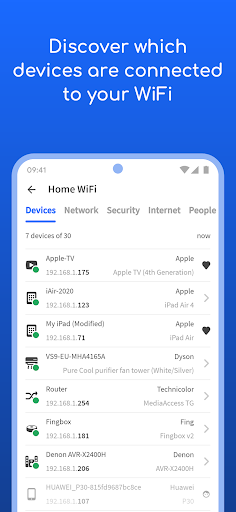
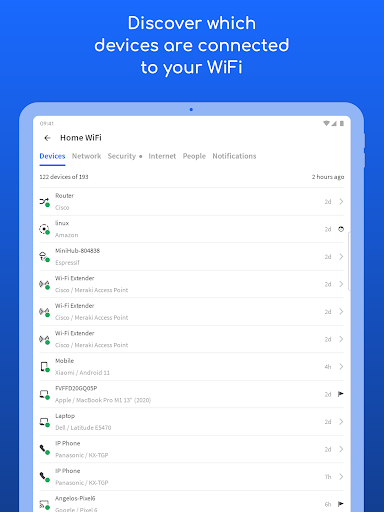
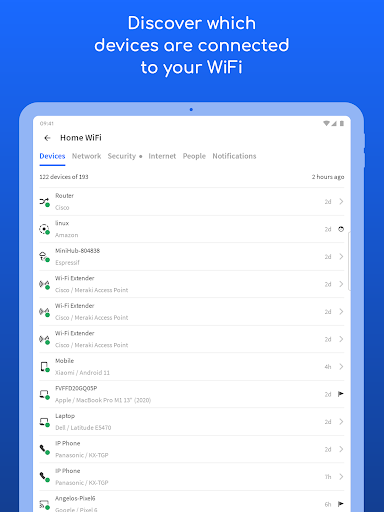
• Who's on my WiFi
• Is someone stealing my WiFi and broadband?
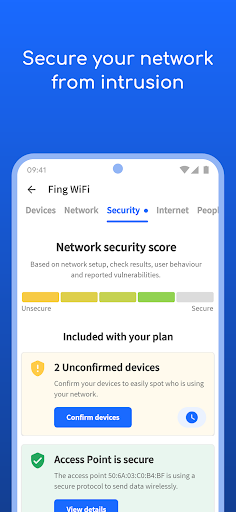
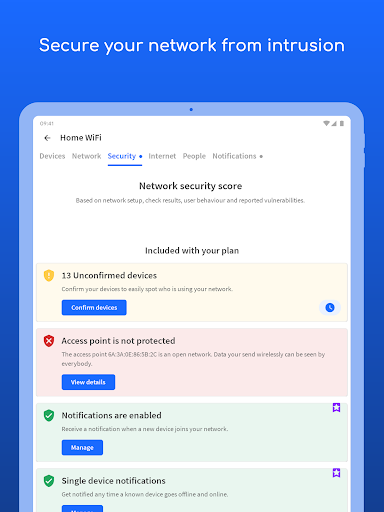
• Have I've been hacked? Is my network secure?
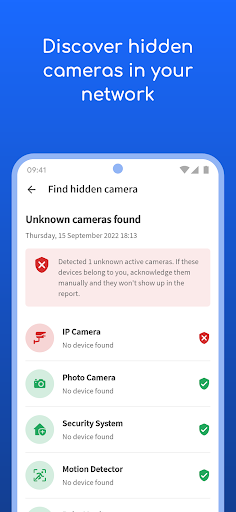
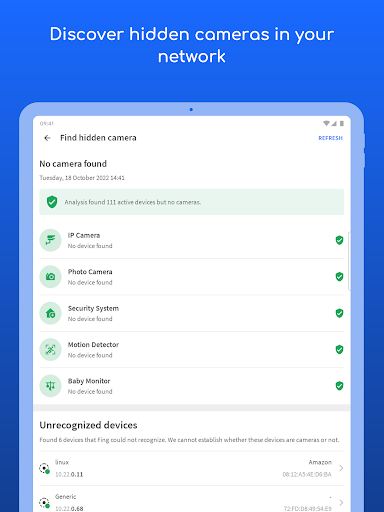
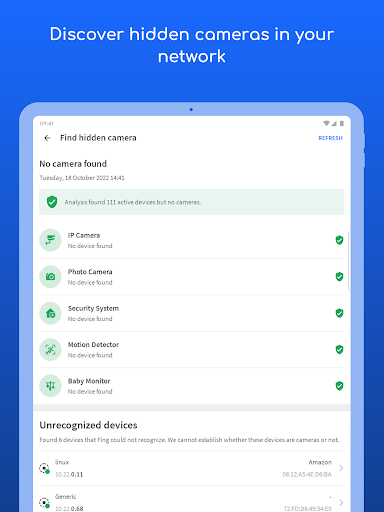
• Are there hidden cameras in the B&B I'm staying in?
• Why Netflix streaming has started buffering?
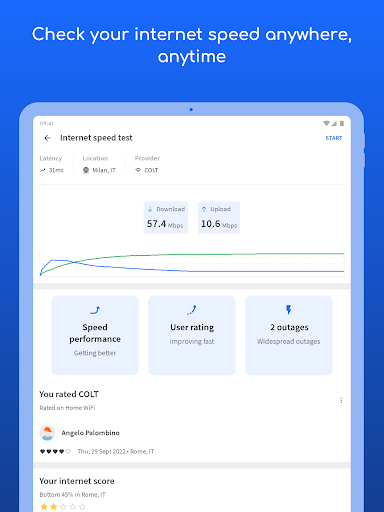
• Is my internet provider giving me the speed I pay for?
Fing is the #1 Network Scanner: discovers all the devices connected to your WiFi and identifies them, with our patented technology used also by router manufacturers and antivirus companies worldwide.
With Fing App’s free tools and utilities help you:
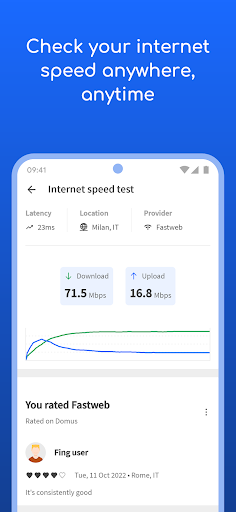
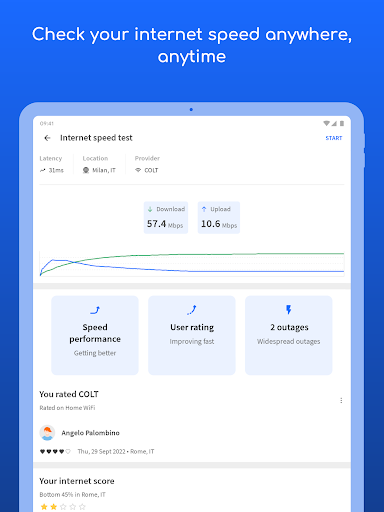
• Run WiFi and Cellular internet speed tests, download speed and upload speed analysis and latency
• Scan networks with Fing’s Wi-Fi & LAN network scanner and discover all devices connected to any network
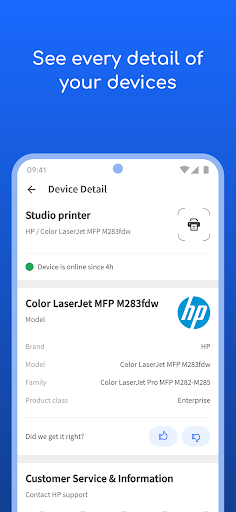
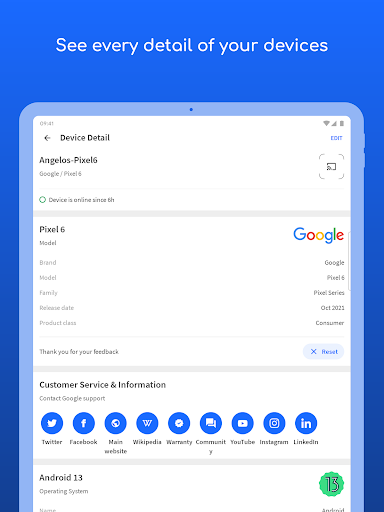
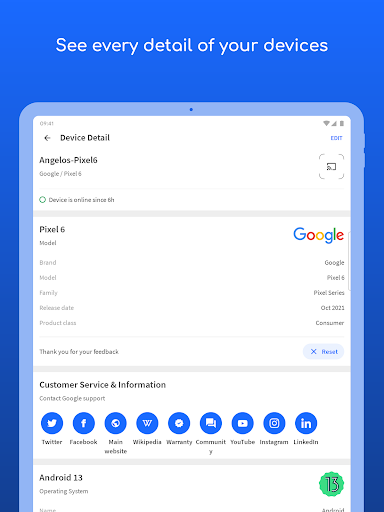
• Get the most accurate device recognition of IP address, MAC address, device name, model, vendor and manufacturer
• Advanced device analysis of NetBIOS, UPnP, SNMP and Bonjour names, properties and device types
• Includes port scanning, device ping, traceroute and DNS lookup
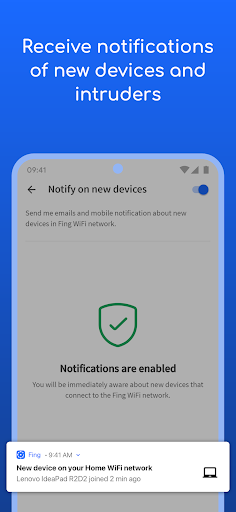
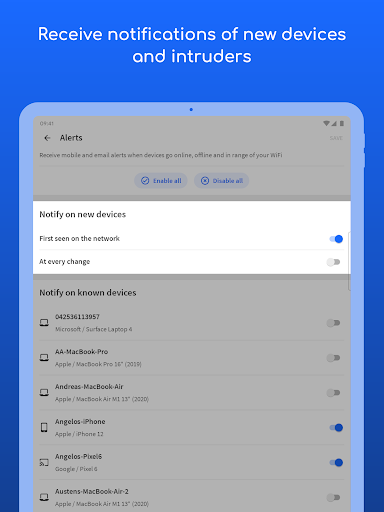
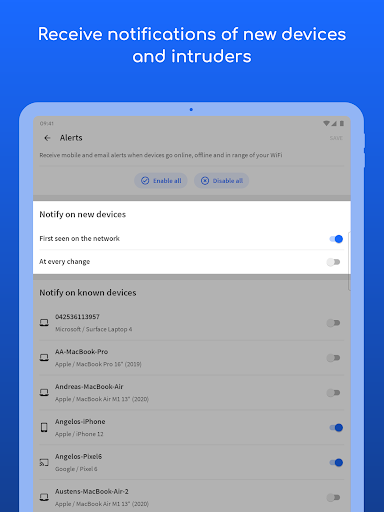
• Receive network security and device alerts to your phone and email
Add Fingbox to unlock advanced network protection and smart home troubleshooting features:
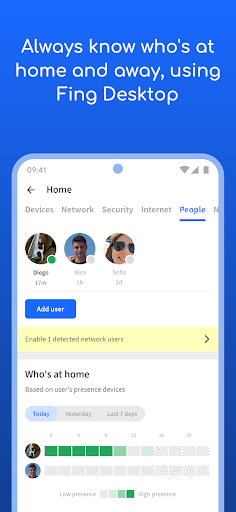
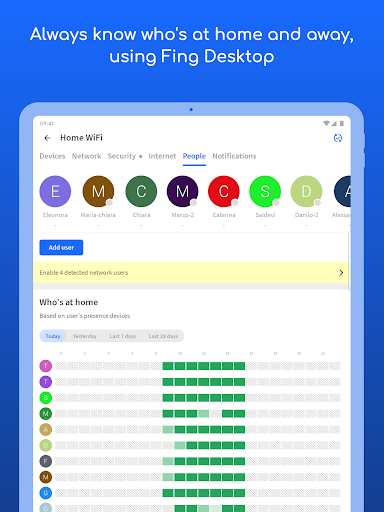
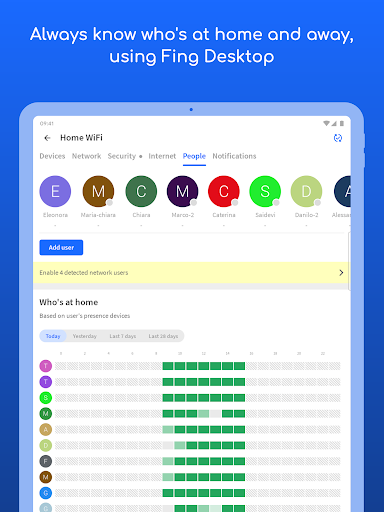
• Know who’s home while you’re not there with Digital Presence
• See devices near your home with Digital Fence
• Block intruders and unknown devices automatically before they join your network
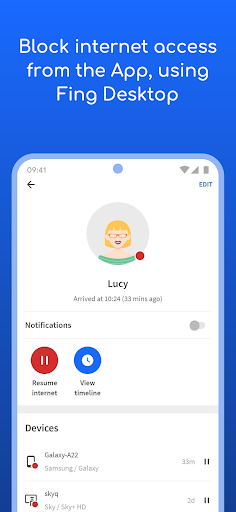
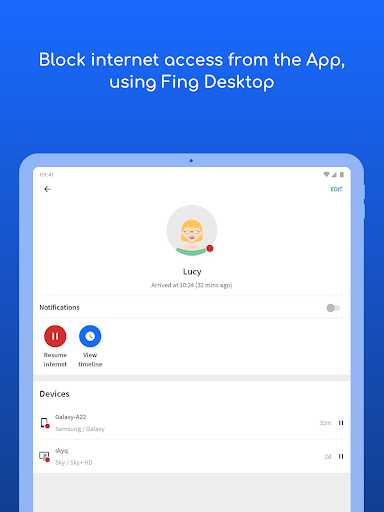
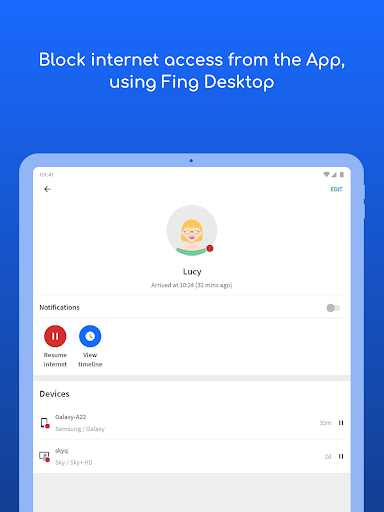
• Set parental control features to schedule screen time and pause internet access
• Analyze bandwidth usage by device
• Find Wi-Fi sweet spots
• Automate network speed tests and get reports for benchmarking ISP performance
• Secure your home network with opened port detection and network vulnerability analysis
Have a question? Get in touch at [email protected] or learn more about Fing App and Fingbox at fing.com.
• Who's on my WiFi
• Is someone stealing my WiFi and broadband?
• Have I've been hacked? Is my network secure?
• Are there hidden cameras in the B&B I'm staying in?
• Why Netflix streaming has started buffering?
• Is my internet provider giving me the speed I pay for?
Fing is the #1 Network Scanner: discovers all the devices connected to your WiFi and identifies them, with our patented technology used also by router manufacturers and antivirus companies worldwide.
With Fing App’s free tools and utilities help you:
• Run WiFi and Cellular internet speed tests, download speed and upload speed analysis and latency
• Scan networks with Fing’s Wi-Fi & LAN network scanner and discover all devices connected to any network
• Get the most accurate device recognition of IP address, MAC address, device name, model, vendor and manufacturer
• Advanced device analysis of NetBIOS, UPnP, SNMP and Bonjour names, properties and device types
• Includes port scanning, device ping, traceroute and DNS lookup
• Receive network security and device alerts to your phone and email
Add Fingbox to unlock advanced network protection and smart home troubleshooting features:
• Know who’s home while you’re not there with Digital Presence
• See devices near your home with Digital Fence
• Block intruders and unknown devices automatically before they join your network
• Set parental control features to schedule screen time and pause internet access
• Analyze bandwidth usage by device
• Find Wi-Fi sweet spots
• Automate network speed tests and get reports for benchmarking ISP performance
• Secure your home network with opened port detection and network vulnerability analysis
Have a question? Get in touch at [email protected] or learn more about Fing App and Fingbox at fing.com.
What's New
• Bugfixes and improvements
App Information
Version Name
12.8.0
Version Code
120800013
File Size
43.8 MB
Minimum OS
Android 7.0+
Target SDK
Android 33
Developer
Fing Limited
Contact
Website
Content Rating
Everyone
Package Name
com.overlook.android.fingPermissions Required
This app may request the following permissions:
Recent Reviews

Mo BETTA
2.0★
Been using this app for years, even through all the hiccups, corporate merger, etc. Now, they want to charge an average of $50 per scanned network, even if it's a manually scanned network. It's a good tool, but it's not worth it anymore for the pricing. It's almost like they're going after corporate customers, but corporate customers won't need this product as most enterprise routers have these functions built in. I really hope they reconsider their new pricing scheme.

Matt D
1.0★
App used to be great enough that I paid to remove ads. For the last year or more it constantly nags to upgrade to a paid plan. I tolerated this, but the straw that broke the camel's back is that now it won't even scan your network more than once in a while without forcing an unknown "cooling down" period or paying for pro. what good is a network scanner if I can't scan my network, plug a new device in, and scan again to find what changed? canceling ad-free plan and finding an alternative.

John Baker
1.0★
For several years, this was my goto app for a quick network view. Sadly, not anymore. This app was dependable, always, now it is trying very hard to force you to pay for a subscription. What that means, is at a random time, the app will stop allowing you to refresh the network data of a random network. You have no way of knowing when it will happen, it could be the next time you open the app, it will just refuse to allow you to hit refresh. Really sad end to a great relationship. Bye.

Eddie Sprouse
1.0★
Just a disgrace. I bought a find box and expected a good free app to control it. But greedy developers at Fing keep taking features away and making you pay for them. No thanks! I'll be finding another solution. I used to be able to control users and their devices without any outside app. Now they make you install their crapware on your PC to see a list of users. Instead of making the app user friendly it keeps going the other way. Less control and more complicated than ever. Don't buy!

A Google user
3.0★
This application can't even pull a device MAC address inside my own network from a device its known for years. I am changing my review of this product after about 5 - 7 years of use. This was, and I want to emphasize was, the best application for network enumeration, port scanning, and device recognition. Now it can't recognize devices correctly anymore, port scanning is inaccurate, and there is no reason. I understand they are trying to monetize but don't sacrifice quality!!
A Google user
4.0★
it would be five stars except the pop-up advertisement requires clicking on it to remove the window and it takes five or six tries because they made X extremely small on purpose. It's just annoying and does not get me to read the ad. Otherwwise, Best network monitoring software !! Either free or paid. Desktop OR app. App is extremely powerful in the all the right places. No bloat. Efficient and powerful.
Ad slot: In-Content