

Fonty - Draw and Make Fonts
com.palabs.fonty
by Photo and Video Apps
Screenshots

Ad slot: Top Leaderboard
About this app
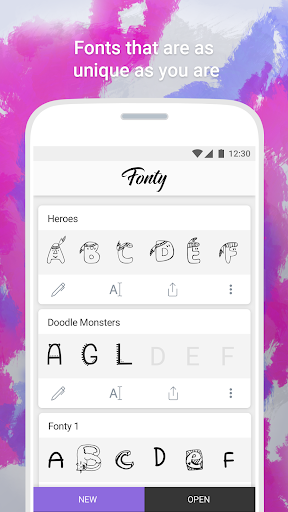
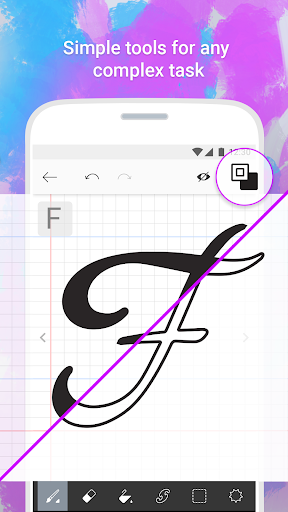
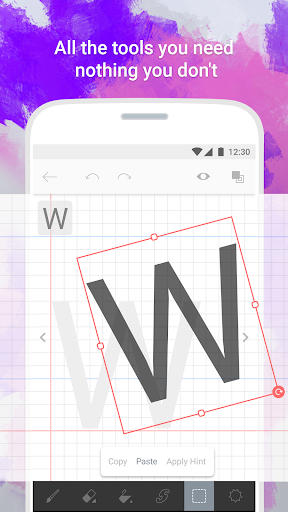
Create your own fonts with Fonty - the easy-to-use font making app that provides limitless font customization for everyone. The font editor gives you full creative power to make truly unique handwritten fonts or simply personalize existing ones and express yourself through text. Draw your own letters, use shapes, cut and splice, and even add awesome clipart, Fonty has got it all. Whether you're a lettering newbie or a seasoned typography master, you'll never want to use boring old fonts again.
Features:
Auto-save and Drafts so you never lose your work
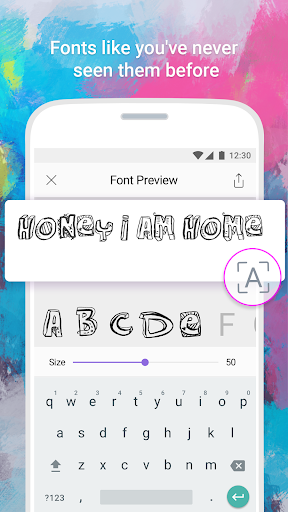
Font Preview to see how your new alphabet looks every step of the way
Easy font export to other devices and applications
Visual guides and lettering hints to help you along the way
Support for over 15 languages and alphabets, with more coming soon
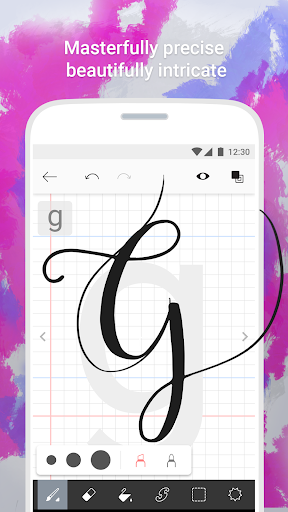
Brushes to make elegant calligraphy
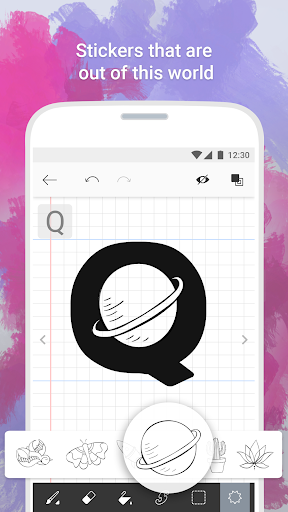
Stickers to truly personalize and beautify your fonts
Features:
Auto-save and Drafts so you never lose your work
Font Preview to see how your new alphabet looks every step of the way
Easy font export to other devices and applications
Visual guides and lettering hints to help you along the way
Support for over 15 languages and alphabets, with more coming soon
Brushes to make elegant calligraphy
Stickers to truly personalize and beautify your fonts
What's New
Fonty Keyboard is finally here. Send callout messages with your own created fonts.
App Information
Version Name
1.6
Version Code
30
File Size
7.0 MB
Minimum OS
Android 4.4+
Target SDK
Android 23
Developer
Photo and Video Apps
Contact
Website
Content Rating
Everyone
Package Name
com.palabs.fontyPermissions Required
This app may request the following permissions:
Recent Reviews

Mia Wallace
4.0★
Very cool. Even an amateur like me can fairly easily create a cool font. I wish only that we could change the space inbetween words. It's very wide. Also there seems to be a bug with the upper quotation marks (it won't take the font) and the exclamation mark (couldn't find it after finishing the font). Nevertheless , this is a pretty decent and fun app. Thanks for that!

A Google user
4.0★
Wanted to like this. Unfortunately, after importing the font into Photoshop none of the text was visible. The name appeared in my font list - nothing else. Word didn't 'see' the font at all. Very disappointed. (Gave this 3 stars 2017) NEW EDIT: 2019 - I had not used this for a while. I know very well how to use Photoshop, but I also know when something just doesn't work. Having now downloaded this app again, I find it much improved. I can now install it on my Mac! Hoorah! Clever little device, but I preferred Instafont.
A Google user
3.0★
Overall a pretty good app, especially when used with a stylus. but there are some small annoyances ; the fill tool ignores inner shapes and it has a limited set of characters ; meaning you cannot make a complete font. Drawing tools could be better (no straight line tool). Having to install the custom keyboard to use the fonts on mobile is annoying, but there is no way to get around it. (Your phone likely will not let you install the fonts you make)
A Google user
5.0★
Absolutely love this app!!! you can use it to make so many fun fonts, and I even used it to recreate a made up alphabet my sister and I did as children. :) too much fun. Absolutely recommend it. Especially if you enjoy making your own alphabets up. :) and to the developers, you totally need to make this transferable to computers. So far I can only use it on my cellphone and tablet, but I'd love to be able to use it on my desktop computer :)

Sebastian Rock
1.0★
I spent my time making a font, and the app is pretty good for it. But my time was wasted, because I found out that you can't export it. This is because there's no option to save it as a file, and Google Drive and Gmail don't work. Instead, Gmail says "failed to attach" and Drive says "unable to schedule one file for upload."

• 4AM Problems •
2.0★
very good just wish I could add other keyboard symbols to complete it. some examples would be exponents =, ×, ▪︎, •, °, ♤, ♡, ◇, ♧, ☆, ¤... especially ~, >,
Ad slot: In-Content