

IP Webcam Pro
com.pas.webcam.pro
by Thyoni Tech
Screenshots
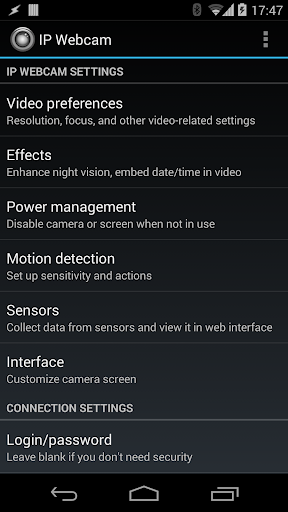
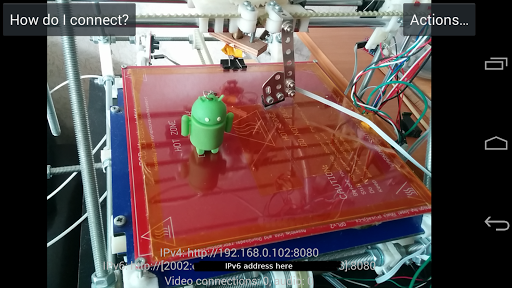
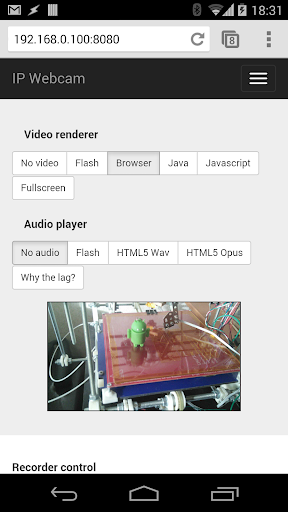
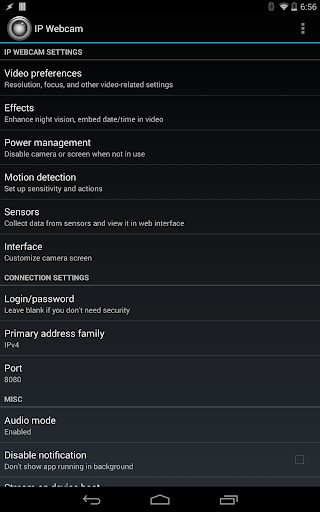
Ad slot: Top Leaderboard
About this app
Please try Lite version of IP Webcam first. Its only limitations are lack of Tasker integration and customizable user interface.
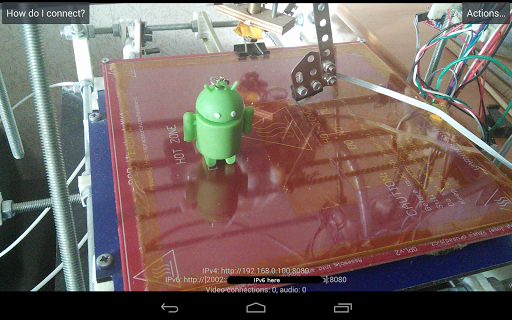
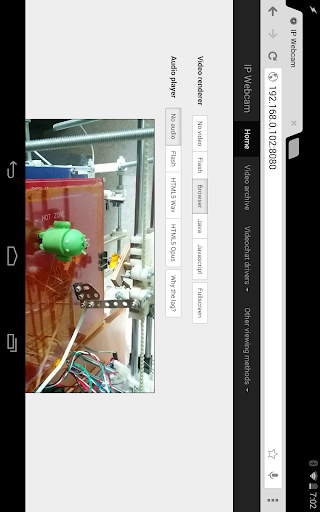
IP Webcam turns your phone into a network camera with multiple viewing options. View your camera on any platform with VLC player or web browser. Stream video inside WiFi network without internet access.
Optional Ivideon cloud broadcasting is supported for instant global access.
Two-way audio supported in tinyCam Monitor on another android device.
Use IP Webcam with third-party MJPG software, including video surveillance software, security monitors and most audio players.
Features include:
• Video upload to Dropbox, SFTP, FTP and Email using Filoader plugin
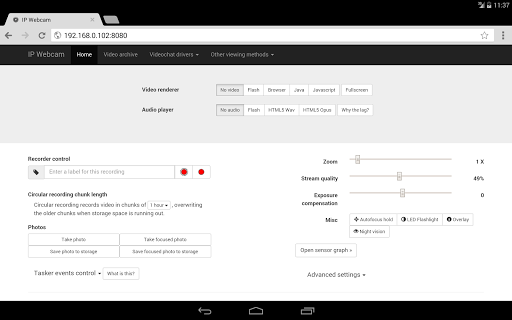
• Several web renderers to choose from: Flash, Javascript or built-in
• Video recording in WebM, MOV, MKV or MPEG4 (on Android 4.1+)
• Audio streaming in wav, opus and AAC (AAC requires Android 4.1+)
• Motion detection with sound trigger, Tasker integration.
• Date, time and battery level video overlay.
• Sensor data acquisition with online web graphing.
• Videochat support (video stream only for Windows and Linux via an universal MJPEG video streaming driver)
• Cloud push notifications on motion and sound, cloud recording for motion-triggered records, online video broadcasting powered by Ivideon.
• Extensive baby and pet monitor features: night vision, motion detection, sound detection.
Email me if you have questions after reading the FAQ.
IP Webcam turns your phone into a network camera with multiple viewing options. View your camera on any platform with VLC player or web browser. Stream video inside WiFi network without internet access.
Optional Ivideon cloud broadcasting is supported for instant global access.
Two-way audio supported in tinyCam Monitor on another android device.
Use IP Webcam with third-party MJPG software, including video surveillance software, security monitors and most audio players.
Features include:
• Video upload to Dropbox, SFTP, FTP and Email using Filoader plugin
• Several web renderers to choose from: Flash, Javascript or built-in
• Video recording in WebM, MOV, MKV or MPEG4 (on Android 4.1+)
• Audio streaming in wav, opus and AAC (AAC requires Android 4.1+)
• Motion detection with sound trigger, Tasker integration.
• Date, time and battery level video overlay.
• Sensor data acquisition with online web graphing.
• Videochat support (video stream only for Windows and Linux via an universal MJPEG video streaming driver)
• Cloud push notifications on motion and sound, cloud recording for motion-triggered records, online video broadcasting powered by Ivideon.
• Extensive baby and pet monitor features: night vision, motion detection, sound detection.
Email me if you have questions after reading the FAQ.
What's New
hotfix: Service is unreachable when camera permission is missing or not required
hotfix: Crash when either camera or microphone permission is not present
hotfix: Crash when either camera or microphone permission is not present
App Information
Version Name
1.12.2r
Version Code
431
File Size
15.3 MB
Minimum OS
Android 4.1+
Target SDK
Android 19
Developer
Thyoni Tech
Contact
Website
Content Rating
Everyone
Package Name
com.pas.webcam.proPermissions Required
This app may request the following permissions:
Recent Reviews

A Google user
5.0★
Its a great app which used to be perfect. But something has happened since I last used it in June. I used to get a perfect nice bright image (using it indoors with LED lighting, but now after 5-10 seconds the image dims and I get grey bands moving across it. I can reduce the band intensity by setting Antibanding to auto instead of default but I can't get rid of it entirely and I can't get my nice bright image any more despite playing with all the different video settings. Is there any documentation of the settings, and why are there 2 different cameras? Any help would be appreciated. Thanks for help - perfect again
A Google user
4.0★
Installed the 'free' version first to try it out. Worked perfectly - turned my older Samsung Note 10.1 (2012) into a nice streaming camera that worked FLAWLESSLY with iSpy software and VLC. I liked it enough to purchase PRO. I'd suggest everyone install and try out the ad-supported free version before buying, though, as every device may yield different results.
A Google user
3.0★
Works perfectly fine on my old Android until it suddenly stops the server. Worked fine for a day and when I check the status again, it is not responding because the server just stopped. I need to manually go and then click on start server to get it going again which is a bit of a hassle when i mount the phone with semi permanent measures and completely impossible to do when not home for long time. has happened couple of time already.

Jake Lehmann
5.0★
This is true artwork, and im sorry for not purchasing pro sooner. i can't even remember how long it's been since i first discovored this app. It's been a much needed constant in the ever changing ecosystem of android environments as I've gone from phone to phone over the years. so much so that it is one of the first apps i ritualisticly download on every new phone i get. This project has been a continued source of inspiration throughout my own code writing journy. Thank you.
A Google user
3.0★
Works perfect but makes my phone get to hot, I had to turn it off after 10 to 15 min or my phone would of broke, using a Samsung note 5 and no other apps make it get to hot to touch even if I have multiple apps running but this made my phone feel hot hot, like it was about to blow up, and it ate my battery, from 67% down to 12% in about 10 to 15 min, please fix this because it seems perfect apart from this.

Gaurish Pathare
4.0★
I liked this app a lot. Its so easy to setup and have all the options to use the cameras of the phone. Few things I feel should be included and I will have given 5 star review 1. This done not support free external live streaming. Only local streaming is possible. Seems have to depend on livdeon to stream which is paid service 2. If you leave the app in capture mode after some time the app exits out of capture mode. The server stops on its own Not able to figure out why it does that.
Ad slot: In-Content