

Image Converter
com.paul.icon
by MBAndroida
Screenshots
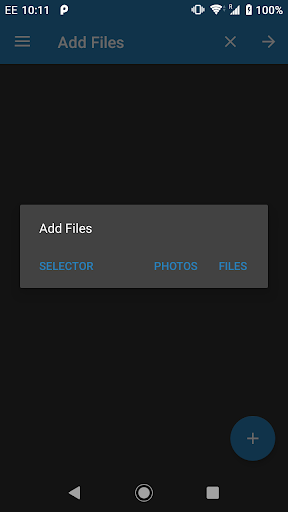
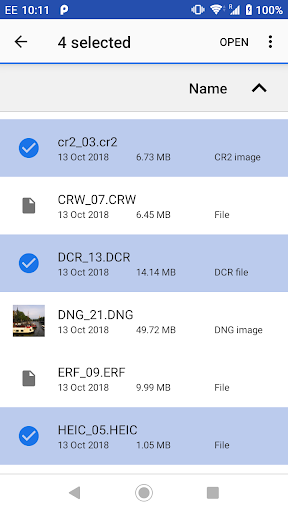
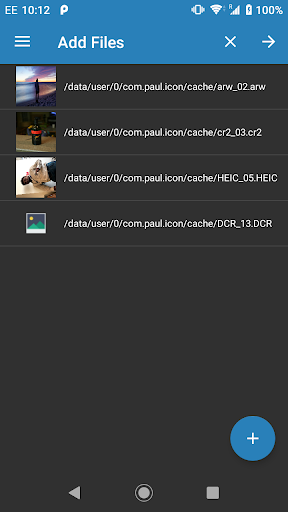
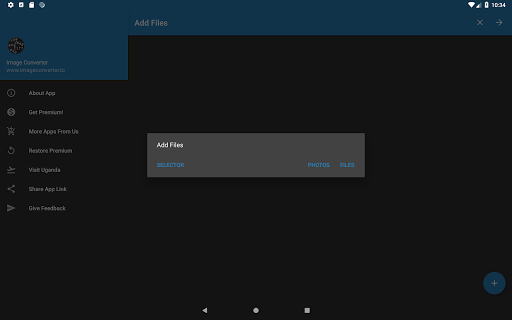
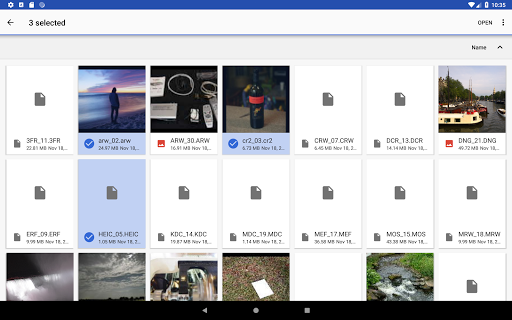
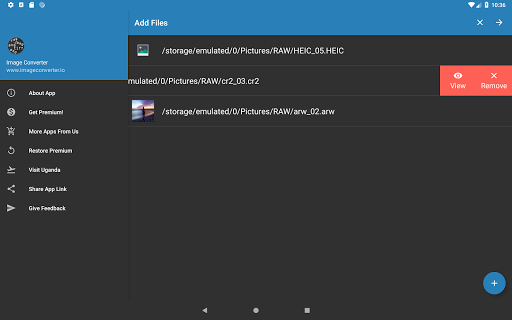
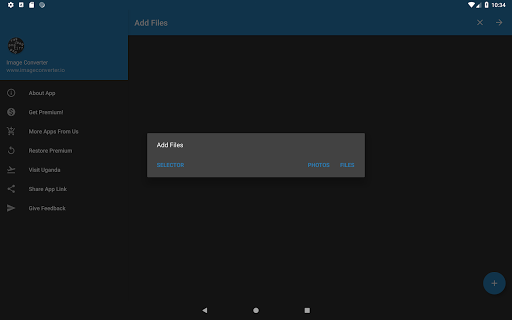
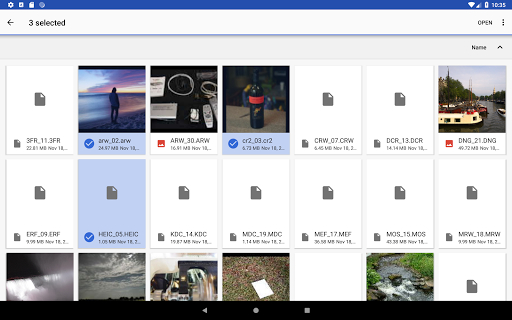
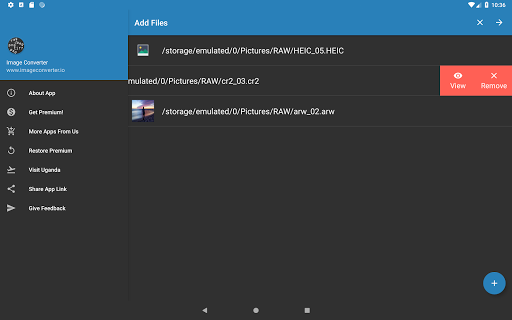

Ad slot: Top Leaderboard
About this app
Supported Image file formats (READ/OPEN):
3FR, 3G2, 3GP, A, AAI, AI, ART, ARW, AVI, AVS, B, BGR, BGRA, BGRO, BIE, BMP, BMP2, BMP3, BRF, C, CAL, CALS, CANVAS, CAPTION, CIN, CIP, CLIP, CMYK, CMYKA, CR2, CRW, CUR, CUT, DCM, DCR, DCRAW, DCX, DDS, DFONT, DJVU, DNG, DPX, DXT1, DXT5, EPDF, EPI, EPS, EPS2, EPS3, EPSF, EPSI, EPT, EPT2, EPT3, ERF, EXR, FAX, FILE, FITS, FPX, FRACTAL, FTP, FTS, G, G3, G4, GIF, GIF87, GRADIENT, GRAY, GRAYA, GROUP4, HALD, HDR, HEIC, HISTOGRAM, HRZ, HTM, HTML, HTTP, HTTPS, ICB, ICO, ICON, IIQ, INFO, INLINE, IPL, ISOBRL, ISOBRL6, J2C, J2K, JBG, JBIG, JNG, JNX, JP2, JPC, JPE, JPEG, JPG, JPM, JPS, JPT, JSON, K, K25, KDC, LABEL, M, M2V, M4V, MAC, MAP, MASK, MAT, MATTE, MEF, MIFF, MKV, MNG, MONO, MOV, MP4, MPC, MPEG, MPG, MRW, MSL, MSVG, MTV, MVG, NEF, NRW, NULL, O, ORF, OTB, OTF, PAL, PALM, PAM, PANGO, PATTERN, PBM, PCD, PCDS, PCL, PCT, PCX, PDB, PDF, PDFA, PEF, PFA, PFB, PFM, PGM, PGX, PICON, PICT, PIX, PJPEG, PLASMA, PNG, PNG00, PNG24, PNG32, PNG48, PNG64, PNG8, PNM, PPM, PS, PS2, PS3, PSB, PSD, PTIF, PWP, R, RADIAL-GRADIENT, RAF, RAS, RAW, RGB, RGBA, RGBO, RGF, RLA, RLE, RMF, RW2, SCR, SCREENSHOT, SCT, SFW, SGI, SHTML, SIX, SIXEL, SPARSE-COLOR, SR2, SRF, STEGANO, SUN, SVG, SVGZ, TEXT, TGA, THUMBNAIL, TIFF, TIFF64, TILE, TIM, TTC, TTF, TXT, UBRL, UBRL6, UIL, UYVY, VDA, VICAR, VID, VIFF, VIPS, VST, WBMP, WEBP, WMF, WMV, WMZ, WPG, X, X3F, XBM, XC, XCF, XPM, XPS, XV, XWD, Y, YCbCr, YCbCrA, YUV
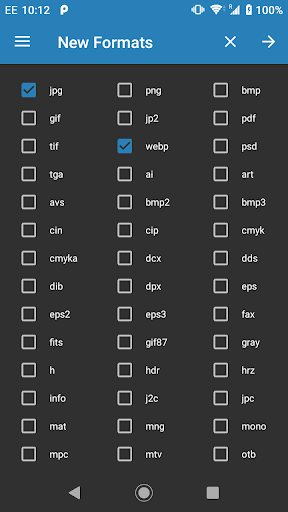
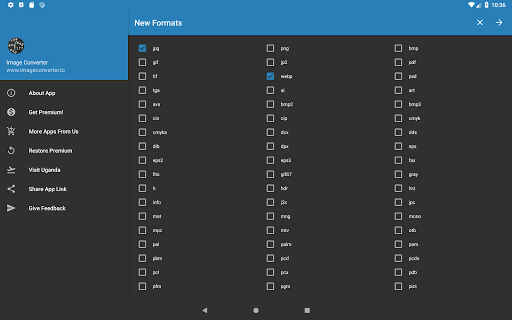
Convert to the following formats:
AI, ART, AVS, BMP, BMP2, BMP3, CIN, CIP, CMYK, CMYKA, DCX, DDS, DIB, DPX, EPS, EPS2, EPS3, FAX, FITS, GIF, GIF87, GRAY, H , HDR, HRZ, INFO, J2C, JP2, JPC, JPG, MAT, MNG, MONO, MPC, MTV, NETSCAPE, OTB, PAL , PALM, PAM, PBM, PCD, PCDS, PCL, PCX, PDB, PDF, PFM, PGM, PICT, PNG, PNG24, PNG32, PNG8, PNM, PPM, PS, PS2, PS3, PSB, PSD, PTIF, RAS, RGB, RGBA, SGI, SUN, SVG, TGA, TIF, UIL, UYVY, VICAR, VIFF, WBMP, WEBP, XBM, XPM, YCBCR, YCBCRA YUV
For a small fee, you can upgrade to Premium which will allow you to convert more than 5 files at once, selection of more than one output format and disable ads.
3FR, 3G2, 3GP, A, AAI, AI, ART, ARW, AVI, AVS, B, BGR, BGRA, BGRO, BIE, BMP, BMP2, BMP3, BRF, C, CAL, CALS, CANVAS, CAPTION, CIN, CIP, CLIP, CMYK, CMYKA, CR2, CRW, CUR, CUT, DCM, DCR, DCRAW, DCX, DDS, DFONT, DJVU, DNG, DPX, DXT1, DXT5, EPDF, EPI, EPS, EPS2, EPS3, EPSF, EPSI, EPT, EPT2, EPT3, ERF, EXR, FAX, FILE, FITS, FPX, FRACTAL, FTP, FTS, G, G3, G4, GIF, GIF87, GRADIENT, GRAY, GRAYA, GROUP4, HALD, HDR, HEIC, HISTOGRAM, HRZ, HTM, HTML, HTTP, HTTPS, ICB, ICO, ICON, IIQ, INFO, INLINE, IPL, ISOBRL, ISOBRL6, J2C, J2K, JBG, JBIG, JNG, JNX, JP2, JPC, JPE, JPEG, JPG, JPM, JPS, JPT, JSON, K, K25, KDC, LABEL, M, M2V, M4V, MAC, MAP, MASK, MAT, MATTE, MEF, MIFF, MKV, MNG, MONO, MOV, MP4, MPC, MPEG, MPG, MRW, MSL, MSVG, MTV, MVG, NEF, NRW, NULL, O, ORF, OTB, OTF, PAL, PALM, PAM, PANGO, PATTERN, PBM, PCD, PCDS, PCL, PCT, PCX, PDB, PDF, PDFA, PEF, PFA, PFB, PFM, PGM, PGX, PICON, PICT, PIX, PJPEG, PLASMA, PNG, PNG00, PNG24, PNG32, PNG48, PNG64, PNG8, PNM, PPM, PS, PS2, PS3, PSB, PSD, PTIF, PWP, R, RADIAL-GRADIENT, RAF, RAS, RAW, RGB, RGBA, RGBO, RGF, RLA, RLE, RMF, RW2, SCR, SCREENSHOT, SCT, SFW, SGI, SHTML, SIX, SIXEL, SPARSE-COLOR, SR2, SRF, STEGANO, SUN, SVG, SVGZ, TEXT, TGA, THUMBNAIL, TIFF, TIFF64, TILE, TIM, TTC, TTF, TXT, UBRL, UBRL6, UIL, UYVY, VDA, VICAR, VID, VIFF, VIPS, VST, WBMP, WEBP, WMF, WMV, WMZ, WPG, X, X3F, XBM, XC, XCF, XPM, XPS, XV, XWD, Y, YCbCr, YCbCrA, YUV
Convert to the following formats:
AI, ART, AVS, BMP, BMP2, BMP3, CIN, CIP, CMYK, CMYKA, DCX, DDS, DIB, DPX, EPS, EPS2, EPS3, FAX, FITS, GIF, GIF87, GRAY, H , HDR, HRZ, INFO, J2C, JP2, JPC, JPG, MAT, MNG, MONO, MPC, MTV, NETSCAPE, OTB, PAL , PALM, PAM, PBM, PCD, PCDS, PCL, PCX, PDB, PDF, PFM, PGM, PICT, PNG, PNG24, PNG32, PNG8, PNM, PPM, PS, PS2, PS3, PSB, PSD, PTIF, RAS, RGB, RGBA, SGI, SUN, SVG, TGA, TIF, UIL, UYVY, VICAR, VIFF, WBMP, WEBP, XBM, XPM, YCBCR, YCBCRA YUV
For a small fee, you can upgrade to Premium which will allow you to convert more than 5 files at once, selection of more than one output format and disable ads.
What's New
Bug fixes and improvements.
App Information
Version Name
5.4.1_x86
Version Code
90000541
File Size
4.9 MB
Minimum OS
Android 4.4+
Target SDK
Android 23
Developer
MBAndroida
Contact
Website
Content Rating
Everyone
Package Name
com.paul.iconPermissions Required
This app may request the following permissions:
Recent Reviews

100Bwilso
5.0★
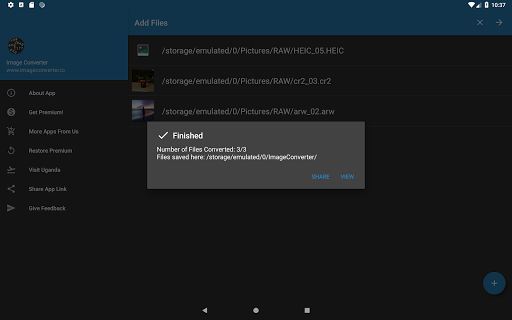
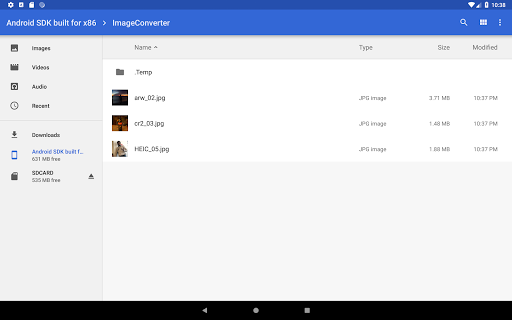
If I could give 10 stars I would. Got home from vacation to find ALL the pictures on my SD card as an .SCN file from my Kodak camera. NO images were found. Nothing could read the files & after doing a little research I found that .SCN files may be able to be converted into their original JPEG format. In about 1.5 hours I was able to save & convert more than 350 photos to their original HD image from this app. It saved my vaction & I could not be any happier for it. All with NO ads. Thank you!
Rare PlanesDotCom
4.0★
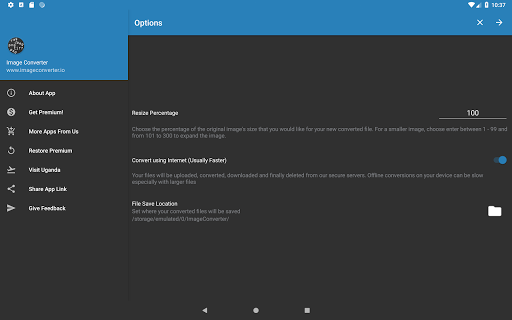
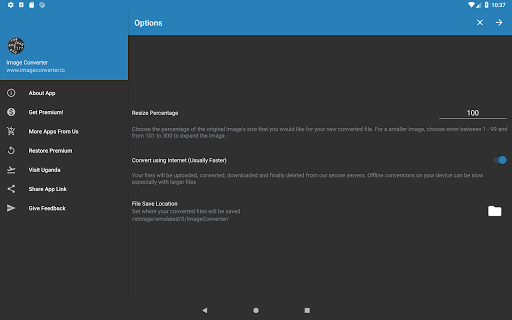
A little tricky. You have to set the jpeg compression amount and resolution when the app is in online mode. (But don't try to convert online because it takes forever unless you have a super-fast connection.) Then once you have those set, switch it to offline conversion. That does the conversion right on your phone. And it's very fast and effective. The up resolution feature is pretty good as well.

Manuel S. Lara Bisch
2.0★
Sadly the app stopped working for me today after having successfully converted dozens of images in the past. The file picker or gallery for selecting images no longer comes up when I try to add images. Perhaps this is caused by changes in how storage access permissions work in newer Android versions.

Matthew Smith
4.0★
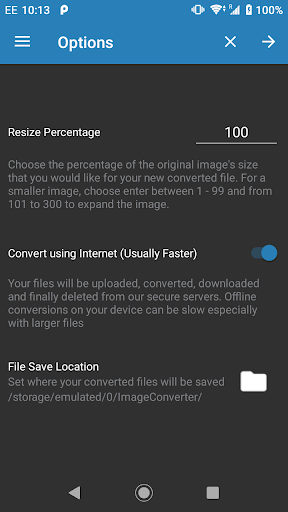
Has gotten better at handling problem TIFFs, but too many steps involved in conversion. I just want to set default options with maybe a single screen to confirm. Also need to be able to set it to a default of NEVER upload to a server for conversion (I don't care how much faster you claim it to be) as my company probably wouldn't take kindly to that happening.

A Google user
2.0★
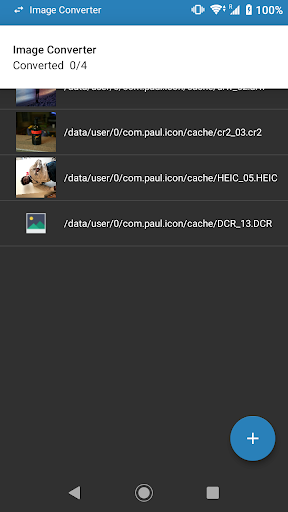
The service itself works very well, althougb i think that more options and less limitations should be imposed. My main problem is that when testing this app, I tried converting a file about 50 megabytes. At first the app crashed my phone, and i had to drain my phones battery to 0. The second time i tried, it took over 20 hours to cpnvert and at time of review, still hasnt finished

Jouni “Rautamiekka” Järvinen
4.0★
I'm very impressed by the range of formats supported, something like 3.5-4.5 dozens. Conversion works just fine, but there aren't exactly a huge arsenal of conversion options, namely resize percentage (defaults to 100 = original; min 1, max 300=3x original). Other than that the default option of online conversion, and the target folder. There needs to be more conv. options depending on what the format supports. Can't specify due to char limit. The GUI is very simple, but that's a good thing.
Ad slot: In-Content