

Cameringo+ Filters Camera
com.perracolabs.cp
by Perraco Labs
Screenshots






Ad slot: Top Leaderboard
About this app
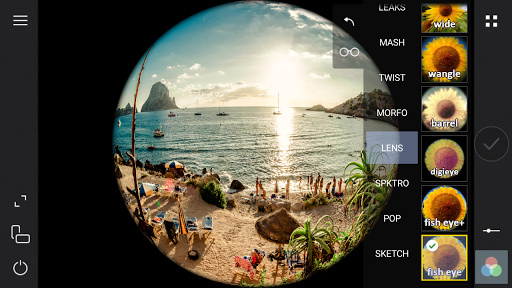
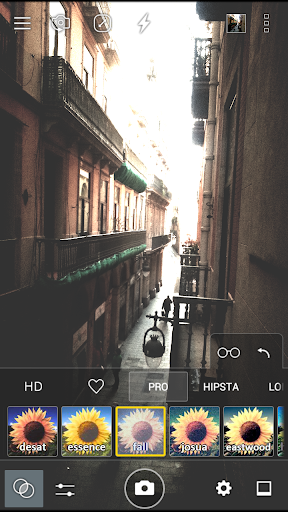
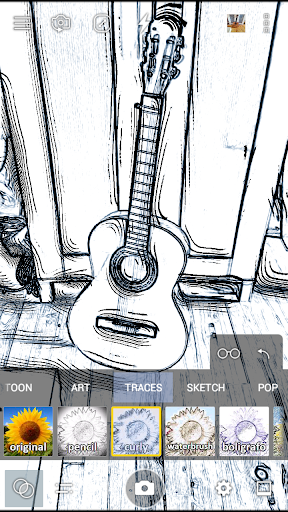
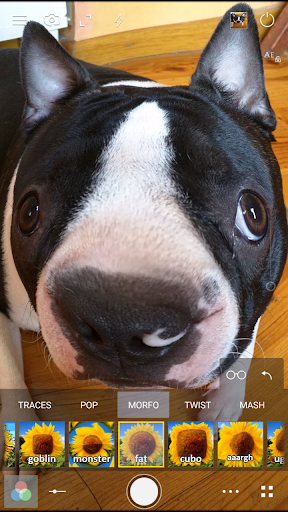
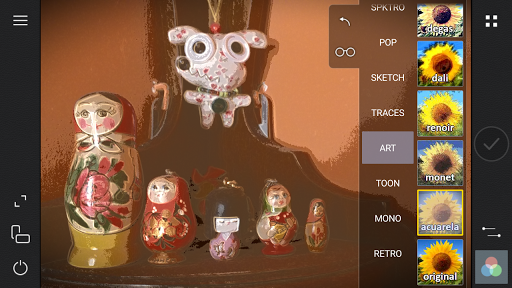
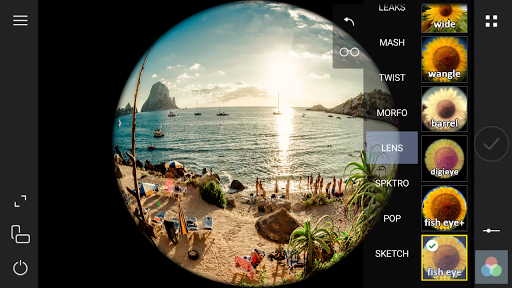
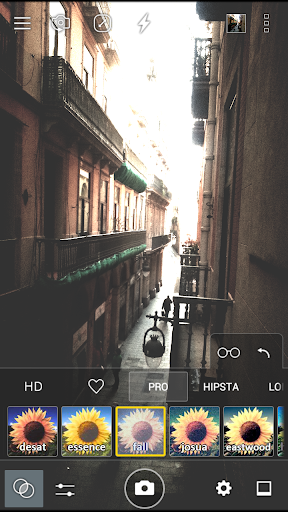
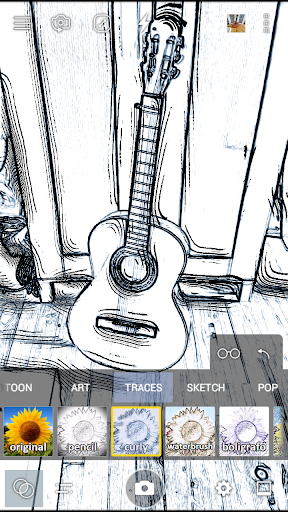
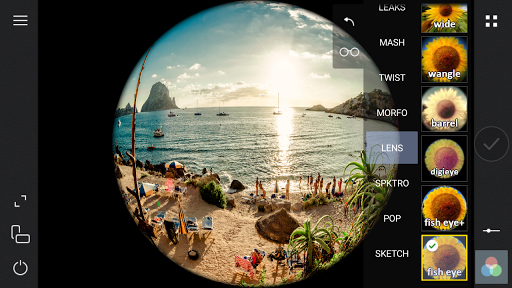
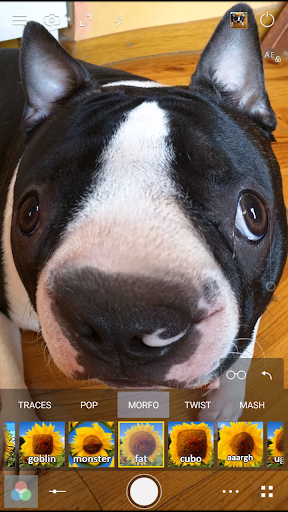
• With a simple yet stylish powerful interface, this professional photographic camera includes a large variety of photo effects in fast real-time such as lomo and vintage, including several types of the lens such as fisheye, wide angle, and much more. In total over 300 customizable live filters, and over 20 frames.
• For HDR fans produce the most beautiful images with the FAUX HDR tone mapping filters.
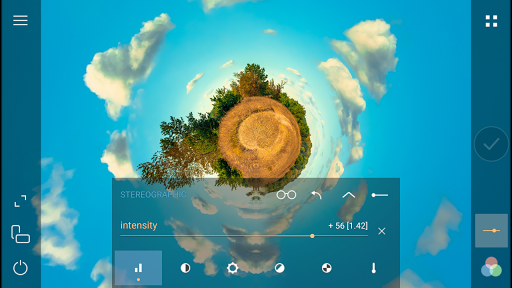
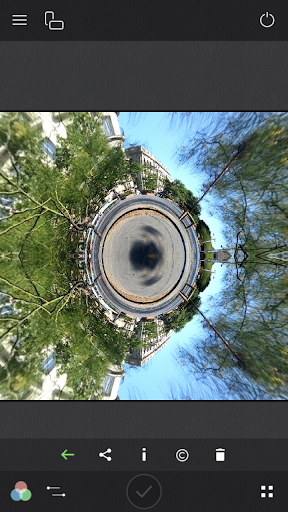
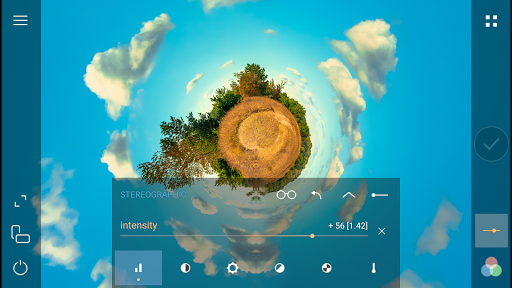
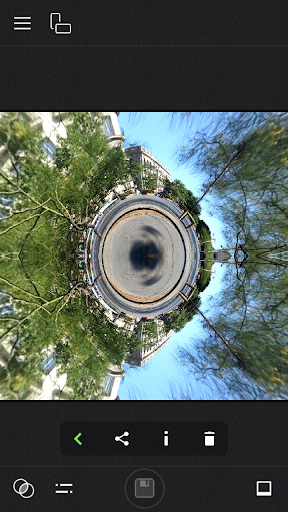
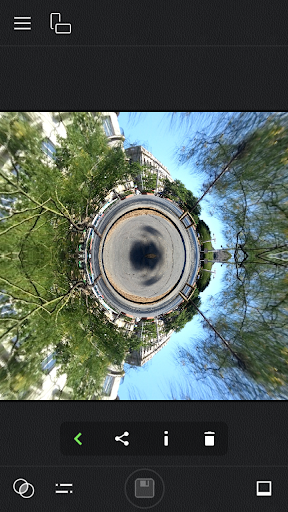
Also, you can create little planet photos with the stereographic filters, or use the dedicated Little Planet mode.
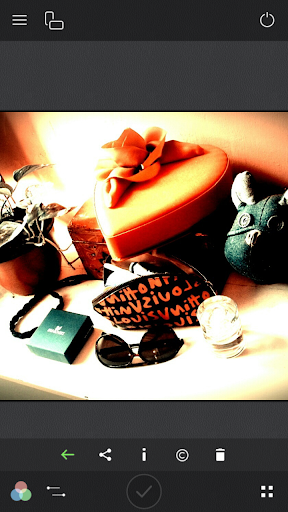
• Lomography and hipster photography fans will also be pleased with the emulated effects of some classic cameras including 16mm and super-8 styles that you will find easily in the included filter packs.
• Enjoy video recording with live filters, including slow and fast motion video recording, pause and resume, and even drawing in real time while recording. (Note that video requires Jelly Bean 4.3 or higher)
• A GIF recorder is also included which similar to the video can be used with all the available filters, allowing even to change the recording speed to produce funny animations or even record in reverse mode.
• Cameringo offers advanced features that DSLR camera owners will envy, as you will be able to change in real-time the image exposure, contrast, brightness and more, allowing to modify uniquely each filter to achieve unique creations. You can use this Android Apps To Click Photos Professionally.
• For HDR fans produce the most beautiful images with the FAUX HDR tone mapping filters.
Also, you can create little planet photos with the stereographic filters, or use the dedicated Little Planet mode.
• Lomography and hipster photography fans will also be pleased with the emulated effects of some classic cameras including 16mm and super-8 styles that you will find easily in the included filter packs.
• Enjoy video recording with live filters, including slow and fast motion video recording, pause and resume, and even drawing in real time while recording. (Note that video requires Jelly Bean 4.3 or higher)
• A GIF recorder is also included which similar to the video can be used with all the available filters, allowing even to change the recording speed to produce funny animations or even record in reverse mode.
• Cameringo offers advanced features that DSLR camera owners will envy, as you will be able to change in real-time the image exposure, contrast, brightness and more, allowing to modify uniquely each filter to achieve unique creations. You can use this Android Apps To Click Photos Professionally.
What's New
Maintenance update with optimizations and bug fixes.
App Information
Version Name
2.7.5
Version Code
275
File Size
8.7 MB
Minimum OS
Android 4.2+
Target SDK
Android 23
Developer
Perraco Labs
Contact
Website
Content Rating
Everyone
Package Name
com.perracolabs.cpPermissions Required
This app may request the following permissions:
Recent Reviews

David Allen
4.0★
[Update: The Note 20 is capable of saving in RAW format. That option now a must for me to continue using this app.] This is the closest I've found to a dedicated camera. I love how much control I have before pressing the shutter button. So any post-processing I might have to do is to adjust my framing. My one wish for improvement is to have black as an option for the grid lines. The white lines are often hard to see, especially in bright light.
Felix Rocha
4.0★
One of the rare applications that I've actually wanted to pay for; it's a great all with lots of filters and effects maximizing creative output. Would live to give 5 stars if there was a way to load outside video that was already in my gallery. As of now you can only alter video being recorded through the app. If we could add the option, this would be a 5 star app, definitely!

Stephen
1.0★
This app is GARBAGE! There is a 2-3 second delay between the time you press the shutter button and when it actually takes the photo. You see a loading circle thinking it has taken the shot and is saving it. When you check the image it is 2-3 sec later than you wanted. Also neither Night Shot nor Macro work anymore. Didn't used to be this way. Android 12, Moto g 5g. Stock camera works better.

Willie Salomon
3.0★
Very good camera app with great filters. However, the built-in gallery sucks. If changes are made in the default picture gallery, for example folders renamed or photos moved to a different folder, the Cameringo gallery doesn't keep track. There should be the option to use your standard gallery instead and also the option to save photos in DCIM/Camera instead of a separate folder. Please fix and I'll give 5*****. Galaxy Note 20 Ultra (SD).

Ali Taghi
5.0★
I liked this small app immediately. Can capture photos, videos, gif animation, planet mode. Can do basic color manipulation and has a large number of nice filters. Can set saving resolution and jpeg quality. Imo a must-have for such a reasonable price. Also congrats to the developer :)

A Google user
5.0★
I have used Cameringo+ for years now. I am a digital artist and this is one of my main "go to" editing apps. There are some extra tools when editing manually. Like "intensify" and exposure, brightness, and contrast are sepera ted. I like that. And you can use those tool within the filters if you like. It's easy but not too easy. Because that's what all the other apps are like. You don't want to be bored do you? Details aren't lost in the prints. The photos are very high quality. Vibrant colors. You can also make gifs, and movies, animation if you like. Try the free version first if you don't believe me.
Ad slot: In-Content