

Philips Hue
com.philips.lighting.hue2
by Signify Netherlands B.V.
Screenshots


Ad slot: Top Leaderboard
About this app
The official Philips Hue app is the most comprehensive way to organize, control, and customize your Philips Hue smart lights and accessories.
Organize your smart lights
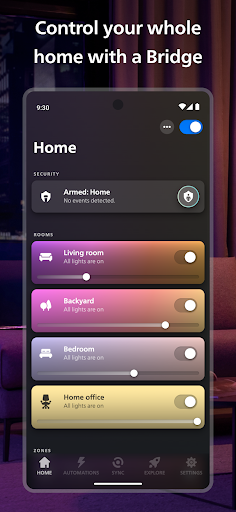
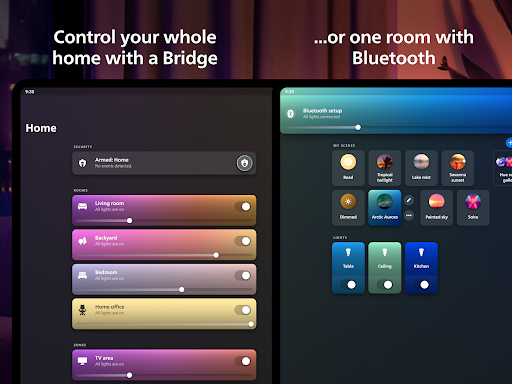
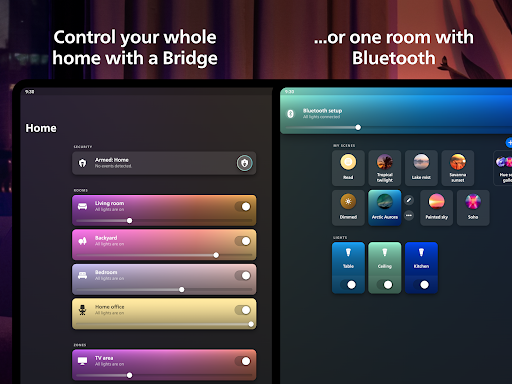
Group your lights into Rooms or Zones — your entire downstairs floor or all the lights in the living room, for example — that mirror the physical rooms in your home.
Easily control your lights — from anywhere
Use the app to control your lights anywhere you have an internet connection.
Explore the Hue scene gallery
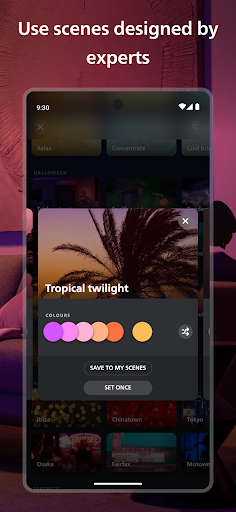
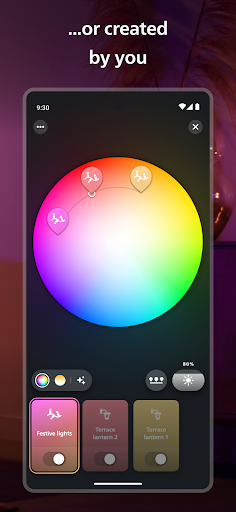
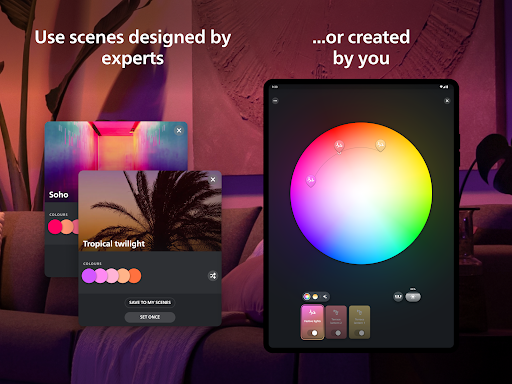
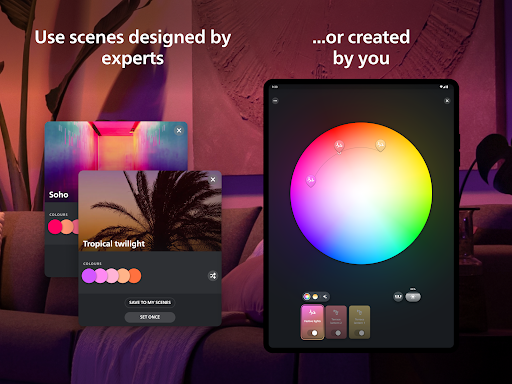
Created by professional lighting designers, the scenes in the scene gallery can help you set the mood for any occasion. You can even create your own scenes based on a photo or your favorite colors.
Set up bright home security
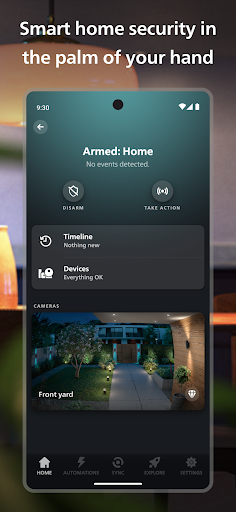
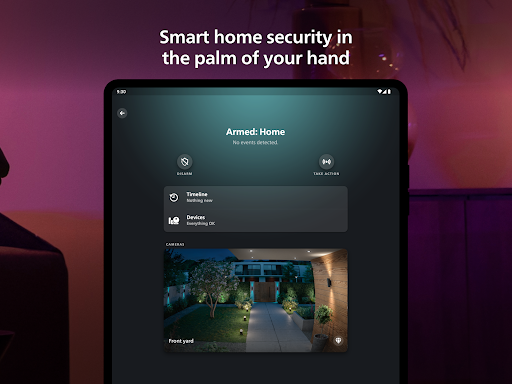
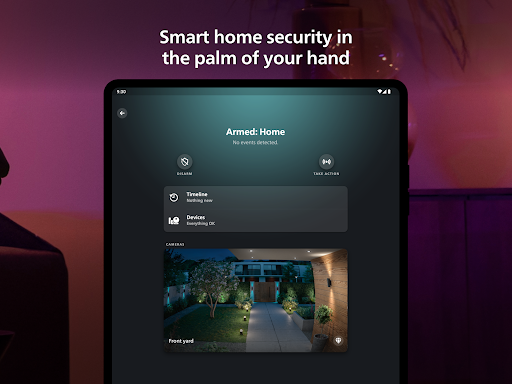
Make your home feel safer, no matter where you are. The Security Center lets you program your Secure cameras, Secure contact sensors, and indoor motion sensors to send you alerts when they detect activity. Trigger light and sound alarms, call the authorities or a trusted contact, and monitor your home in real-time.
Get the best light for any moment of the day
Let your lights change automatically throughout the day with the Natural light scene — so you feel more energized, focused, relaxed, or rested at the right times. Just set the scene to watch your lights change with the sun’s movement, transitioning from cool blue tones in the morning to warmer, relaxing hues for sunset.
Automate your lights
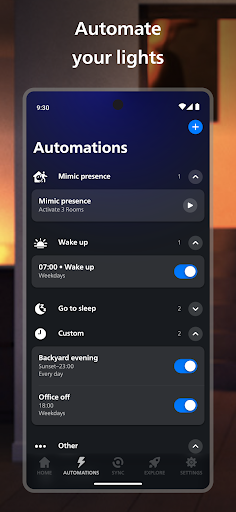
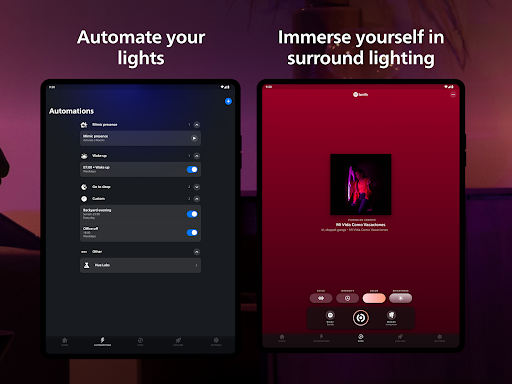
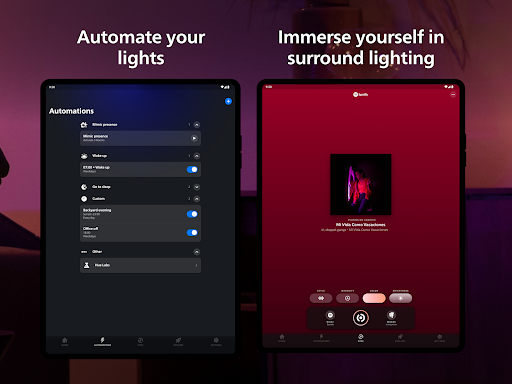
Make your smart lights work around your daily routine. Whether you want your lights to gently wake you up in the morning or greet you when you get home, setting up customizable automations in the Philips Hue app is effortless.
Sync your lights to TV, music, and games
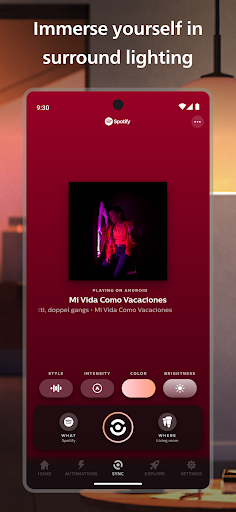
Make your lights flash, dance, dim, brighten, and change color in sync with your screen or sound! With the Philips Hue Play HDMI sync box, the Philips Hue Sync for TV or desktop apps, or Spotify, you can create totally immersive experiences.
Set up voice control
Use Apple Home, Amazon Alexa, or Google Assistant to control your smart lights with voice commands. Turn lights on and off, dim and brighten, or even change colors — completely hands-free.
Create widgets for quick control
Control your smart lights even faster by creating widgets on your home screen. Turn lights on or off, adjust brightness and temperature, or set scenes – all without even opening the app.
Learn more about the official Philips Hue app: www.philips-hue.com/app.
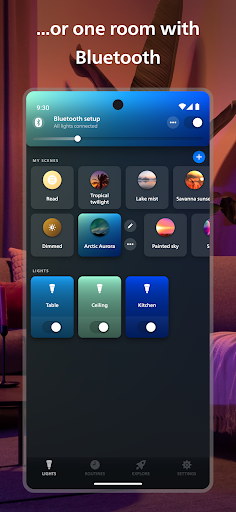
Note: Some features in this app require a Philips Hue Bridge.
Organize your smart lights
Group your lights into Rooms or Zones — your entire downstairs floor or all the lights in the living room, for example — that mirror the physical rooms in your home.
Easily control your lights — from anywhere
Use the app to control your lights anywhere you have an internet connection.
Explore the Hue scene gallery
Created by professional lighting designers, the scenes in the scene gallery can help you set the mood for any occasion. You can even create your own scenes based on a photo or your favorite colors.
Set up bright home security
Make your home feel safer, no matter where you are. The Security Center lets you program your Secure cameras, Secure contact sensors, and indoor motion sensors to send you alerts when they detect activity. Trigger light and sound alarms, call the authorities or a trusted contact, and monitor your home in real-time.
Get the best light for any moment of the day
Let your lights change automatically throughout the day with the Natural light scene — so you feel more energized, focused, relaxed, or rested at the right times. Just set the scene to watch your lights change with the sun’s movement, transitioning from cool blue tones in the morning to warmer, relaxing hues for sunset.
Automate your lights
Make your smart lights work around your daily routine. Whether you want your lights to gently wake you up in the morning or greet you when you get home, setting up customizable automations in the Philips Hue app is effortless.
Sync your lights to TV, music, and games
Make your lights flash, dance, dim, brighten, and change color in sync with your screen or sound! With the Philips Hue Play HDMI sync box, the Philips Hue Sync for TV or desktop apps, or Spotify, you can create totally immersive experiences.
Set up voice control
Use Apple Home, Amazon Alexa, or Google Assistant to control your smart lights with voice commands. Turn lights on and off, dim and brighten, or even change colors — completely hands-free.
Create widgets for quick control
Control your smart lights even faster by creating widgets on your home screen. Turn lights on or off, adjust brightness and temperature, or set scenes – all without even opening the app.
Learn more about the official Philips Hue app: www.philips-hue.com/app.
Note: Some features in this app require a Philips Hue Bridge.
What's New
- You can now access MotionAware areas more easily via your Settings tab, and can even create new areas from the three-dot menu in rooms and zones. MotionAware is a Bridge Pro exclusive feature that allows you to turn groups of lights into motion sensors to control any lights or get notified of security events. Give it a try!
- If a switch or sensor has become unreachable, you can now tap on its settings screen to find instructions on how to reconnect it
- If a switch or sensor has become unreachable, you can now tap on its settings screen to find instructions on how to reconnect it
App Information
Version Name
5.16.0
Version Code
16730
File Size
257.4 MB
Minimum OS
Android 12+
Target SDK
Android 33
Developer
Signify Netherlands B.V.
Contact
Website
Content Rating
Everyone
Package Name
com.philips.lighting.hue2Permissions Required
This app may request the following permissions:
Recent Reviews

April R.
5.0★
I've had these for over two years after thinking for a very long time on whether I wanted to buy into the hype or not. They've become so ingrained to my daily life, I don't ever want to switch back. I have them set to turn on when my alarms go off automatically - much easier waking. I set them to dim and calming colors before bed. I set them to a nice clear, bright light when reading or focusing. They're great. The only thing I'm dissatisfied with is why I didn't get them sooner.

Tim R
1.0★
App was bad years ago, used Hue Essentials to control them since it was better. Got a new modem/router today and needed to set things up again. Couldn't do it, got a white Android error page on the screen to confirm my lights with the bridge. Updated to a newer version of the app hoping that'd fix it, but it got worse. The Hue splash screen comes up, but it never does anything after waiting for minutes and closing the app multiple times. Totally non functional. My expensive lights are worthless.

Riri G
3.0★
The bulbs are fine. The app is not. It lacks functions that even cheap competitors offer in their apps, such as more robust grouping/rooms, timers, and custom rules. I don't have a Bridge, so maybe that's why I lack these features? But other brands manage without it, so it's not an excuse. Philips Hue has the benefit of longevity, whereas these cheaper brands disappear after a while. Were it not for that, I wouldn't use PH at all.

Christian Paul-Delage
1.0★
Unusable since the last update... Freezes on the loading screen. Need to restart the phone for it to work and then again, it will freeze again at some point later that day. It does this every single day. Doesn't matter if I clear the cache. That's without mentioning how slow the app has become when it does load, not so much once you're in the app but opening it quickly just to change a scene takes time because it's so slow to start.

Tyler Nipper
4.0★
it's okay. all though the reason for only 4 stars instead of 5. Is that it would be nice if it had at least a few more of the cool affects that some of the other apps have like lightning going along to music and stuff like that. also it is frustrating that it has no option to beade to have easier access on your phone such as a prompt name that changes the lights with your voice or an always on display screen option. but still it does work decently considering it is free.

Walker Dodson
3.0★
Its awesome, most of the time. The hue lights are excellent. The ability to control them with the phone, their longevity, all the cool programs, the automation, the light range and dimmability. All of that is awesome. The app, is not awesome. Its acceptable. When it works it works great,. When it doesn't work, you'll spend 20 minutes trying to get it to connect to the bridge, after which you'll be inclined to assess your life choices for buying fancy Bluetooth bulbs.
Ad slot: In-Content