
PS4 Second Screen
com.playstation.mobile2ndscreen
by PlayStation Mobile Inc.
Screenshots
Ad slot: Top Leaderboard
About this app
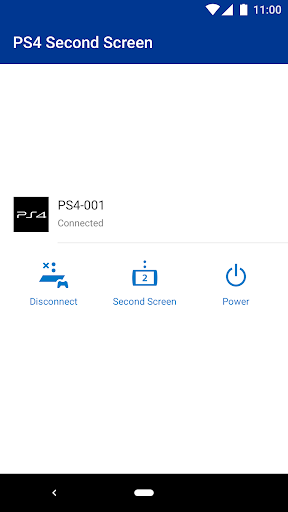
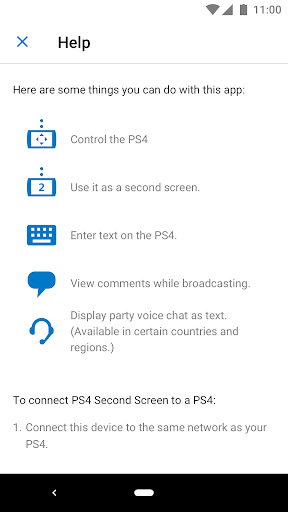
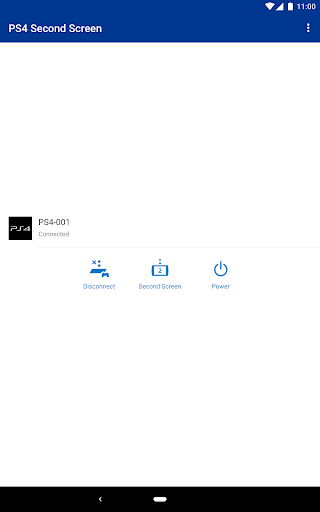
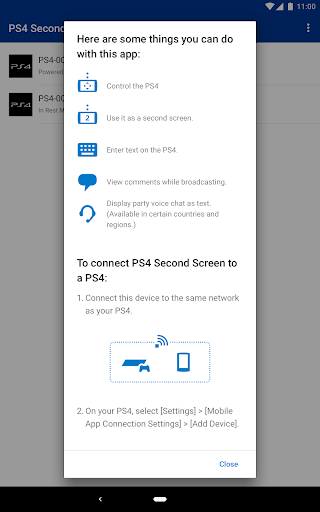
Connect your PS4™ and your mobile device with the Second Screen app to use the following features.
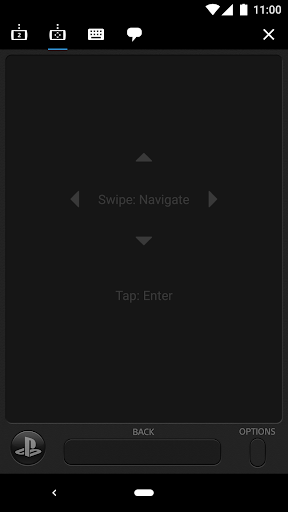
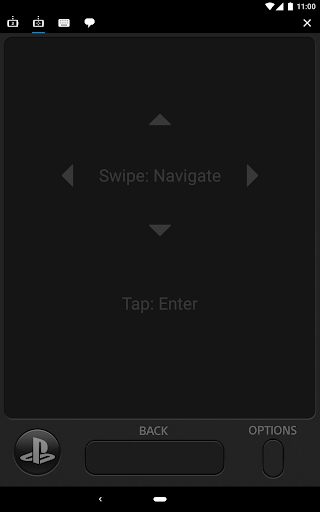
• Use your mobile device to operate your PS4™.
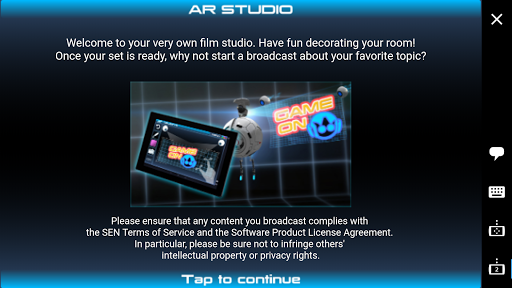
• Display in-game information on your mobile device while playing a game on the PS4™ that supports the second screen feature.
• Use your mobile device to enter text on the PS4™.
A PlayStation™Network account is required to access these features.
Use of this app is governed by the license agreement at the following URL: (http://www.scei.co.jp/legal/index.html).
[If you have trouble signing in, or if you see a network connection error]
• If you have both PlayStation Messages and PlayStation App installed, change the settings on your device so that PlayStation App does not automatically close in the
background.
• If you have both PlayStation Communities and PlayStation App installed, change the settings on your device so that PlayStation App does not automatically close in the background.
• If you have both PS4 Second Screen and PlayStation App installed, change the settings on your device so that PlayStation App does not automatically close in the background.
• Use your mobile device to operate your PS4™.
• Display in-game information on your mobile device while playing a game on the PS4™ that supports the second screen feature.
• Use your mobile device to enter text on the PS4™.
A PlayStation™Network account is required to access these features.
Use of this app is governed by the license agreement at the following URL: (http://www.scei.co.jp/legal/index.html).
[If you have trouble signing in, or if you see a network connection error]
• If you have both PlayStation Messages and PlayStation App installed, change the settings on your device so that PlayStation App does not automatically close in the
background.
• If you have both PlayStation Communities and PlayStation App installed, change the settings on your device so that PlayStation App does not automatically close in the background.
• If you have both PS4 Second Screen and PlayStation App installed, change the settings on your device so that PlayStation App does not automatically close in the background.
What's New
Performance has been improved.
App Information
Version Name
23.10.0
Version Code
14
File Size
3.4 MB
Minimum OS
Android 4.4+
Target SDK
Android 33
Developer
PlayStation Mobile Inc.
Contact
Website
Content Rating
Everyone
Package Name
com.playstation.mobile2ndscreenPermissions Required
This app may request the following permissions:
Recent Reviews

A Google user
4.0★
The app paired instantly with my PS4. I like the functionality and it works great as it's intended. You can control the PS4 from your phone in some ways. For example, you can power it on from rest mode and navigate menus and type from your phone keyboard to the PS4. I just don't understand why this can't be integrated into the main Playstation App like before. It doesn't make sense to have 2 separate apps when it can be an all in one, more convenient app.
A Google user
5.0★
So many negative reviews by folks who think Second Screen means "play games on your phone." Lol no. Second Screen means "when another (typically small) screened device such as a smartphone, tablet, portable games console, etc., provides a view, interface or even game mode into a console game that is unique from what is currently being displayed on the TV." It's not the same as Remote Play. It's not Sony's fault if you're a gamer who doesn't understand this concept. It's not false advertising.

Zeivon Bradshaw (SpicedGaming)
5.0★
Since you guys separated this app from the main one, can you add a few features, like, as follows: ability to use your phone as a controller, and or the ability to see your own TV screen on you phone, that way I can play games in another room, take my gaming with me. If these features are added I will rate 5 stars, and buy a PSP Plus, probably gonna buy one anyway, but still. Edit: You guys made another app that allows remote play from phone so I am happy

Rebecca Dunn
4.0★
Great app, functions as advertised. I've really enjoyed being able to use it to remote play from a different room. No lag issues or anything like that for (granted I have a very good internet connection). Only reason I'm not giving it 5 stars is that it only works with a PlayStation controller or touch controls. I have a Razer Kishi and I can't remote play with it in this app.
A Google user
5.0★
For those who haven't read what this app is supposed to do, it works great. Some users seem to think it should allow you to play PS4 games on your mobile screen. No. What it does do is allow games which support a second screen to display things like maps, help and instructions on your phone while playing. It also lets you navigate the menus and type into text boxes using your touch screen rather than a joypad. Very useful.
A Google user
4.0★
Does exactly what you'd expect. It's good for replacing the PS4 on screen keyboard and allows me to quickly write a paragraph rather than the clunky PS4 keyboard. No you can't use it as a controller or as a second screen to play games on. All it needs is to be connected to the same network as your PS4. Only problem I ever have is occasionally after opening and closing the app is says no PS4 found but it's easily fixed by clearing the app drawer on my phone.
Ad slot: In-Content